Digital signage for UK schools, venues and workplaces
Digital signage for every screen in the building.
Menus, notices, welcomes and live feeds, designed in your browser and played on the TVs you already own. Publish a change and it reaches every screen straight away.
- Runs on a £30 Fire TV Stick
- Keeps playing offline
- 132 ready-made templates
Coffeehouse
01 · Iced coffee campaign
Iced oat shaken espresso
Goodthings,on ice.
Bold espresso. Creamy oat. A little vanilla cold foam.
£4.80Regular
Iced oat shaken espresso

Open evening for Year 6 families
DiscoverNorthgate.
- Thursday 25 September5pm to 8pm
- Headteacher’s talk6pm, main hall
- Taster lessonsEvery department open

to go
Good morning
Welcome,
Priya Shah.Tom Okafor.Elena Rossi.
Meeting Sam Rivera · Studio 3, second floorMeeting Jo Hart · The Boardroom, ground floorMeeting Alex Kim · Workshop, first floor
Happy Hour
2for1
Every day, 4pm until 7pm

What is MassCasts?
MassCasts is digital signage software from Mass Coms. You design pages in your browser, put them into playlists and schedules, and play them on low-cost Android screens such as a £30 Fire TV Stick. Screens keep playing offline and pick up changes the moment you publish. It works on its own, with no other Mass Coms product needed.
- Hardware
- Fire TV Stick, Android TV box, tablet or Raspberry Pi
- Templates
- 132 designs, landscape and portrait
- Built-in apps
- Weather, YouTube, Instagram, RSS, countdowns and more
- Price
- £99 per screen per year, one free from 3 screens
- Checked
Good food deserves
a great-looking screen.
From a coffee counter to a pizza shop: discover matching menu, pricing and promotional designs for your business.
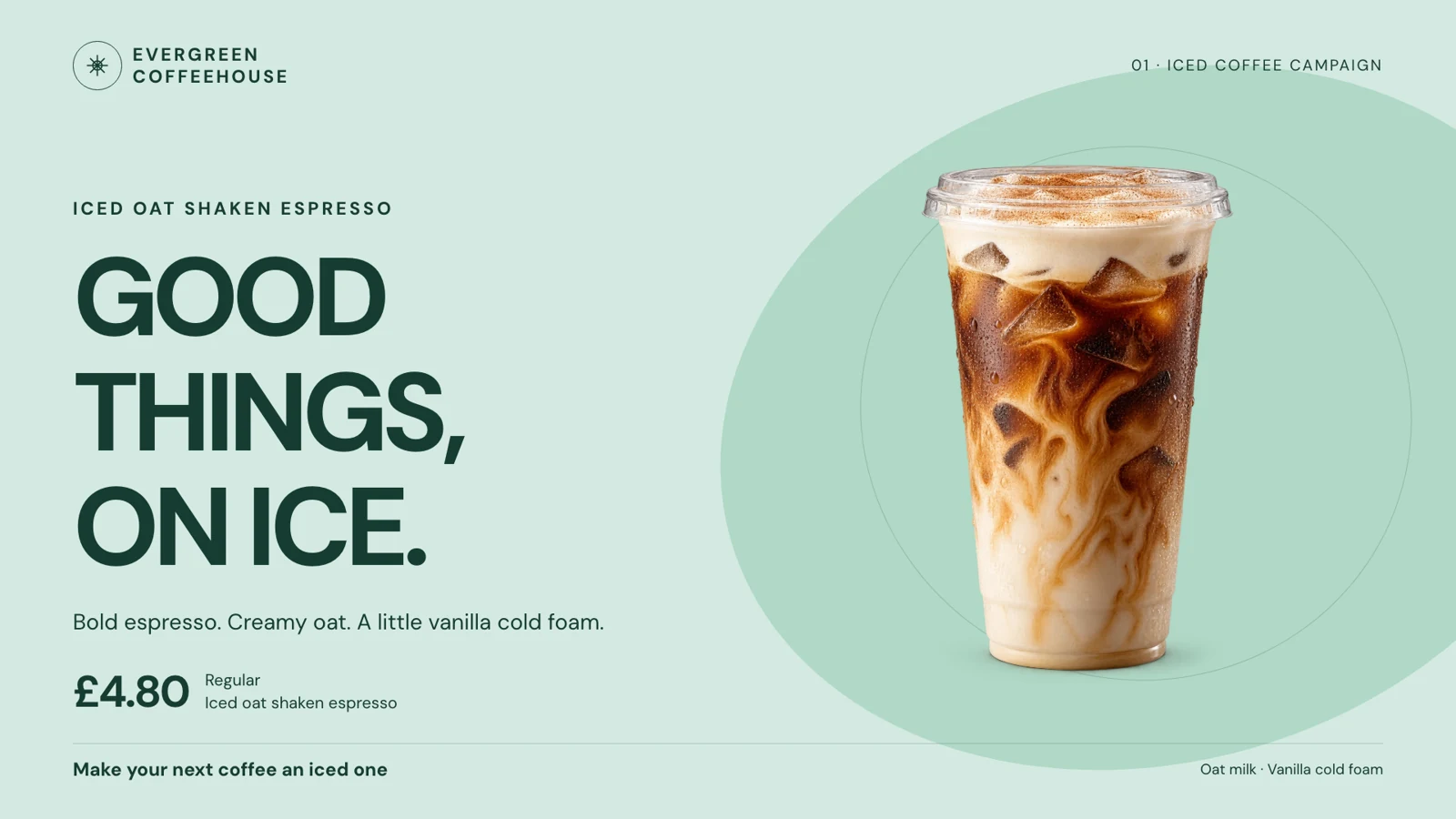
Cafés
Evergreen · Four matching screen designs
Explore this collection →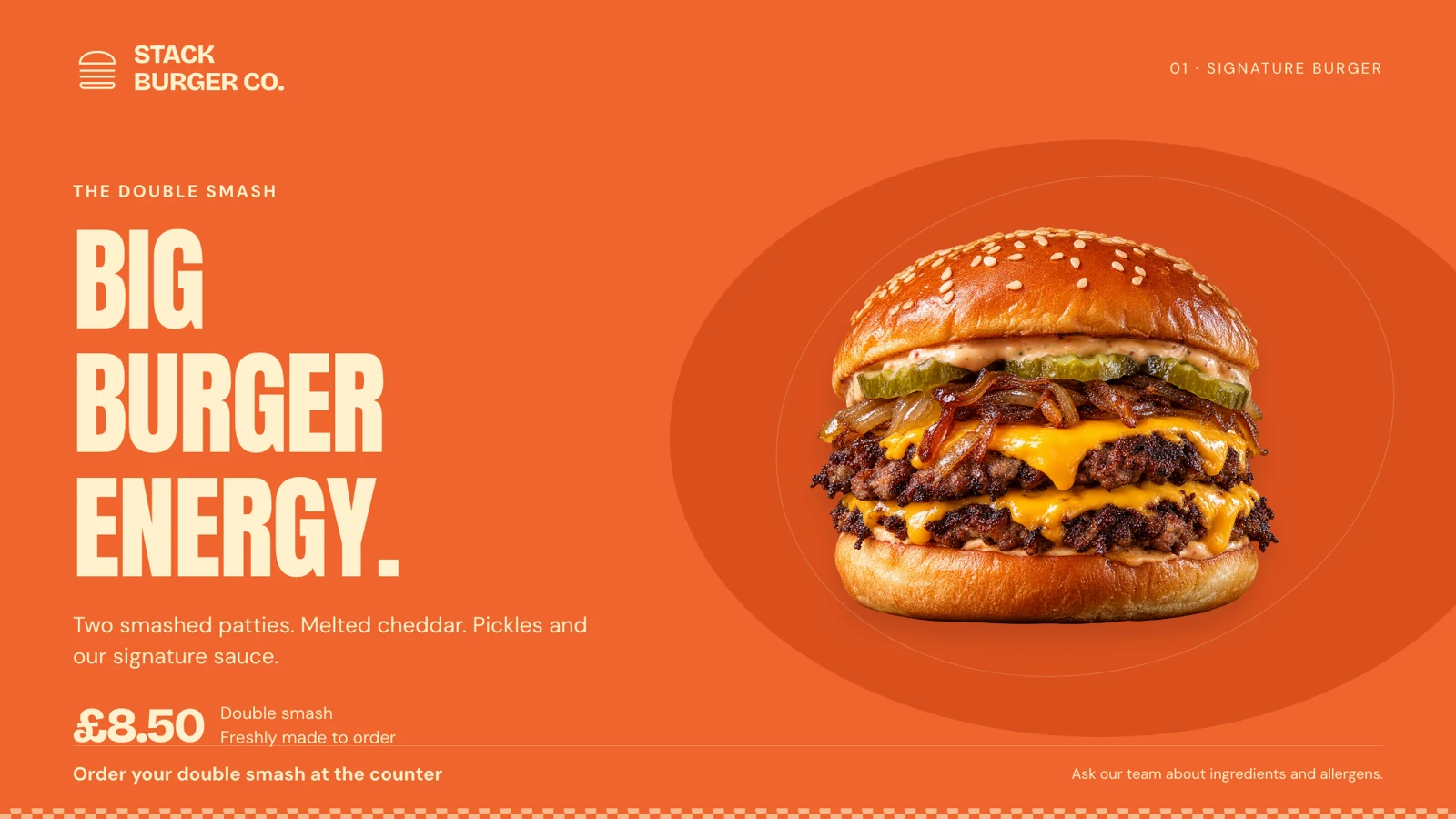
Burgers
Stack Burger Co. · Four matching screen designs
Explore this collection →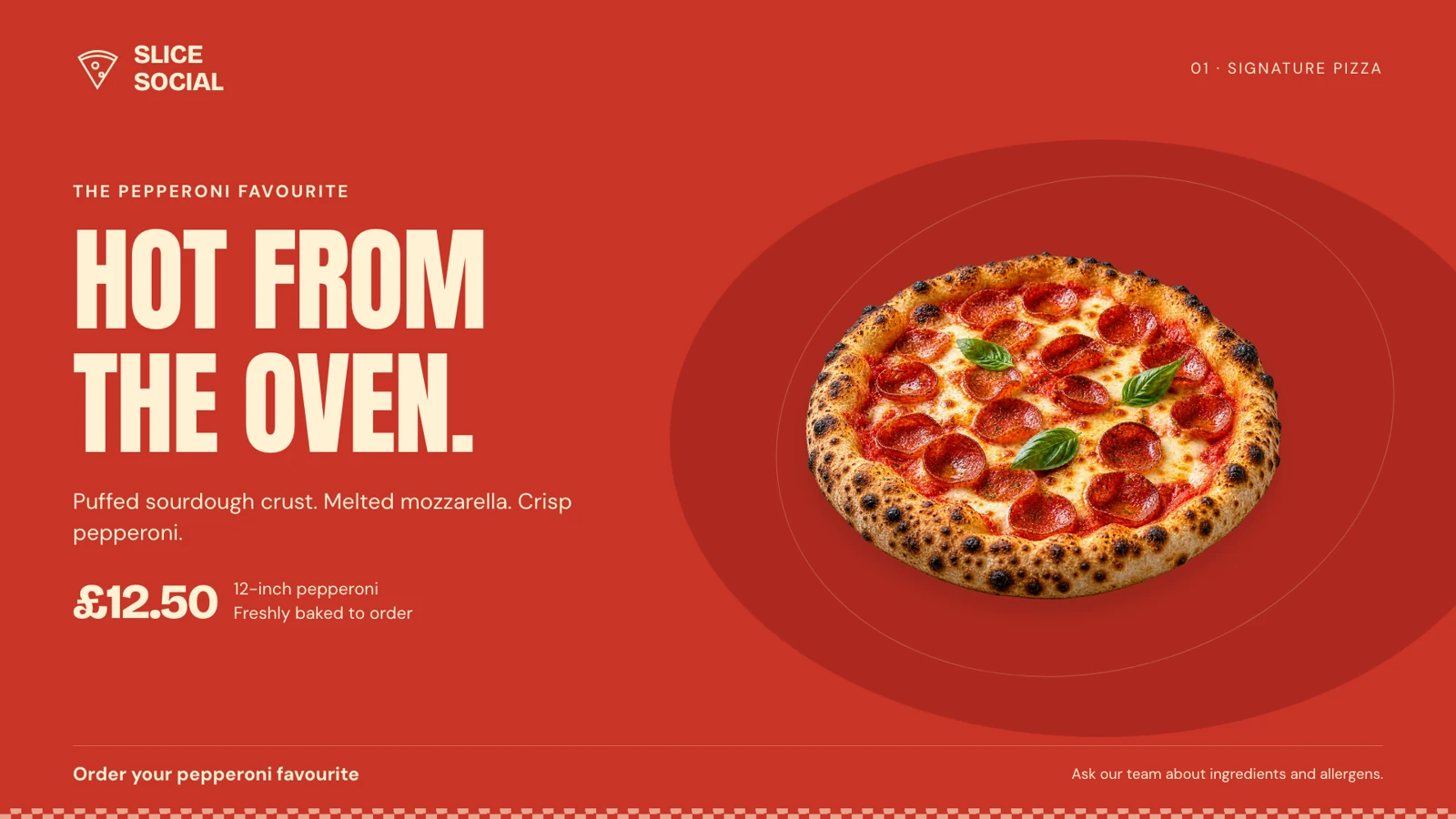
Pizza
Slice Social · Four matching screen designs
Explore this collection →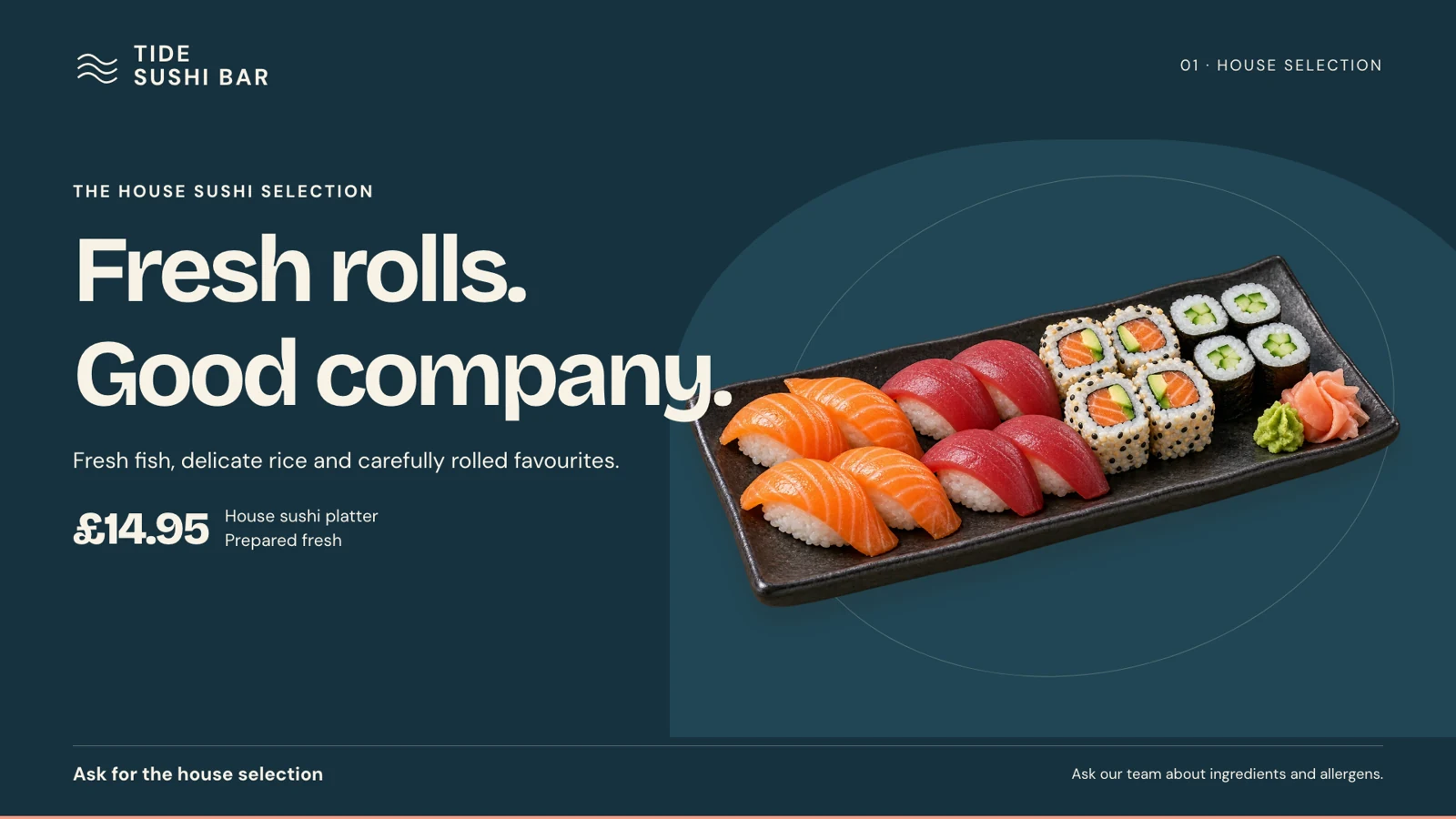
Sushi
Tide · Four matching screen designs
Explore this collection →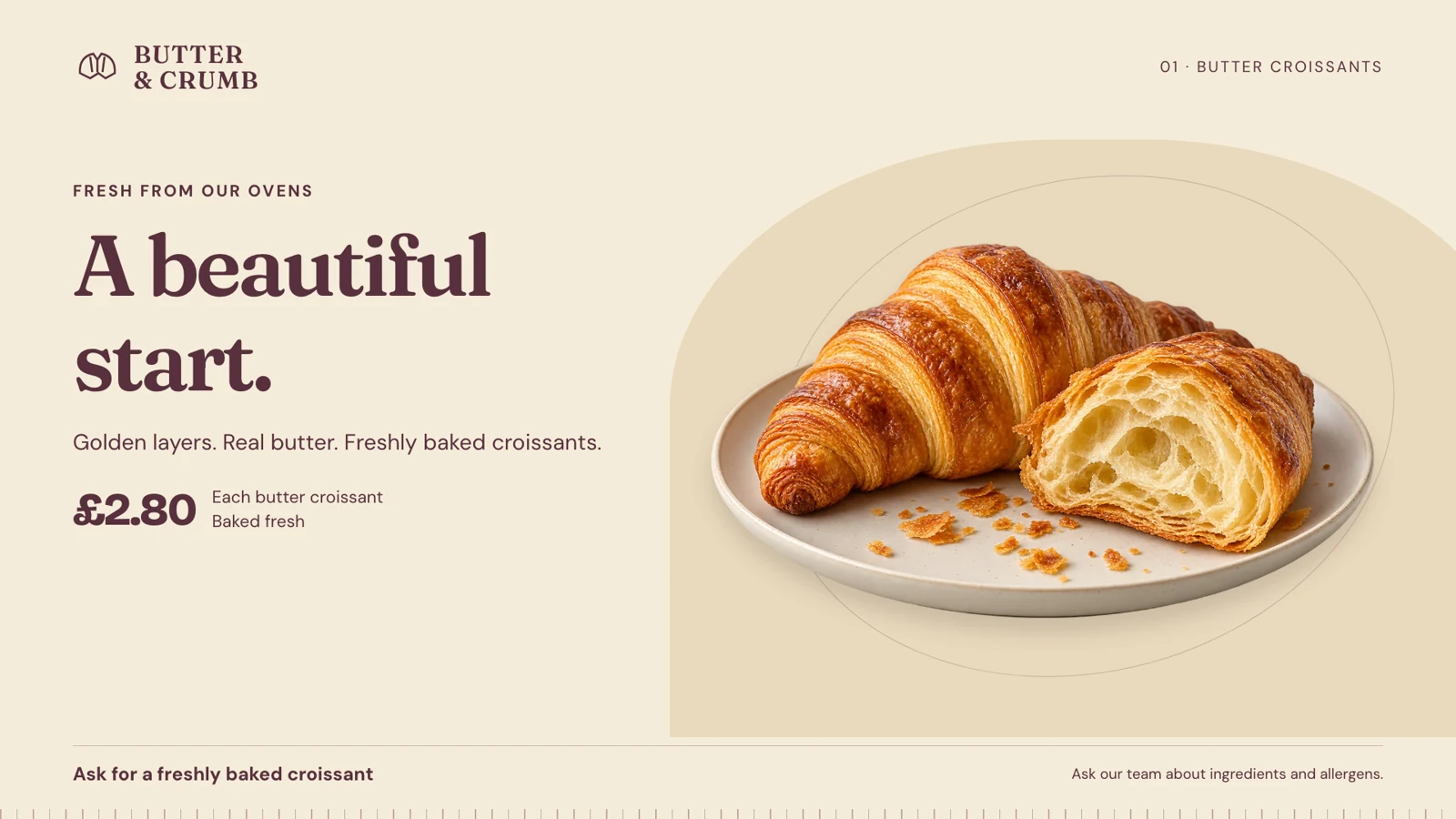
Bakery
Butter & Crumb · Four matching screen designs
Explore this collection →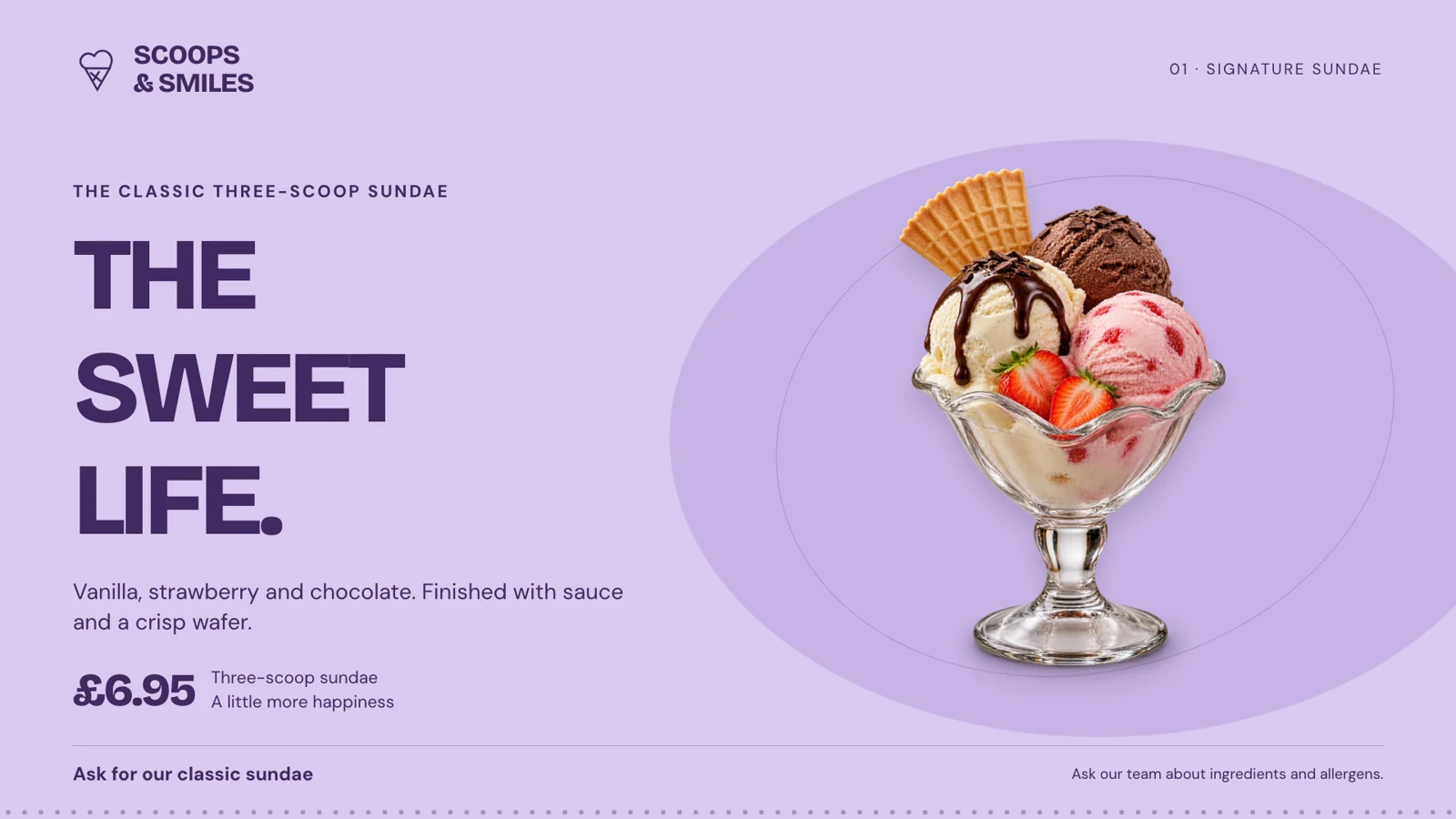
Desserts
Scoops & Smiles · Four matching screen designs
Explore this collection →Use three or four matching boards across your venue. Landscape and portrait previews are available for every design.
Browse all food & drink collectionsLive content, built in.
Switch on the apps you want and they appear in the editor. Pages stay fresh without anyone retyping them.
From a spare TV to a live screen in four steps.
No media player to buy and nothing to install on your computer. A screen pairs in about a minute.
- 01
Design
Start from a template or a blank page in the browser editor. Add your logo, photos, weather or a QR code.
- 02
Pair
Plug a Fire TV Stick into the TV, open the MassCasts player app and type its 6-digit code into your dashboard.
- 03
Schedule
Give each screen a playlist, or a schedule that changes by time and day. Edits reach the screen straight away.
- 04
Check
The dashboard lists every screen, what it is playing and when it was last online.
Make every school day
worth looking up for.
Celebrate achievements, fill open evenings and make daily information stand out. Bold, editable designs for your classrooms, corridors and canteen.


Using Mass Coms too? Your screens can join in.
MassCasts is everyday signage first. If your site also runs the Mass Coms emergency platform, paired screens can switch to a full-screen lockdown or evacuation alert, show the way out from where each one hangs, then go back to their playlist when you stand down.
How emergency alerts work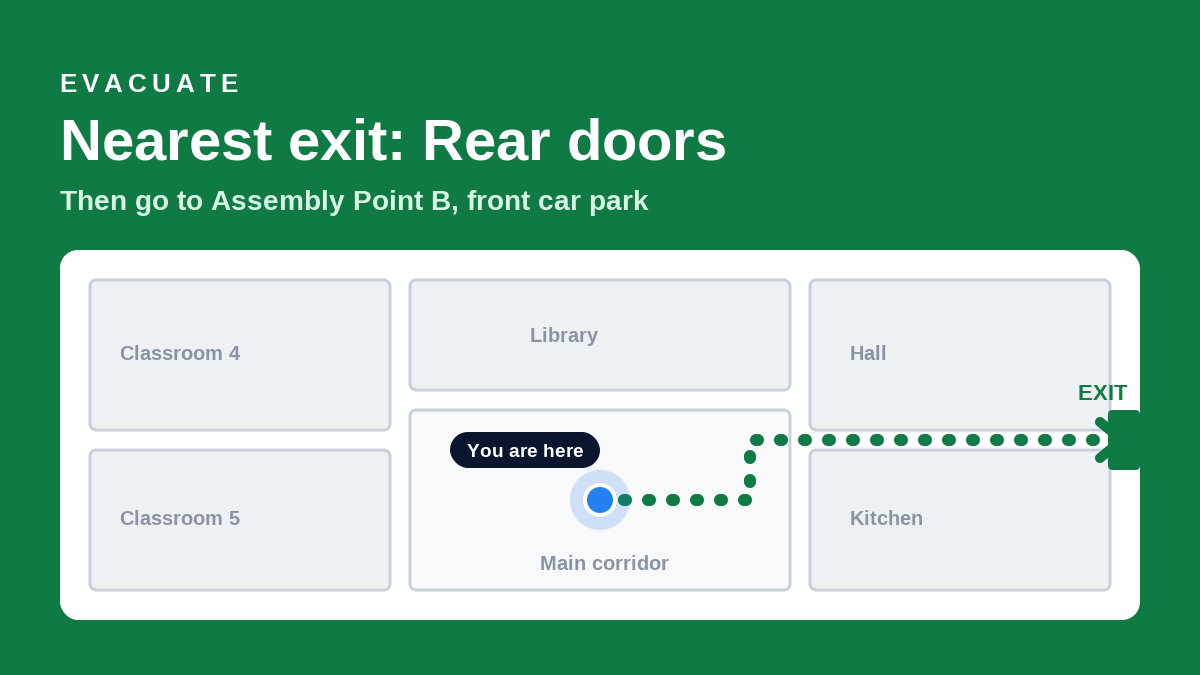
Reception greets every visitor by name.
When someone signs in at the Mass Coms visitor kiosk, the screen behind the desk pauses its playlist, shows a welcome with their name, company and host, then carries on. Staff get their own design. You choose which screens do it.
Signage for offices and receptions
Three products. One platform.
MassCasts is made by Mass Coms, with MassVisit alongside it. Each works on its own, and they connect when you use more than one.
 Emergency platform
Declare a lockdown or evacuation and reach staff phones, PA, SMS, staff PCs and screens at once, with a record of every step.
masscoms.com
 Digital signage
Notices, menus, welcomes and live feeds on every screen, from a £30 Fire TV Stick.
You are here
 Visitor management
Sign-in, badges and host emails at reception, so you always know who is on site.
massvisit.com
- MassVisit
A visitor signs in at reception and prints a badge. Their host gets an email.
- MassCasts
The reception screen welcomes them by name, then goes back to its playlist.
- Mass Coms
Later, staff declare an evacuation from their phone.
- MassCastsMassVisit
Every screen shows the way out, and the roll call lists who is on site, visitors included.
Built for the places people gather.
Templates and examples for the places people stop and look up.
£99 a screen. One free when you book three or more.
One price per screen, billed annually. No per-user fees and no charge for templates or apps.
1 or 2 screens
£99 per screen / year
Every feature, template and app on every screen. Two screens cost £198 a year.
3 or more screens
1 free licence
Book 3 or more and one licence is on us: 3 screens cost £198 a year, 10 cost £891. Add a Fire TV Stick at around £30 for any TV that needs one.
No Mass Coms subscription needed. Full pricing
Questions people ask first.
Every question answeredWhat is MassCasts?
MassCasts is browser-based digital signage software for UK schools, venues and workplaces. You design pages from templates, add live content such as weather or YouTube, and schedule them onto screens that run on a £30 Fire TV Stick. It works on its own, with no other Mass Coms product needed.
What hardware do I need for digital signage?
Any TV or monitor with an HDMI port plus a Fire TV Stick (Fire OS 7 or newer) or an Android 8.0+ TV box, tablet or display. A Fire TV Stick costs around £30. No proprietary media player is needed.
Can MassCasts show emergency alerts?
Yes, if you also use the Mass Coms emergency platform. When a lockdown or evacuation is declared there, every paired screen switches to a full-screen alert in under a second, then returns to its playlist when you stand down.
What happens if the internet goes down?
Screens cache their content and keep playing through network outages, then reconnect by themselves.
How much does MassCasts cost?
£99 per screen per year, billed annually. Book 3 or more screens and one licence is free, so 3 screens cost £198 a year and 10 cost £891. No Mass Coms subscription is needed.
Can screens welcome visitors by name?
Yes. When someone signs in at a Mass Coms visitor kiosk, the screens you choose show a welcome with their name, company and host, then return to their playlist.
See your own content on a screen.
In a demo we design a page with you and pair a screen, so you see exactly how it looks on your own TV.