
Digital signage for colleges and universities.
Enrolment, open days, library hours and support services across a campus, with every screen ready to carry an emergency alert.
Why use digital signage in a college or university?
Campuses are spread out and students rarely read email. Screens in receptions, libraries, refectories and student services reach them on the way past. With Mass Coms, every screen also shows the alert and the route out of that building when an incident is declared.
- College and university templates
- 16 designs
- Typical screens
- Reception, library, refectory, student services
- Alerts
- Per building, with routes
- Price
- £99 per screen, one free from 3
- Checked
Information where students pass.
Campus screens for students, staff and visitors.
Enrolment and applications
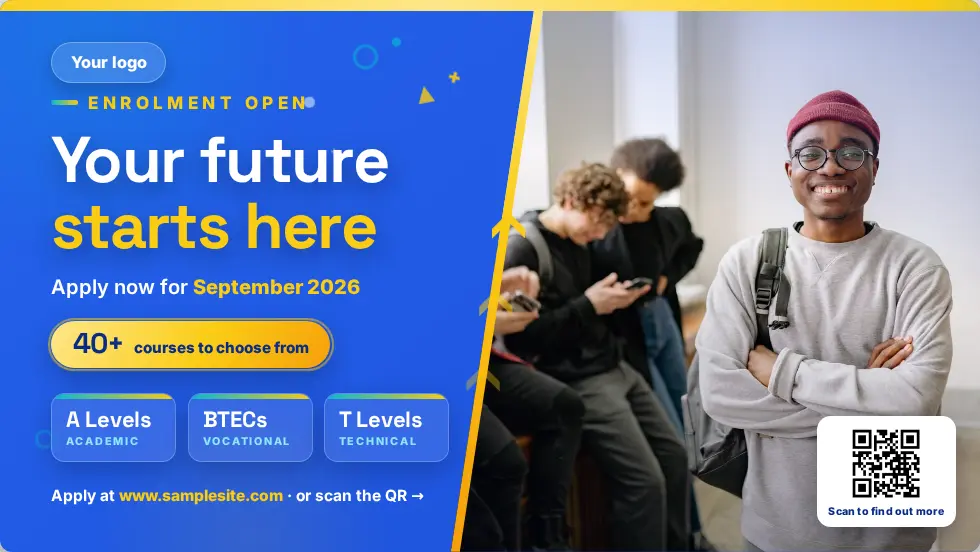
Enrolment windows, deadlines and how to apply.
Open and taster days
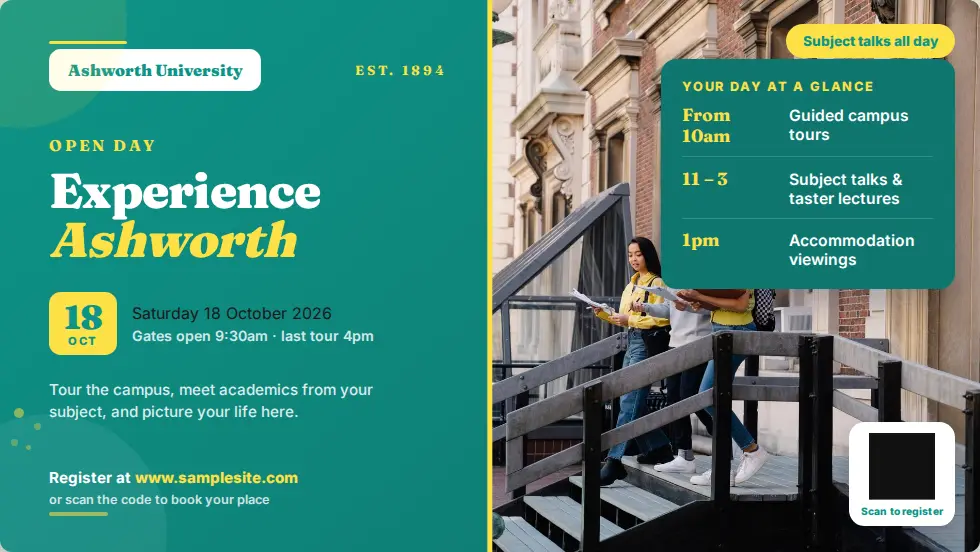
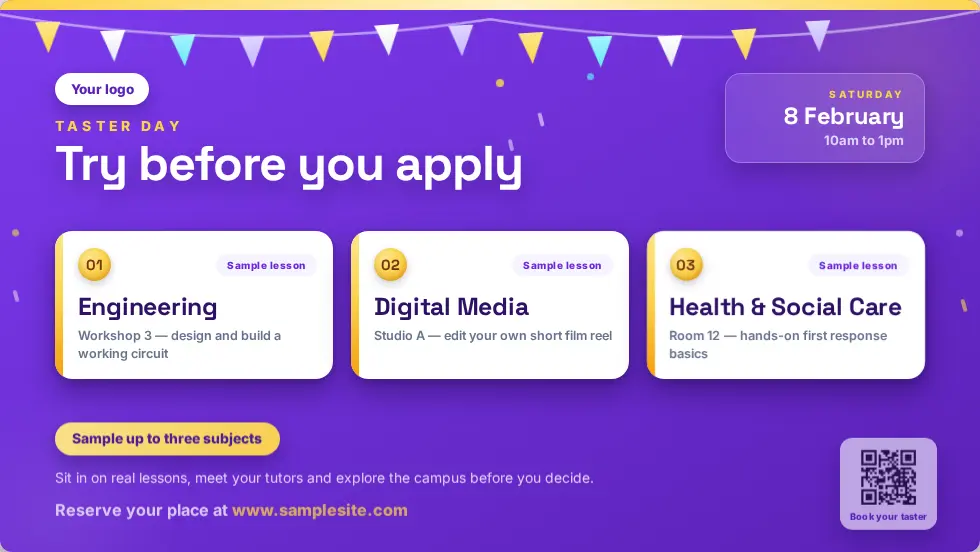
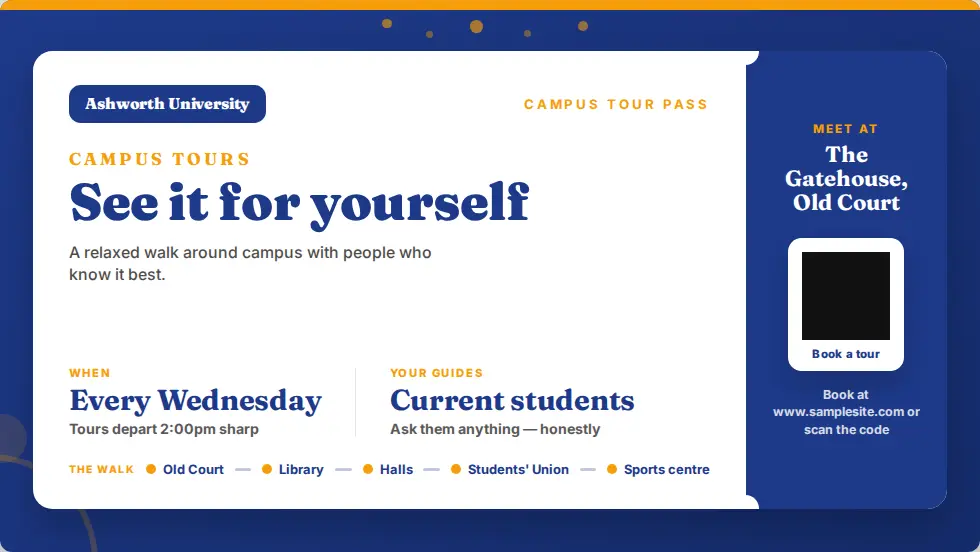
Open days, taster days and campus tours, with booking QR codes.
Library and study spaces
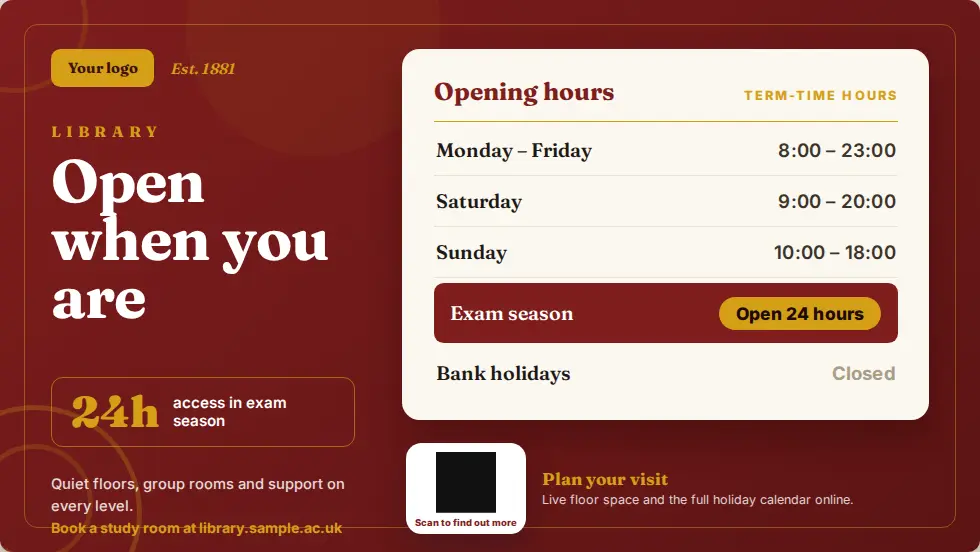
Opening hours by term, exam season and holidays.
Support services
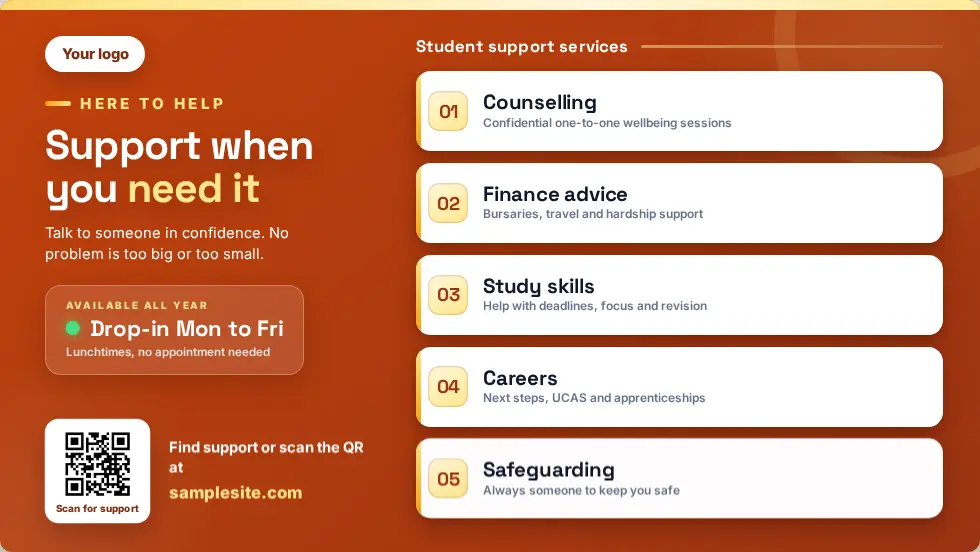
Wellbeing, finance and careers support, and where to find them.
Live feeds
News, weather and RSS feeds for busy social spaces.
Visitor reception
Welcomes for visitors who sign in at the Mass Coms kiosk.
Alerts across a whole campus.
On a campus, people need instructions for the building they are standing in. Each screen is placed on your floorplan, so its alert shows the right exit and assembly point.
- Per-building routes and assembly points
- Siren and spoken announcement on screens running the app
- Every activation logged
- Screens return to their playlist when you stand down
- Walk, do not run
- Use the stairs
- Go to the assembly point by the main gate
Designs for further and higher education.
Ready-made designs for this setting. Change the words, add your logo and publish.
Questions colleges ask.
Every question answeredCan we run screens across several campuses?
Yes. Screens belong to sites, buildings and floors in your Mass Coms account and are managed from one dashboard.
Can screens show live feeds?
Yes. The News Feed, RSS, Weather and Website apps show live content.
Can we show a booking page for open days?
Add a QR code to any page so visitors can book on their phone.
What hardware works in large spaces?
Any screen with HDMI plus a Fire TV Stick or Android box. See screens and hardware for supported devices.
See it on a campus.
£99 per screen per year, with one licence free when you book 3 or more. See pricing.