
Digital signage for primary schools.
Celebrate pupils, remind parents and promote PTA events on the screens in your entrance and hall, without printing another poster.

Why use digital signage in a primary school?
In a primary school the audience at the screen is often a parent at drop-off or pick-up, as much as the children. Screens in the entrance and hall carry reminders and celebrations that would otherwise go home in book bags. With Mass Coms, the same screens show lockdown or evacuation instructions when staff declare an incident.
- Primary templates
- 17 designs, plus 21 for school events
- Typical screens
- Entrance, hall, corridor
- Alerts
- Lockdown, evacuation, invacuation
- Price
- £99 per screen, one free from 3
- Checked
Reminders parents actually see.
The entrance screen is the one place every parent looks twice a day.
Dress-up and theme days
World Book Day, sports day and charity days, scheduled to appear the week before.
PTA events
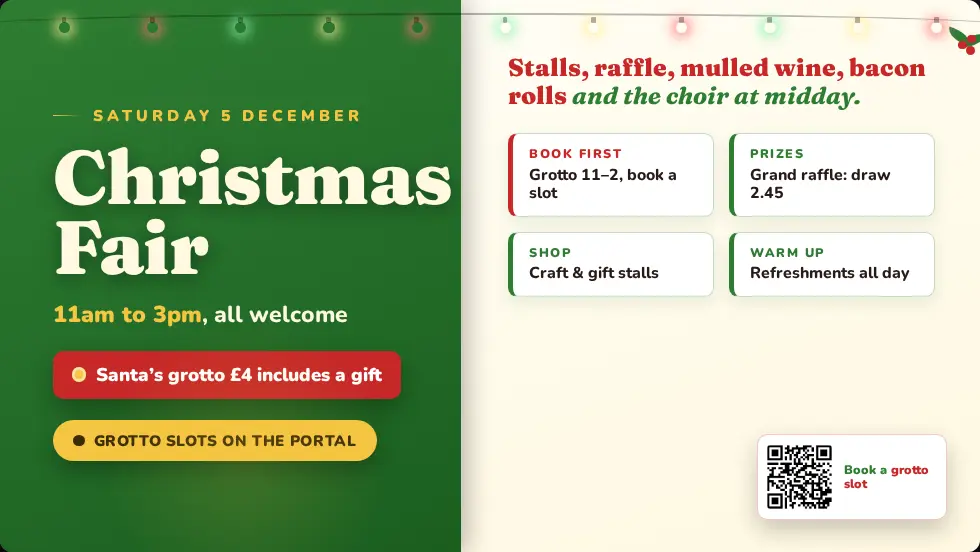
Bake sales, summer fairs and Christmas fairs, with times and prices.
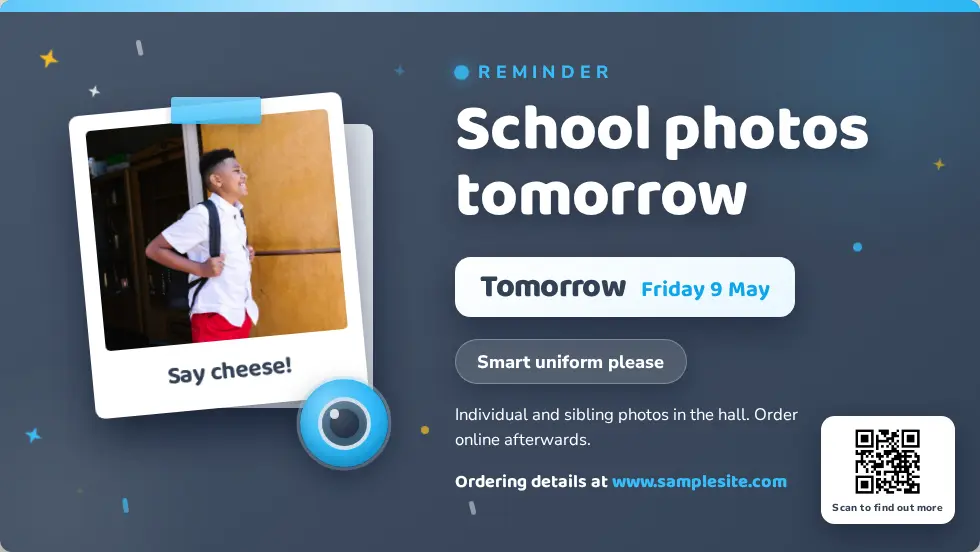
Photo day and trips
Reminders for kit, forms and money, timed to appear when they matter.
Celebrations
Star of the week, class work and achievements on the hall screen.
Clubs
After-school clubs and sign-up dates.
Wellbeing
Short, positive messages and who to talk to.
Clear instructions for staff and visiting parents.
Young children follow adults, so the alert is written for the adults in the building: staff, volunteers and parents helping out. It appears on every screen at once, with your own wording for each scenario.
- Your wording for lockdown, evacuation and invacuation
- Evacuation routes and assembly points from each screen
- Drills show on screens too, so staff practise with the real alert
- Every activation logged for governors and inspections
- Close blinds and turn off lights
- Silence phones
- Wait for the all-clear on this screen
Designs for the primary year.
Ready-made designs for this setting. Change the words, add your logo and publish.



Questions primary schools ask.
Every question answeredWhere do primary schools usually put screens?
In the entrance where parents wait, in the hall, and sometimes in the main corridor. Start with the entrance.
Can the PTA update the screens?
Anyone you give a Mass Coms login can edit pages in the browser. Many schools let the office or PTA lead keep event pages current.
Is it suitable for young children to see an alert?
The alert is written by you, per scenario, so you choose calm, clear wording for your setting.
How many screens does a primary school need?
Most start with one or two. Book 3 or more and one licence is free.
See it in a primary school.
£99 per screen per year, with one licence free when you book 3 or more. See pricing.