
Digital signage for secondary schools.
Exam dates, options evenings, house points and wellbeing on the corridor screens a thousand students pass every day.
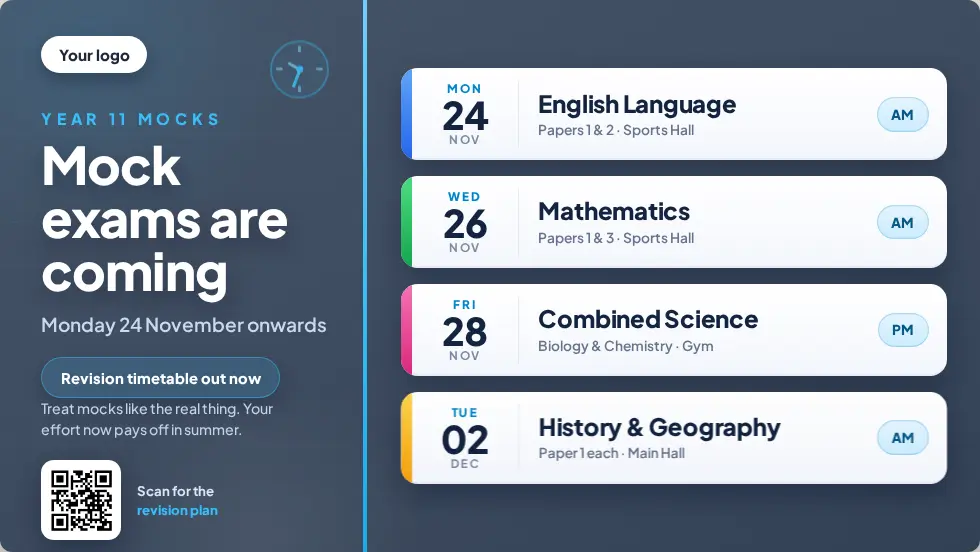
Why use digital signage in a secondary school?
A secondary school has hundreds of students moving between lessons at once, and corridor screens reach them where posters get ignored. Use them for exams, deadlines, house competitions and wellbeing. With Mass Coms, every screen also carries the lockdown or evacuation instructions when staff declare an incident.
- Secondary templates
- 15 designs, plus 21 for school events
- Typical screens
- Corridors, canteen, sixth form, reception
- Alerts
- Lockdown, evacuation, invacuation
- Price
- £99 per screen, one free from 3
- Checked
Corridor screens students actually read.
Short, scheduled messages for a busy building.
Exams
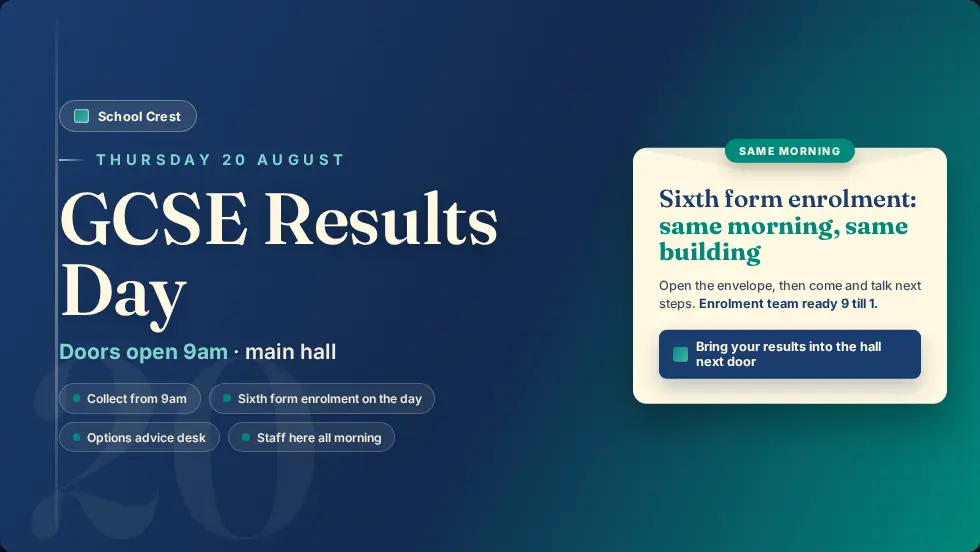
Mock and final exam dates, rooms and what to bring, appearing the weeks before.
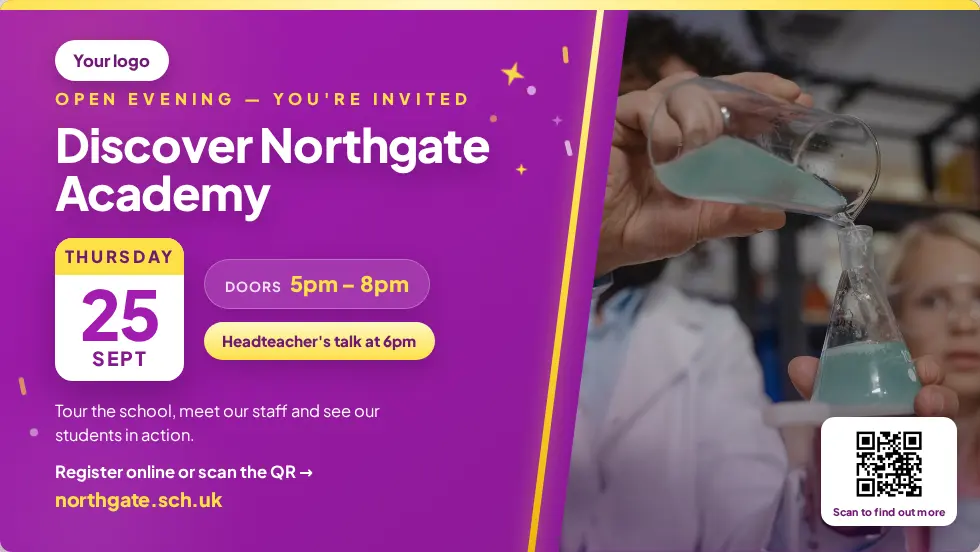
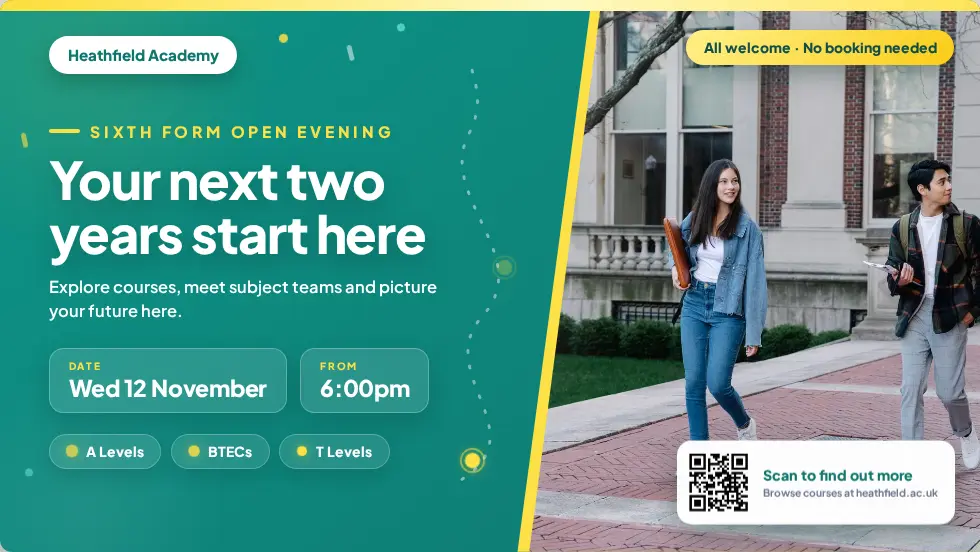
Options and open evenings
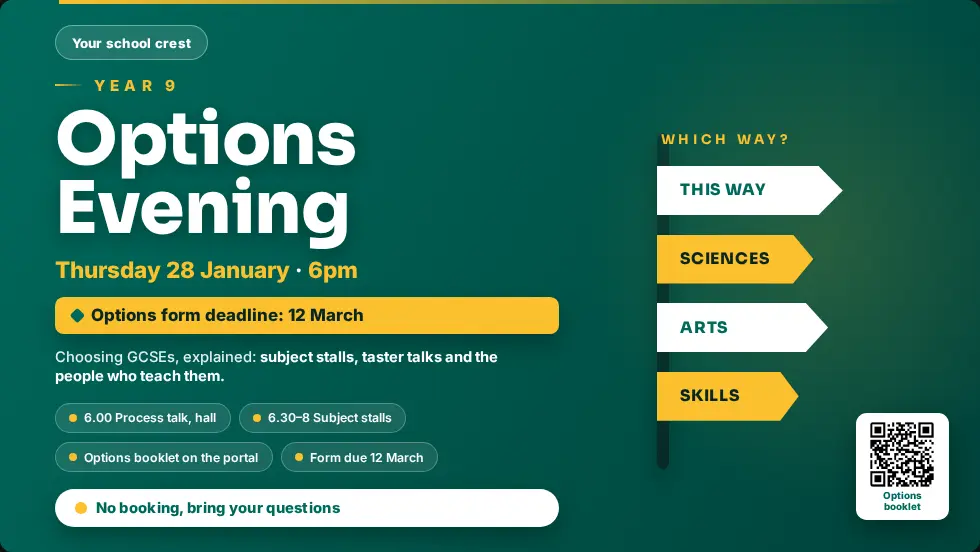
Options evening, sixth form open evening and parents' evenings.
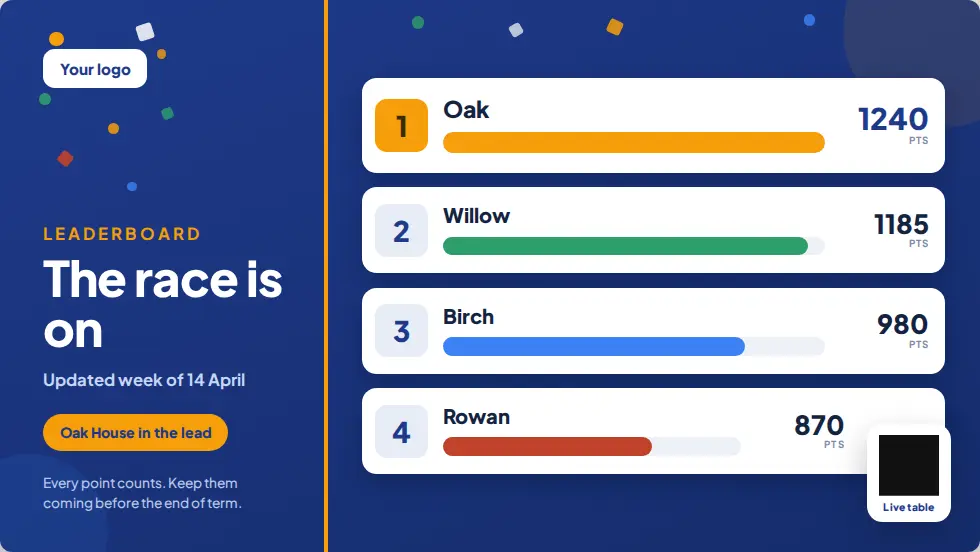
House points
A live-looking leaderboard you update in seconds.
Wellbeing
Where to get help, and a message of the day.
Canteen
Menus and allergen information by time of day.
Sixth form
Separate content for sixth form areas, from UCAS deadlines to study space rules.
Lockdown in a building of a thousand people.
Corridors, canteen and sports hall all need the same instruction at the same moment. Mass Coms sends it to staff phones and the PA, and every screen shows it to students and visitors.
- A different colour and instructions per scenario
- Evacuation routes from each screen's position
- Drills appear on screens, so students recognise the real thing
- Every activation logged
- Close blinds and turn off lights
- Silence phones
- Wait for the all-clear on this screen
Designs for the secondary year.
Ready-made designs for this setting. Change the words, add your logo and publish.
Questions secondary schools ask.
Every question answeredCan the sixth form area show different content?
Yes. Each screen has its own playlist or schedule.
Can students submit content?
Content is added by people with a Mass Coms login. Staff can add student work as images or video.
Can we show the canteen menu by time of day?
Yes. Schedules switch content by time and day, for example breakfast, break and lunch.
What happens during exams?
Schedule a quiet exam-season playlist, or leave screens in exam halls unpaired.
See it in a secondary school.
£99 per screen per year, with one licence free when you book 3 or more. See pricing.