
Digital signage for multi-academy trusts.
Run screens in every school from one account, share trust-wide messages, and let each school keep its own local content.
Why use digital signage across a trust?
A trust needs consistent messages across schools without taking control away from each head. Each screen belongs to its site in your Mass Coms account, so trust-wide content and local content can run side by side. Each screen is also placed on its own site's floorplan, so its evacuation route is always for that building.
- Account
- One Mass Coms organisation, many sites
- Content
- Shared and local playlists
- Alerts
- Routes per site and floorplan
- Price
- £99 per screen, one free from 3
- Checked
One account, many schools.
Central consistency without taking control away from each school.
Trust-wide messages
Values, safeguarding reminders and recruitment, shared to every school's playlist.
Local content
Each school keeps its own events, menus and celebrations.
Reusable schedules
Build one schedule once and use it on screens across the trust.
Screens by site
Each screen belongs to its site, building and floor in your Mass Coms location list.
One template library
The same 132 designs available to every school.
Status at a glance
See which screens are online across all schools from one dashboard.
Alerts that know which school they are in.
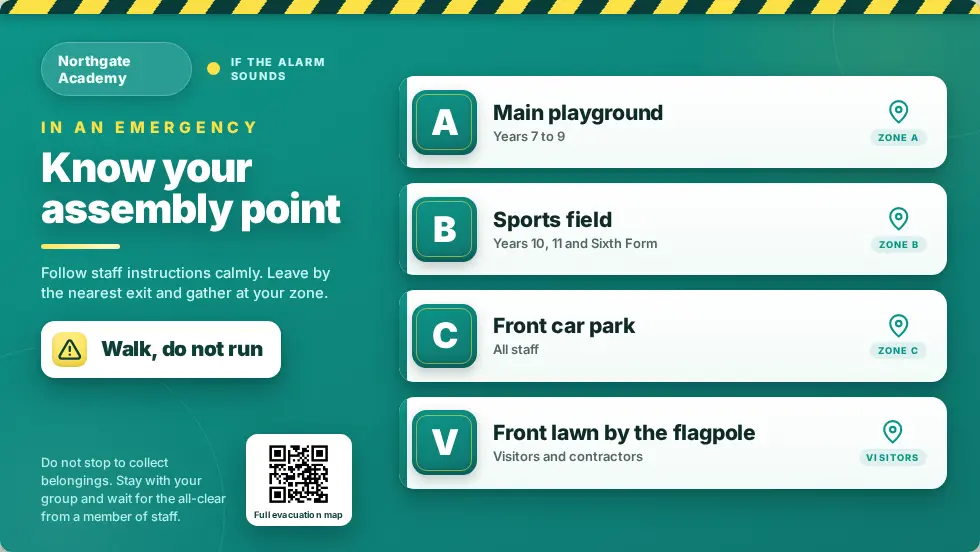
Each screen is placed on its own site's floorplan, so during an evacuation it shows the route and assembly point for that building, not a generic message.
- Location-aware routes per site, building and floor
- Your scenarios and wording, set up in Mass Coms
- Drills logged per activation
- Back to each school's own playlist when you stand down
- Walk, do not run
- Follow the green exit signs
- Go to your assembly point
Designs every school can use.
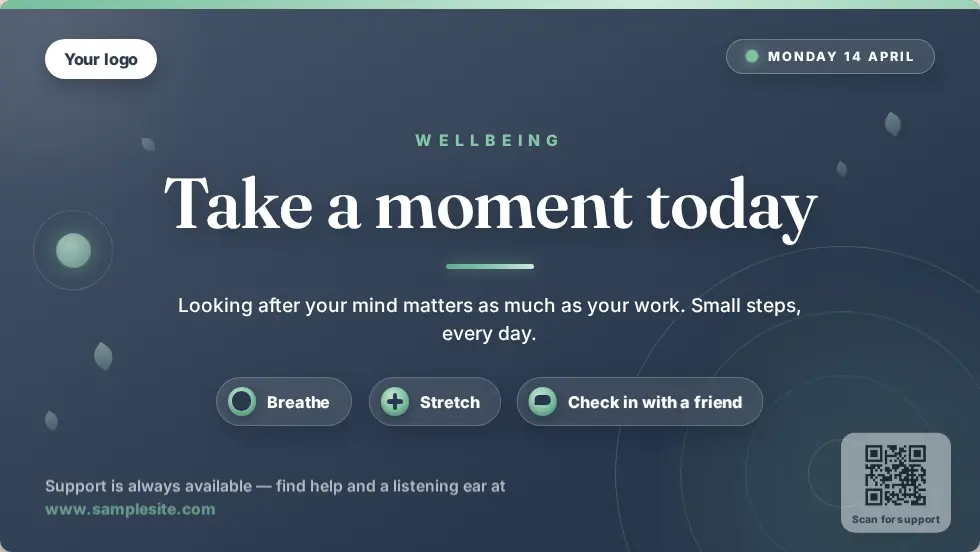
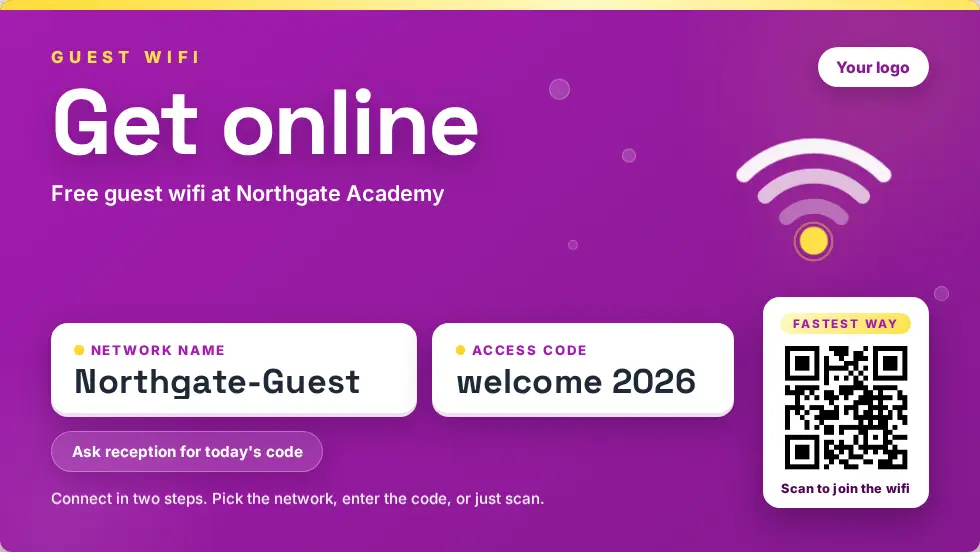
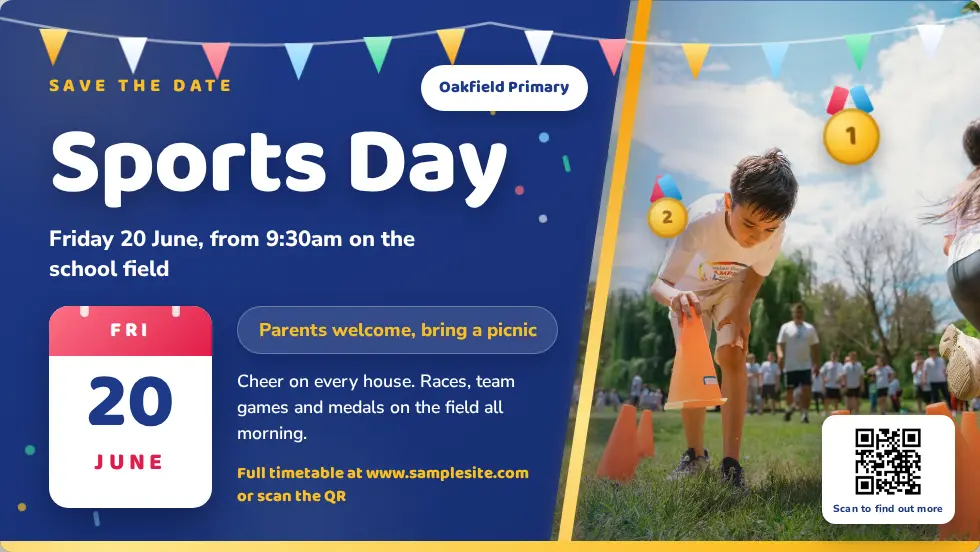
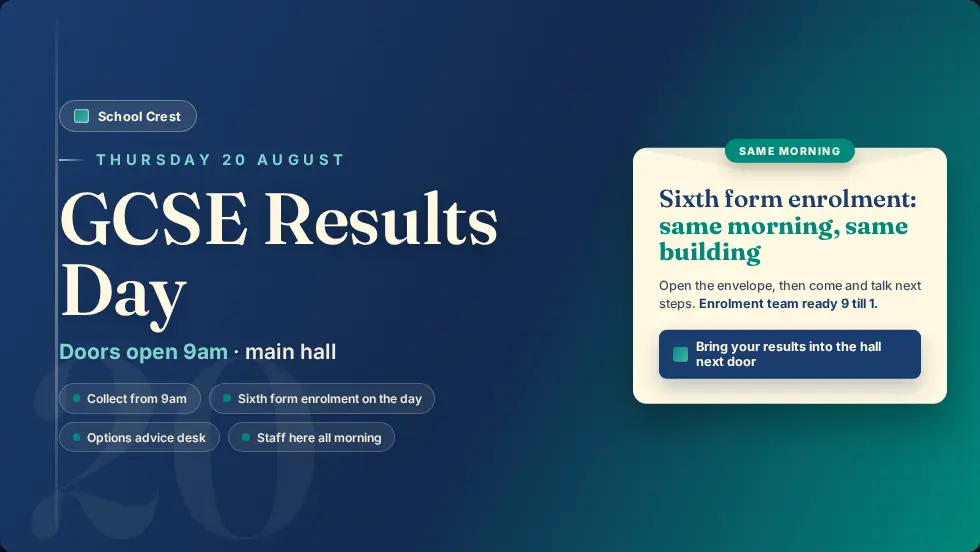
Ready-made designs for this setting. Change the words, add your logo and publish.

Questions trusts ask.
Every question answeredCan each school manage its own screens?
Yes. Screens are managed in the browser by people with a Mass Coms login, and each school can keep its own playlists.
Can we push one message to every school?
Add the same page or playlist to screens in every school. Reusable schedules make this quick.
Do alerts go to every school at once?
Alerts follow the scenario you declare in Mass Coms. Screen routes always show the building the screen is in.
How is a trust priced?
£99 per screen per year, with one licence free when you book 3 or more. Use the quote builder on the pricing page for your total.
See it across a trust.
£99 per screen per year, with one licence free when you book 3 or more. See pricing.