Digital signage software that runs in your browser.
Design pages, arrange them into playlists and schedules, and manage every screen from one dashboard. Nothing to install on your computer and no media player to buy.
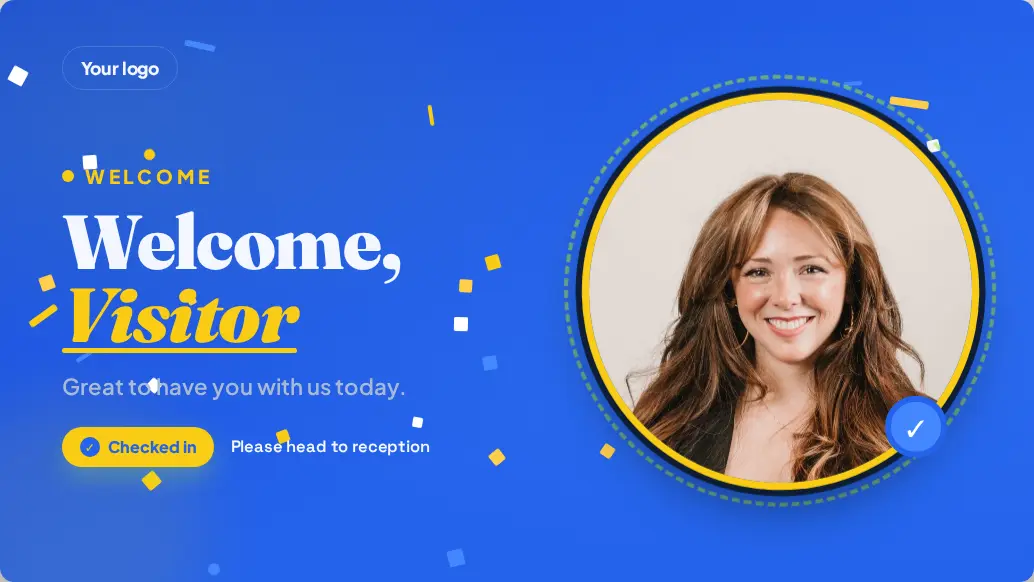
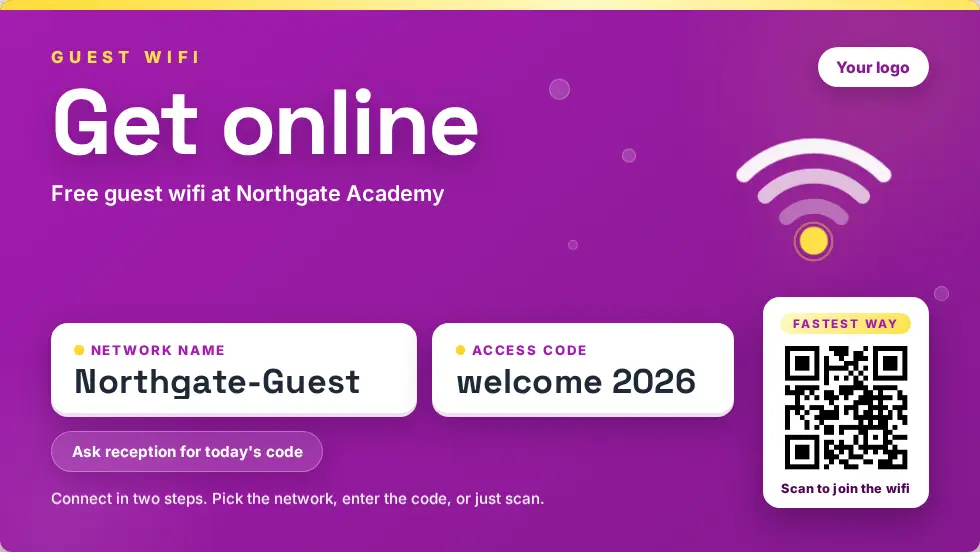
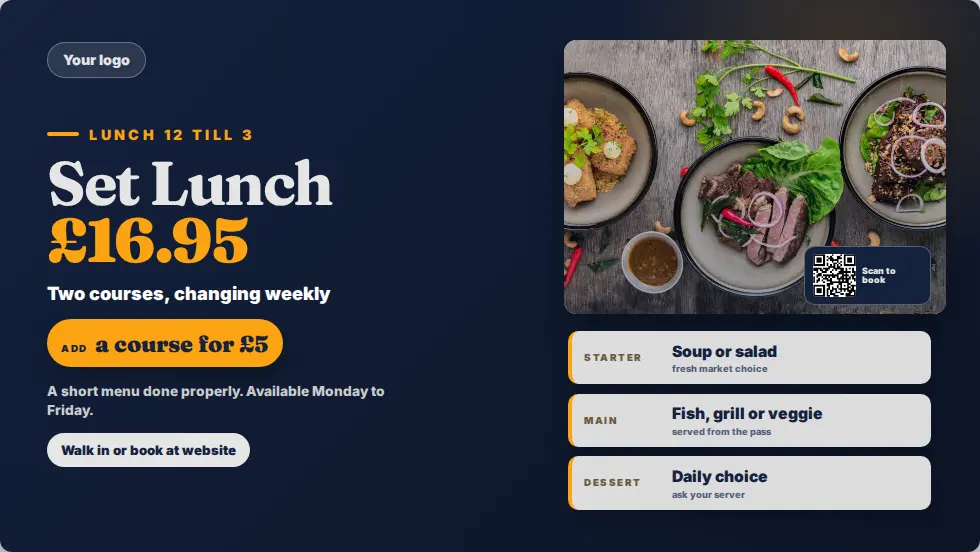
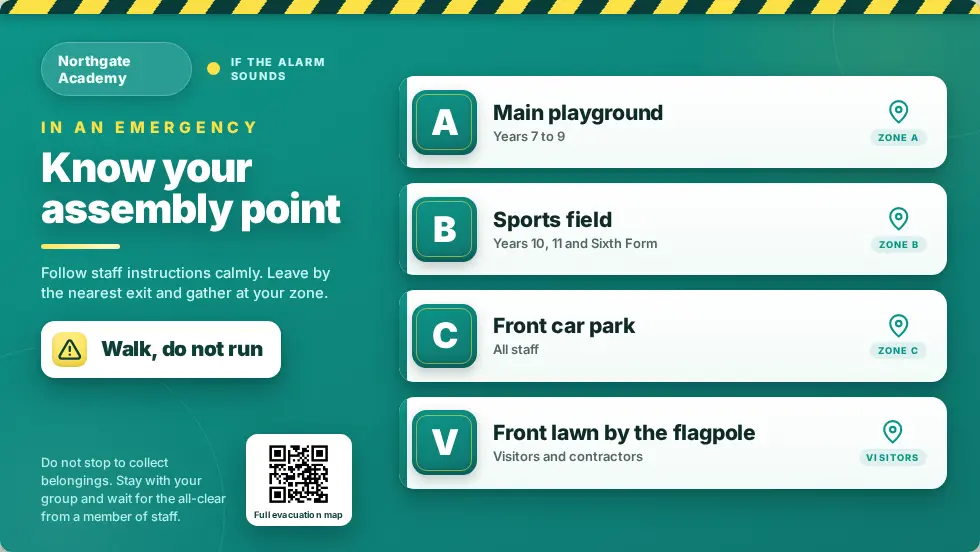
What does MassCasts include?
A browser editor, 132 templates, playlists, schedules, built-in apps and a screens dashboard, plus a player app for Fire TV and Android. Because it is part of Mass Coms, every screen also takes part in emergency alerts and can greet visitors who sign in at the kiosk.
- Editor
- Browser based, landscape and portrait
- Content
- Playlists and time-of-day schedules
- Apps
- Weather, feeds, QR codes, countdowns and more
- Players
- Fire TV, Android, Raspberry Pi
- Checked
Design pages without design software.
Start from a template or a blank page. Changes save as you go, and a published edit reaches every screen showing that page.
- Text with styling and effects, images, video, shapes and stickers
- Layered backgrounds and colour themes
- A brand kit: logos and colours saved once, used everywhere
- Free stock photos, GIFs and clip-art inside the editor
- QR codes for any link, generated for you

Playlists, schedules and screens.
The everyday running of your screens, from one dashboard and without walking the building.
Playlists
Put pages in order and set how long each one shows. One playlist can run on as many screens as you like.
Schedules
Breakfast menu in the morning, lunch at noon, term notices on weekdays. Reuse one schedule across many screens.
Screens dashboard
Every screen, what it is playing and whether it is online. Rename and reassign from your desk.
Live updates
Change a page or a playlist and screens pick it up straight away. Nobody touches the TV.
Offline playback
Screens cache their content, so a Wi-Fi drop or a reboot during an outage does not blank them.
Over-the-air updates
The player app updates itself, checks each update first, and never updates while an alert is showing.
Built-in apps for live content.
Switch on the apps you want and they appear in the editor. Remove one later and nothing already on screen breaks.
Connected to the rest of your safety system.
You log in with your Mass Coms account. Signage shares your organisation, sites and floorplans with the Mass Coms platform, and that is what makes these possible.
- Emergency takeover: every screen switches to the alert when an incident is declared
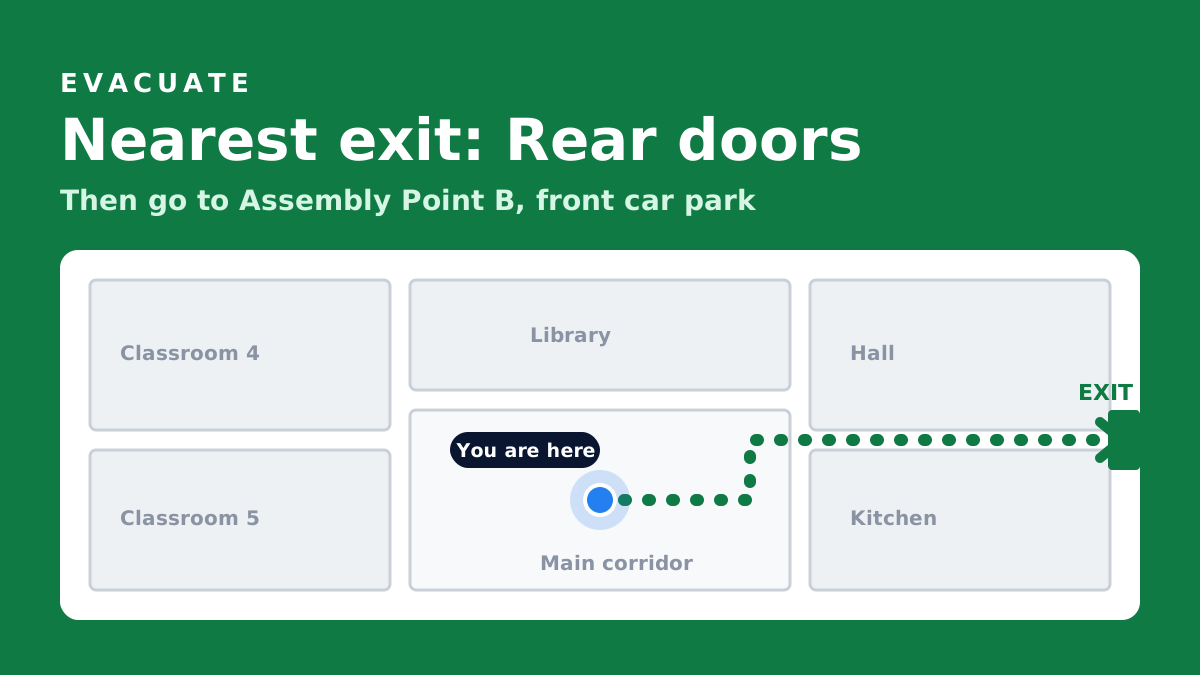
- Evacuation routes: each screen shows its own position and the way out
- Visitor welcomes: live greetings from the Mass Coms Sign In App
Three products. One platform.
MassCasts is part of Mass Coms, with MassVisit alongside it. Each works on its own. Together they cover everyone in the building, every day and in an emergency.
 Emergency platform
Declare a lockdown or evacuation and reach staff phones, PA, SMS, doors and screens at once, with a record of every step.
masscoms.com
Emergency platform
Declare a lockdown or evacuation and reach staff phones, PA, SMS, doors and screens at once, with a record of every step.
masscoms.com
 Digital signage
Notices, menus and welcomes every day. The alert and the way out on every screen when it matters.
You are here
Digital signage
Notices, menus and welcomes every day. The alert and the way out on every screen when it matters.
You are here
 Visitor management
Sign-in, badges and host emails at reception, so you always know who is on site.
massvisit.com
Visitor management
Sign-in, badges and host emails at reception, so you always know who is on site.
massvisit.com
- MassVisit
A visitor signs in at reception and prints a badge. Their host gets an email.
- MassCasts
The reception screen welcomes them by name, then goes back to its playlist.
- Mass Coms
Later, staff declare an evacuation from their phone.
- MassCastsMassVisit
Every screen shows the way out, and the roll call lists who is on site, visitors included.
Feature questions.
Every question answeredDo I need to install any software?
No. The editor and dashboard run in a web browser. The only install is the MassCasts player app on each screen's Fire TV Stick or Android device.
Can different screens show different content?
Yes. Each screen has its own playlist or schedule, or several screens can share one.
What happens if the internet drops?
Screens cache their content and keep playing, then reconnect by themselves when the network returns.
Can I use my own photos and videos?
Yes. Upload images and videos, or use the free stock photos, GIFs and clip-art inside the editor.
See the editor on your own screen.
In a demo we build a page with you, pair a screen and show you a test takeover.