
Digital signage for schools and colleges.
Events, notices and wellbeing on every corridor screen, and a lockdown or evacuation alert on all of them at once.
Why use digital signage in a school?
Screens in corridors, the hall and reception reach every pupil, parent and visitor without another email or poster. With Mass Coms, the same screens become part of your lockdown and evacuation procedure: when staff declare an incident, every screen shows what to do.
- Templates
- 80 school and college designs
- Alerts
- Lockdown, evacuation, invacuation
- Hardware
- Existing TVs plus a £30 Fire TV Stick
- Price
- £99 per screen, one free from 3
- Checked
Pick your type of school.
Each page covers what screens are used for in that setting, with templates to match.
A term's worth of notices, without the posters.
Scheduled around the school day and changed from any browser.
Events and notices
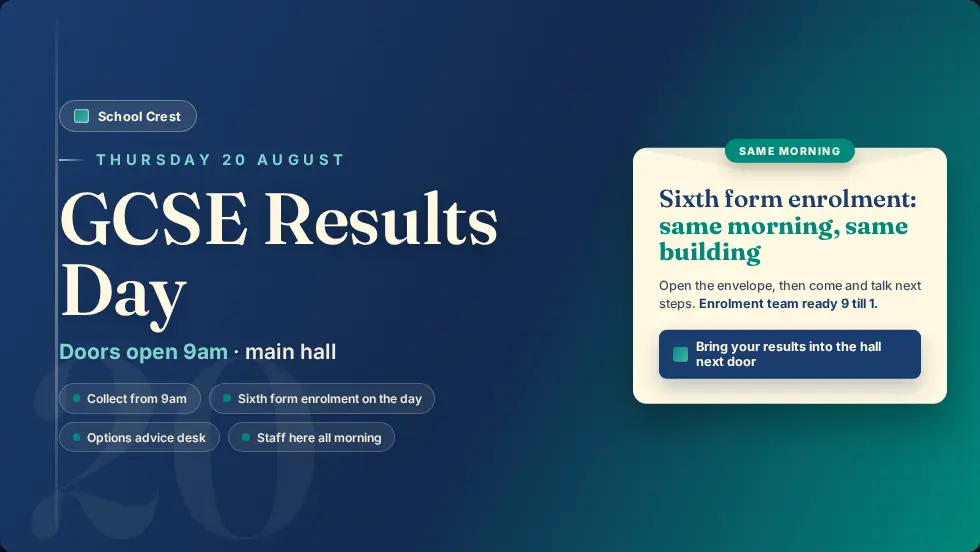
Open evenings, parents' evenings, sports day, mock exams and results day, scheduled to appear when relevant.
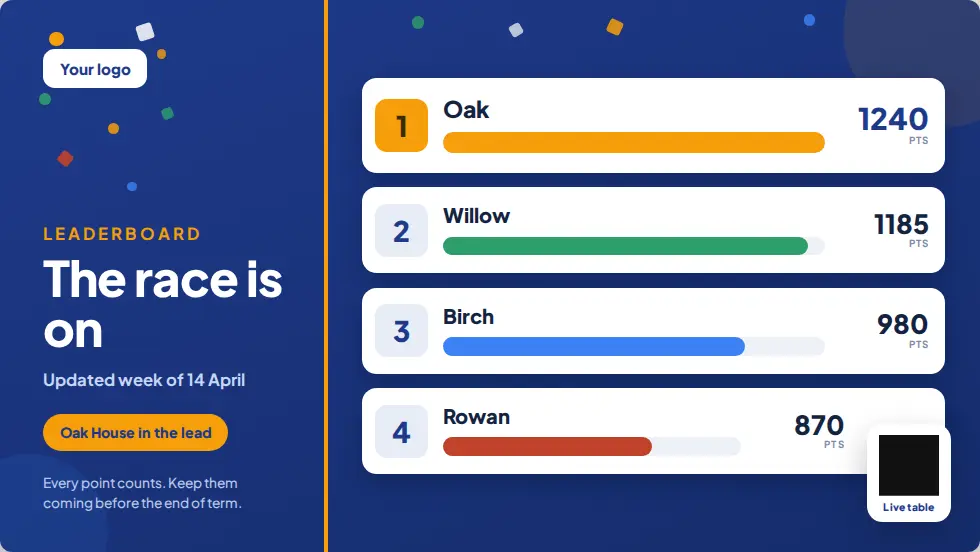
House points
Leaderboards and celebrations, kept fresh without reprinting a poster.
Wellbeing
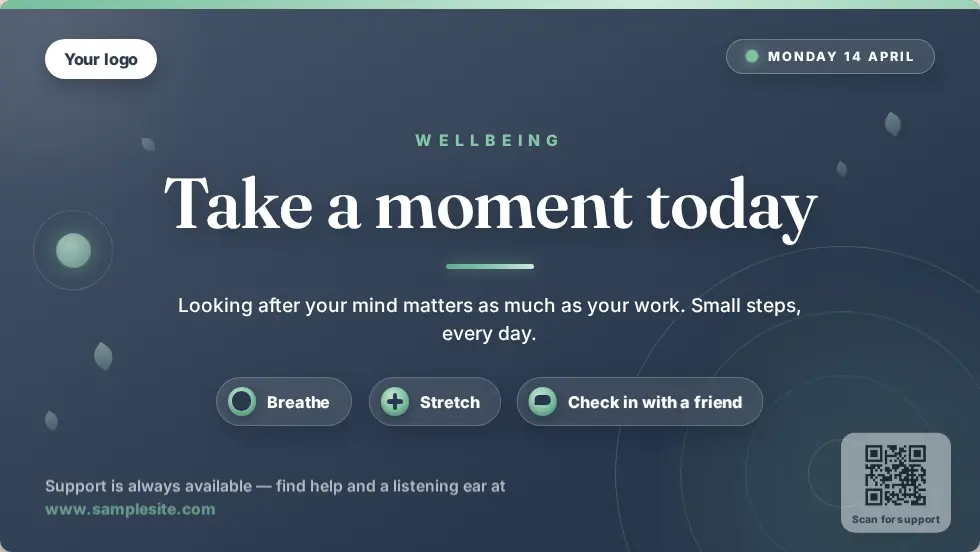
A message of the day and where to find support, on screens pupils pass every day.
Reception
Guest wifi, visitor welcomes from the Sign In App and safeguarding reminders.
Term-time schedules
Different content for mornings, lunch and after school, and for the holidays.
Many sites
Trusts and colleges can run screens across several sites from one Mass Coms account.
Lockdown on every screen at once.
A lockdown has to reach every corridor, hall and canteen immediately. Mass Coms sends it to staff phones and the PA, and your screens show it to everyone else, including visitors.
- A different colour and set of instructions for lockdown, evacuation and invacuation
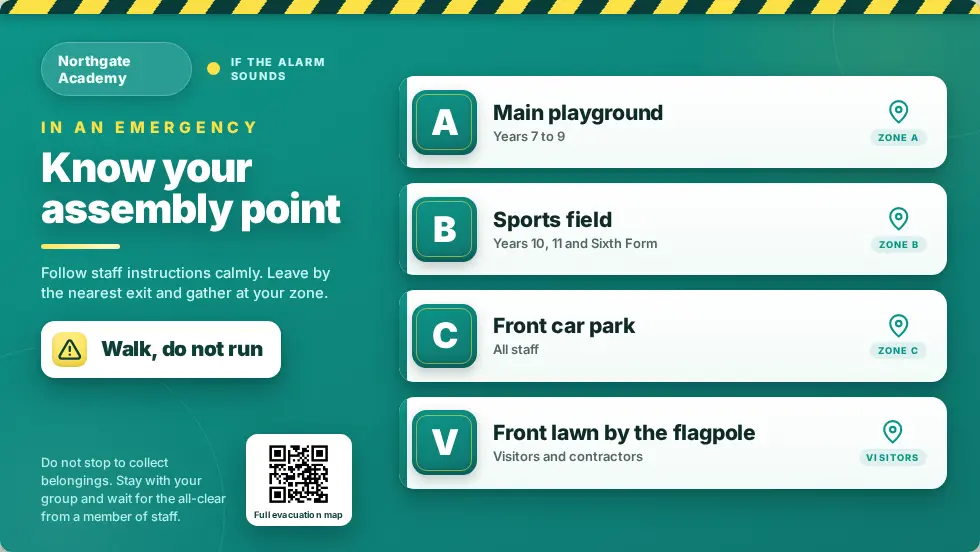
- Evacuation routes and assembly points from each screen's position
- Drills appear on screens too, so pupils recognise the real thing
- Every activation logged for governors and inspections
- Close blinds and turn off lights
- Silence phones
- Wait for the all-clear on this screen
80 designs for the school year.
Ready-made designs for this setting. Change the words, add your logo and publish.



Questions schools ask.
Every question answeredDo pupils need to do anything?
No. Screens change by themselves when staff declare an incident in Mass Coms.
Can we use the TVs already in corridors and classrooms?
Yes, if they have an HDMI port. Add a Fire TV Stick or Android box to each and pair it.
Can different buildings show different content?
Yes. Give each screen its own playlist or schedule, or share one across a site.
Does this replace our lockdown procedure?
No. It is one of the ways your procedure reaches people, alongside the PA, staff phones and trained staff.
See it in a school setting.
£99 per screen per year, with one licence free when you book 3 or more. See pricing.