
Digital signage for offices and receptions.
Welcome visitors by name the moment they sign in, keep staff up to date in shared spaces, and put the same screens to work in an emergency.
Why use digital signage in an office?
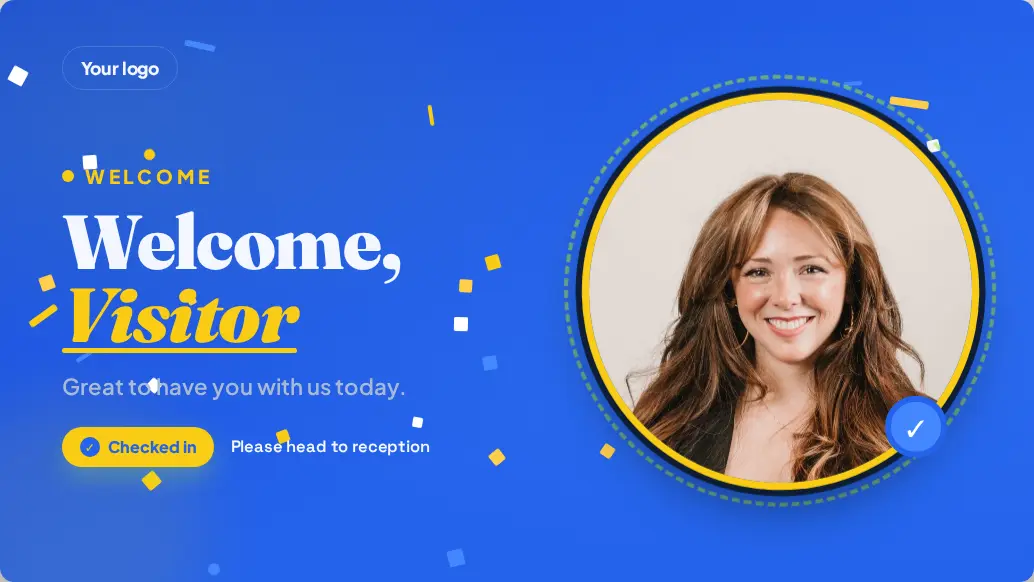
Reception and kitchen screens reach staff and visitors without another all-staff email. With Mass Coms they greet visitors who sign in at the kiosk, and in an incident they show everyone, including visitors with no staff app, what to do.
- Welcomes
- Name, company and host, from the kiosk
- Live content
- Dashboards, news and countdowns
- Alerts
- Full screen, in under a second
- Price
- £99 per screen, one free from 3
- Checked
Reception, kitchens and breakout areas.
One dashboard for every shared space in the building.
Visitor welcomes
When a visitor signs in at the Mass Coms kiosk, reception greets them by name with their company and host.
Staff welcomes
A separate design for staff sign-ins, on only the screens you choose.
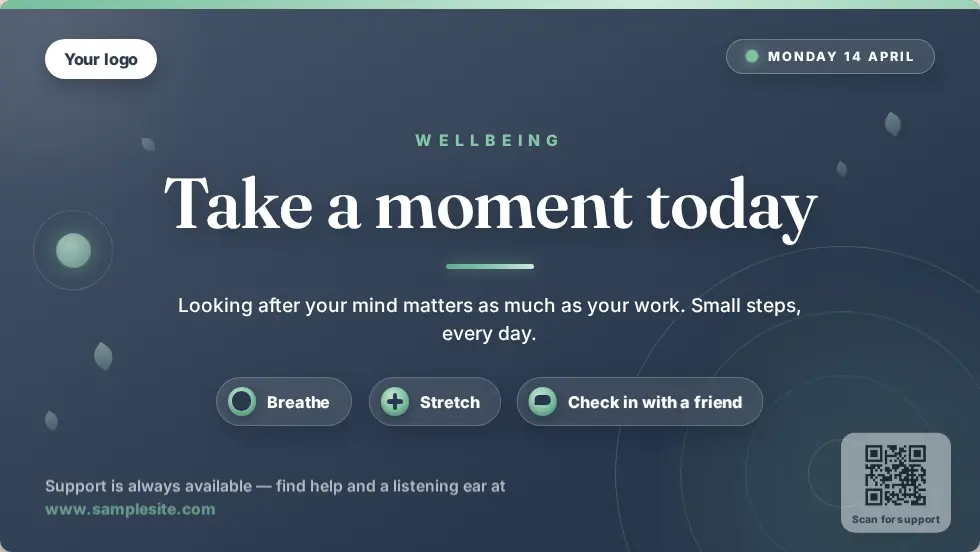
Company news
Announcements, wins and countdowns to events in kitchens and breakout areas.
Live dashboards
Any web page you can open in a browser, through the Website app.
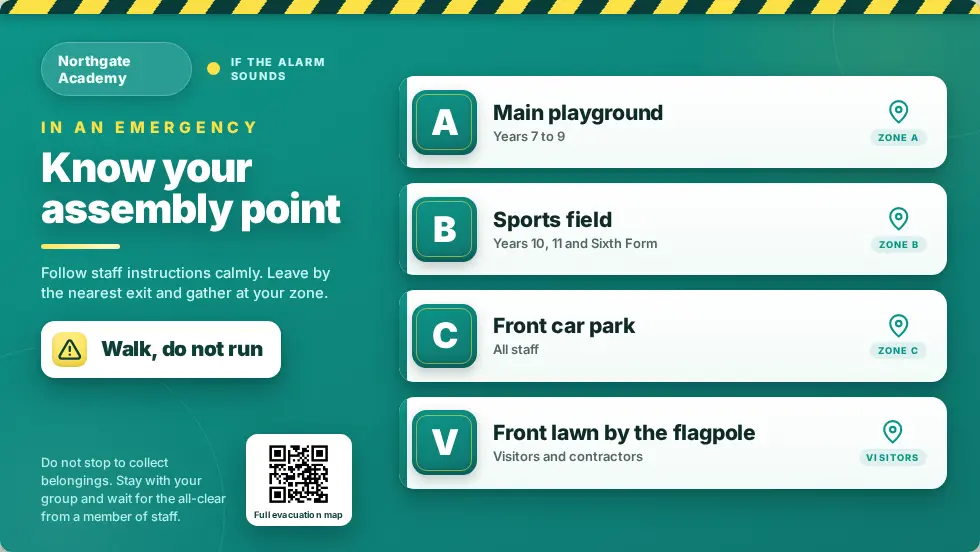
Safety reminders
Assembly points, first aiders and exit routes as part of normal playback.
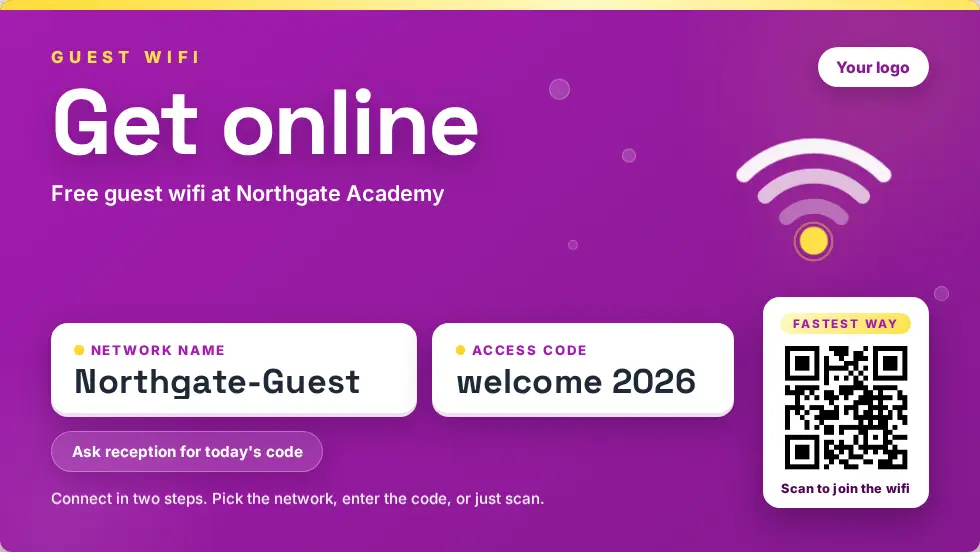
Guest wifi
A clear wifi card with a QR code to join, in reception and meeting areas.
Everyone sees the alert, including visitors.
Visitors do not get staff texts or have your app. Signage is often the only way to reach them, so in an incident every screen shows them what to do.
- Full-screen alert and response plan on every screen
- Evacuation route and assembly point from each screen
- Sign-ins from the kiosk feed the Mass Coms roll call
- Automatic return to normal when you stand down
- Walk, do not run
- Use the stairs by reception
- Go to Assembly Point A, front car park
Designs for reception and shared spaces.
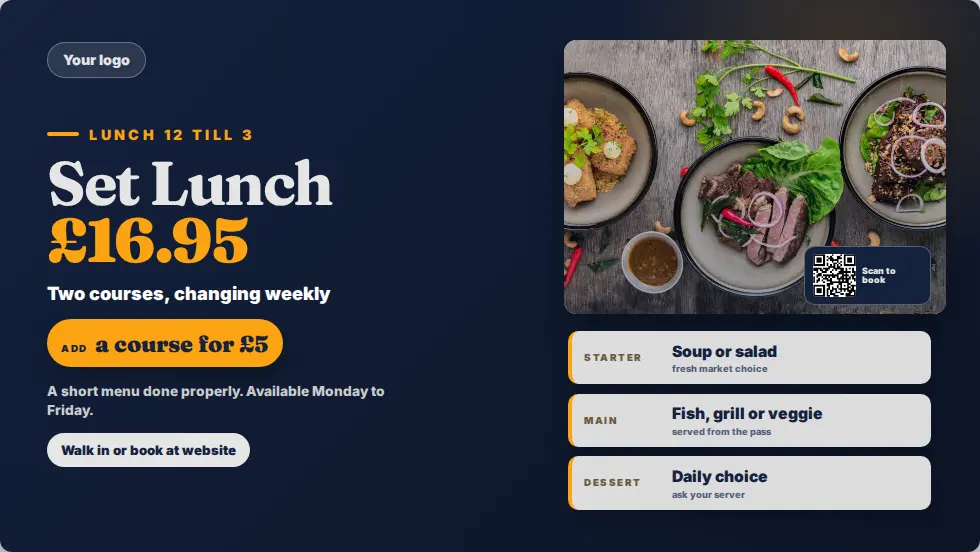
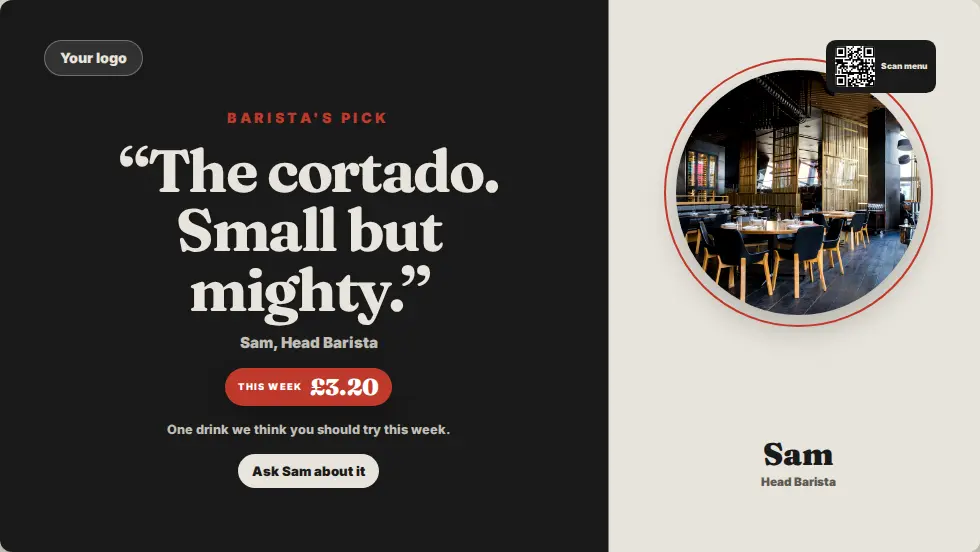
Ready-made designs for this setting. Change the words, add your logo and publish.
Questions offices ask.
Every question answeredDo we need the Sign In App for welcomes?
Yes. Welcomes are triggered by sign-ins at the Mass Coms visitor kiosk.
Can welcomes show a photo?
Yes. Templates can include the photo taken at sign-in.
Can I stop some screens greeting people?
Yes. Welcomes are switched on per screen.
Can we show our own dashboards?
Yes. The Website app shows any web page you can open in a browser.
See it in your reception.
£99 per screen per year, with one licence free when you book 3 or more. See pricing.