
Digital menu boards that change with the day.
Turn the TVs above your counter into menu screens. Change a price from your phone, switch from breakfast to lunch by itself, and stop reprinting boards every time something sells out.
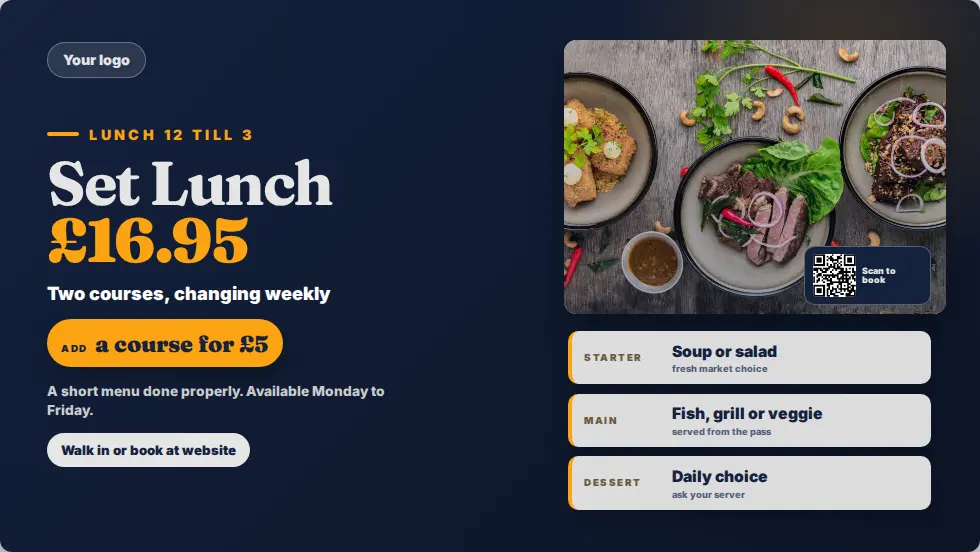
What is a digital menu board?
A digital menu board is a TV or monitor that shows your menu instead of a printed or chalk board. With MassCasts you design the menu in a browser, schedule it by time of day, and update prices from a phone. The screen changes in seconds and nothing needs reprinting.
- Screens
- Any TV with HDMI
- Player
- Fire TV Stick, around £30
- Menus
- Scheduled by hour and day
- Price
- £99 per screen, one free from 3
- Checked
Everything a menu screen needs to do.
Built for busy counters, not for designers.
Prices from your phone
Change a price, add a special or mark something sold out from a phone or laptop. Screens update straight away.
Day parts
Breakfast until 11:30, lunch until 3, drinks and happy hour after 5, switching by themselves every day.
Landscape or portrait
Wide boards above the counter or a tall screen by the till. Design for either shape in the same editor.
Photos and video
Your own food photos and clips, or free stock photos inside the editor. Brand colours and logo saved once.
Allergens and ordering
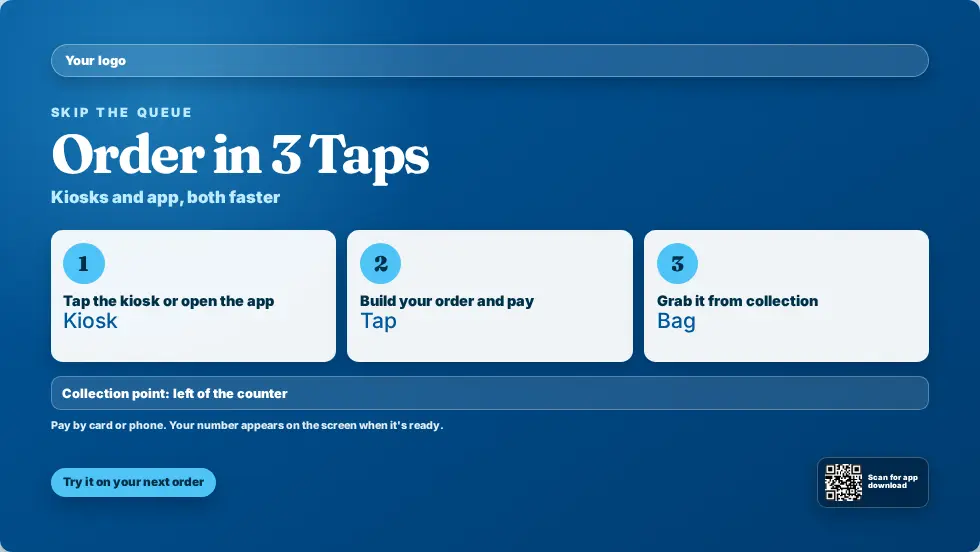
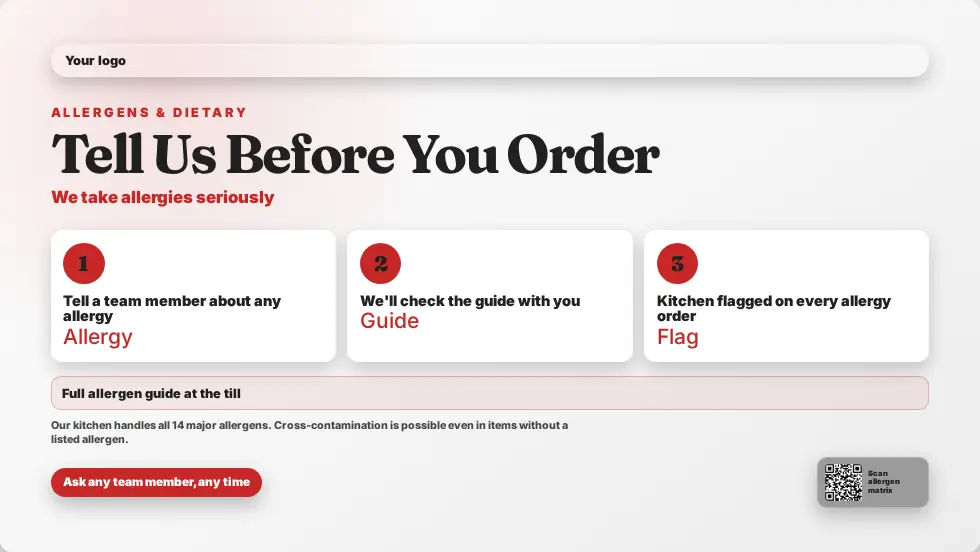
Clear allergen notices and how-to-order screens next to the menu, in the same playlist.
One dashboard for every site
Run a group of cafes or pubs from one login, with a shared core menu and local specials.
Printed boards versus digital menu boards.
Where the time and the cost actually go.
| Printed or chalk boards | MassCasts menu boards | |
|---|---|---|
| Changing a price | Reprint, or rub out and rewrite | Edit on your phone, live in seconds |
| Breakfast to lunch | Someone swaps the board | Switches on a schedule |
| Sold out items | Tape, stickers or a note | Removed from every screen at once |
| Seasonal menus | New design and print run | Start from a seasonal template |
| Several sites | Print and post to each one | Publish once from one dashboard |
| In an emergency | No change | Shows the alert and the way out |
Use the TVs you already have.
There is no proprietary media player and no special menu board screen to buy. Any TV or monitor with an HDMI port becomes a managed menu screen with a Fire TV Stick or an Android box.
- Pairs in about a minute with a 6-digit code
- Stays awake and starts by itself after a power cut
- Keeps playing from its cache if the Wi-Fi drops on a busy night
- Shows a live web page too, such as an online menu you already have
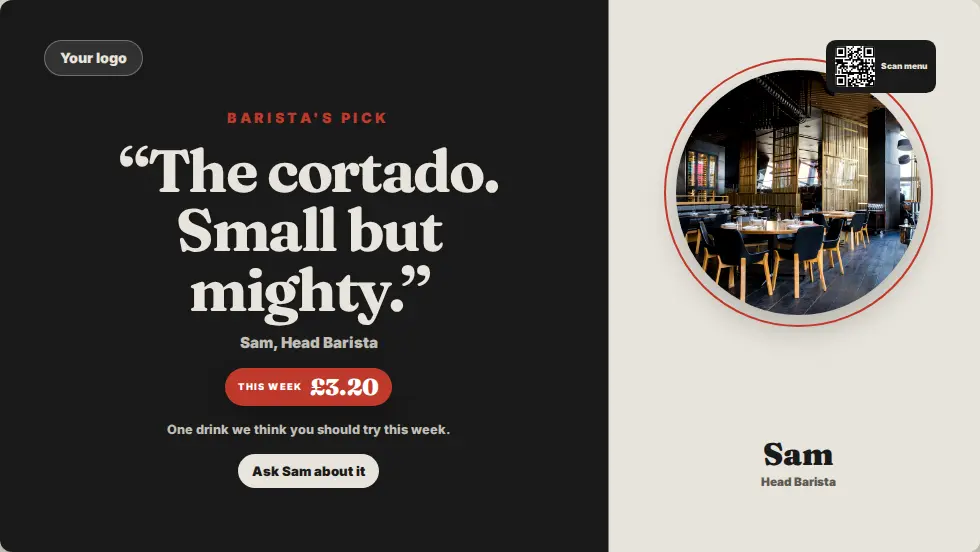
Menu board templates to start from.
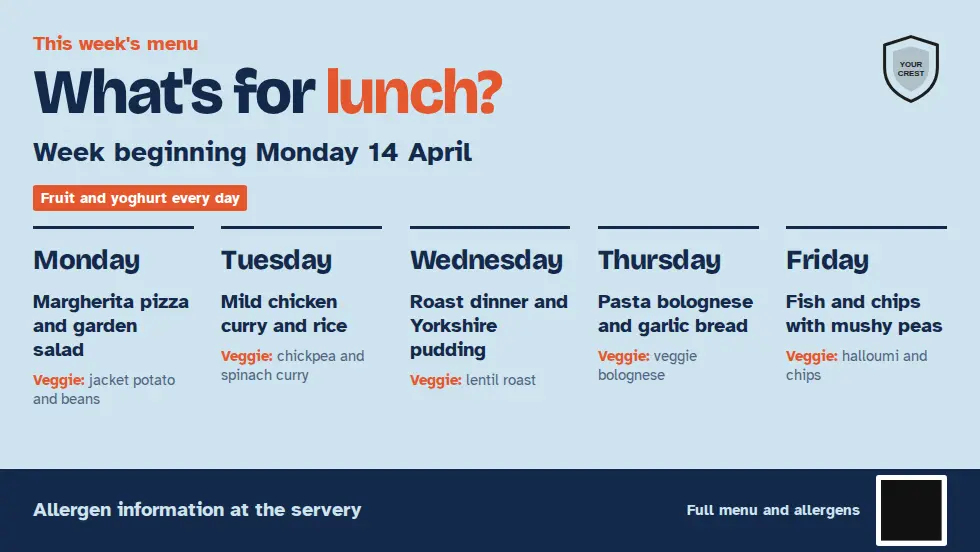
Change the dishes and prices, add your logo and publish. Seasonal menus are ready when you need them.
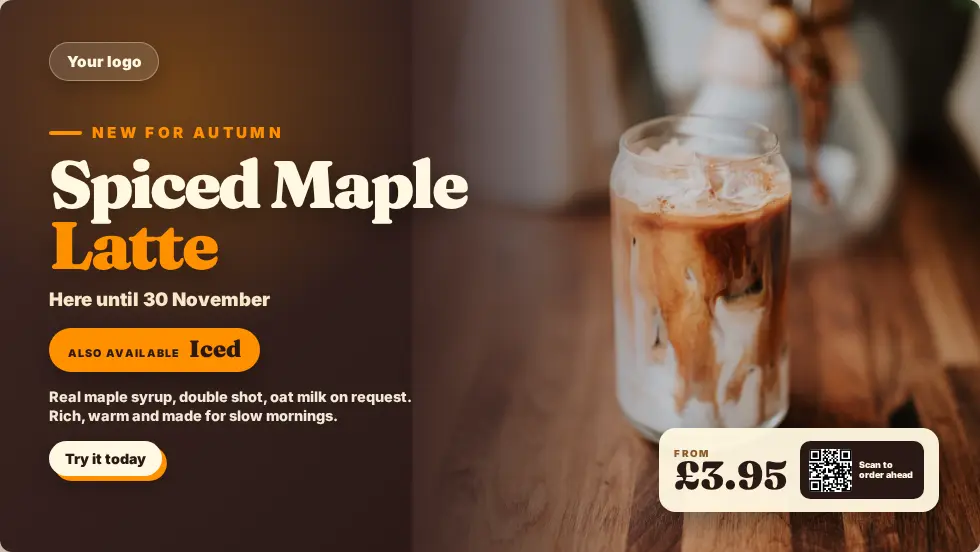
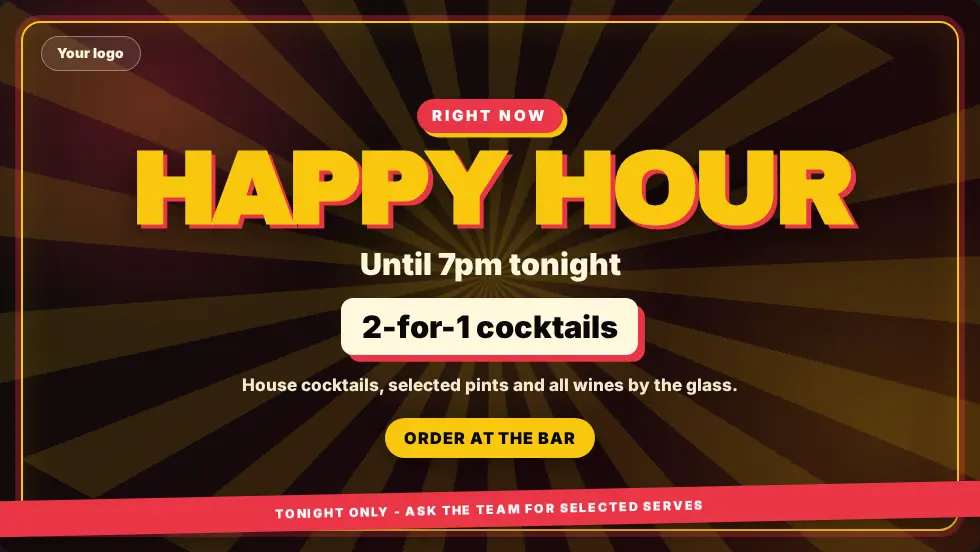
Where menu boards earn their keep.
The same screens, set up for how each place serves.
Coffee shops and bakeries
Drinks menu, today's bakes and a seasonal special, with the breakfast menu switching off at lunchtime.
Pubs, restaurants and takeaways
Food menus, set lunches, happy hour and match-day offers behind the bar, plus how-to-order screens by the counter.
Questions about digital menu boards.
Every question answeredDo I need special menu board screens?
No. Any TV or monitor with an HDMI port works with a Fire TV Stick (around £30) or an Android 8.0+ box. There is no proprietary media player to buy.
Can the menu change from breakfast to lunch by itself?
Yes. Schedule each menu by time of day and day of week, and the screen switches on its own. Nobody has to touch the TV.
Can I change a price from my phone?
Yes. The editor runs in a browser on a phone, tablet or laptop. Publish the change and every screen showing that menu updates straight away.
Can I show a menu I already have online?
Yes. The Website app shows any live web page on screen, so an existing online menu can run alongside pages you design in MassCasts.
Do portrait screens work?
Yes. The editor designs pages in landscape and portrait, so a tall screen by the till works as well as a wide one above the counter.
How much do digital menu boards cost?
MassCasts is £99 per screen per year, with one licence free when you book 3 or more. Add a TV and a Fire TV Stick if you do not have them already.
Put your menu on screen.
£99 per screen per year, with one licence free when you book 3 or more. See pricing.