
Digital notice boards that keep themselves up to date.
Replace pinned paper with a screen in the staff room, corridor or reception. Post a notice from your desk, schedule when it shows, and take it down on time without anyone walking the building.
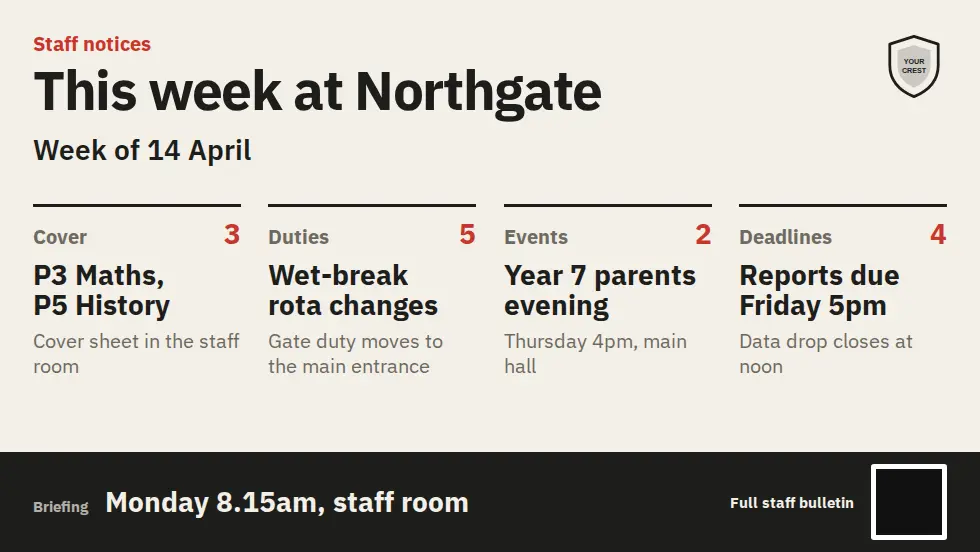
What is a digital notice board?
A digital notice board is a screen that shows notices instead of paper pinned to cork. With MassCasts any TV becomes one: you write notices in a browser, schedule when each one shows, and every screen updates straight away. Out-of-date notices come down by themselves.
- Screens
- Any TV with HDMI
- Updates
- From a browser or phone
- Scheduling
- By day and time
- Price
- £99 per screen, one free from 3
- Checked
Why notice boards go digital.
The paper version is always out of date somewhere.
Post from anywhere
Write a notice in the browser editor on a laptop or phone. It reaches every screen showing that playlist straight away.
On and off on schedule
Term notices on weekdays, an event poster in the week before the event, and nothing left up after it has passed.
Right notice, right room
The staff room, reception and each corridor get their own playlist, or share one across the site.
Live content
RSS headlines, countdowns, weather, QR codes for sign-up links and live web pages, all from built-in apps.
Every site from one login
Trusts and multi-site organisations run each building's boards from one dashboard, with shared or local notices.
The alert when it matters
With Mass Coms, every board shows the evacuation or lockdown instruction the moment an incident is declared.
Cork board versus digital notice board.
The same notices, without the drawing pins.
| Paper on a cork board | MassCasts notice board | |
|---|---|---|
| Putting a notice up | Print it and walk to every board | Publish once, every screen updates |
| Taking it down | Whenever someone remembers | Comes down on schedule |
| Space | Notices pinned over each other | Each notice gets the full screen in turn |
| Last-minute changes | Reprint, or a handwritten note | Edit from a phone, live in seconds |
| Several buildings | Email a PDF and hope it is printed | Shared playlists from one dashboard |
| In an emergency | No change | Shows the alert and the way out |
Where digital notice boards go.
One product for every board in the building.
Staff briefings
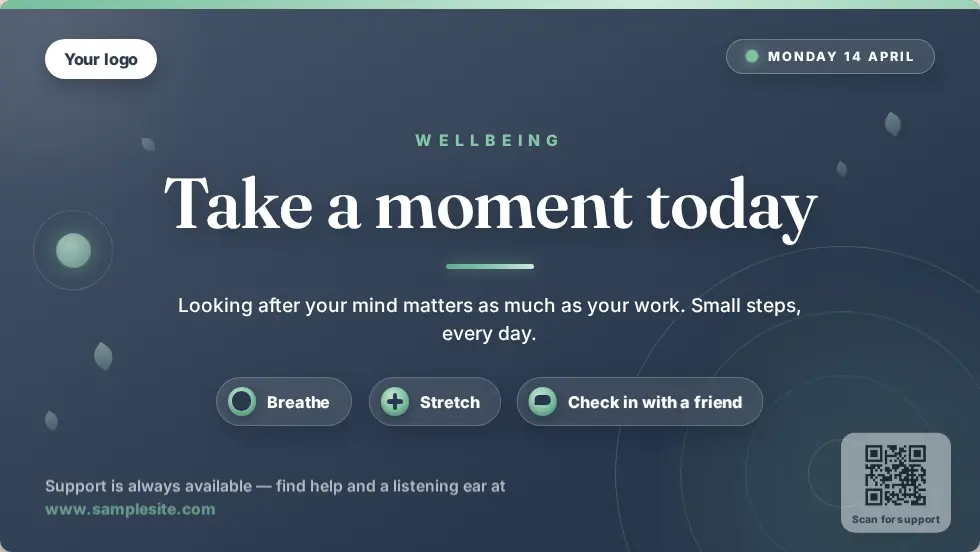
Briefing notes, cover, duty rotas, wellbeing messages and vacancies where staff actually look.
Pupils, parents and visitors
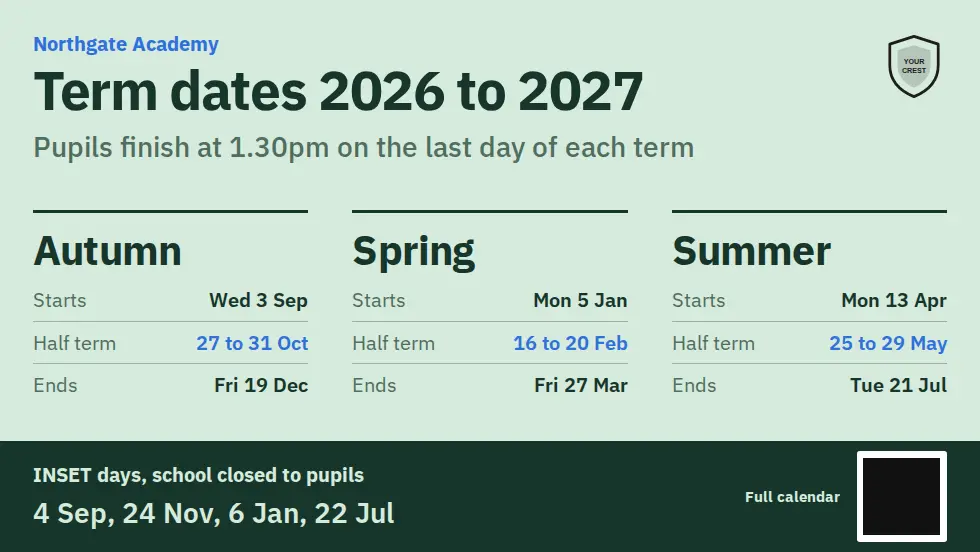
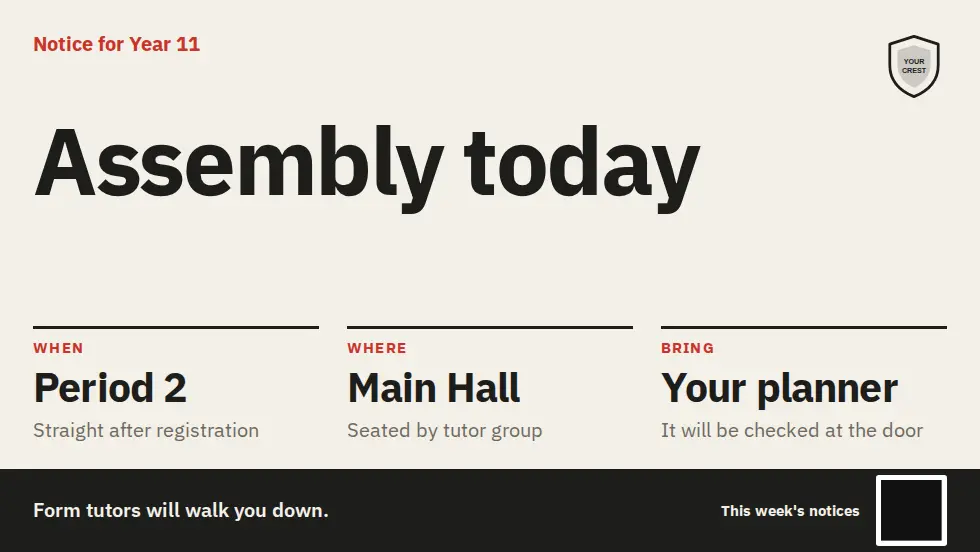
Clubs, fixtures, exam dates and house points in corridors; welcomes, guest wifi, term dates and closures in reception. Schools and colleges.
Workplace notices
Company news, health and safety reminders, events and live dashboards for the team. Offices and receptions.
Notice templates to start from.
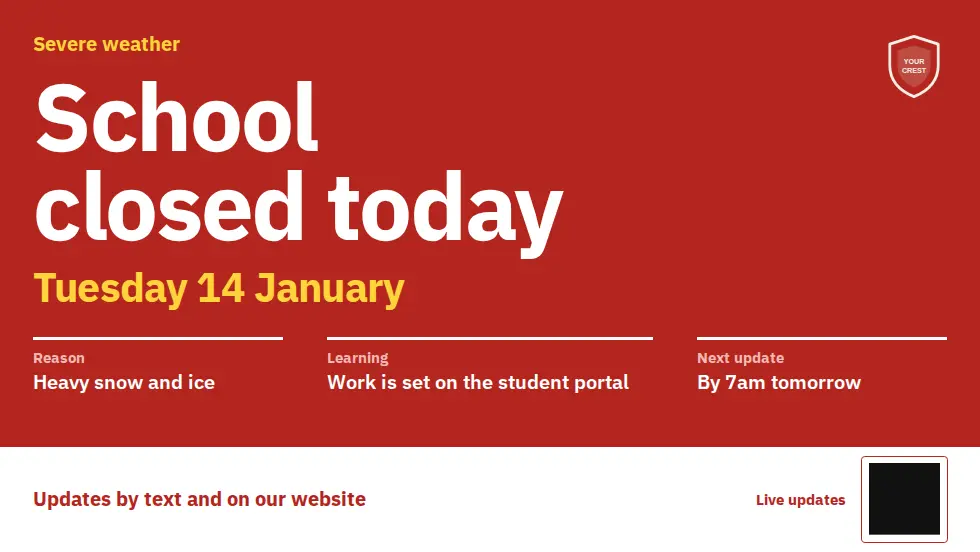
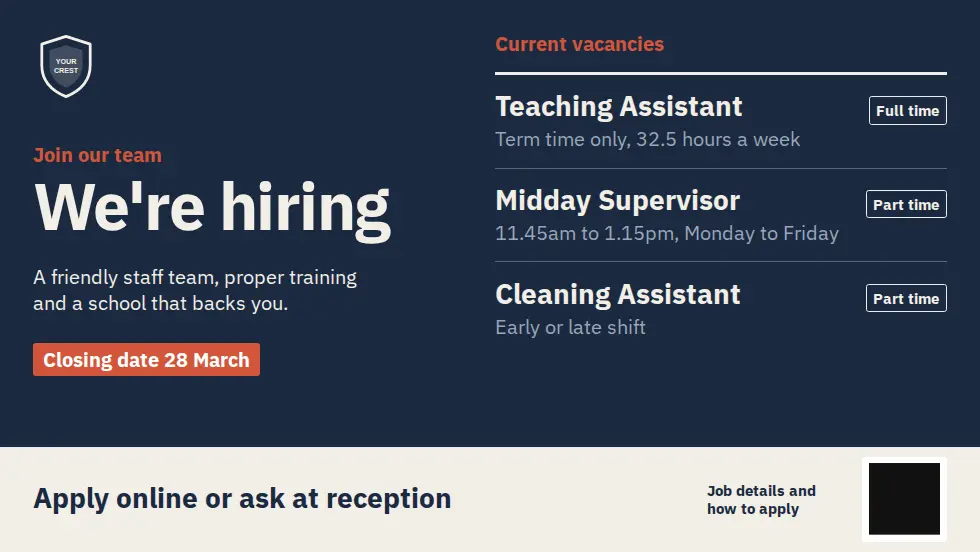
Change the words, add your logo and publish. Each one works in landscape and portrait.
Questions about digital notice boards.
Every question answeredWhat do I need for a digital notice board?
A TV or monitor with an HDMI port and a Fire TV Stick (around £30) or an Android 8.0+ box. The MassCasts licence is £99 per screen per year.
Who can update the notices?
Anyone you give access to. The editor runs in a browser, so the office, a head of year or a site manager can post a notice from their desk or phone.
Can notices go up and come down on their own?
Yes. Schedule a notice by day and time, such as term notices on weekdays only or an event poster in the week before the event.
Can different screens show different notices?
Yes. Give the staff room, the reception and each corridor its own playlist, or share one playlist across as many screens as you like.
Can it show live news or a countdown?
Yes. Built-in apps add RSS headlines, countdowns, weather, QR codes and live web pages to any notice.
What happens in an emergency?
With Mass Coms, every notice board switches to the alert and the way out when an incident is declared, then goes back to its notices when you stand down.
Take the notices off the cork board.
£99 per screen per year, with one licence free when you book 3 or more. See pricing.