
Fashion & boutiques
New arrivals
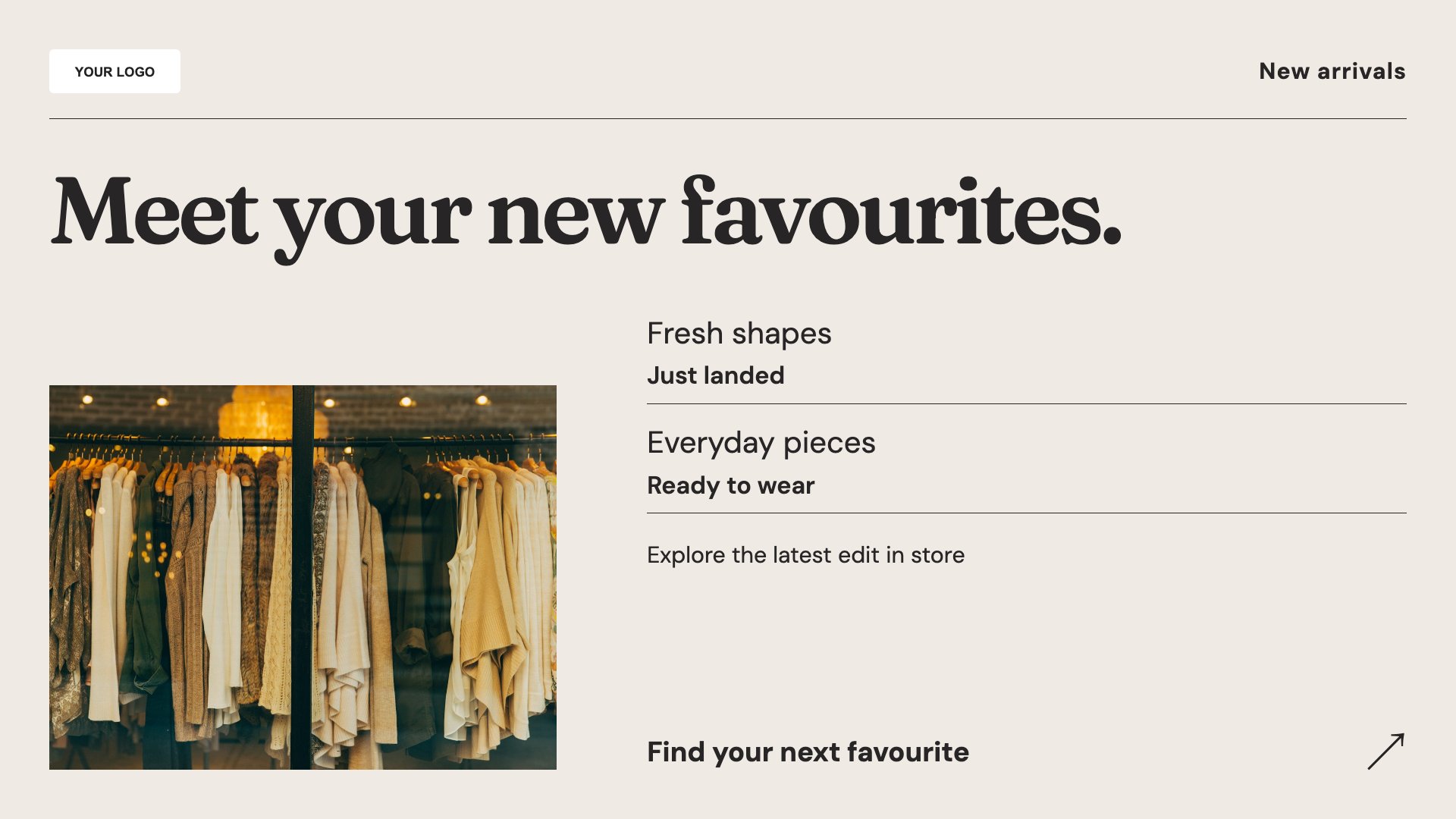
An image-led introduction to your latest collection.
View full size ↗ (opens in a new tab)Let your next collection take the stage.
Bring new arrivals, seasonal offers and styled looks onto your shop screens. Start with a retail template and let your product photography do the talking.
Each design comes in landscape and portrait. Choose your screen orientation, inspect the real preview and customise the content for your business.
An image-led introduction to your latest collection.
View full size ↗ (opens in a new tab)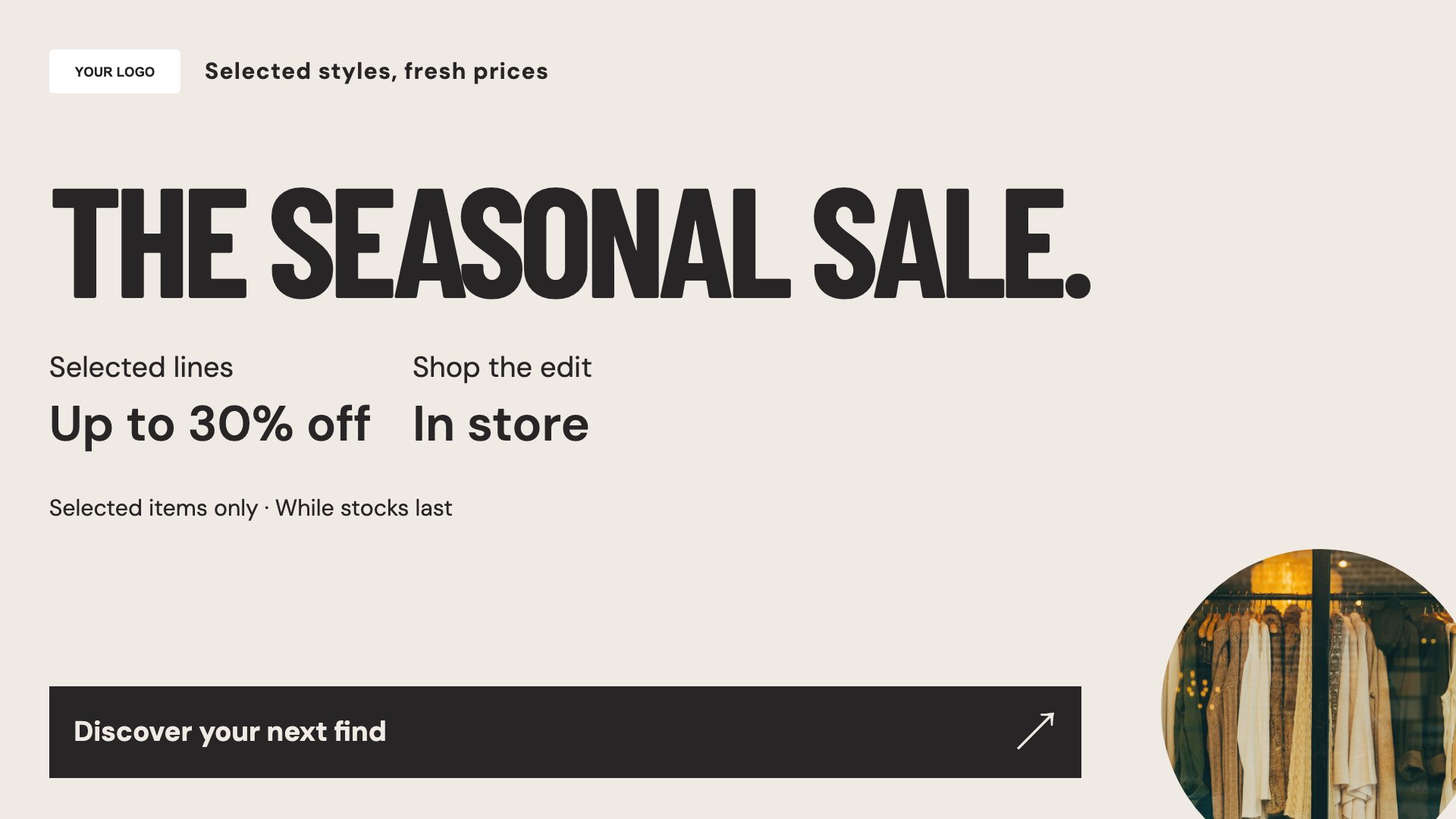
A bold promotional layout with space for your offer conditions.
View full size ↗ (opens in a new tab)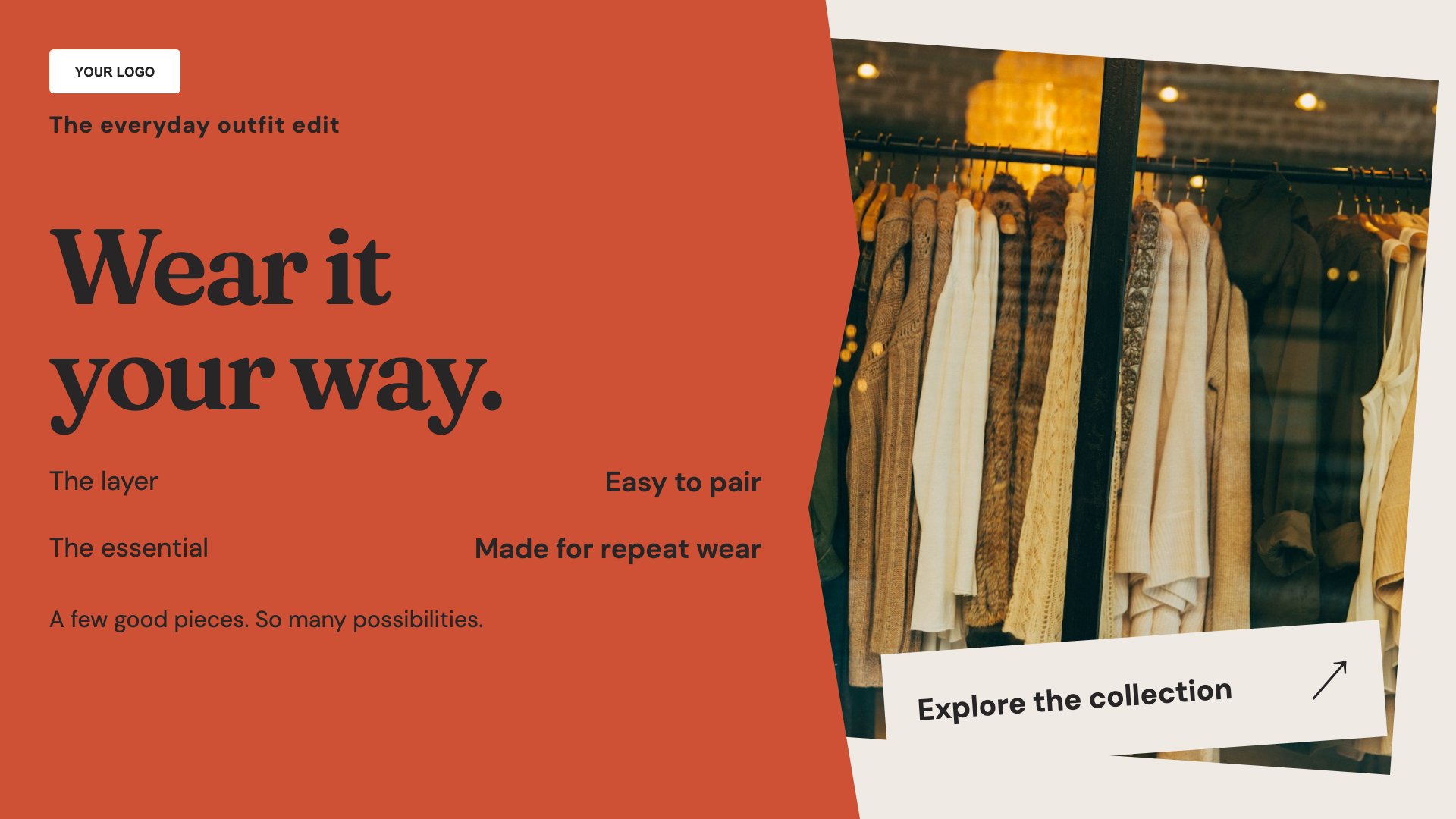
Bring selected pieces together as a styled look.
View full size ↗ (opens in a new tab)Example designs with sample content. Replace names, prices, imagery, contact details and offer conditions before publishing. Portrait and landscape versions adapt the same design to each screen format.
Match the message to available stock and keep offer conditions legible. Use a small selection of strong product images instead of filling every part of the screen.
Explore MassCasts featuresPick a design and the orientation that matches your display.
Edit wording, imagery and business details in the browser editor. Check all sample content before publishing.
Set page durations and schedule content for a paired, supported signage player.
Yes. Replace the sample imagery with photographs you own or have permission to display.
Yes. Include relevant dates, exclusions and pricing conditions, and make sure they remain readable on the actual screen.
These templates contain editable content. They do not provide a live inventory connection; check displayed products and offers against your stock.
Explore the editor, playlists and supported player setup in a signage demo.