
Jewellers
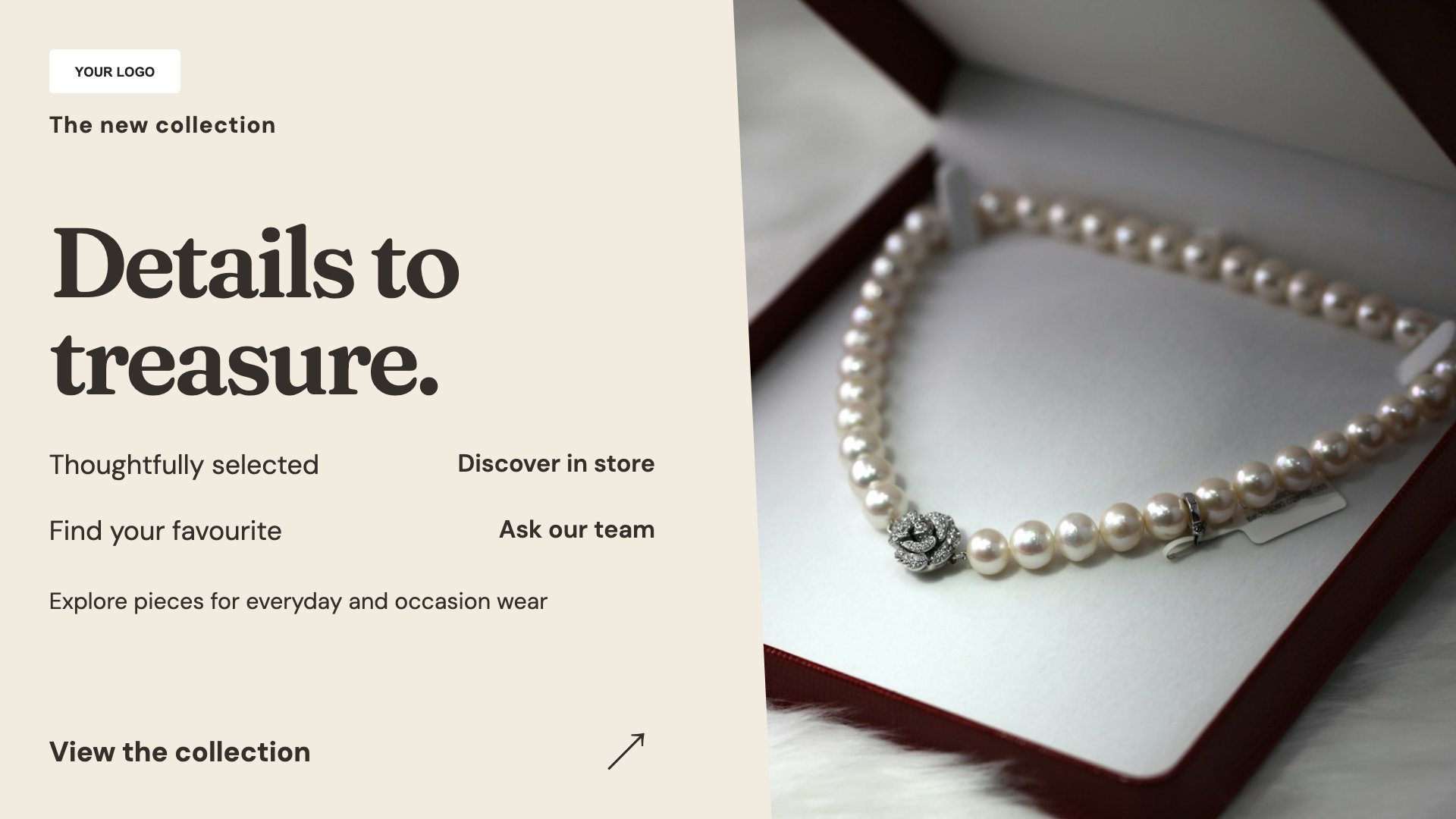
Collection spotlight
Give a collection a strong image and a short introduction.
View full size ↗ (opens in a new tab)Give every piece room to shine.
Showcase a jewellery collection, explain your repair and bespoke services, or curate a gifting edit. These understated layouts leave space for the detail in your own product imagery.
Each design comes in landscape and portrait. Choose your screen orientation, inspect the real preview and customise the content for your business.
Give a collection a strong image and a short introduction.
View full size ↗ (opens in a new tab)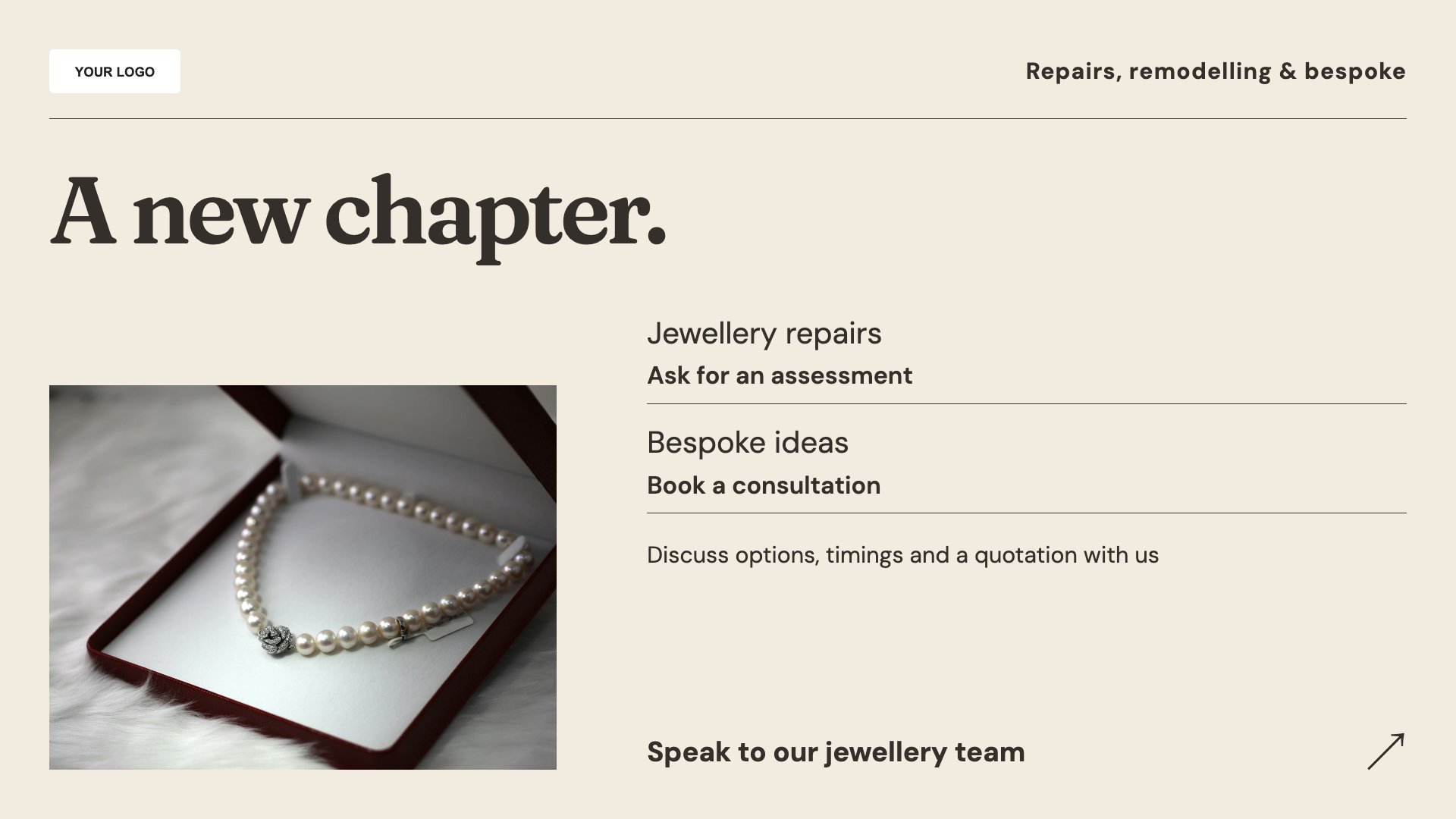
Explain the services customers can enquire about in store.
View full size ↗ (opens in a new tab)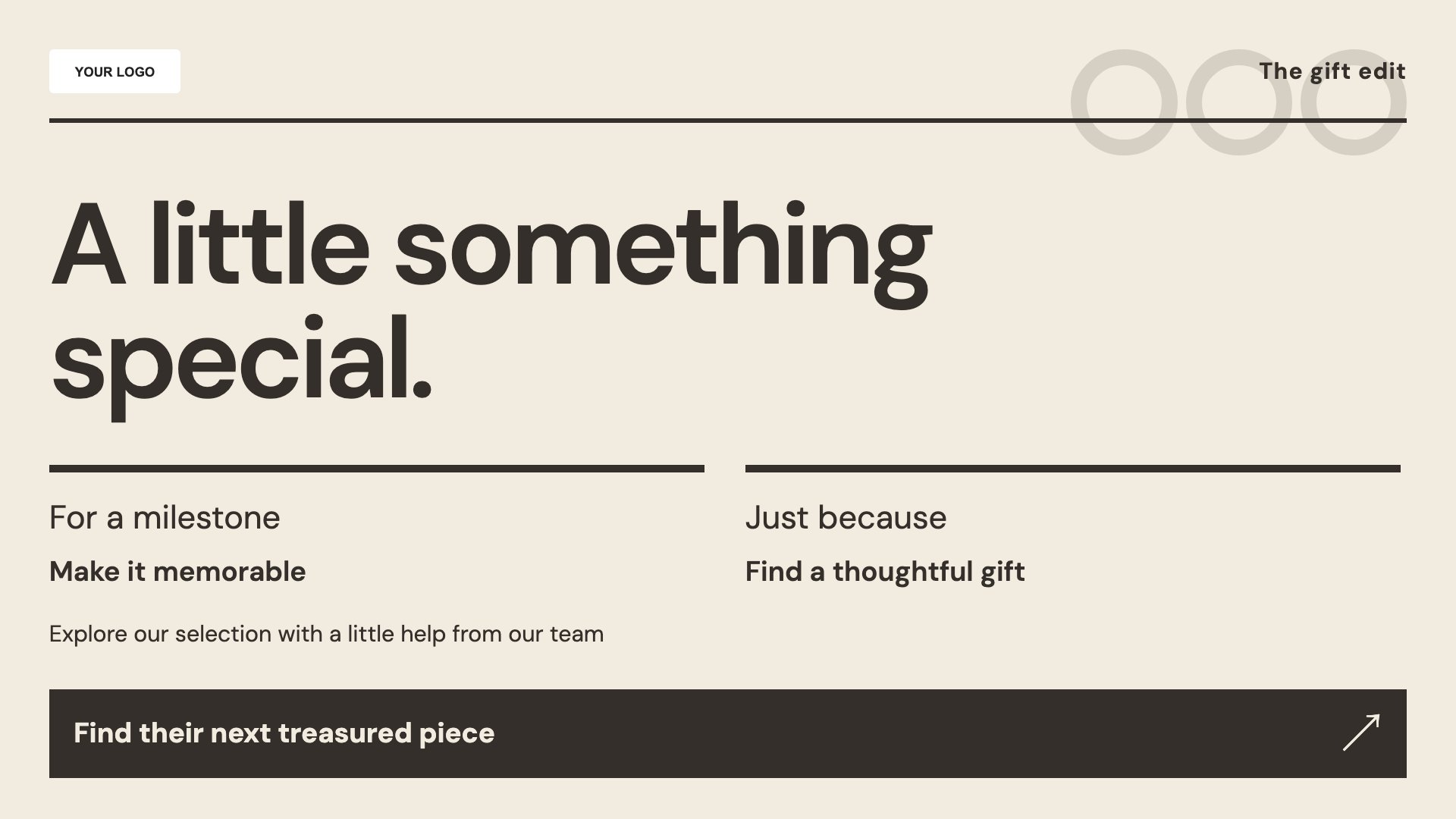
Present a curated selection for an occasion or season.
View full size ↗ (opens in a new tab)Example designs with sample content. Replace names, prices, imagery, contact details and offer conditions before publishing. Portrait and landscape versions adapt the same design to each screen format.
Use close-up photography with accurate product descriptions. Keep service promises, materials, prices and lead times specific to what your shop can offer.
Explore MassCasts featuresPick a design and the orientation that matches your display.
Edit wording, imagery and business details in the browser editor. Check all sample content before publishing.
Set page durations and schedule content for a paired, supported signage player.
Yes. Each design is available in portrait and landscape, with room for your own product imagery and collection details.
Yes. Use the service layout and replace sample wording with your actual services, enquiry process and any relevant conditions.
Yes. Edit the headline, products and supporting details for the occasion you want to feature.
Explore the editor, playlists and supported player setup in a signage demo.