
Takeaways
Main menu
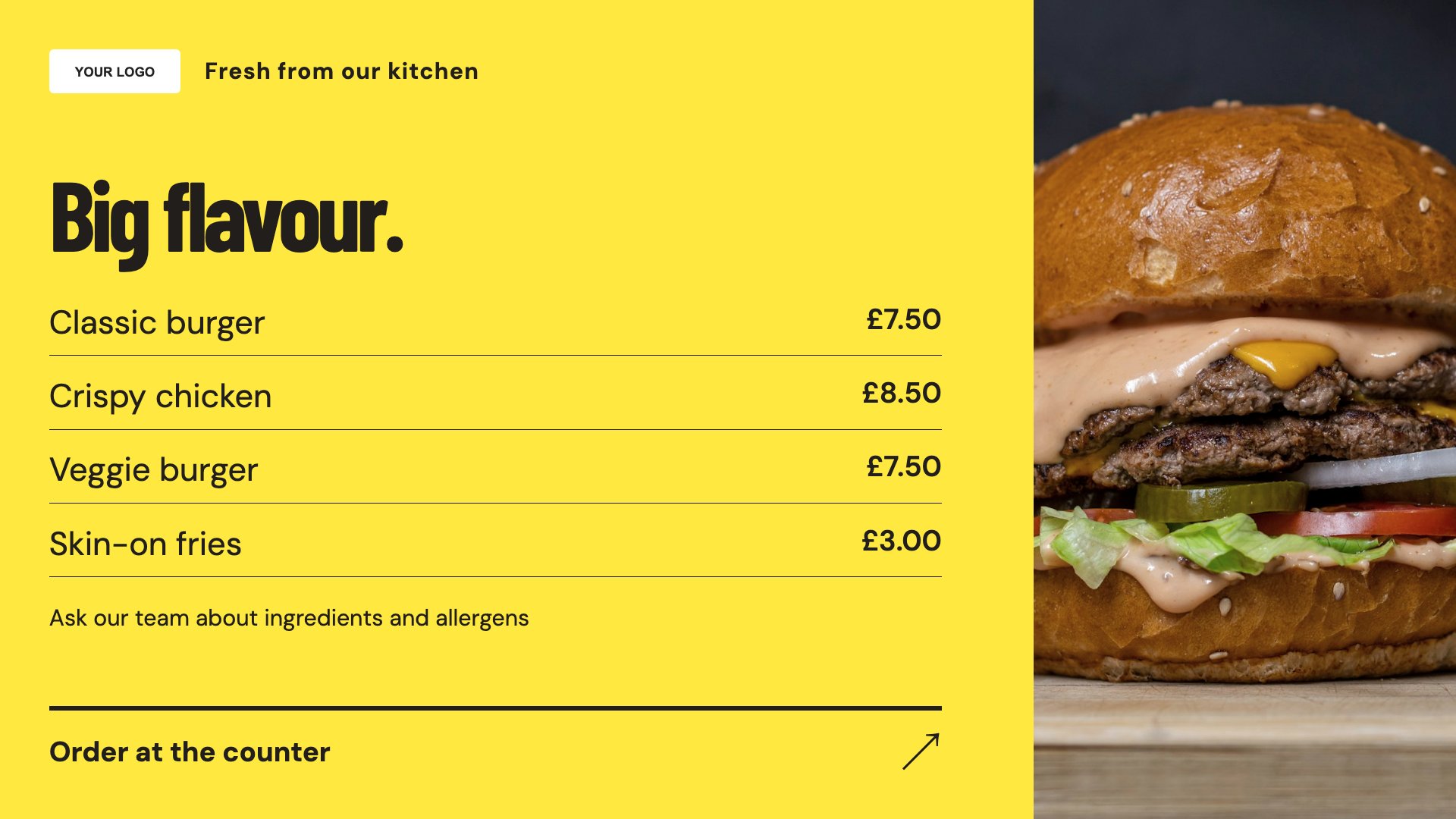
Organise your core dishes into a clear menu screen.
View full size ↗ (opens in a new tab)Make the menu easier to choose from.
Turn a busy takeaway menu into clear screen content. Use dedicated layouts for your main menu, meal deals and collection information, with your own food photography and prices.
Each design comes in landscape and portrait. Choose your screen orientation, inspect the real preview and customise the content for your business.
Organise your core dishes into a clear menu screen.
View full size ↗ (opens in a new tab)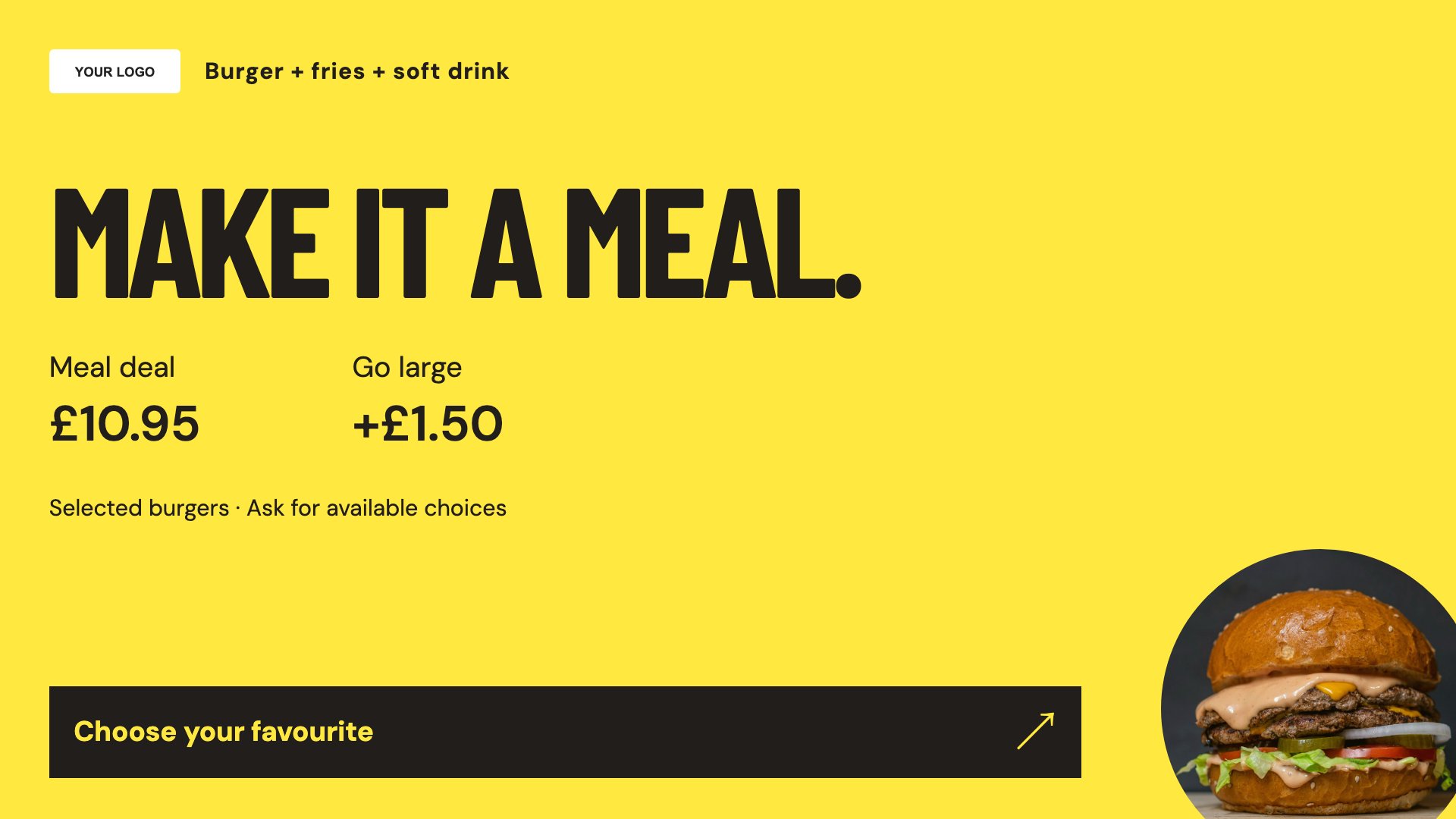
Give a meal bundle its own headline, image and price.
View full size ↗ (opens in a new tab)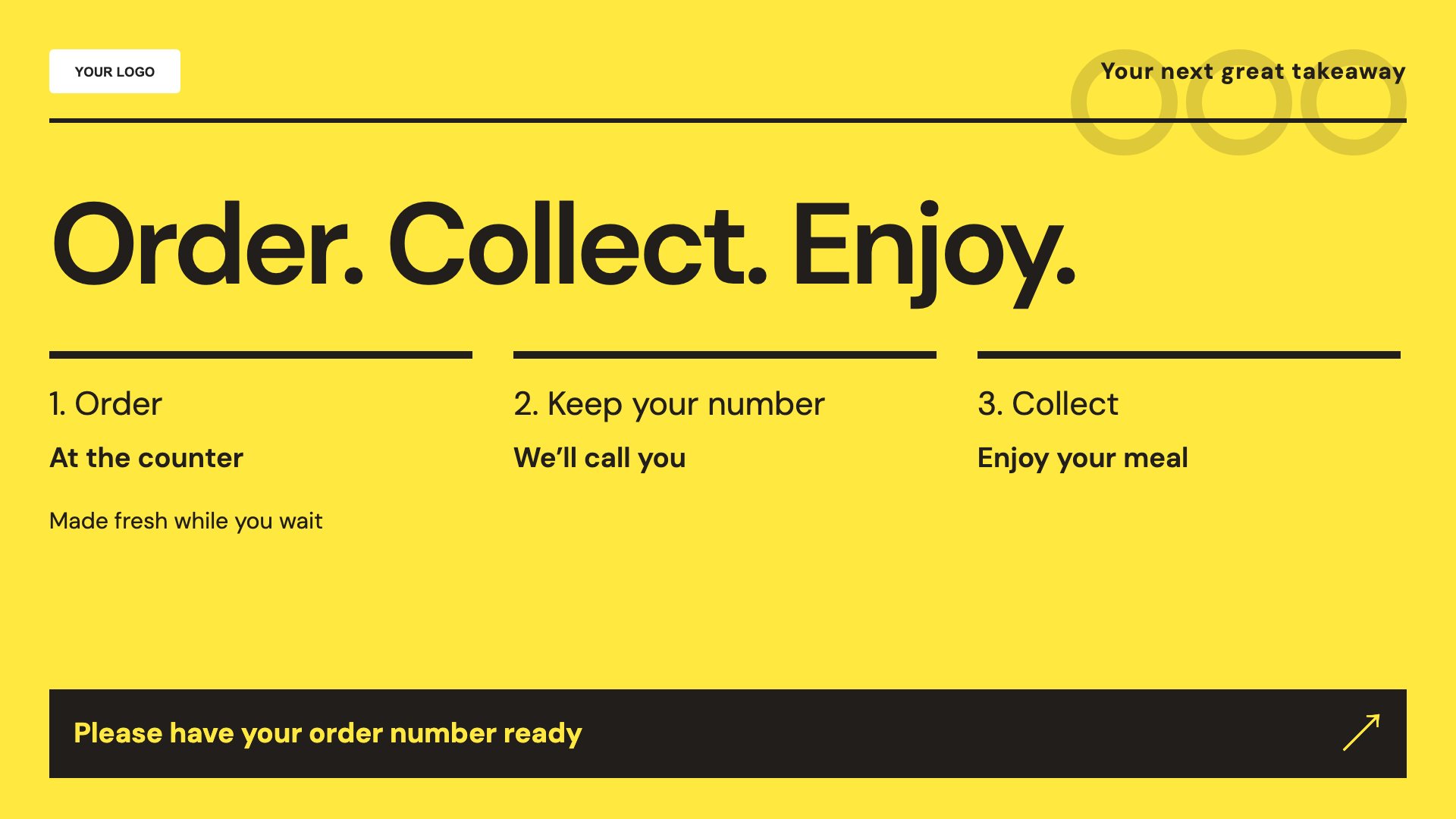
Explain your collection process and where customers should wait.
View full size ↗ (opens in a new tab)Example designs with sample content. Replace names, prices, imagery, contact details and offer conditions before publishing. Portrait and landscape versions adapt the same design to each screen format.
Avoid putting every dish on one slide. Group similar items, keep prices consistent and make collection instructions readable without depending on a QR code.
Explore MassCasts featuresPick a design and the orientation that matches your display.
Edit wording, imagery and business details in the browser editor. Check all sample content before publishing.
Set page durations and schedule content for a paired, supported signage player.
Yes. Replace the sample dishes, descriptions and prices with your own restaurant or quick-service menu.
This collection template contains editable information. It is not a live order feed or an integration with your point-of-sale system.
You can customise the design with imagery you have the rights to use. Keep the food and offer description accurate to what you sell.
Explore the editor, playlists and supported player setup in a signage demo.