
Opticians
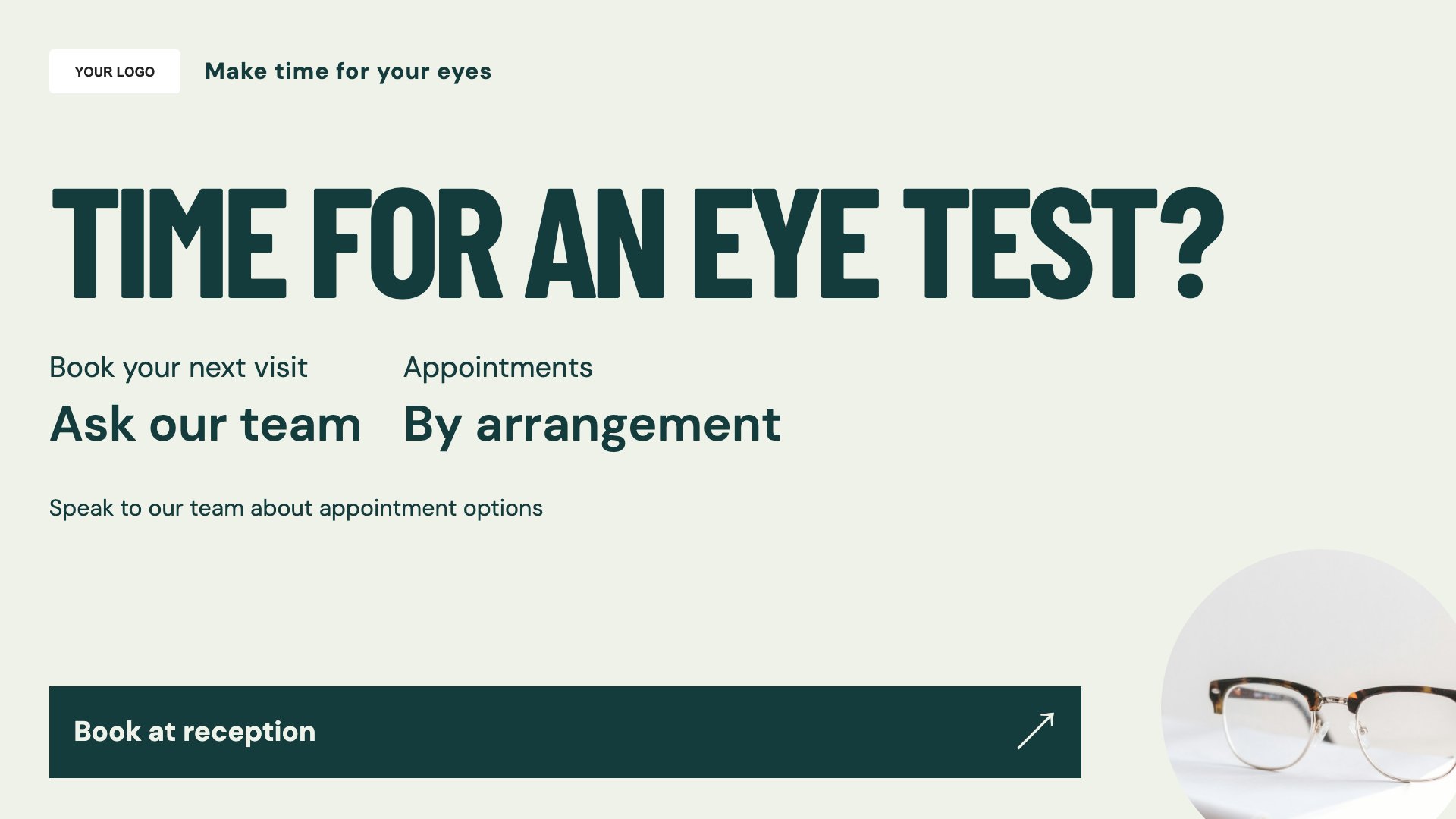
Eye-test booking
A clear booking message with room for your practice details.
View full size ↗ (opens in a new tab)Put your practice in the frame.
Introduce your eye-test booking options, showcase new frames and make seasonal collections visible. These optical templates give each message a focused layout for your reception or shop window.
Each design comes in landscape and portrait. Choose your screen orientation, inspect the real preview and customise the content for your business.
A clear booking message with room for your practice details.
View full size ↗ (opens in a new tab)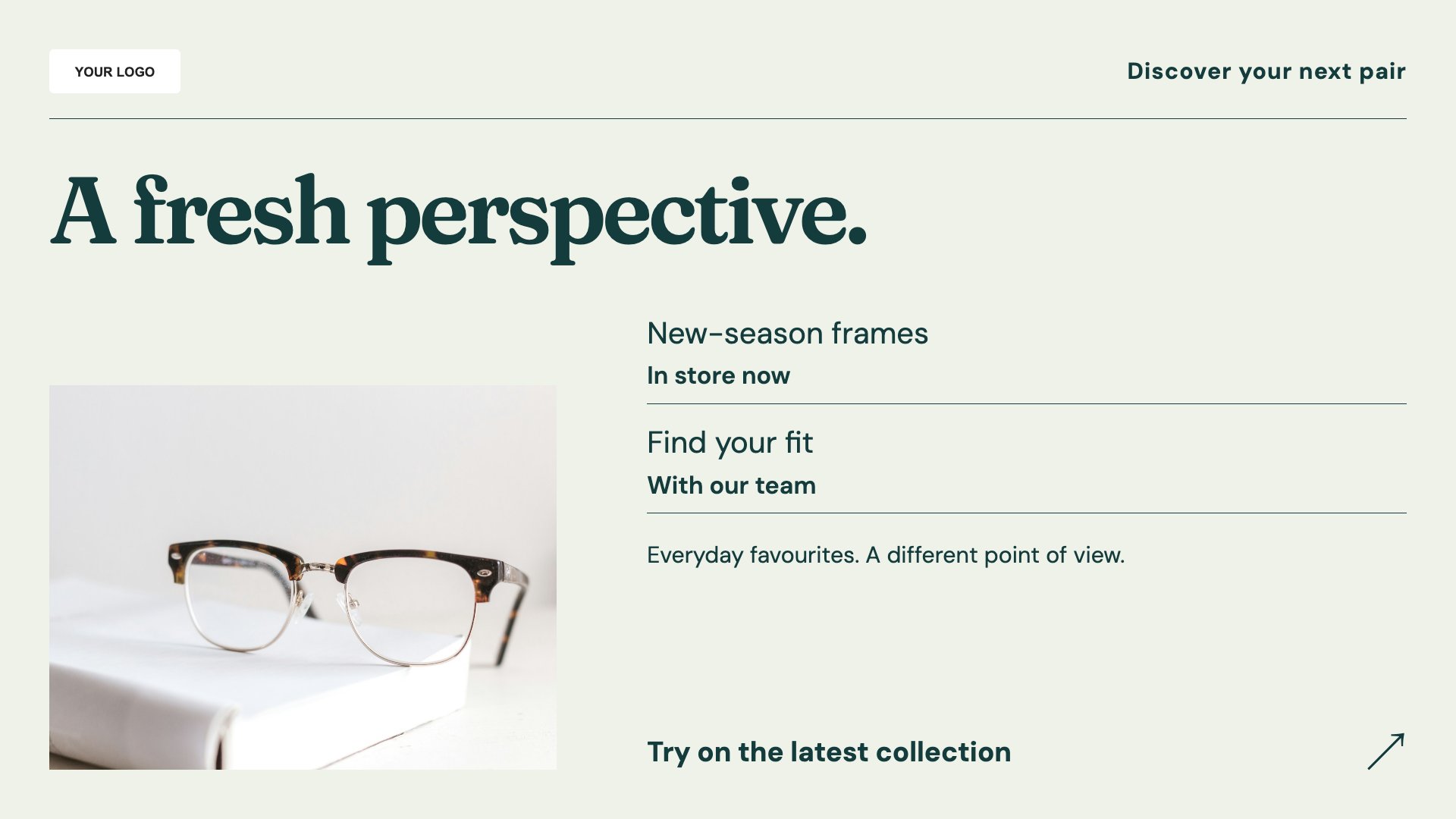
Put a new frame collection in the spotlight.
View full size ↗ (opens in a new tab)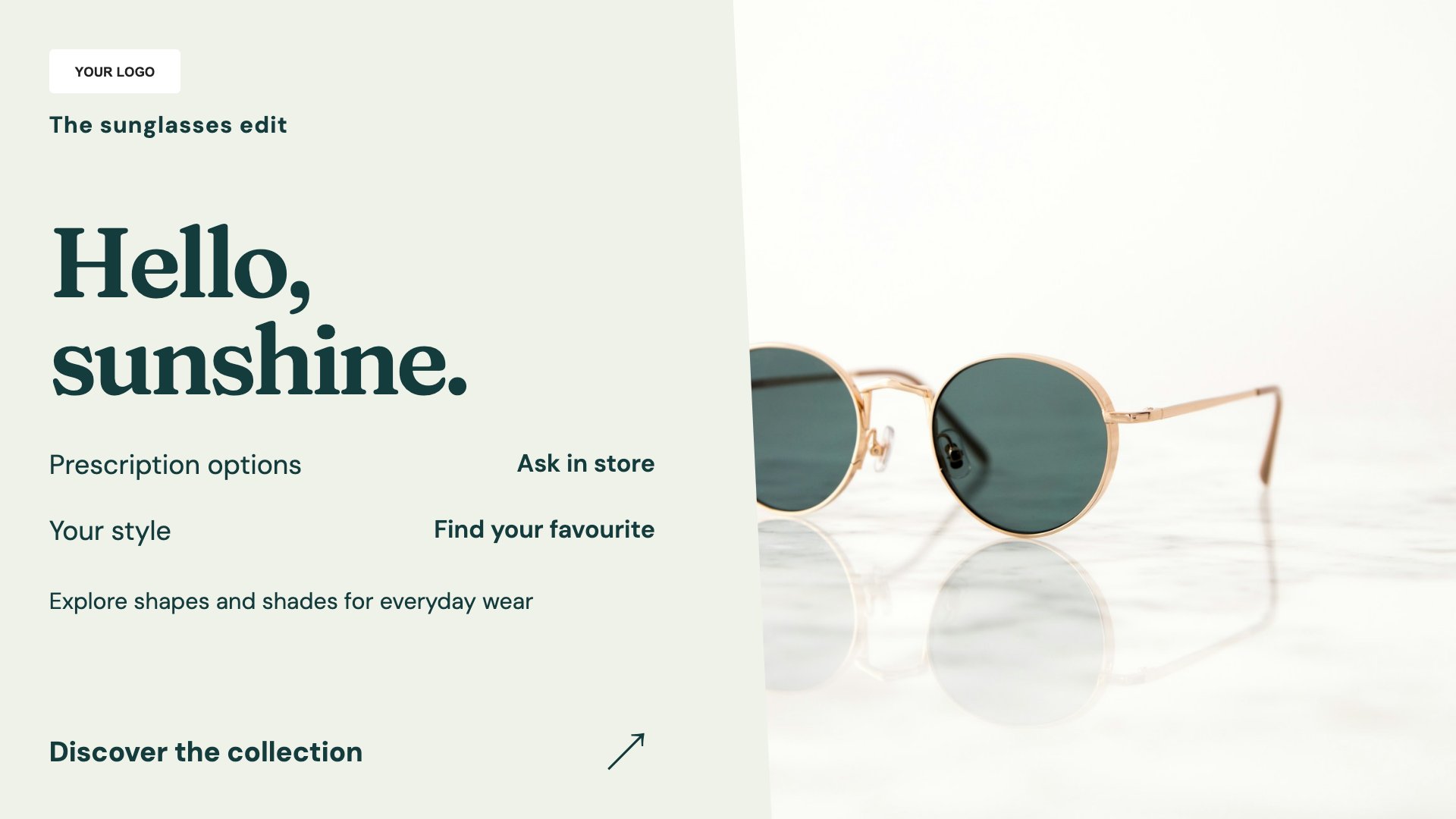
A seasonal product display for your sunglasses range.
View full size ↗ (opens in a new tab)Example designs with sample content. Replace names, prices, imagery, contact details and offer conditions before publishing. Portrait and landscape versions adapt the same design to each screen format.
Separate appointment information from product promotions. For a window display, use large headlines and confirm the screen's brightness is suitable for its location.
Explore MassCasts featuresPick a design and the orientation that matches your display.
Edit wording, imagery and business details in the browser editor. Check all sample content before publishing.
Set page durations and schedule content for a paired, supported signage player.
The portrait layouts can suit window displays. Check the display brightness, installation and viewing conditions with your screen supplier.
Yes. Replace the sample content with approved product imagery and wording for the brands you stock.
No. These are editable communication layouts. Your practice should approve any clinical wording or eligibility claims before displaying them.
Explore the editor, playlists and supported player setup in a signage demo.