
Dental practices
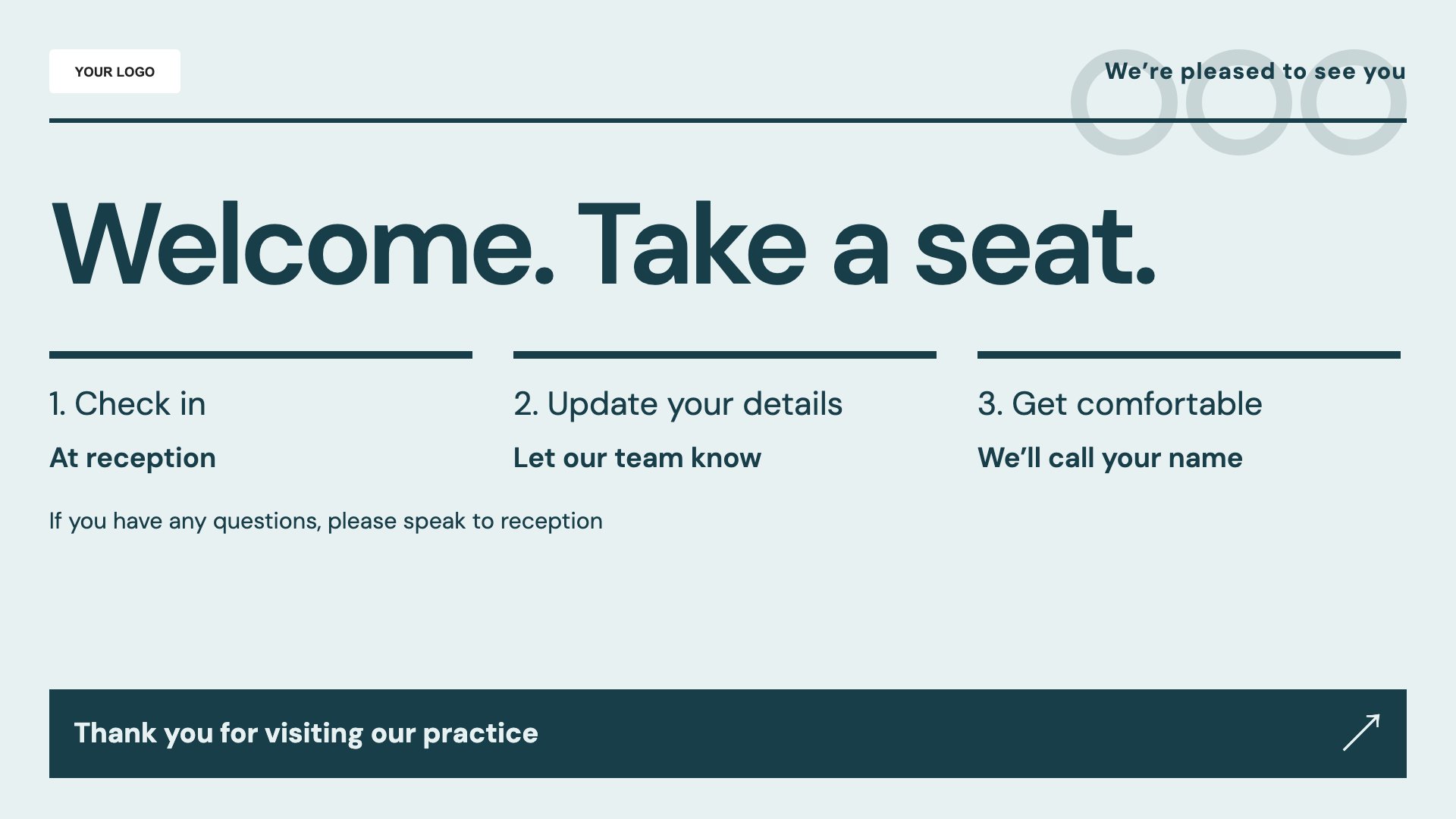
Practice welcome
Welcome patients and introduce practical practice information.
View full size ↗ (opens in a new tab)A clearer welcome to your practice.
Use waiting-room screens to introduce your team, explain a membership plan and help patients discover treatment information. Start with a calm, readable dental template and add your practice's approved content.
Each design comes in landscape and portrait. Choose your screen orientation, inspect the real preview and customise the content for your business.
Welcome patients and introduce practical practice information.
View full size ↗ (opens in a new tab)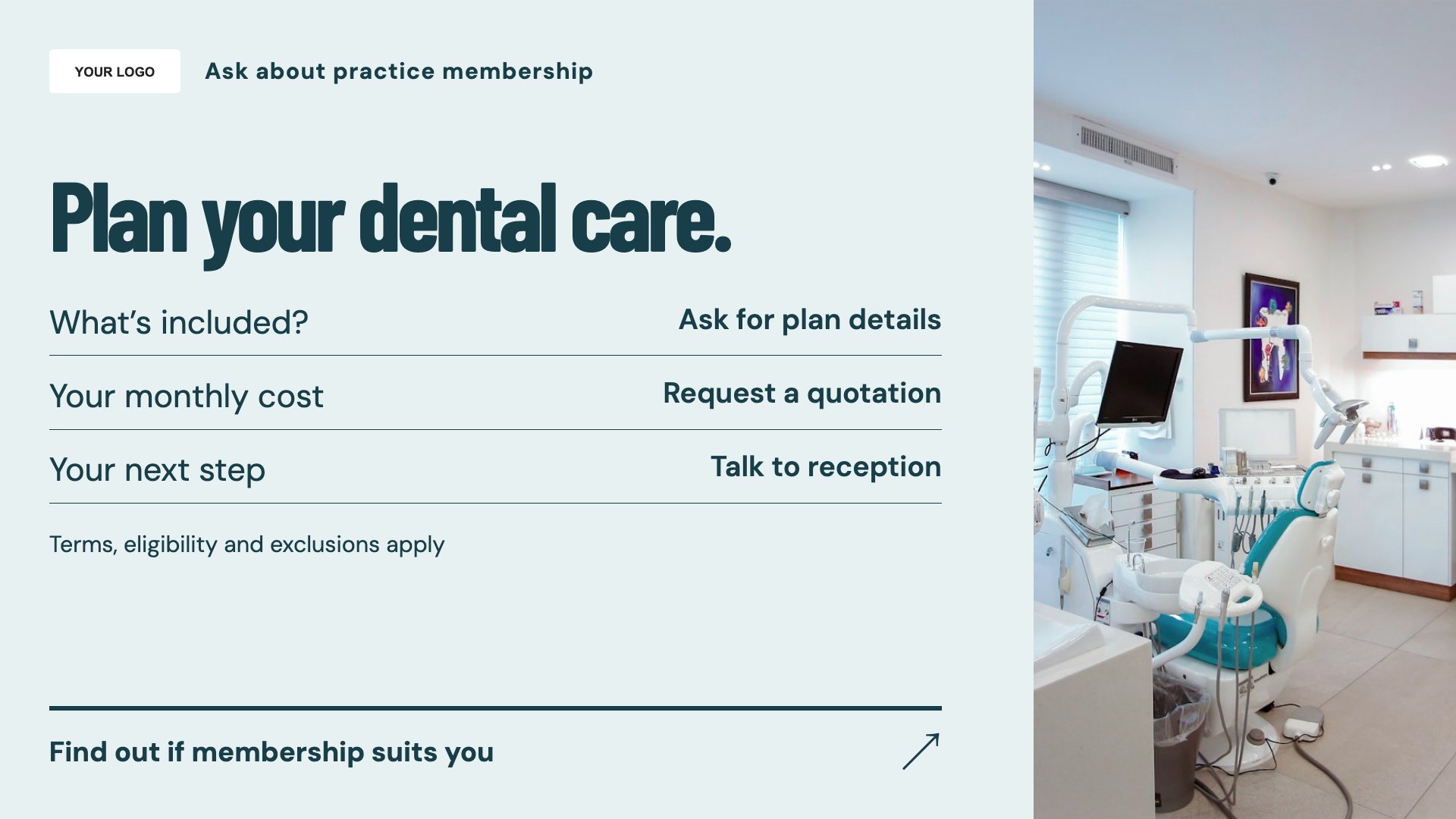
Explain your plan with accurate inclusions and conditions.
View full size ↗ (opens in a new tab)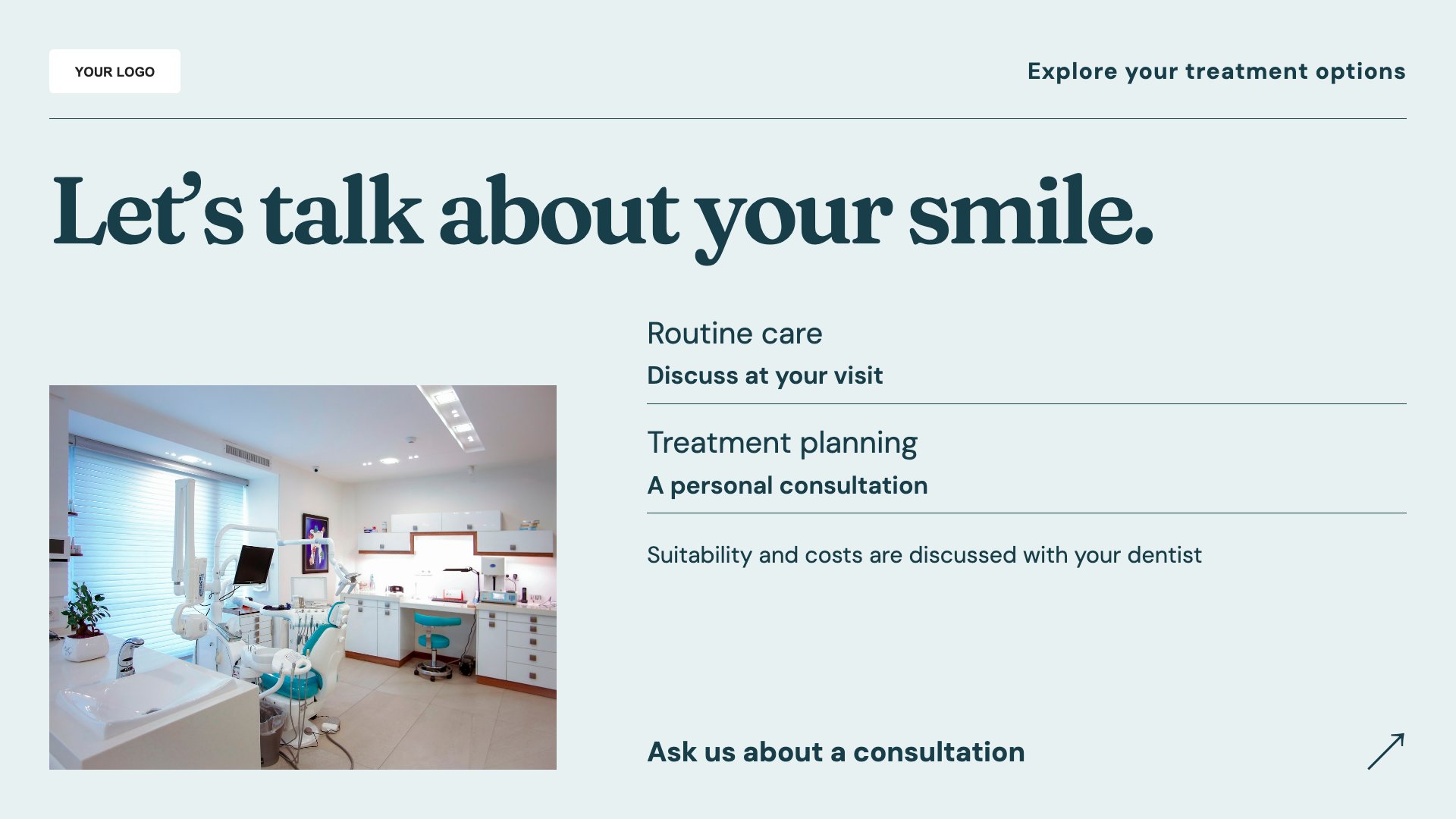
Introduce a treatment and invite a conversation with the team.
View full size ↗ (opens in a new tab)Example designs with sample content. Replace names, prices, imagery, contact details and offer conditions before publishing. Portrait and landscape versions adapt the same design to each screen format.
Have clinical and promotional content reviewed by the practice. Avoid guaranteed results, keep plan conditions readable and make it clear that treatment suitability needs an individual assessment.
Explore MassCasts featuresPick a design and the orientation that matches your display.
Edit wording, imagery and business details in the browser editor. Check all sample content before publishing.
Set page durations and schedule content for a paired, supported signage player.
The templates provide screen content. You will also need a supported signage player and compatible display; a demo can help confirm your setup.
Yes. Replace the sample content with your current pricing, included services, exclusions and plan conditions.
No. Your practice must review and approve treatment wording and advertising claims before publication.
Explore the editor, playlists and supported player setup in a signage demo.