
Pharmacies
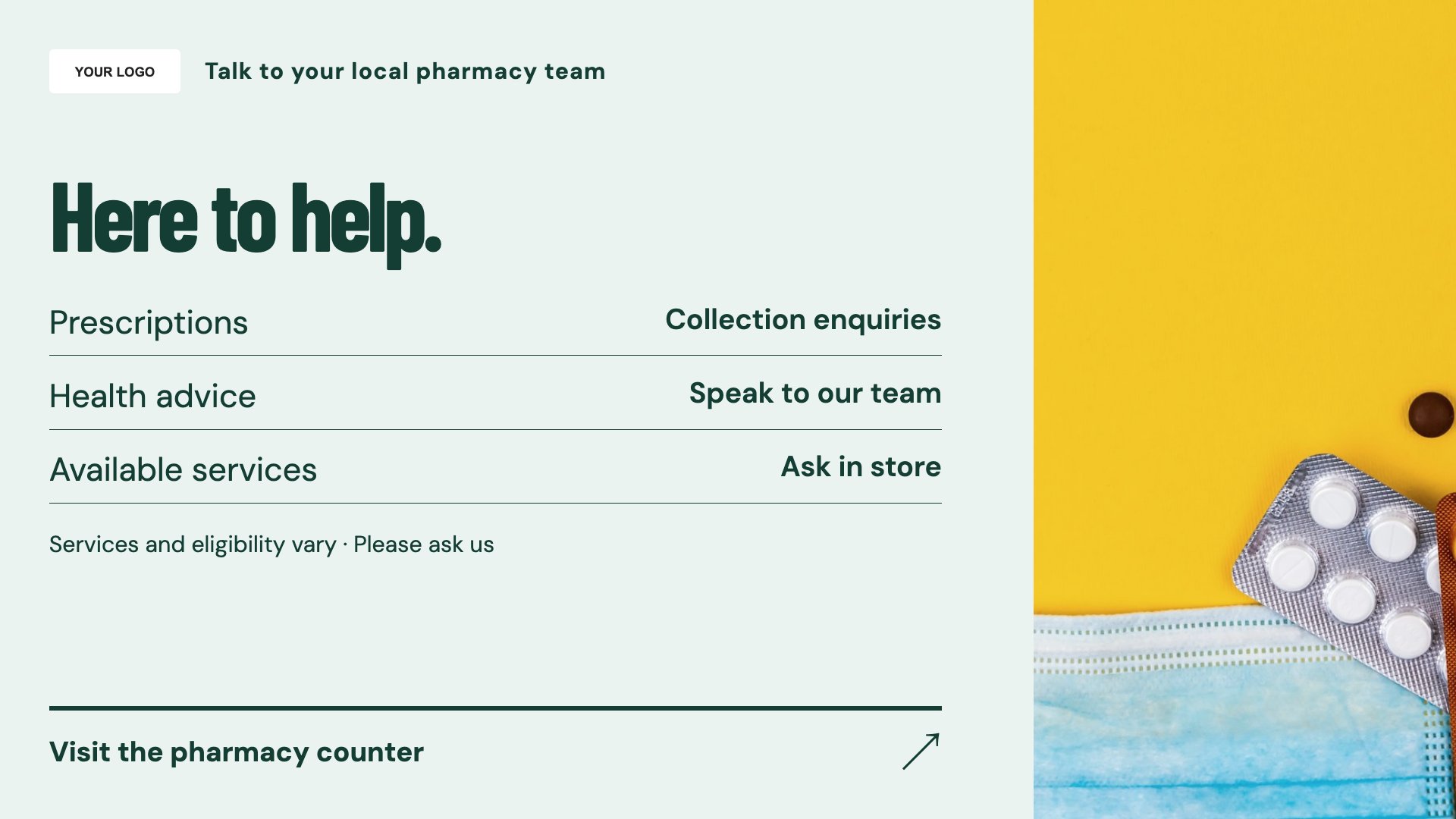
Pharmacy services
Introduce the services your pharmacy actually offers.
View full size ↗ (opens in a new tab)Make your pharmacy services visible.
Help visitors find service information, seasonal messages and opening hours. Start with a pharmacy display template, then add the details and approved wording that apply to your branch.
Each design comes in landscape and portrait. Choose your screen orientation, inspect the real preview and customise the content for your business.
Introduce the services your pharmacy actually offers.
View full size ↗ (opens in a new tab)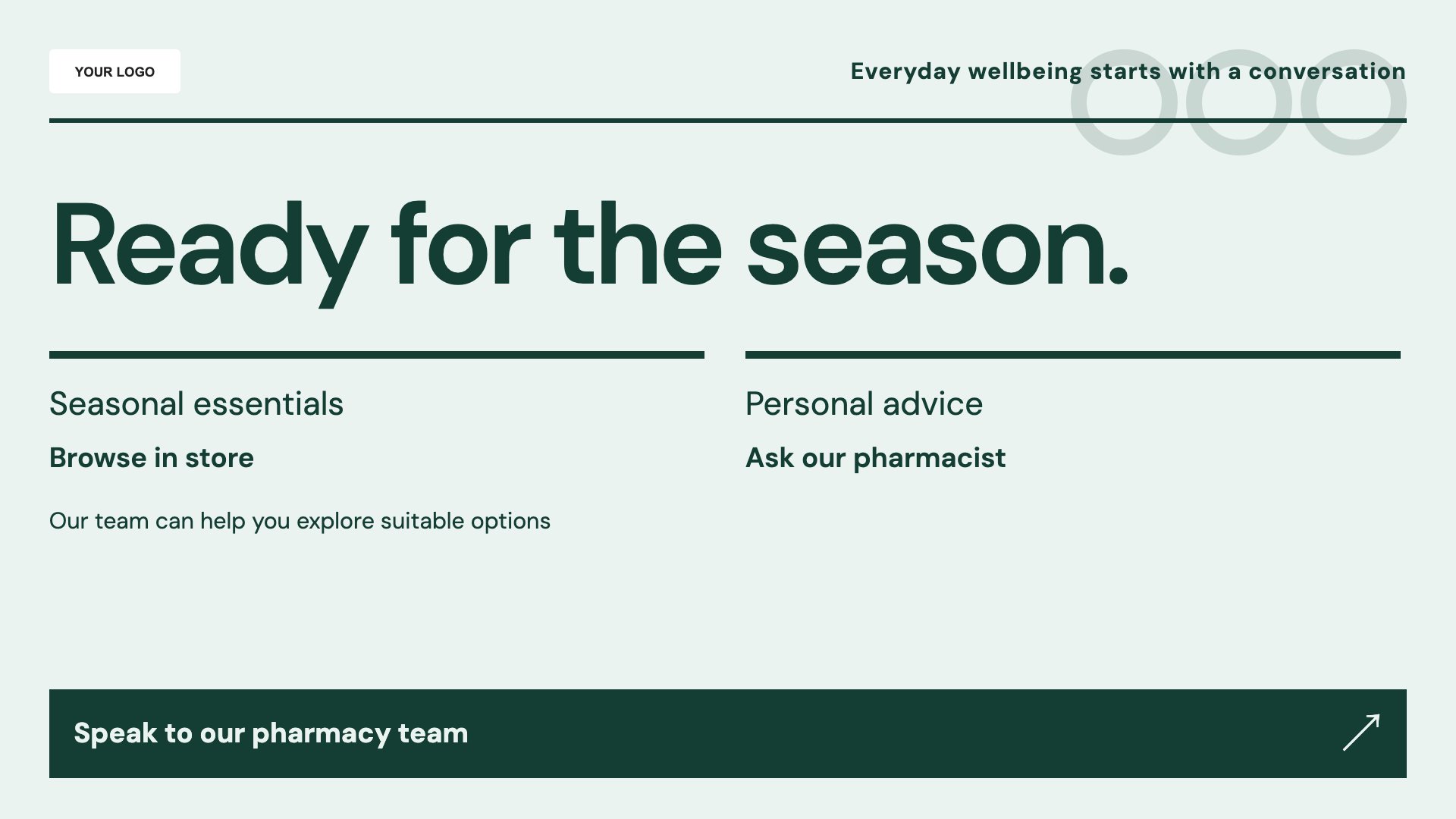
A focused layout for an approved seasonal information campaign.
View full size ↗ (opens in a new tab)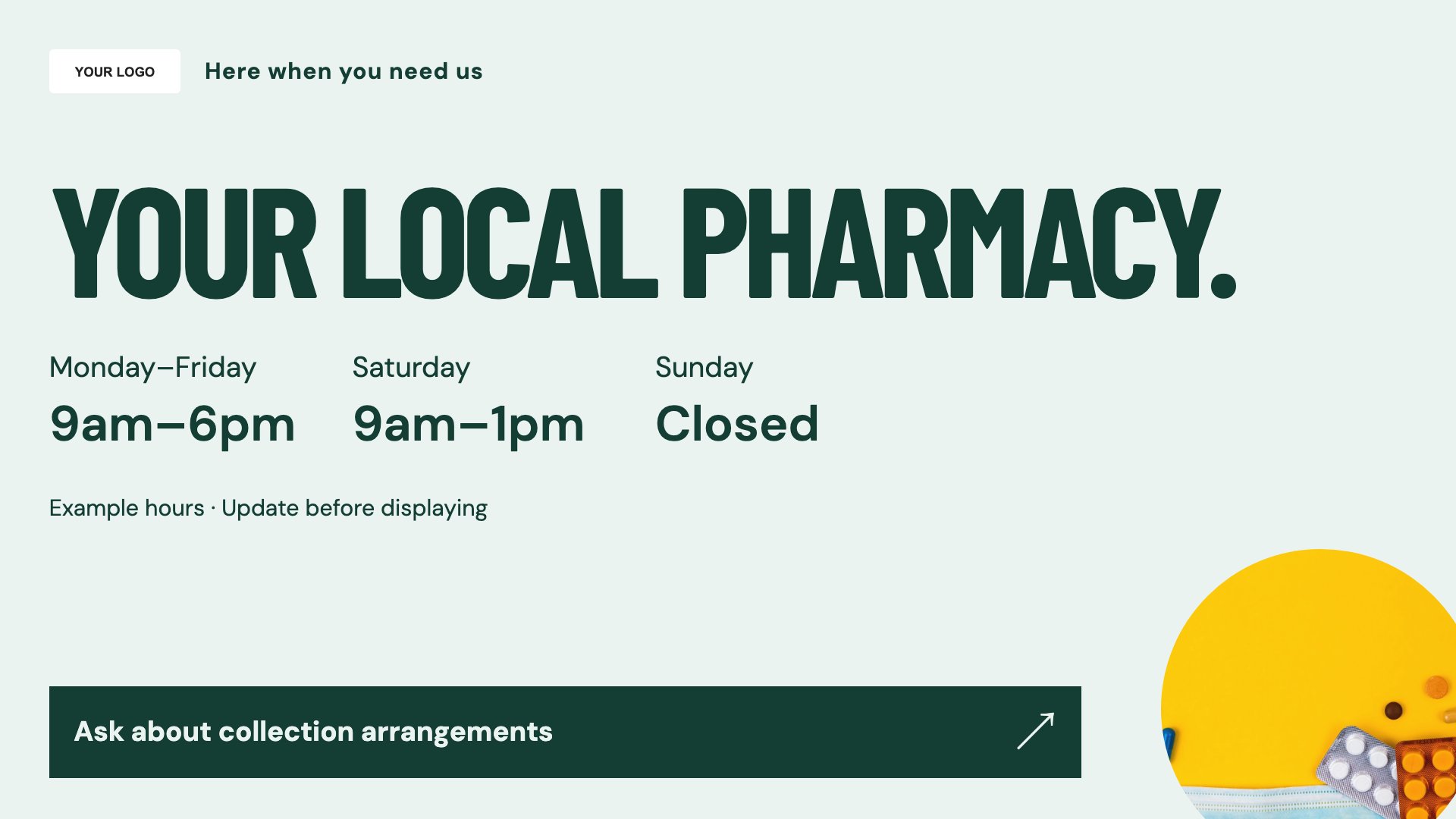
Show branch hours and useful contact information clearly.
View full size ↗ (opens in a new tab)Example designs with sample content. Replace names, prices, imagery, contact details and offer conditions before publishing. Portrait and landscape versions adapt the same design to each screen format.
Check service availability, eligibility, prices and health wording before publication. Keep urgent or essential instructions visible as text, with QR codes as an additional route to information.
Explore MassCasts featuresPick a design and the orientation that matches your display.
Edit wording, imagery and business details in the browser editor. Check all sample content before publishing.
Set page durations and schedule content for a paired, supported signage player.
Yes. Edit the template to reflect your branch's services, booking process and approved eligibility information.
No. Sample content is a design starting point. Have your pharmacy team review all health claims and patient-facing advice before use.
Yes. Edit the hours and contact details, and check the content assigned to your screen before the change takes effect.
Explore the editor, playlists and supported player setup in a signage demo.