
Salons & barbers
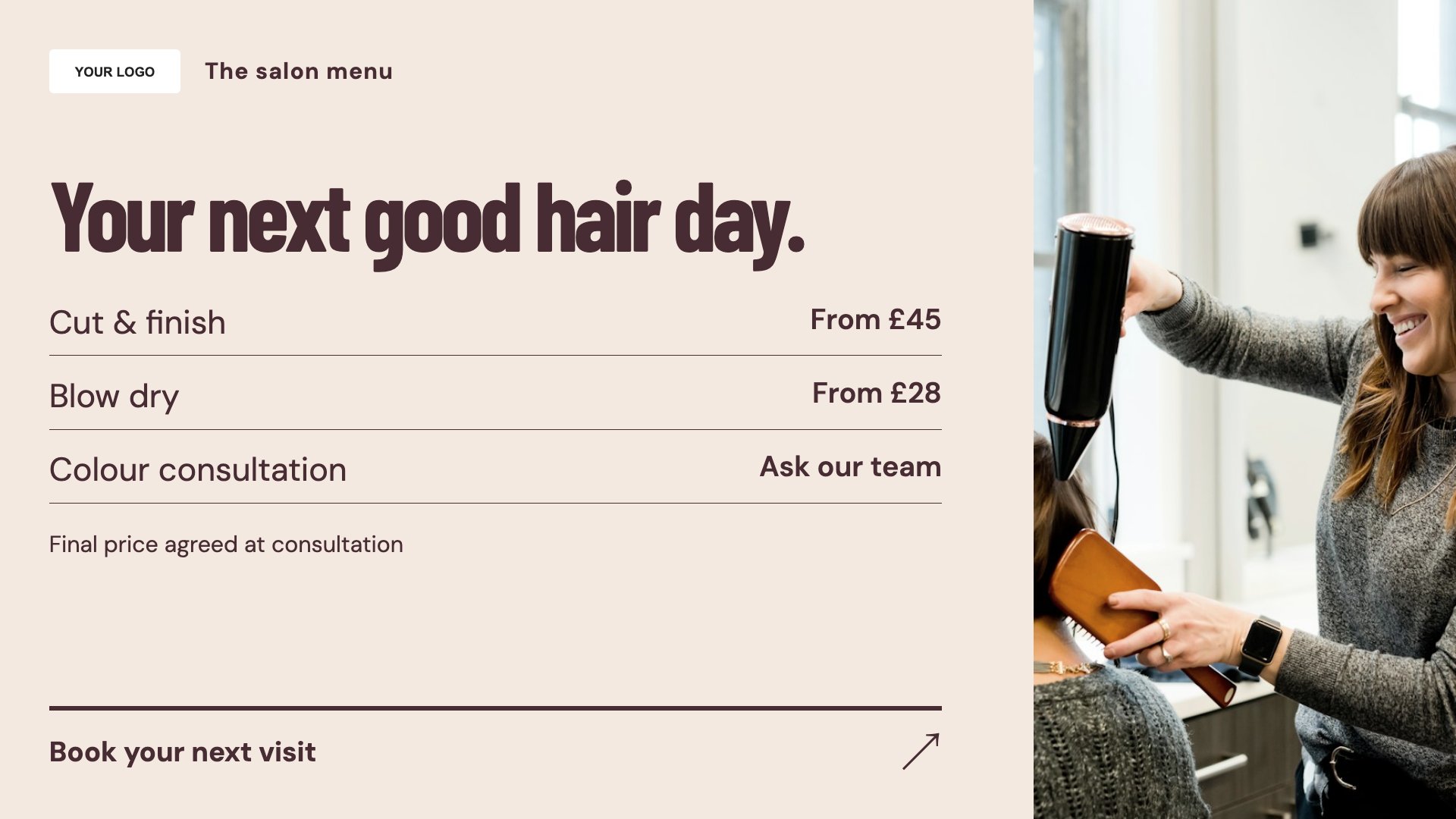
Treatment menu
Present services and prices in an easy-to-browse list.
View full size ↗ (opens in a new tab)Your services, beautifully presented.
Give your treatment menu, appointment information and portfolio a considered space on screen. These layouts work as starting points for salons, barbers and beauty businesses.
Each design comes in landscape and portrait. Choose your screen orientation, inspect the real preview and customise the content for your business.
Present services and prices in an easy-to-browse list.
View full size ↗ (opens in a new tab)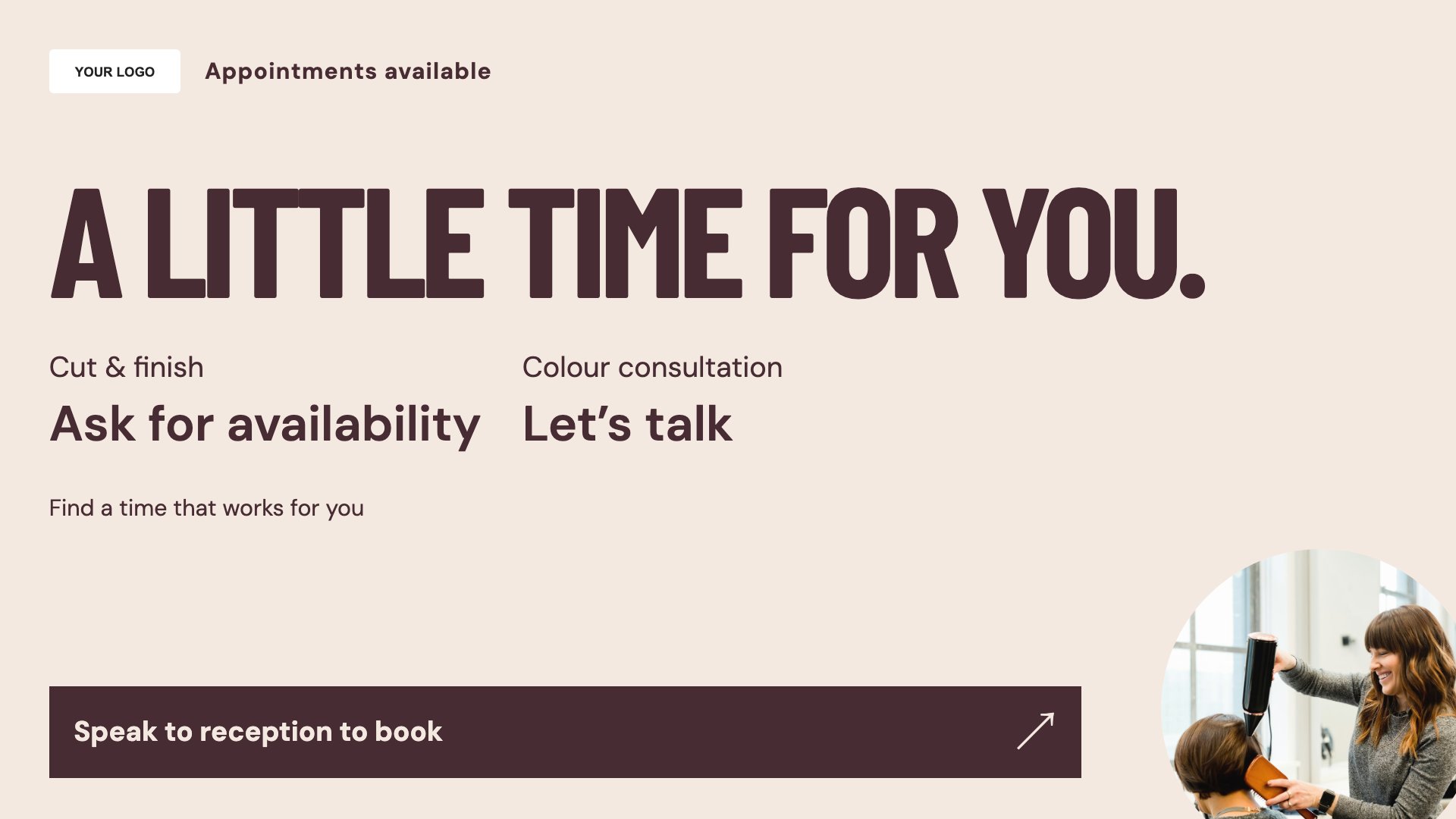
Explain how customers can enquire about an appointment.
View full size ↗ (opens in a new tab)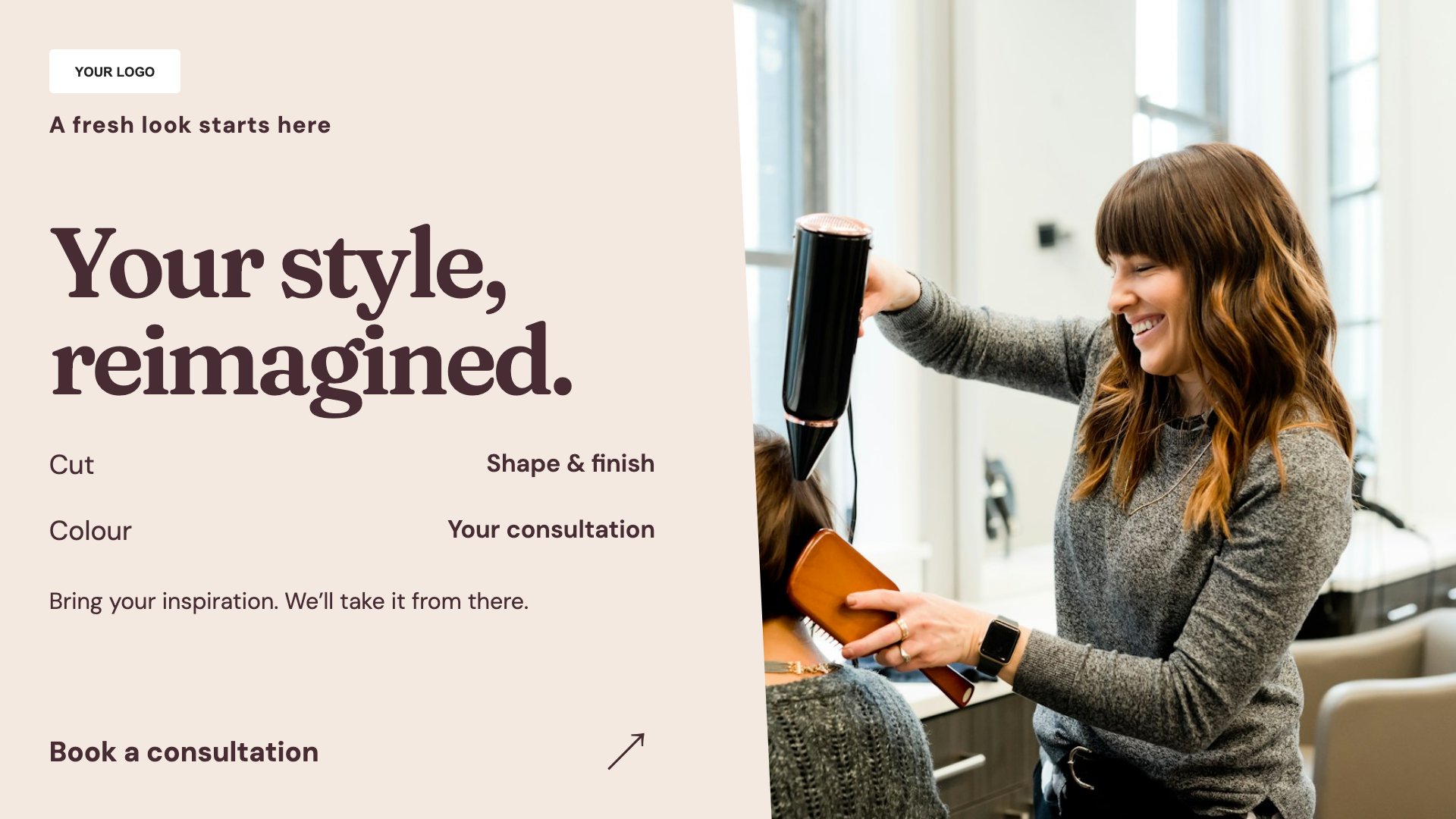
Put your own work at the centre of a portfolio slide.
View full size ↗ (opens in a new tab)Example designs with sample content. Replace names, prices, imagery, contact details and offer conditions before publishing. Portrait and landscape versions adapt the same design to each screen format.
Use clear service names and describe any conditions attached to prices. For portfolio content, use photographs you have permission to display and give each image room to breathe.
Explore MassCasts featuresPick a design and the orientation that matches your display.
Edit wording, imagery and business details in the browser editor. Check all sample content before publishing.
Set page durations and schedule content for a paired, supported signage player.
Yes. The treatment menu layout has editable services and prices, with versions for landscape and portrait screens.
This is an editable information template. It does not automatically connect to a booking calendar. Keep displayed availability up to date yourself.
Yes. Change the service names, imagery and booking information to suit your barbershop.
Explore the editor, playlists and supported player setup in a signage demo.