
Estate agents
Featured property
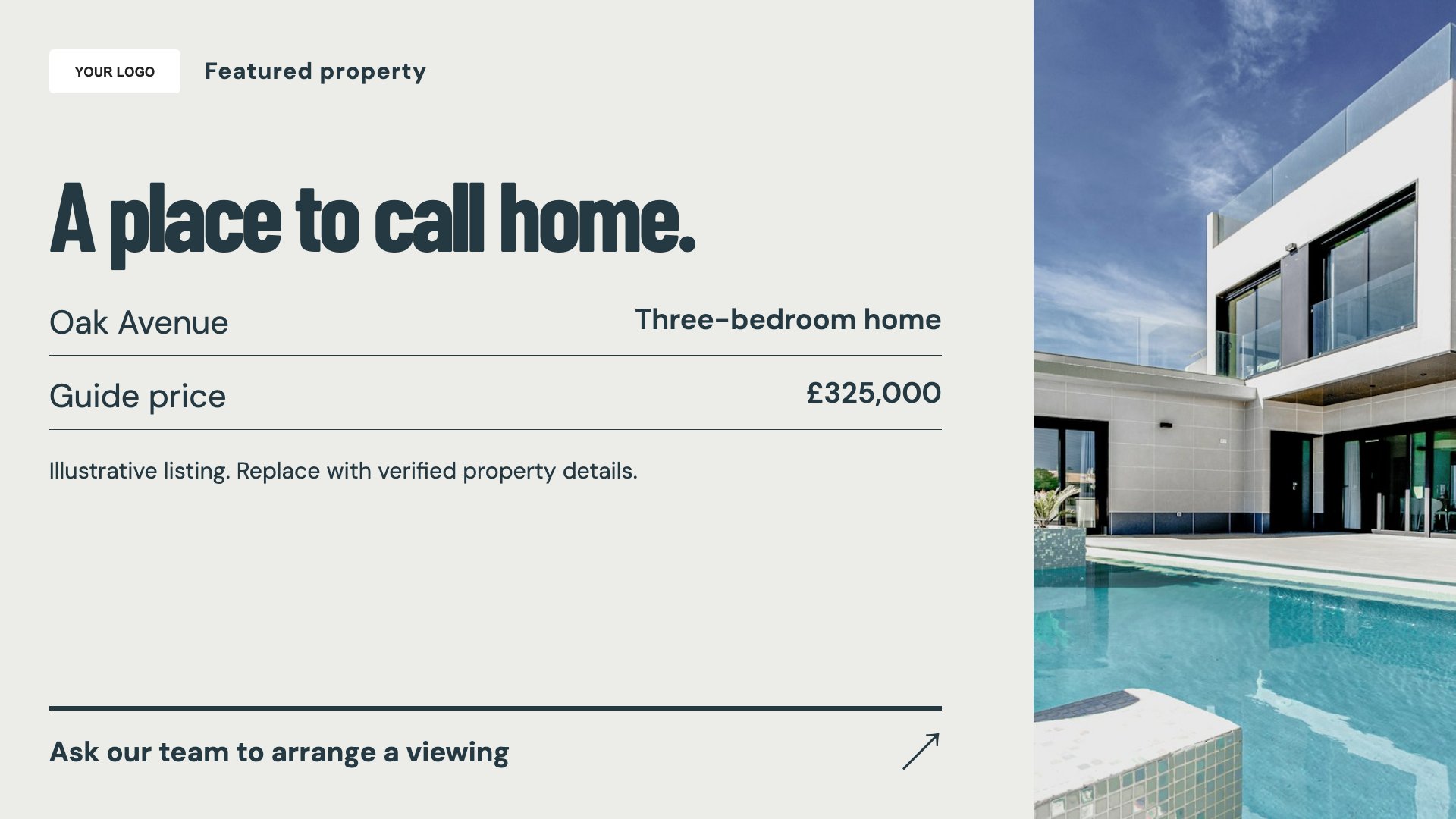
Put a featured property in the window. Start with this layout and replace the example details with your approved content.
View full size ↗ (opens in a new tab)Give a featured property, valuation enquiries and recently let homes their own place in your window. Focus each slide on a clear message with room for the property details that matter.
Each design comes in landscape and portrait. Choose your screen orientation, inspect the real preview and customise the content for your organisation.
Put a featured property in the window. Start with this layout and replace the example details with your approved content.
View full size ↗ (opens in a new tab)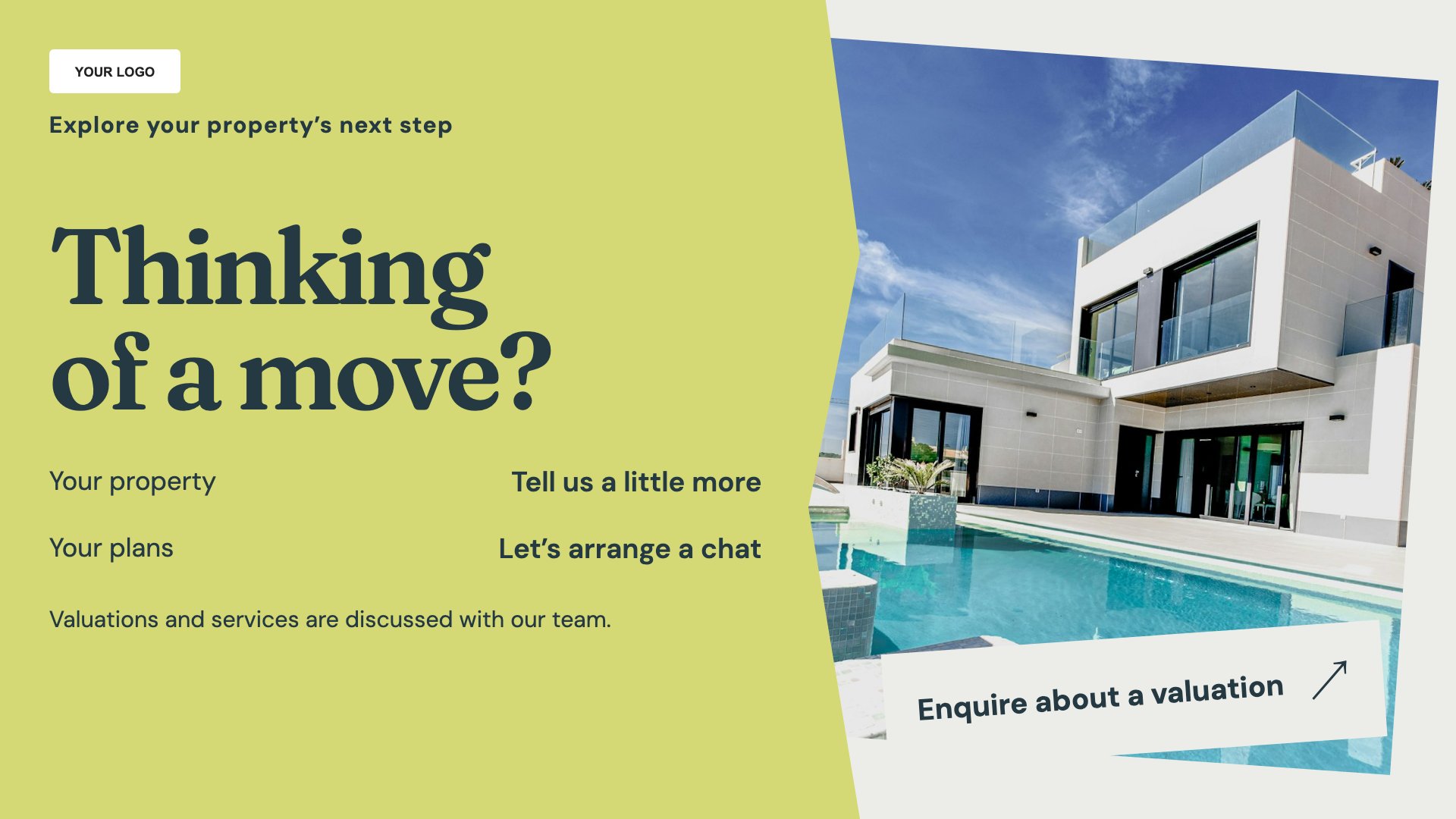
Invite valuation enquiries. Start with this layout and replace the example details with your approved content.
View full size ↗ (opens in a new tab)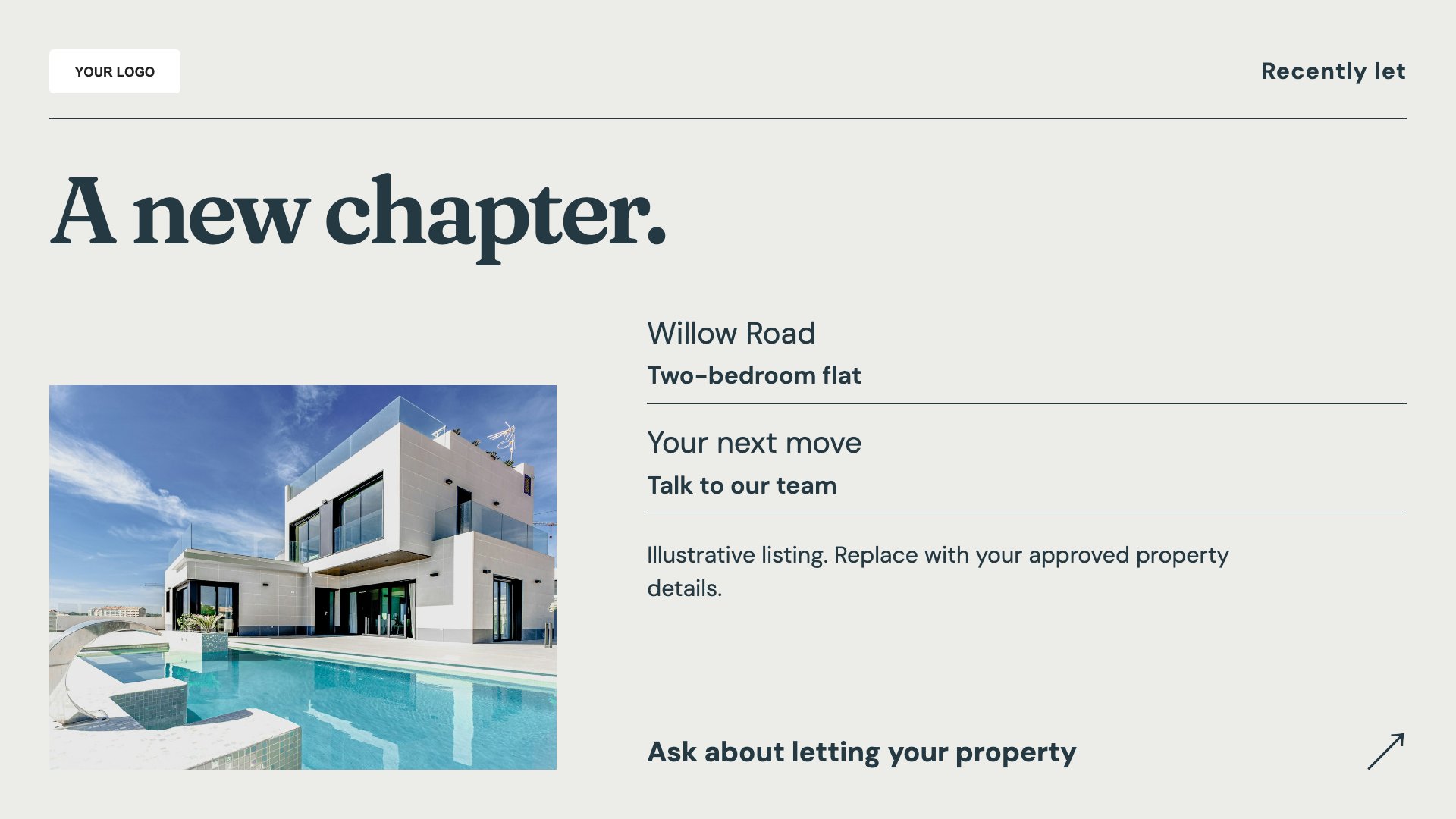
Show recently let properties accurately. Start with this layout and replace the example details with your approved content.
View full size ↗ (opens in a new tab)Example designs with sample content. Replace names, dates, prices, imagery, contact details and conditions before publishing. Portrait and landscape versions adapt the same design to each screen format.
Explore the complete template collectionConfirm property status and descriptions before publication. Keep prices, fees and qualifiers readable, and remove or update listings when their status changes.
Explore MassCasts featuresPick a design and the orientation that matches your display.
Edit wording, imagery and organisation details in the browser editor. Check all sample content before publishing.
Set page durations and schedule content for a paired, supported signage player.
No. These are editable templates. Add and maintain your property information yourself.
You can customise the design with an appropriate link or QR image. Include an address or contact route as well so the message remains useful without scanning.
Yes. Add your enquiry process and any conditions, avoiding claims about price or timescale you cannot support.
Explore the editor, playlists and supported player setup in a signage demo.