
Transport hubs
Passenger welcome
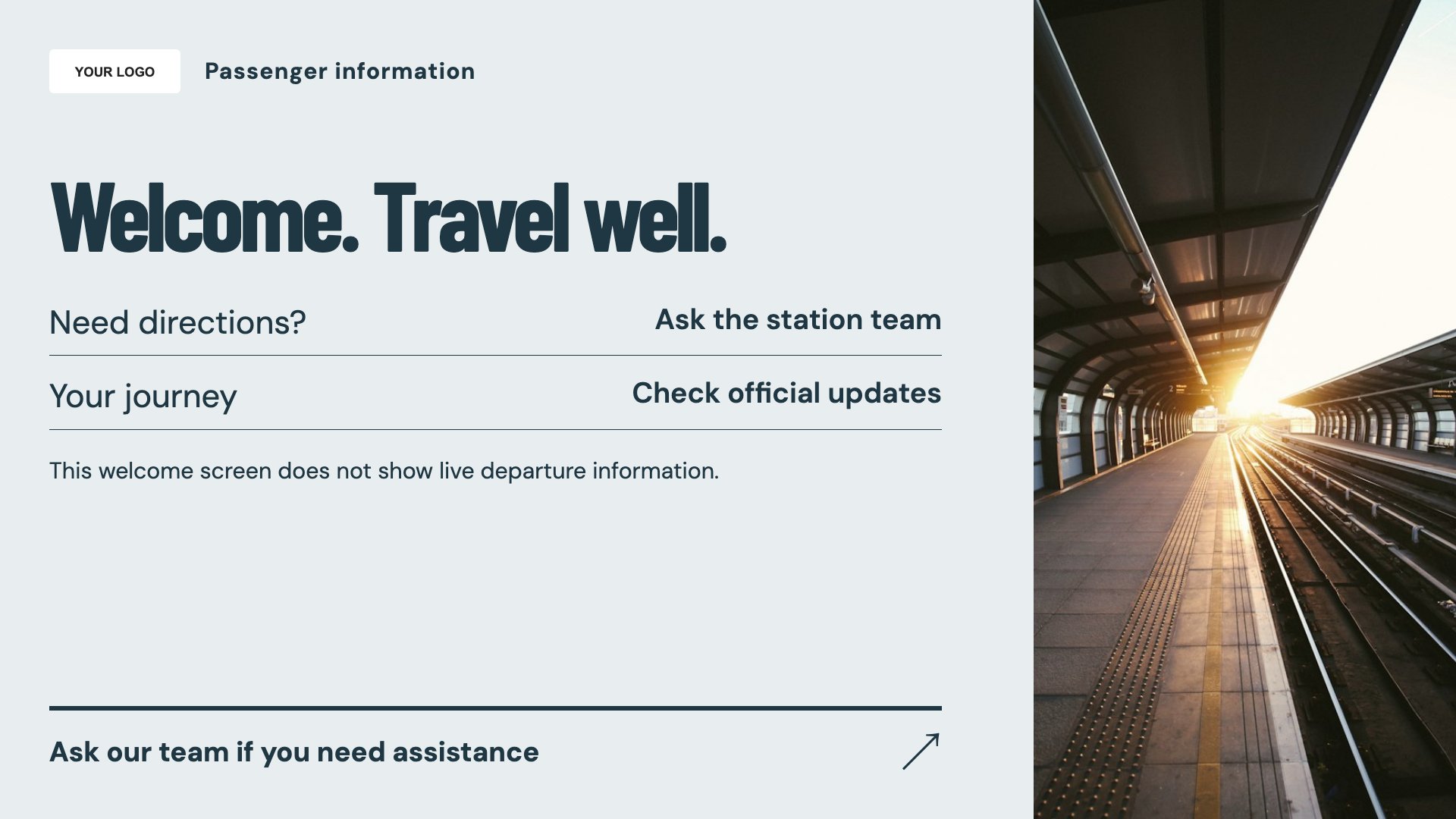
Welcome passengers to the hub. Start with this layout and replace the example details with your approved content.
View full size ↗ (opens in a new tab)Welcome passengers, explain station facilities and share general travel information. These layouts help organise practical messages alongside the authoritative passenger-information systems already in place.
Each design comes in landscape and portrait. Choose your screen orientation, inspect the real preview and customise the content for your organisation.
Welcome passengers to the hub. Start with this layout and replace the example details with your approved content.
View full size ↗ (opens in a new tab)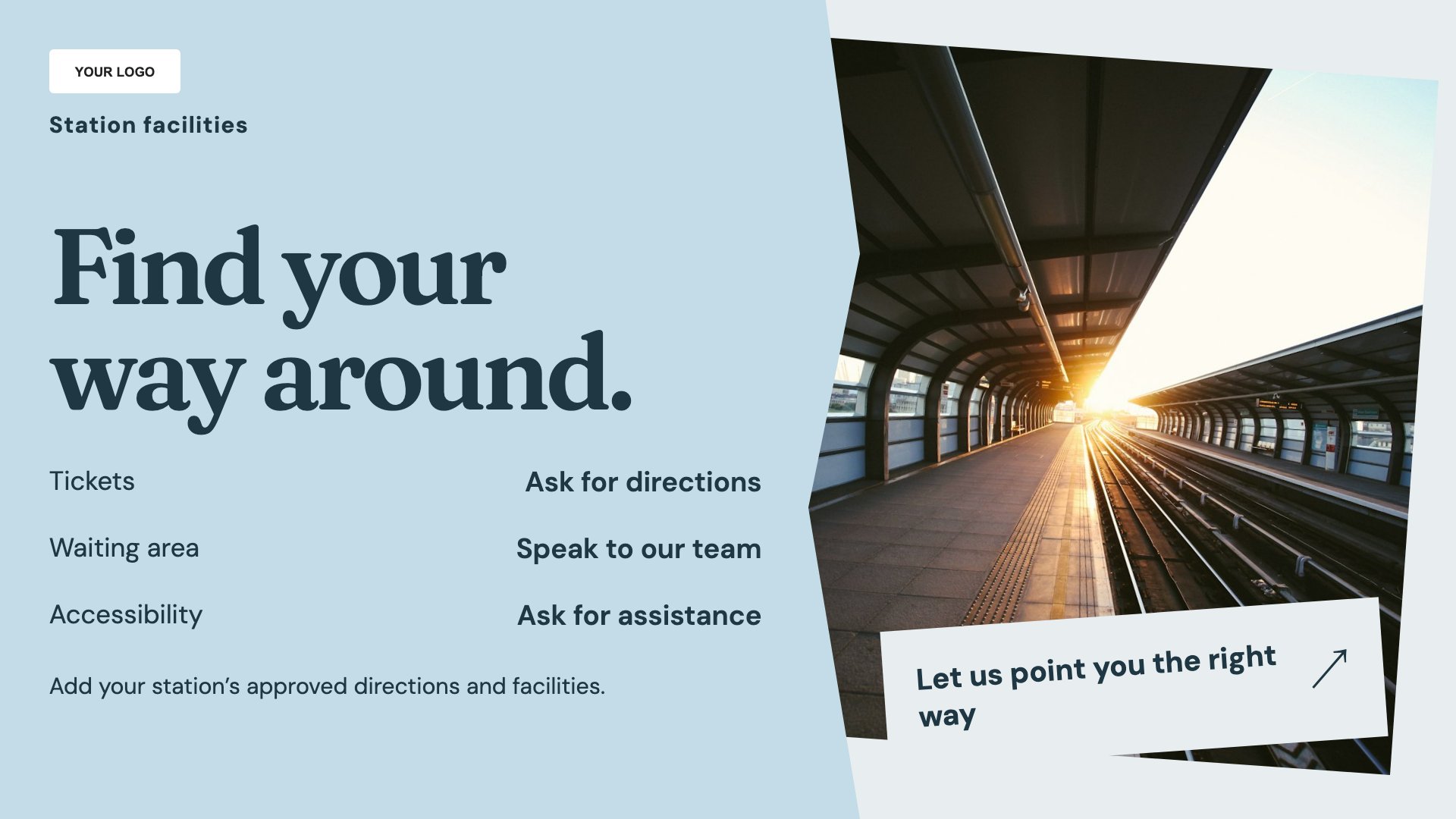
Explain station facilities and access. Start with this layout and replace the example details with your approved content.
View full size ↗ (opens in a new tab)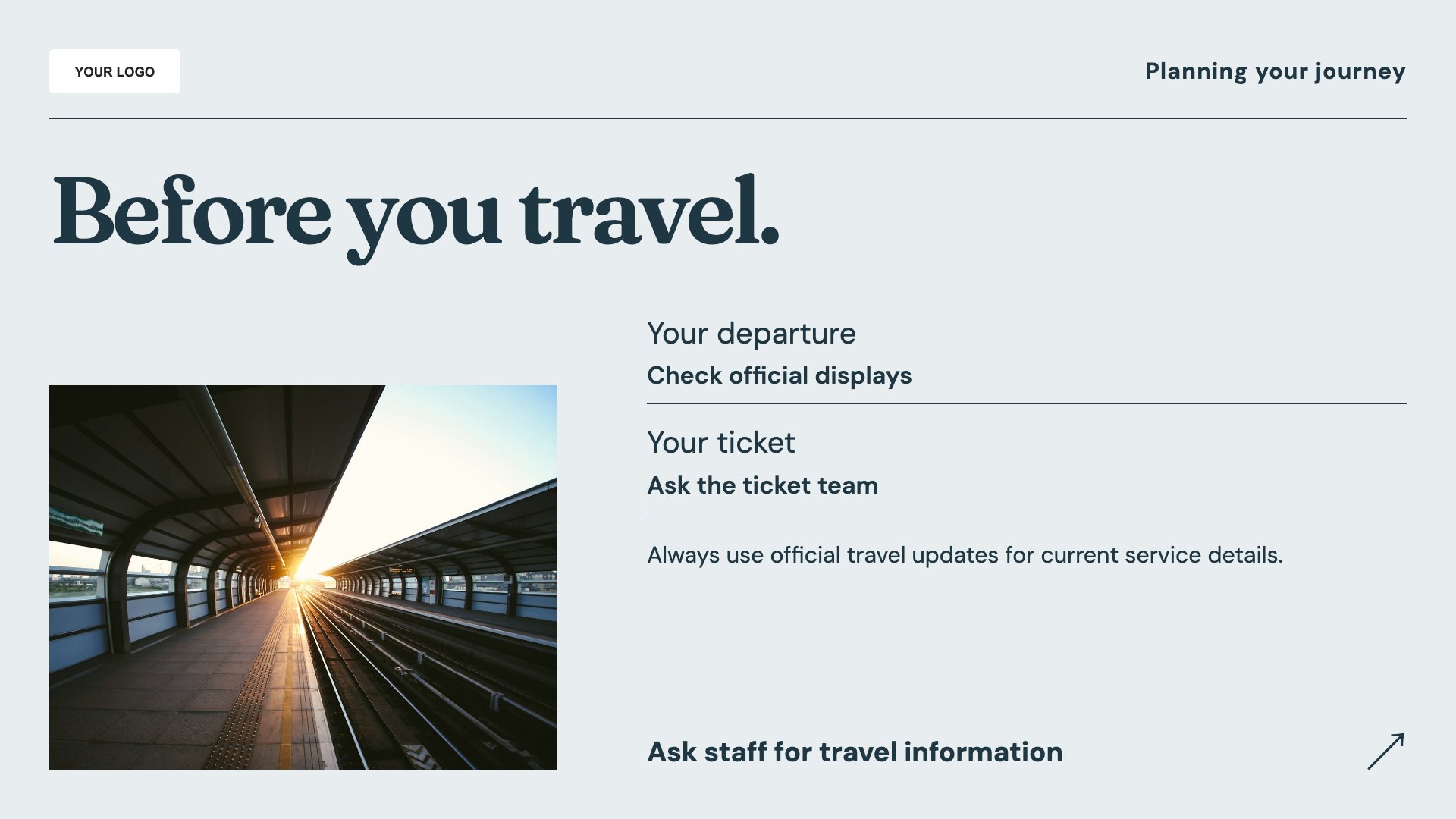
Present general travel information. Start with this layout and replace the example details with your approved content.
View full size ↗ (opens in a new tab)Example designs with sample content. Replace names, dates, prices, imagery, contact details and conditions before publishing. Portrait and landscape versions adapt the same design to each screen format.
Explore the complete template collectionDo not present manually entered information as a live departure feed. Keep route, accessibility and contact details approved and current, with operational announcements handled through your established systems.
Explore MassCasts featuresPick a design and the orientation that matches your display.
Edit wording, imagery and organisation details in the browser editor. Check all sample content before publishing.
Set page durations and schedule content for a paired, supported signage player.
No. It is manually edited information, not a live rail, bus or flight departure feed.
Yes. Add accurate locations and access information that match the facilities and signs at your hub.
No. Use these layouts for supporting information alongside your operational passenger-announcement and information systems.
Explore the editor, playlists and supported player setup in a signage demo.