
Banks & financial services
Branch welcome
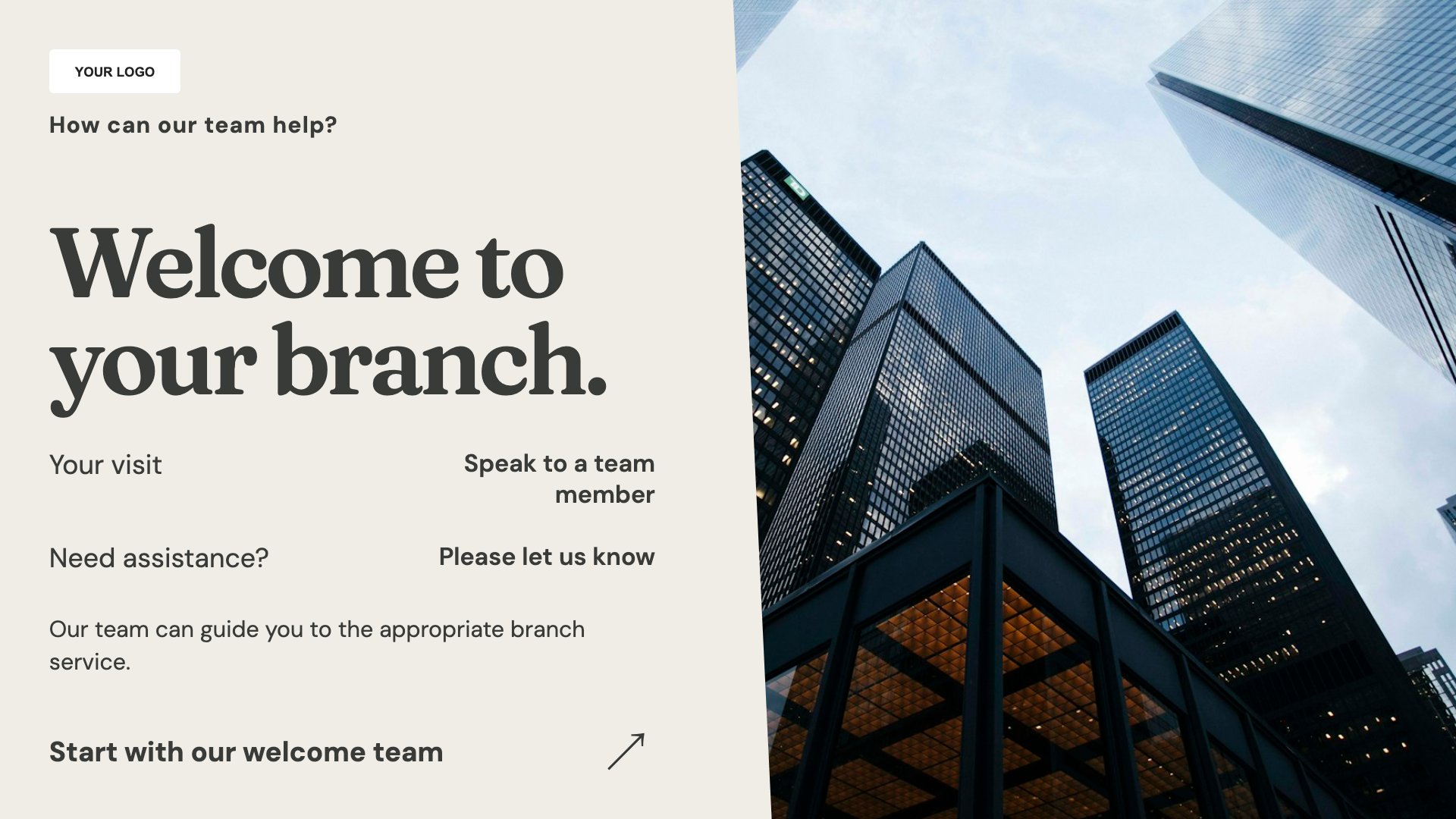
Welcome customers to the branch. Start with this layout and replace the example details with your approved content.
View full size ↗ (opens in a new tab)Create a clear branch welcome, introduce service enquiries and explain appointment booking. Keep public screens focused on practical information rather than personal accounts or unreviewed financial promotions.
Each design comes in landscape and portrait. Choose your screen orientation, inspect the real preview and customise the content for your organisation.
Welcome customers to the branch. Start with this layout and replace the example details with your approved content.
View full size ↗ (opens in a new tab)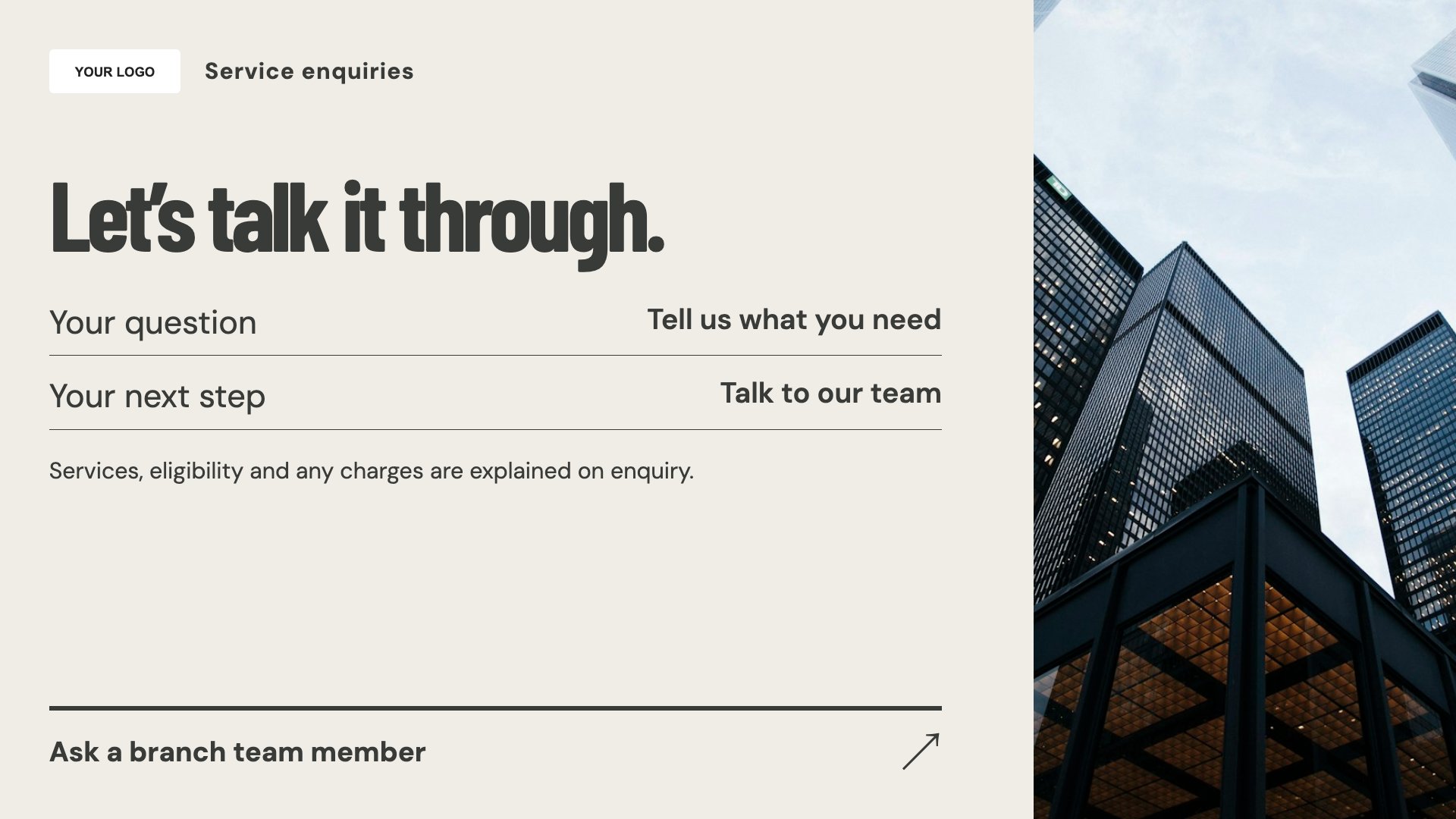
Explain service enquiry routes. Start with this layout and replace the example details with your approved content.
View full size ↗ (opens in a new tab)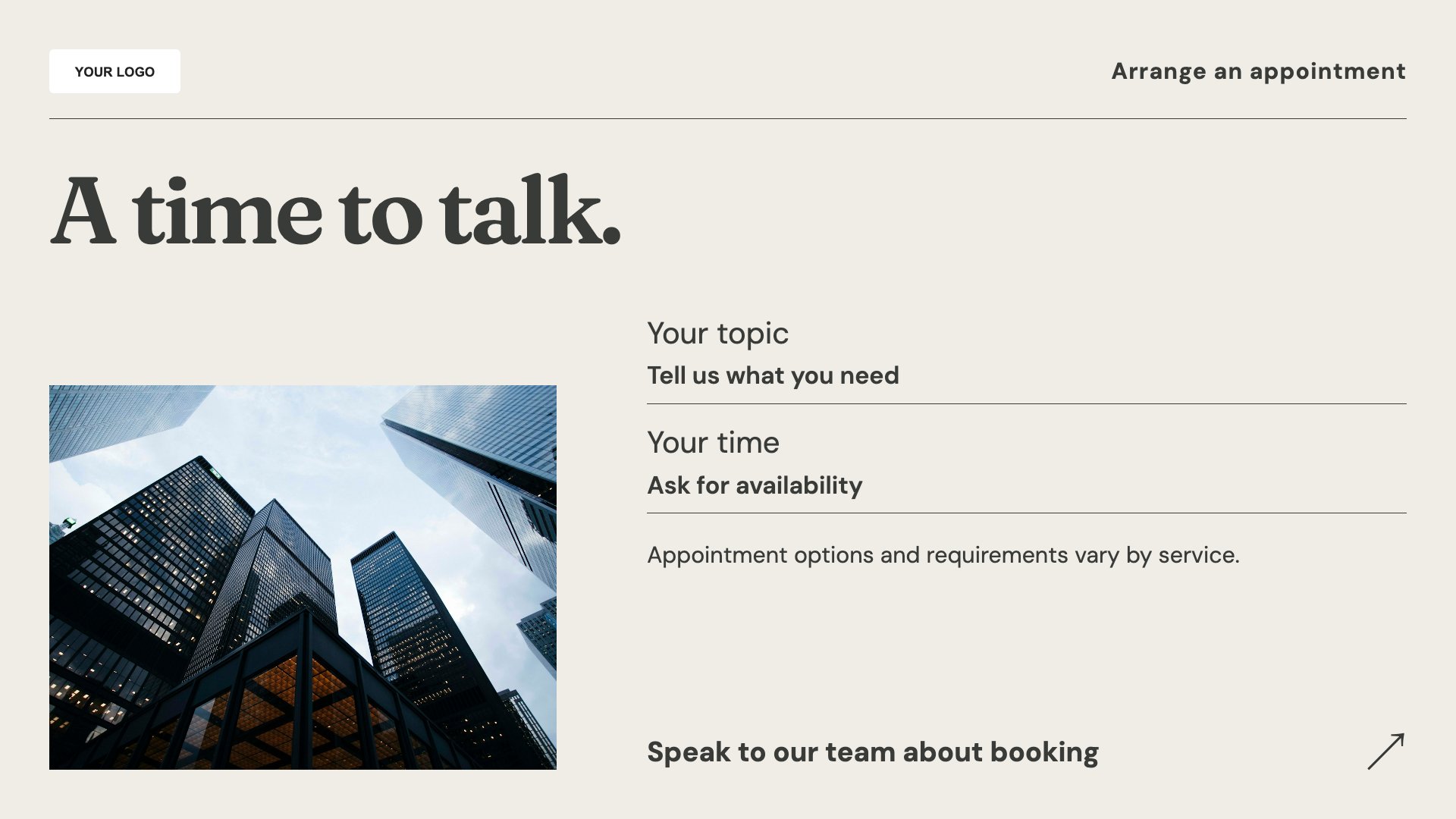
Show how to arrange an appointment. Start with this layout and replace the example details with your approved content.
View full size ↗ (opens in a new tab)Example designs with sample content. Replace names, dates, prices, imagery, contact details and conditions before publishing. Portrait and landscape versions adapt the same design to each screen format.
Explore the complete template collectionUse your approved financial-services review process for every promotion. Keep personal account details private and avoid rates, returns or eligibility claims unless the wording and conditions have been checked.
Explore MassCasts featuresPick a design and the orientation that matches your display.
Edit wording, imagery and organisation details in the browser editor. Check all sample content before publishing.
Set page durations and schedule content for a paired, supported signage player.
These templates are intended for general information. They do not connect to accounts and should not expose customer information on public displays.
No. They are editable communication layouts. Have any product or financial promotion approved through your organisation’s review process.
No. It displays your chosen booking instructions rather than live appointment availability.
Explore the editor, playlists and supported player setup in a signage demo.