
Funeral directors
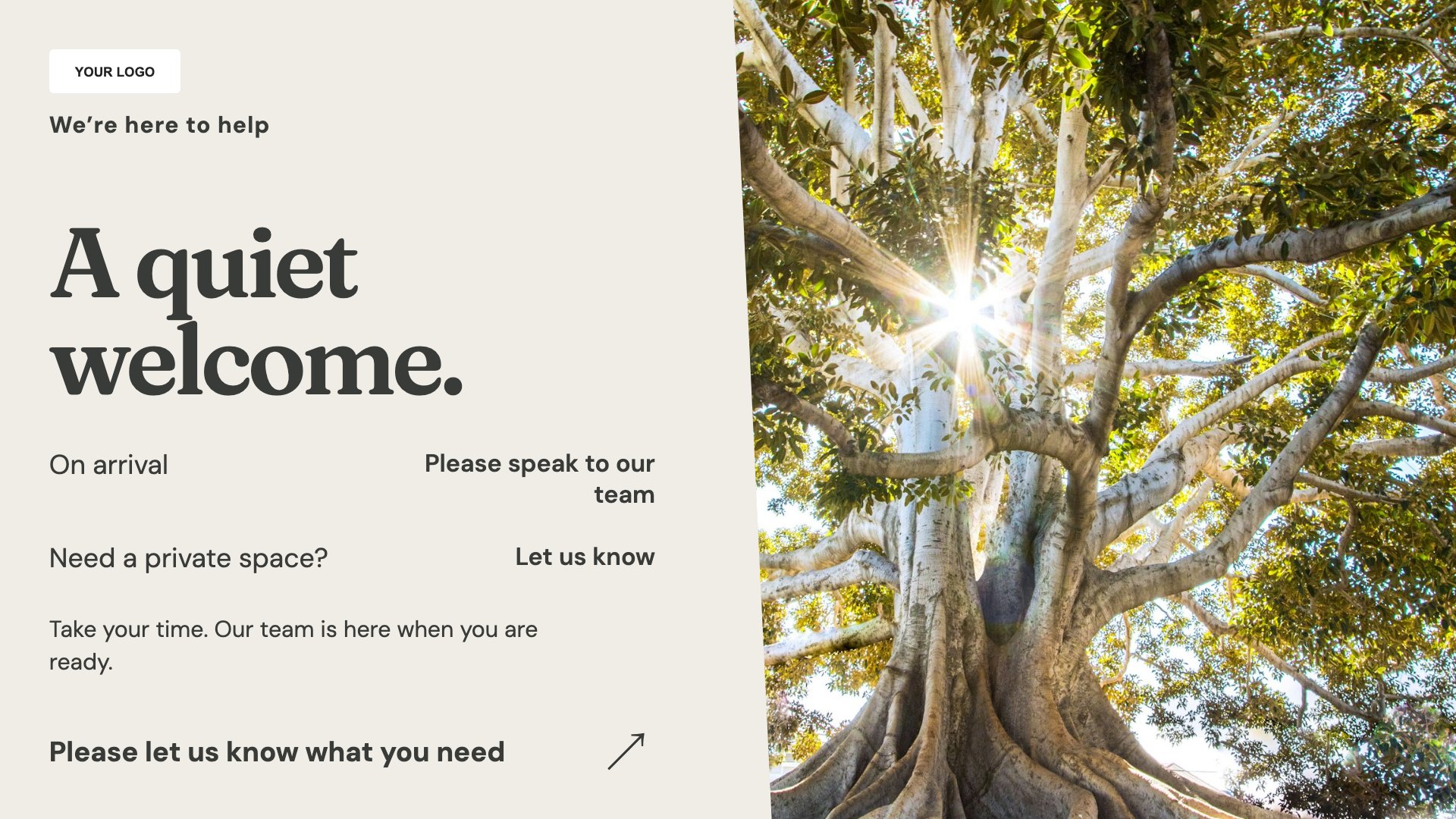
A quiet welcome
Provide a discreet reception welcome. Start with this layout and replace the example details with your approved content.
View full size ↗ (opens in a new tab)Offer a quiet welcome, explain practical service information and provide a clear route for support and enquiries. Use restrained content that respects the setting and the people viewing it.
Each design comes in landscape and portrait. Choose your screen orientation, inspect the real preview and customise the content for your organisation.
Provide a discreet reception welcome. Start with this layout and replace the example details with your approved content.
View full size ↗ (opens in a new tab)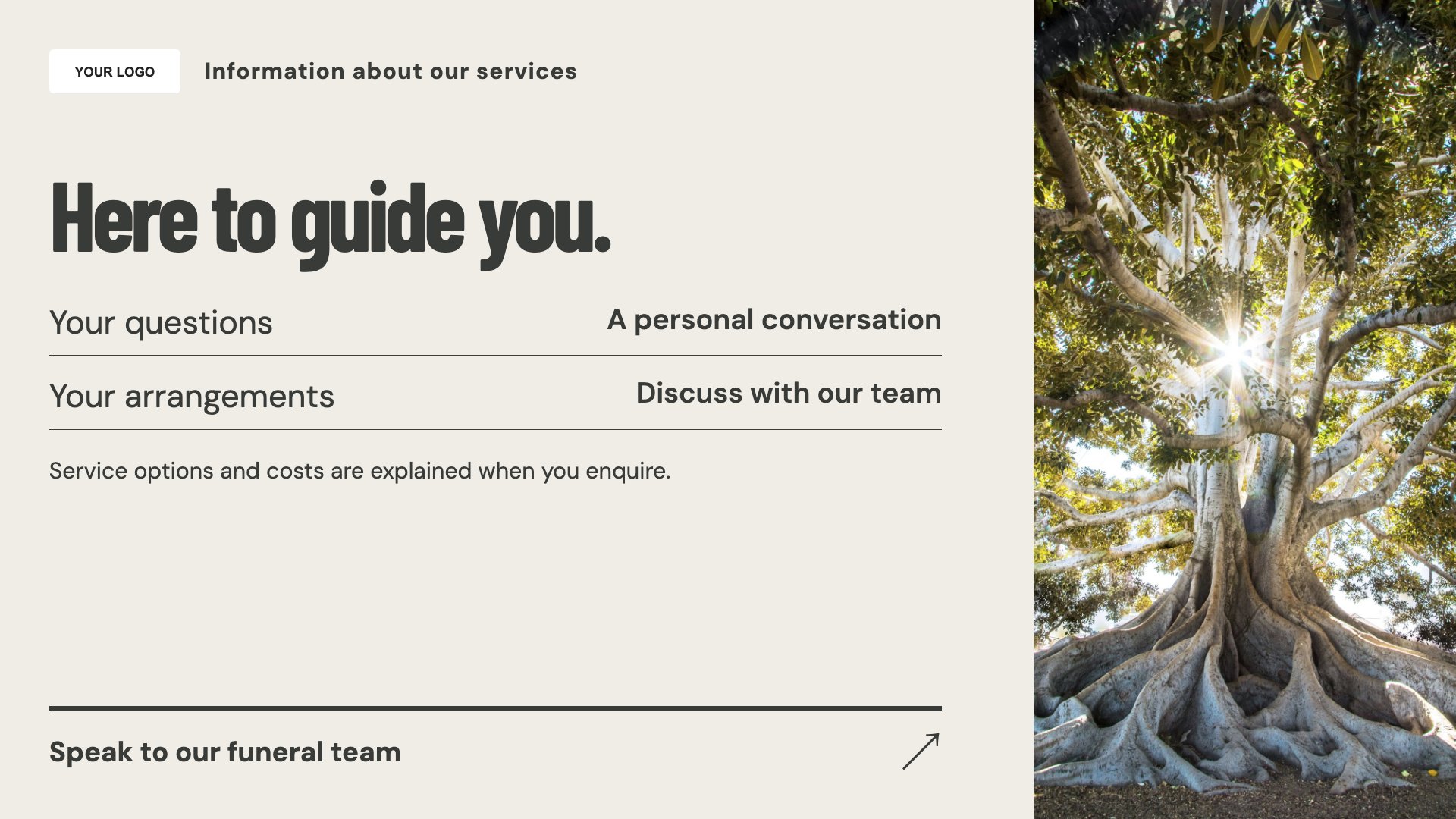
Explain practical service arrangements. Start with this layout and replace the example details with your approved content.
View full size ↗ (opens in a new tab)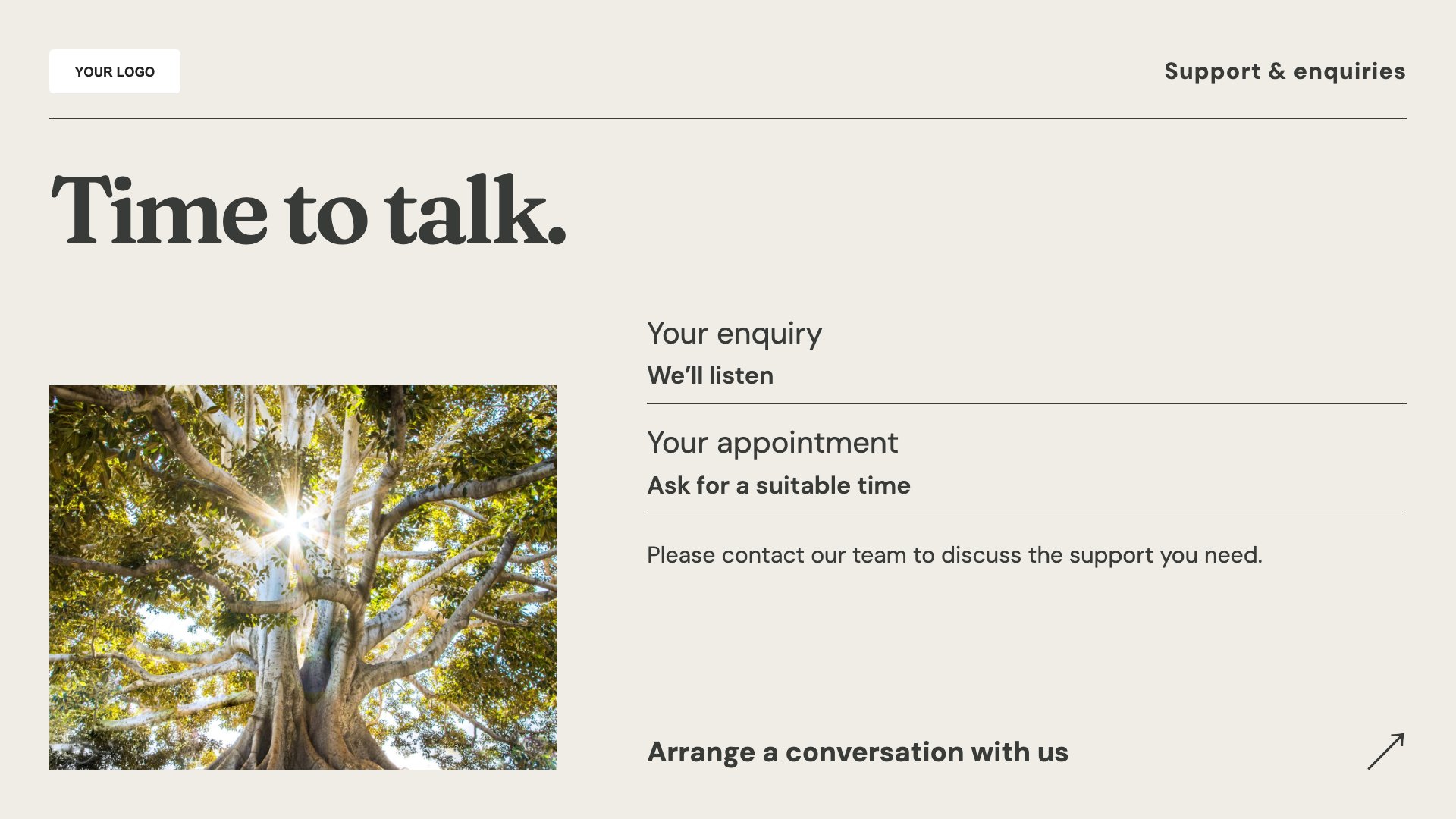
Show how to contact your team. Start with this layout and replace the example details with your approved content.
View full size ↗ (opens in a new tab)Example designs with sample content. Replace names, dates, prices, imagery, contact details and conditions before publishing. Portrait and landscape versions adapt the same design to each screen format.
Explore the complete template collectionKeep language calm and check every date, name and arrangement before display. Use personal tributes or photographs only with appropriate permission, and avoid putting sensitive family details on public screens.
Explore MassCasts featuresPick a design and the orientation that matches your display.
Edit wording, imagery and organisation details in the browser editor. Check all sample content before publishing.
Set page durations and schedule content for a paired, supported signage player.
Yes, with appropriate permission. Check the information carefully and agree where it can be displayed before publishing.
Only use content the family has authorised for the intended display and review any privacy considerations.
Yes. Use concise wording and suitable imagery, and choose playlist durations that fit the setting rather than frequent changes.
Explore the editor, playlists and supported player setup in a signage demo.