
Care homes
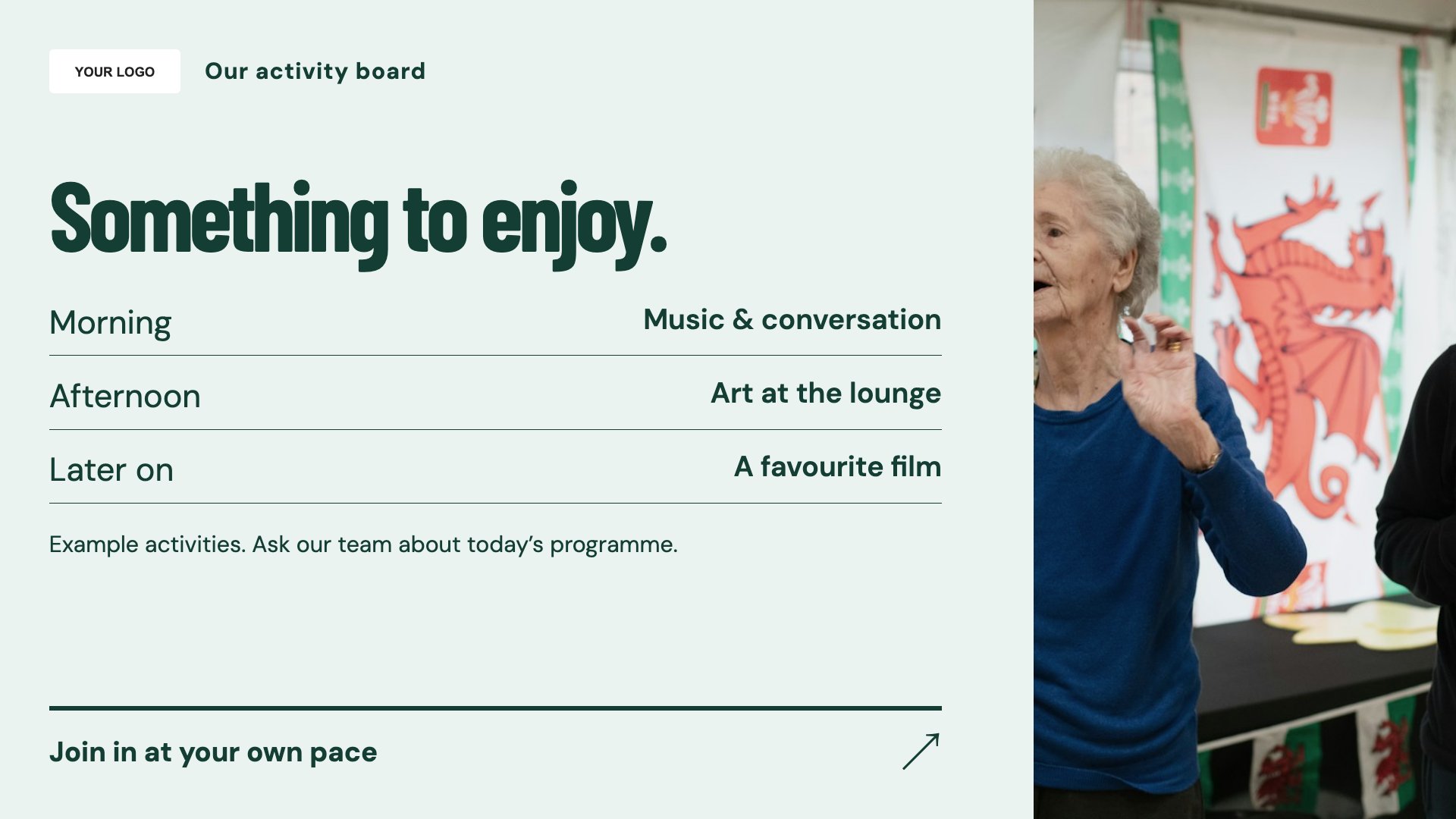
Today’s activities
Show the day’s activities clearly. Start with this layout and replace the example details with your approved content.
View full size ↗ (opens in a new tab)Make the day’s activities, meal choices and visiting information easier to find for residents and visitors. A calm layout and familiar language help each message stand on its own.
Each design comes in landscape and portrait. Choose your screen orientation, inspect the real preview and customise the content for your organisation.
Show the day’s activities clearly. Start with this layout and replace the example details with your approved content.
View full size ↗ (opens in a new tab)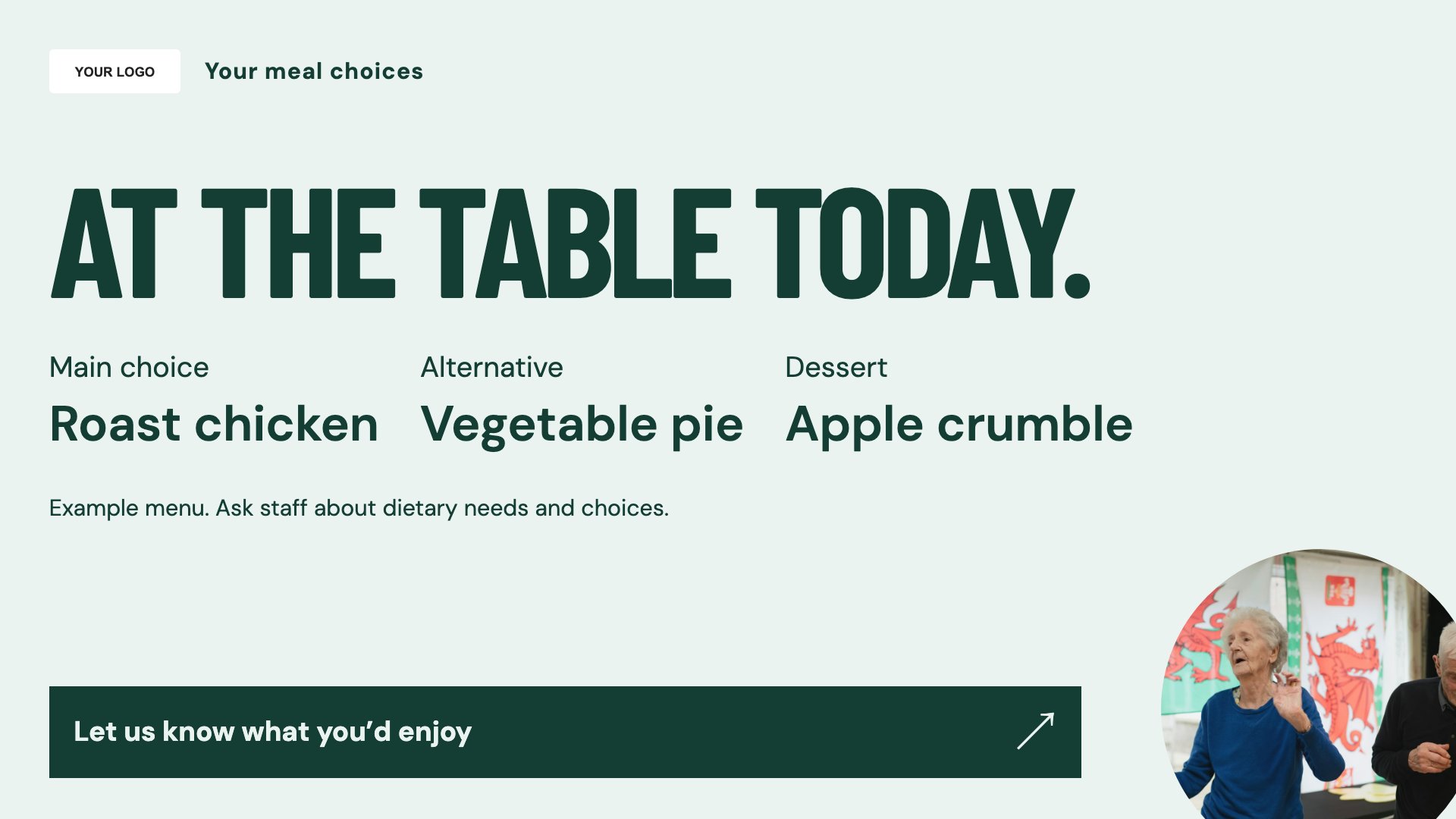
Present meal choices for residents. Start with this layout and replace the example details with your approved content.
View full size ↗ (opens in a new tab)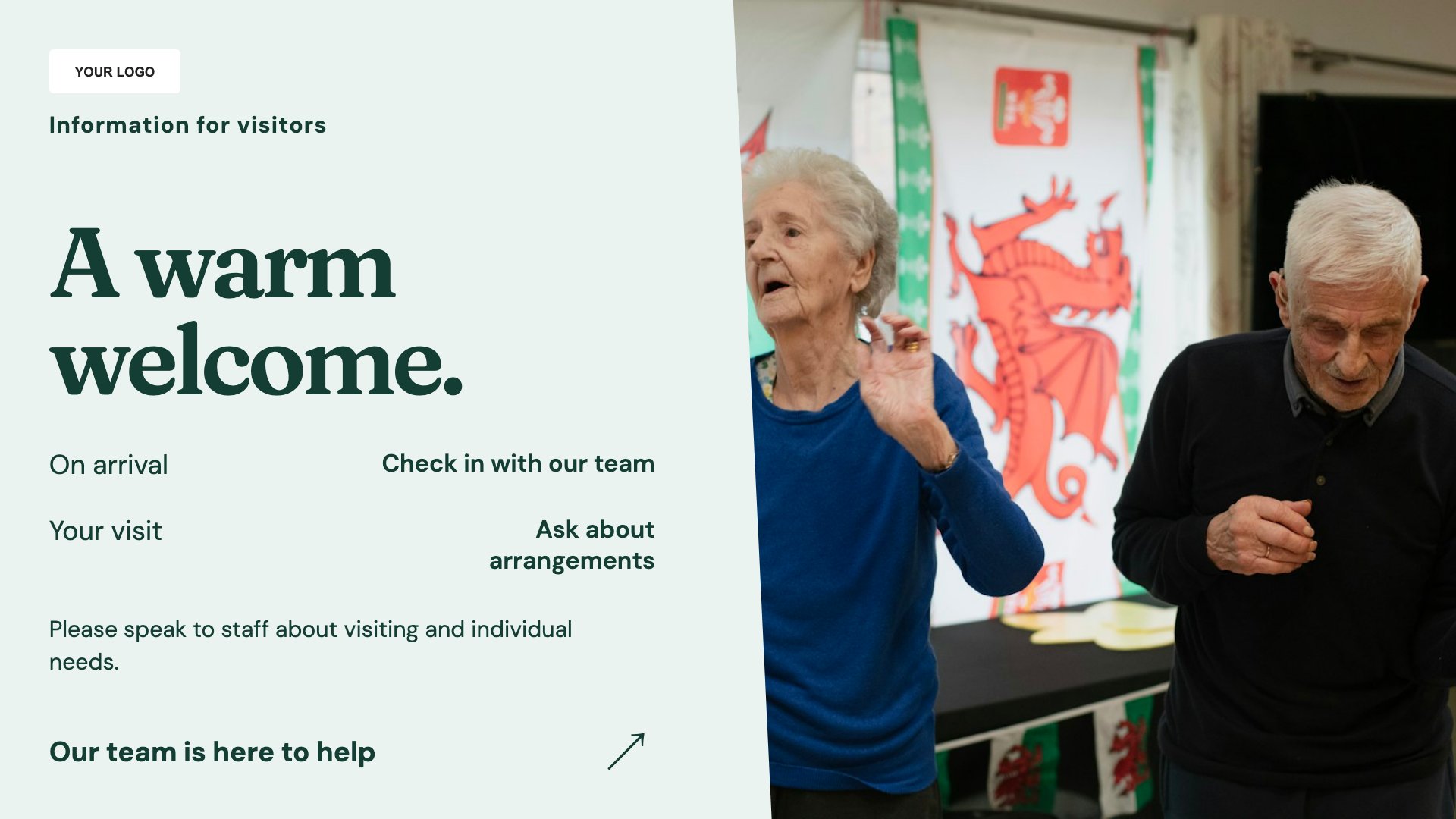
Explain current visiting arrangements. Start with this layout and replace the example details with your approved content.
View full size ↗ (opens in a new tab)Example designs with sample content. Replace names, dates, prices, imagery, contact details and conditions before publishing. Portrait and landscape versions adapt the same design to each screen format.
Explore the complete template collectionUse large text and allow enough viewing time. Keep residents’ personal information private, check meal wording with the care team and provide essential information through staff as well as screens.
Explore MassCasts featuresPick a design and the orientation that matches your display.
Edit wording, imagery and organisation details in the browser editor. Check all sample content before publishing.
Set page durations and schedule content for a paired, supported signage player.
Yes. Edit the programme and use playlists or schedules to organise daily content.
You can add approved descriptions, but staff must handle individual dietary requirements and allergies through your normal care process.
Only use images with appropriate permission and review privacy expectations before displaying them in shared or public areas.
Explore the editor, playlists and supported player setup in a signage demo.