
GP surgeries
Surgery welcome
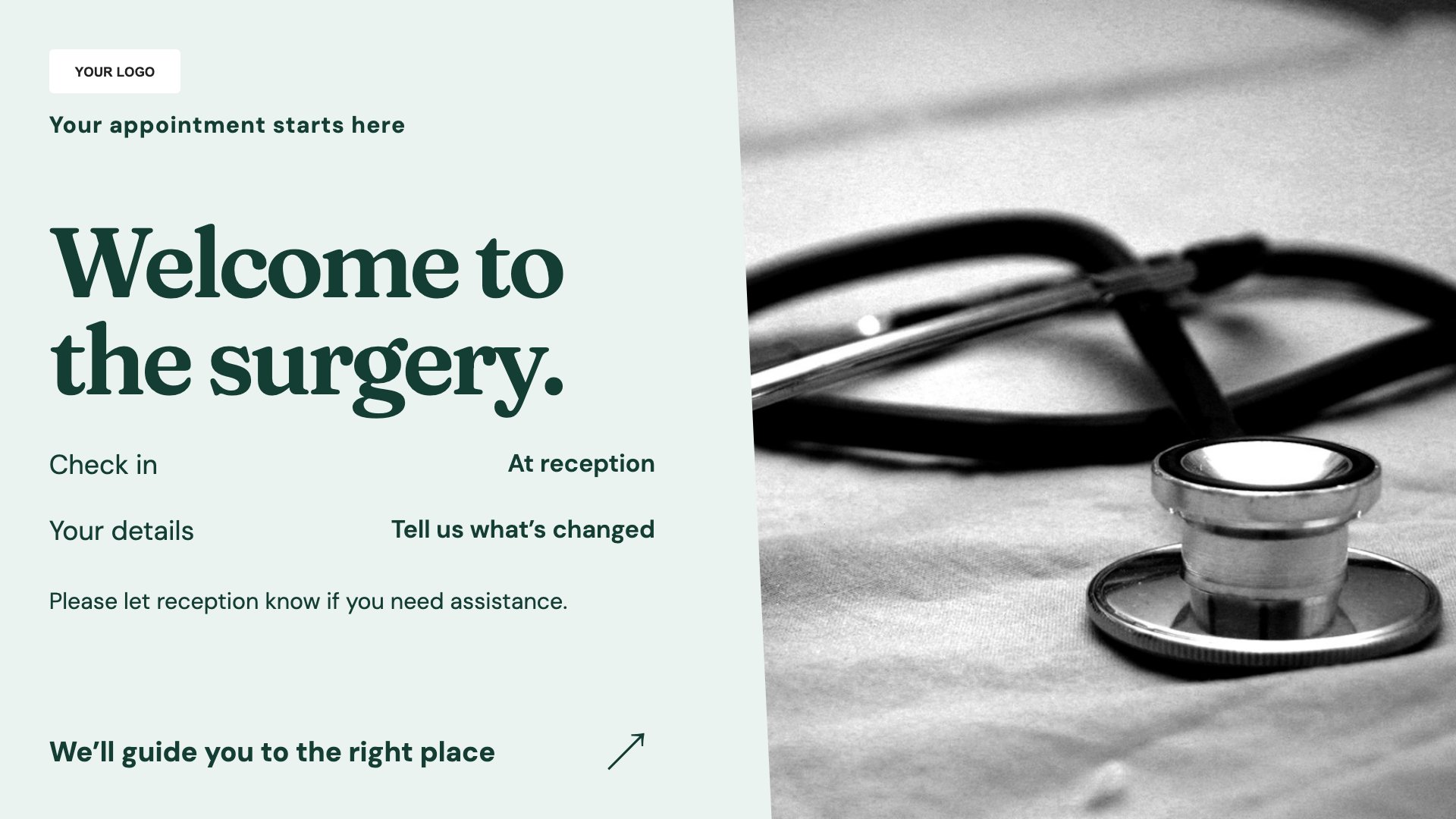
Explain arrival and reception arrangements. Start with this layout and replace the example details with your approved content.
View full size ↗ (opens in a new tab)Give patients a clear surgery welcome, an introduction to practice services and current opening information. Use the waiting-room screen for general information while keeping individual care conversations private.
Each design comes in landscape and portrait. Choose your screen orientation, inspect the real preview and customise the content for your organisation.
Explain arrival and reception arrangements. Start with this layout and replace the example details with your approved content.
View full size ↗ (opens in a new tab)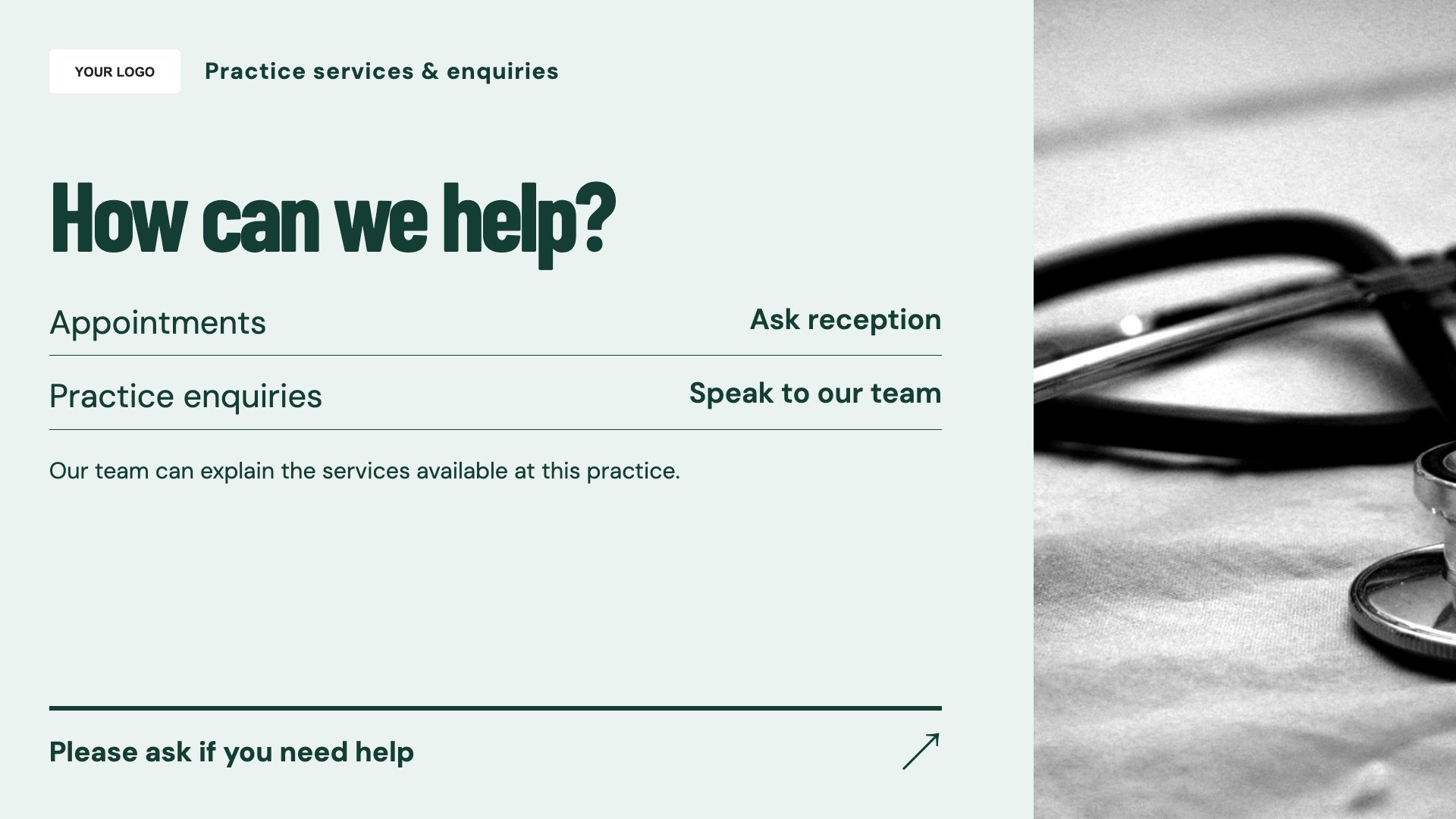
Introduce available practice services. Start with this layout and replace the example details with your approved content.
View full size ↗ (opens in a new tab)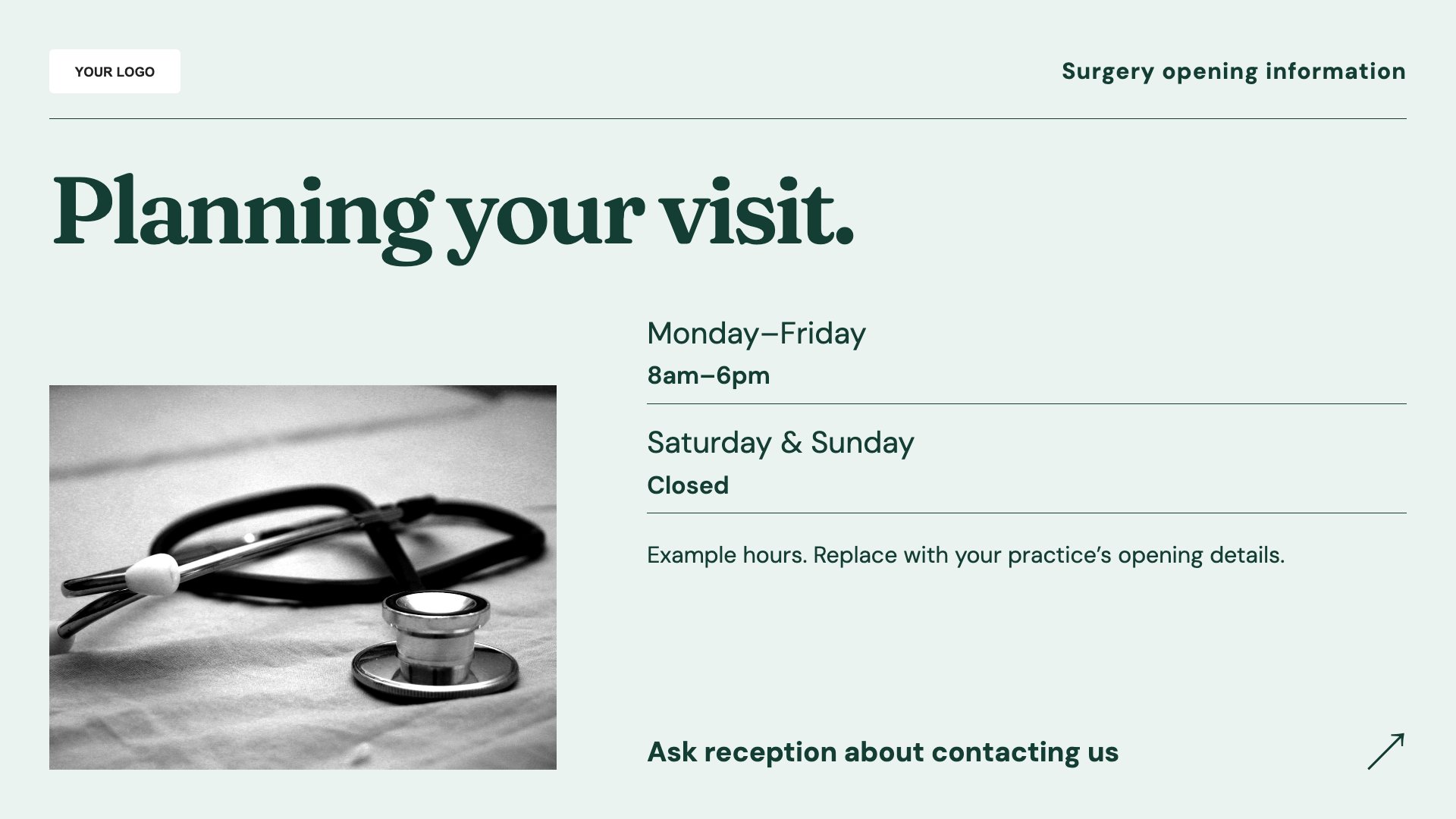
Keep opening and contact details visible. Start with this layout and replace the example details with your approved content.
View full size ↗ (opens in a new tab)Example designs with sample content. Replace names, dates, prices, imagery, contact details and conditions before publishing. Portrait and landscape versions adapt the same design to each screen format.
Explore the complete template collectionHave patient-facing wording approved by the practice. Do not display personal appointment information, and ensure urgent-care instructions follow your current local arrangements.
Explore MassCasts featuresPick a design and the orientation that matches your display.
Edit wording, imagery and organisation details in the browser editor. Check all sample content before publishing.
Set page durations and schedule content for a paired, supported signage player.
Yes. Add instructions that match your reception process. The template itself does not check patients in.
No. These layouts do not connect to patient records or display an appointment-calling feed.
Yes. Use your approved wording and check the contact details and hours whenever arrangements change.
Explore the editor, playlists and supported player setup in a signage demo.