
Nurseries & early years
Nursery welcome
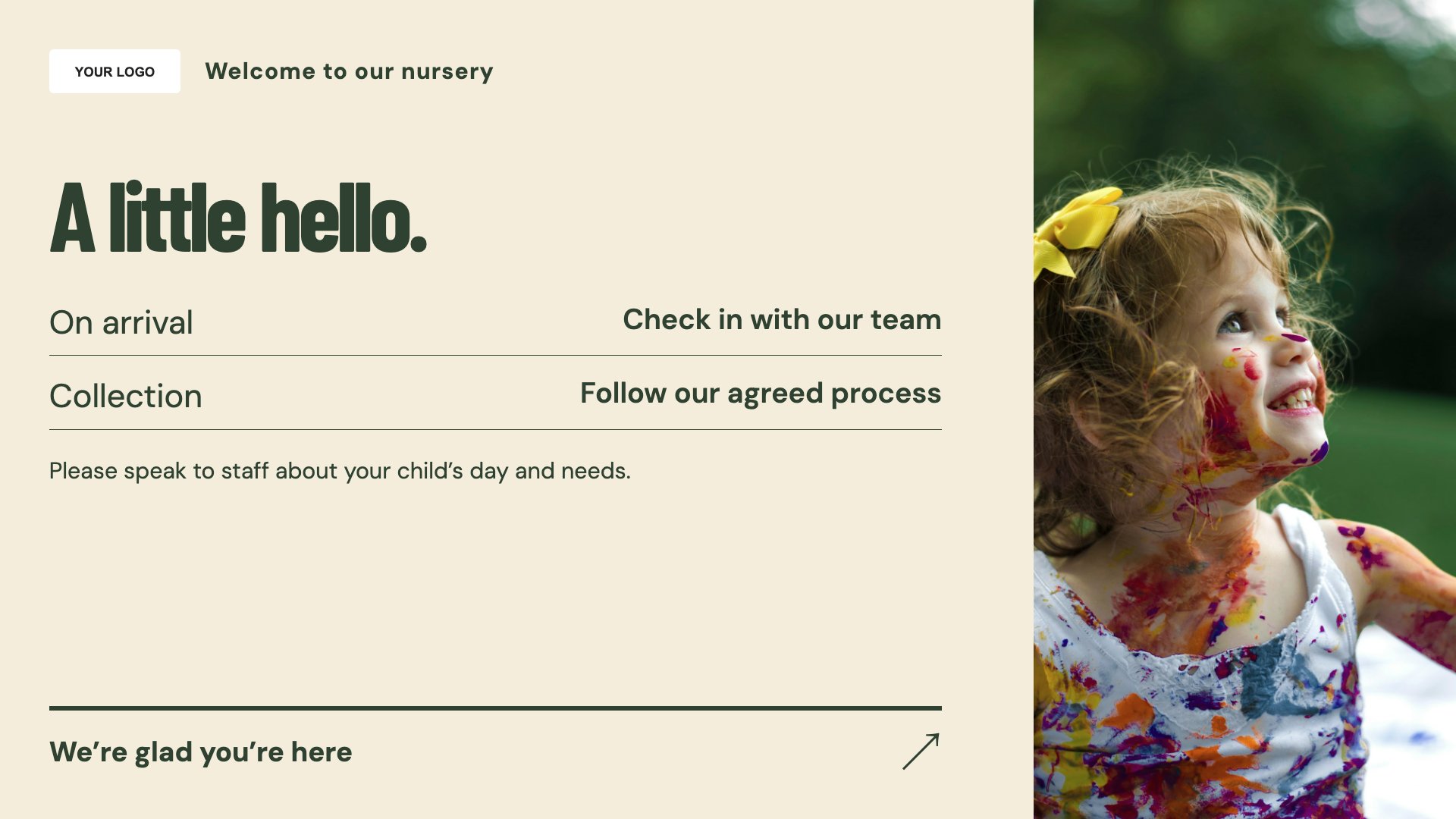
Welcome families at nursery reception. Start with this layout and replace the example details with your approved content.
View full size ↗ (opens in a new tab)Give families a warm nursery welcome, share the week’s themes and make parent information easy to find. Reception content can support everyday conversations without revealing details about individual children.
Each design comes in landscape and portrait. Choose your screen orientation, inspect the real preview and customise the content for your organisation.
Welcome families at nursery reception. Start with this layout and replace the example details with your approved content.
View full size ↗ (opens in a new tab)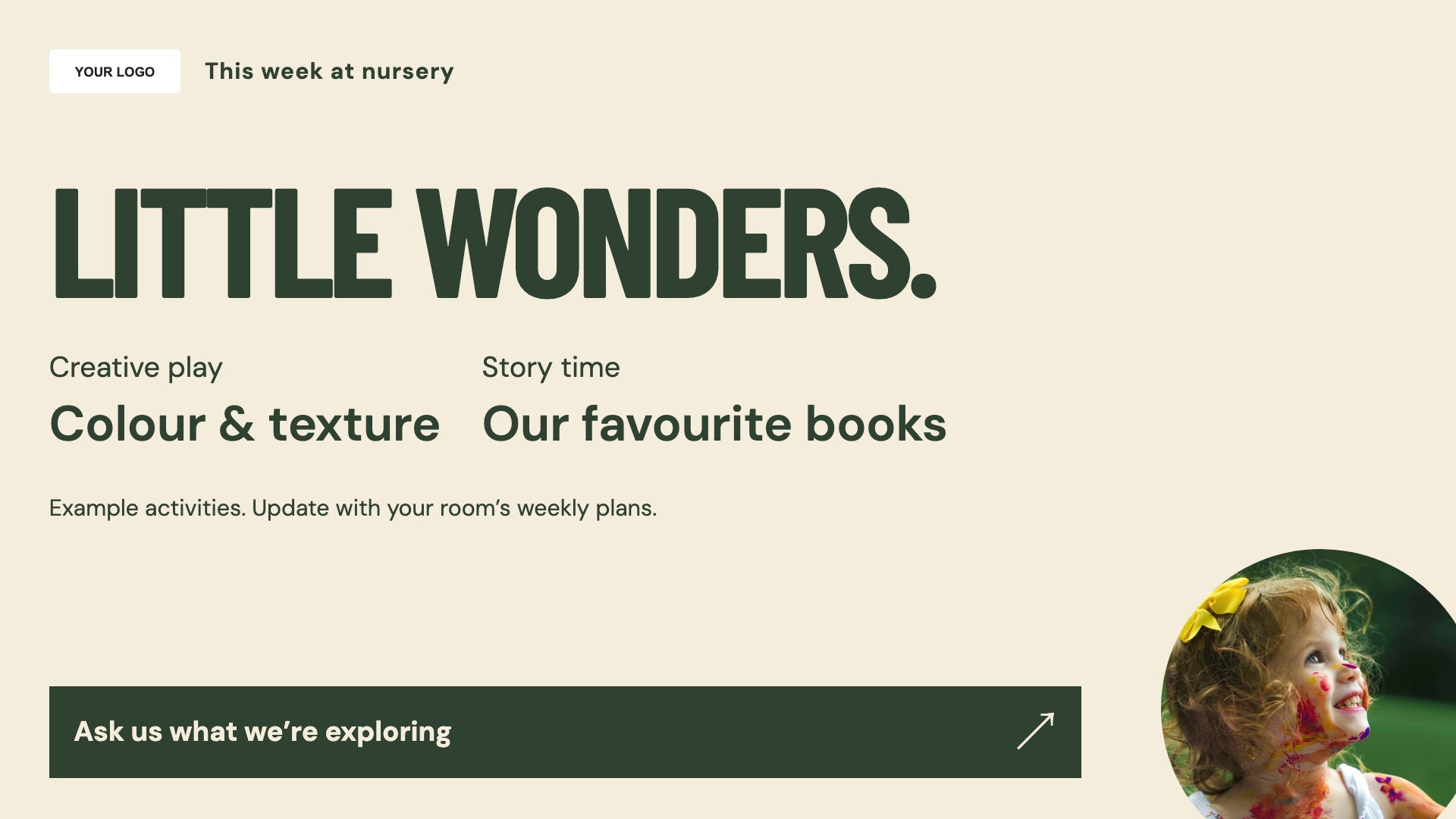
Introduce this week’s activities. Start with this layout and replace the example details with your approved content.
View full size ↗ (opens in a new tab)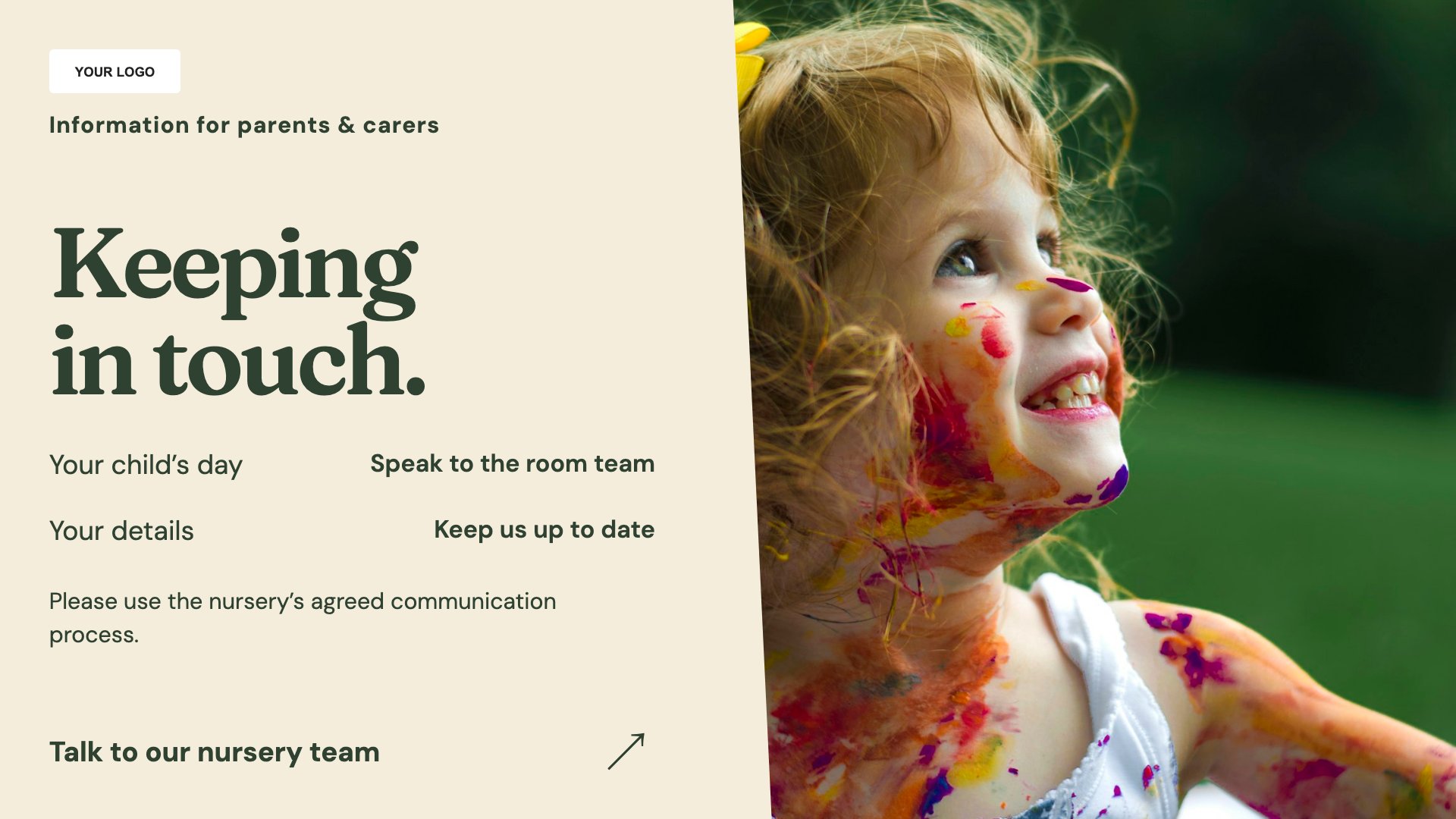
Explain useful parent information. Start with this layout and replace the example details with your approved content.
View full size ↗ (opens in a new tab)Example designs with sample content. Replace names, dates, prices, imagery, contact details and conditions before publishing. Portrait and landscape versions adapt the same design to each screen format.
Explore the complete template collectionKeep children’s personal information private and use photographs only with appropriate permission. Screens support your normal parent communication and safeguarding procedures; they do not replace them.
Explore MassCasts featuresPick a design and the orientation that matches your display.
Edit wording, imagery and organisation details in the browser editor. Check all sample content before publishing.
Set page durations and schedule content for a paired, supported signage player.
Only use images with appropriate permission and check your setting’s privacy and safeguarding policies before displaying them.
Yes. Edit the activity titles and supporting details for the week ahead.
No. Use it for general information and keep personal, urgent or child-specific communication within your established channels.
Explore the editor, playlists and supported player setup in a signage demo.