
Student accommodation
Residence welcome
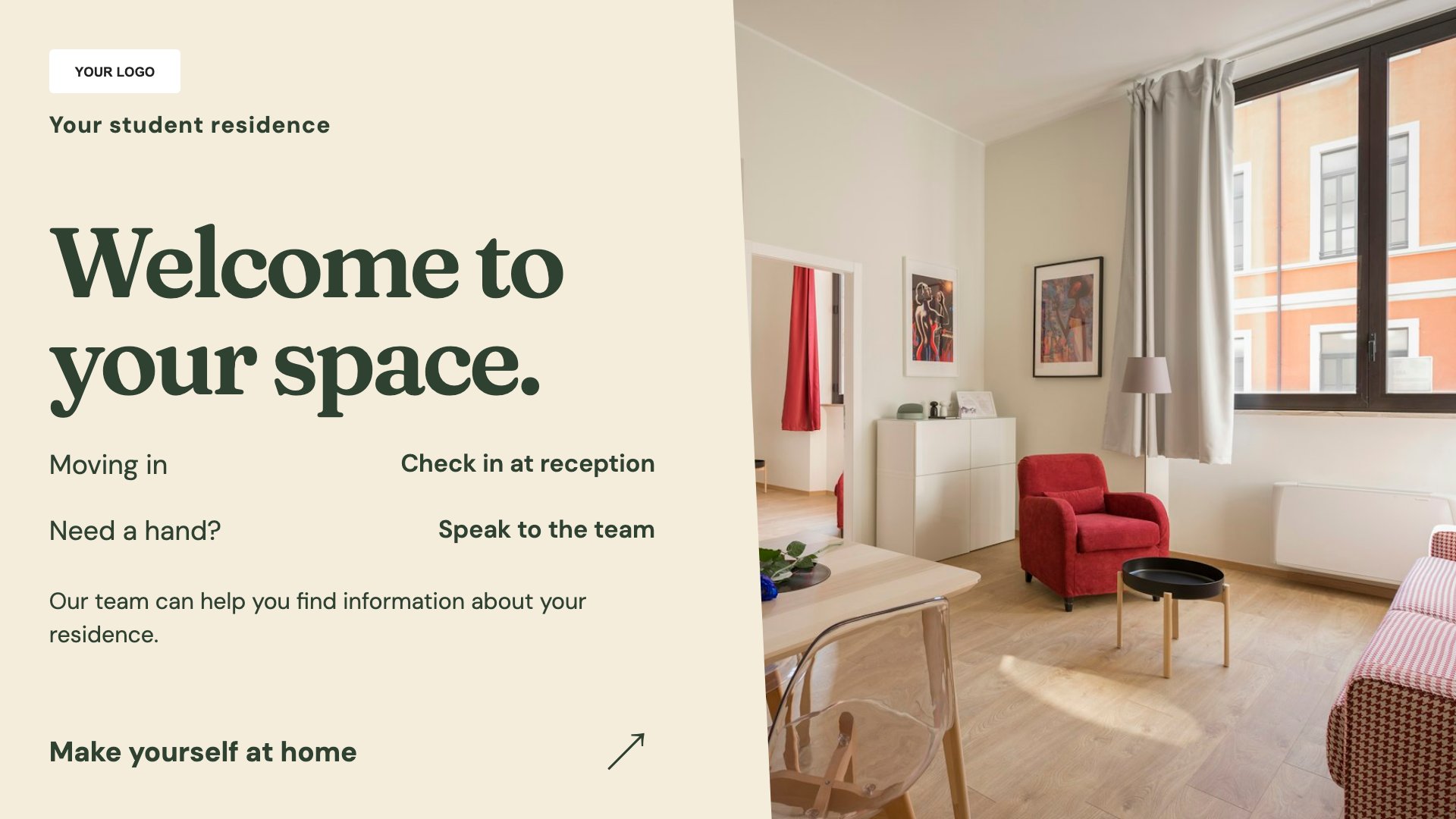
Welcome residents and arriving visitors. Start with this layout and replace the example details with your approved content.
View full size ↗ (opens in a new tab)Welcome residents, promote community events and explain shared-building information. Put clear practical messages in reception and communal areas while keeping individual tenancy matters private.
Each design comes in landscape and portrait. Choose your screen orientation, inspect the real preview and customise the content for your organisation.
Welcome residents and arriving visitors. Start with this layout and replace the example details with your approved content.
View full size ↗ (opens in a new tab)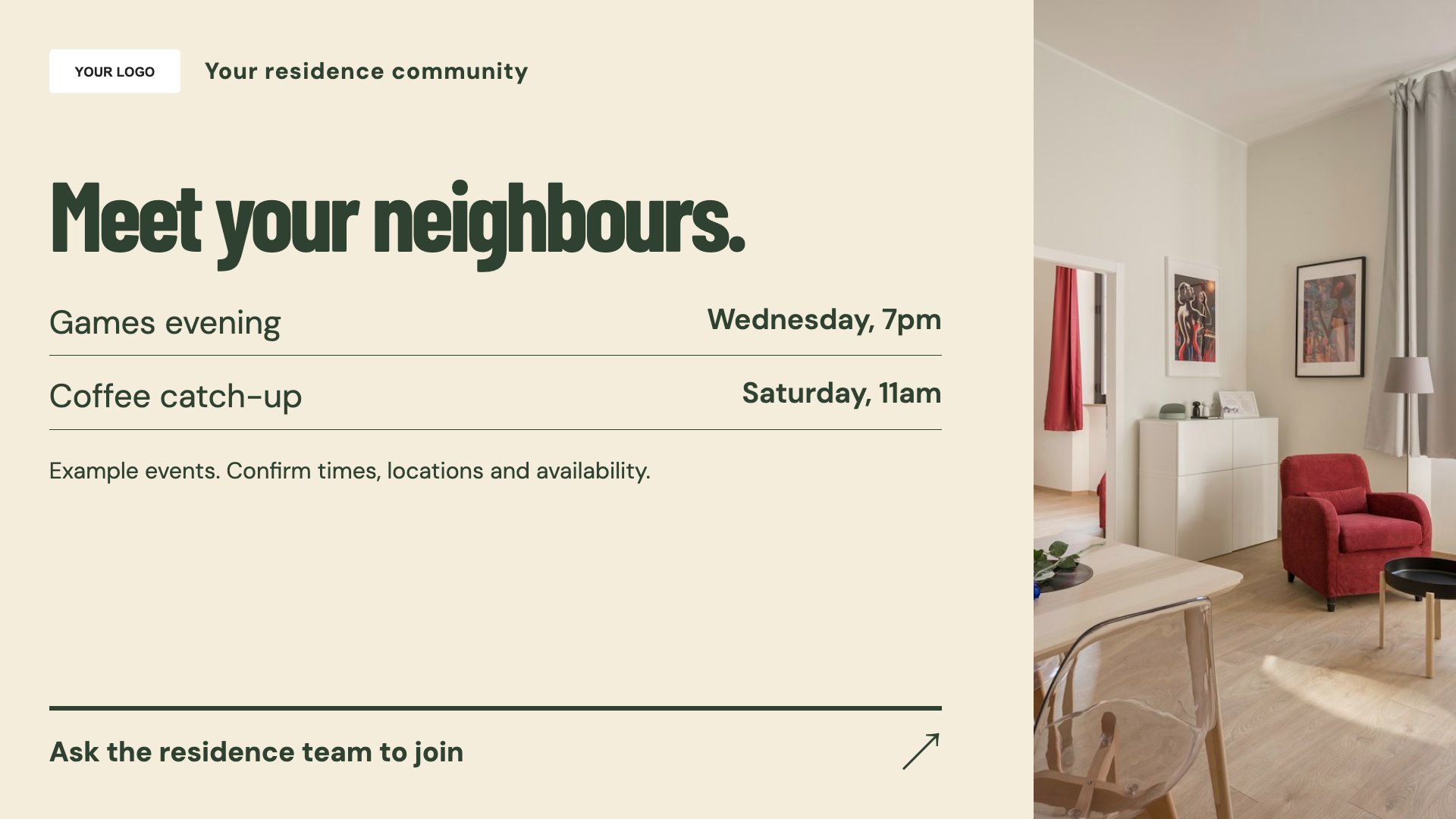
Introduce residence community events. Start with this layout and replace the example details with your approved content.
View full size ↗ (opens in a new tab)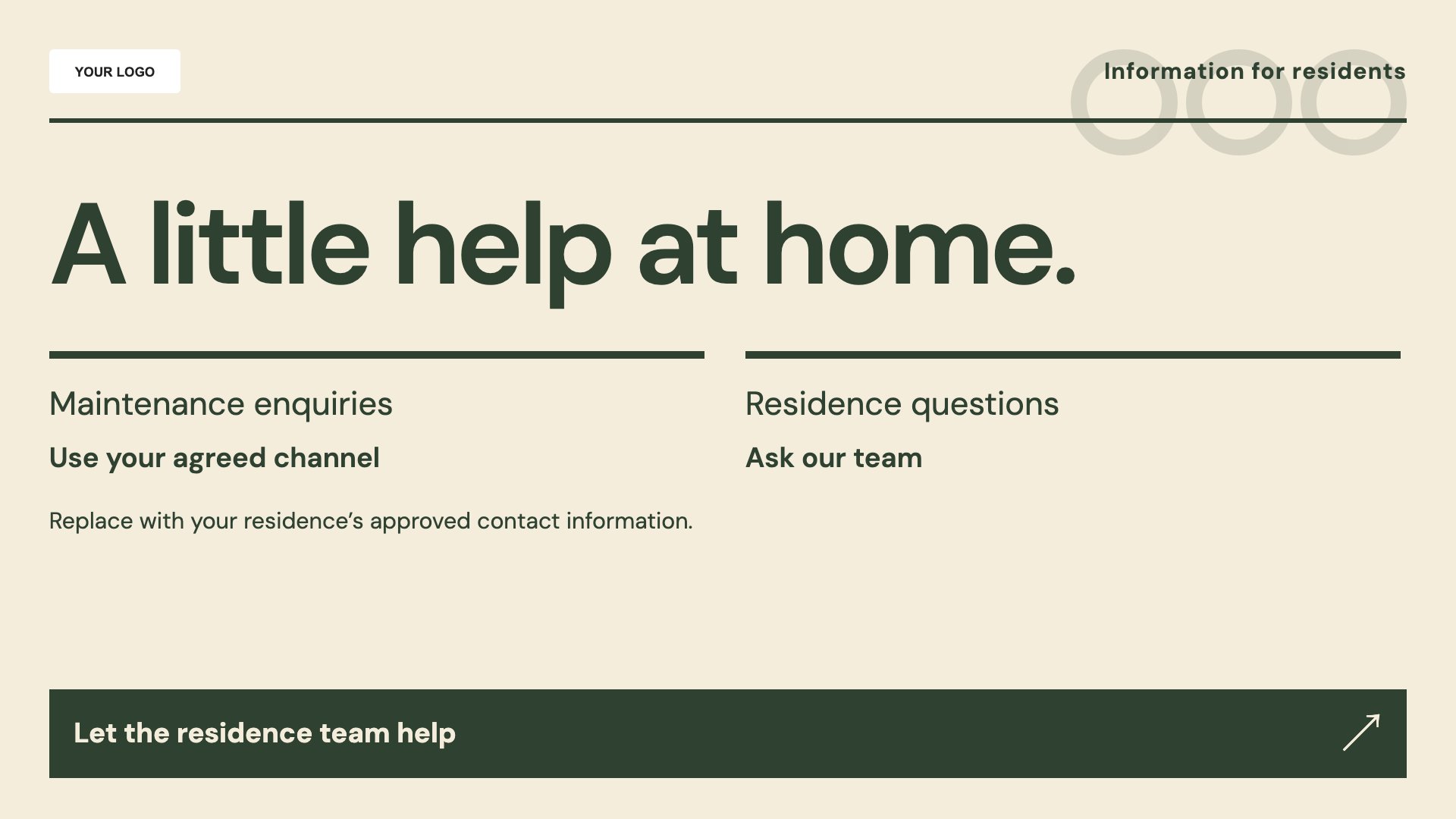
Explain shared-building information. Start with this layout and replace the example details with your approved content.
View full size ↗ (opens in a new tab)Example designs with sample content. Replace names, dates, prices, imagery, contact details and conditions before publishing. Portrait and landscape versions adapt the same design to each screen format.
Explore the complete template collectionKeep service contacts and access instructions accurate. Avoid exposing room numbers, resident names or sensitive security details on publicly visible displays.
Explore MassCasts featuresPick a design and the orientation that matches your display.
Edit wording, imagery and organisation details in the browser editor. Check all sample content before publishing.
Set page durations and schedule content for a paired, supported signage player.
Yes. Add the correct routine and out-of-hours reporting routes, using your approved wording.
Yes. Include the date, location, intended audience and any booking or entry conditions.
No. These templates provide editable information and do not connect to resident records or manage building access.
Explore the editor, playlists and supported player setup in a signage demo.