
Convenience stores
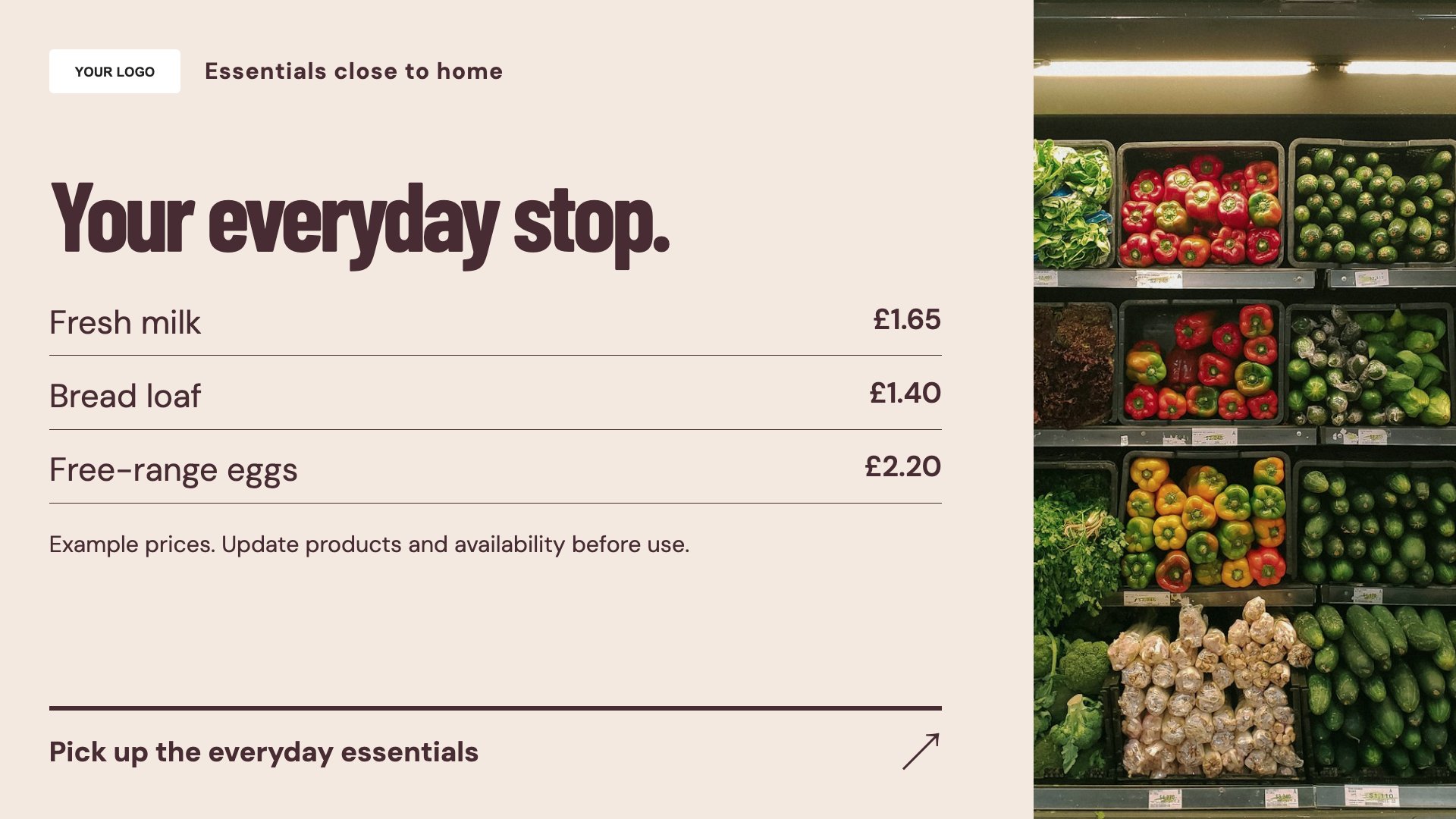
Everyday essentials
Highlight useful everyday products. Start with this layout and replace the example details with your approved content.
View full size ↗ (opens in a new tab)Bring everyday essentials, a weekly offer and store services onto your shop screens. Keep messages short so customers can pick up the details while moving through the store.
Each design comes in landscape and portrait. Choose your screen orientation, inspect the real preview and customise the content for your organisation.
Highlight useful everyday products. Start with this layout and replace the example details with your approved content.
View full size ↗ (opens in a new tab)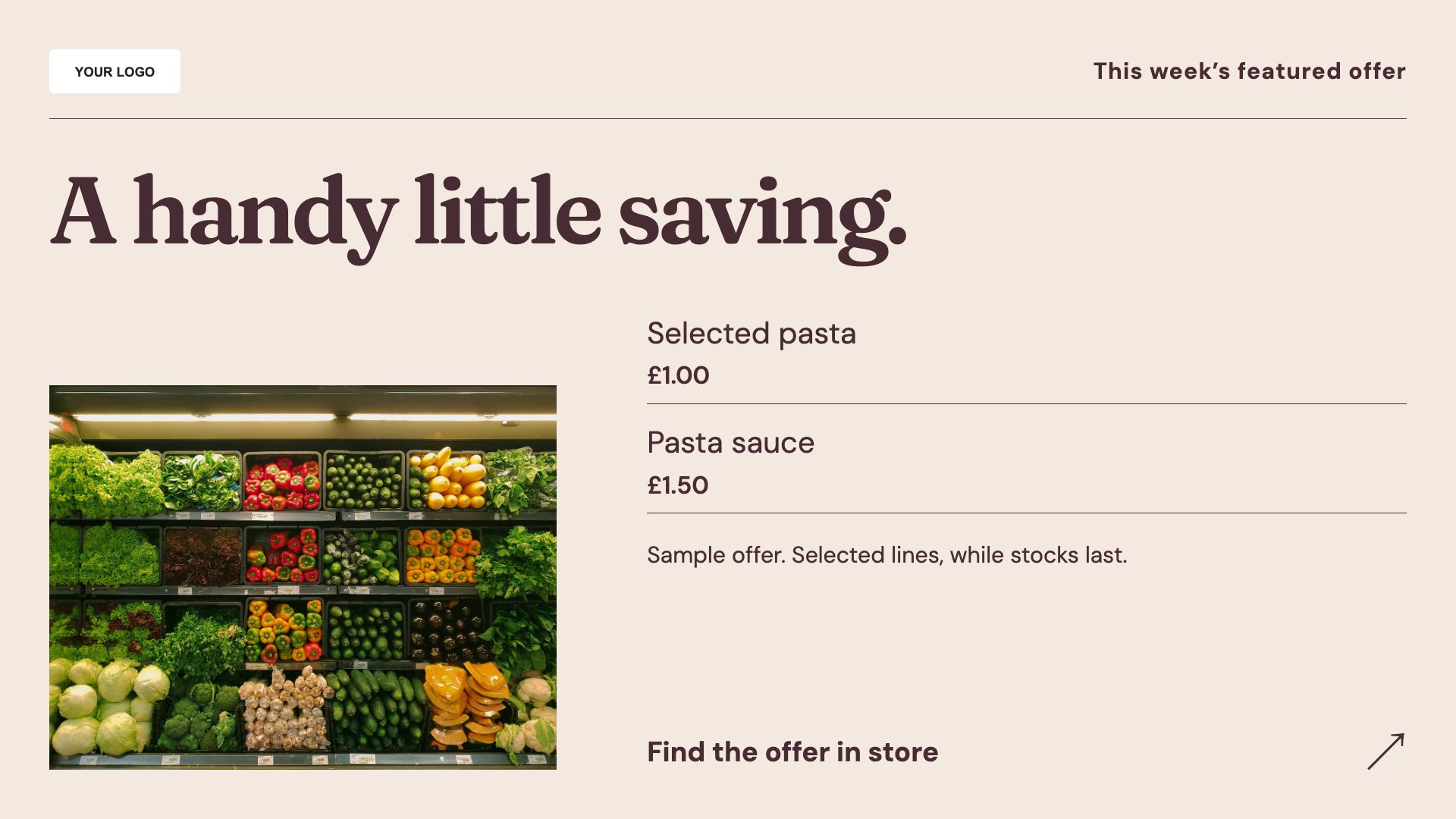
Give a weekly offer a clear headline. Start with this layout and replace the example details with your approved content.
View full size ↗ (opens in a new tab)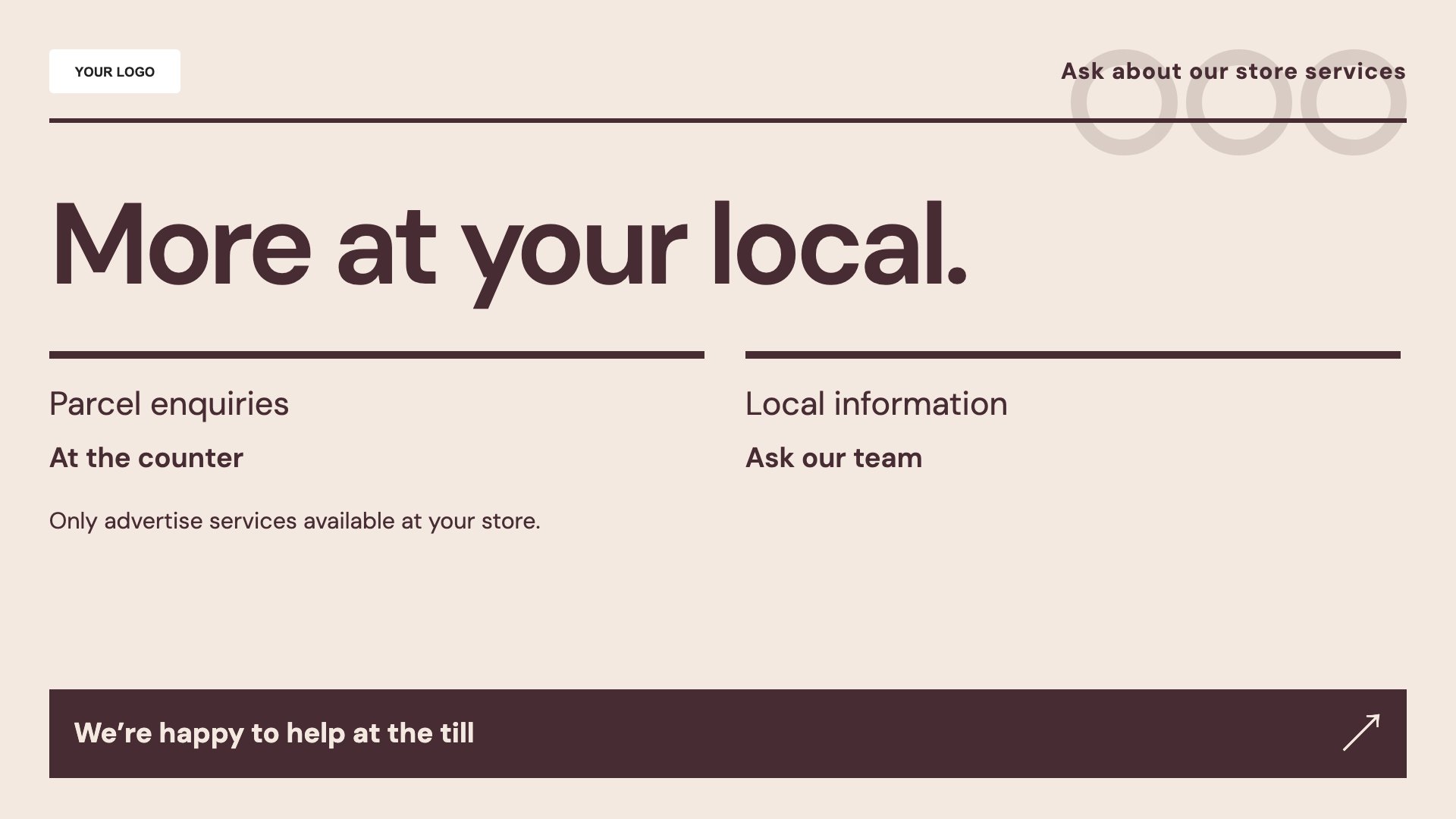
Explain services available in store. Start with this layout and replace the example details with your approved content.
View full size ↗ (opens in a new tab)Example designs with sample content. Replace names, dates, prices, imagery, contact details and conditions before publishing. Portrait and landscape versions adapt the same design to each screen format.
Explore the complete template collectionKeep prices and offer dates accurate and conditions readable. Advertise only services available at that branch, and review any restricted-product promotions before publication.
Explore MassCasts featuresPick a design and the orientation that matches your display.
Edit wording, imagery and organisation details in the browser editor. Check all sample content before publishing.
Set page durations and schedule content for a paired, supported signage player.
Yes. Edit the products, price, dates and conditions. The template does not update from the till.
Yes, if your branch provides them. Add the correct provider details and relevant service hours.
No. These layouts contain manually edited content; check products and offers against your actual stock.
Explore the editor, playlists and supported player setup in a signage demo.