
Shopping centres
Centre directory
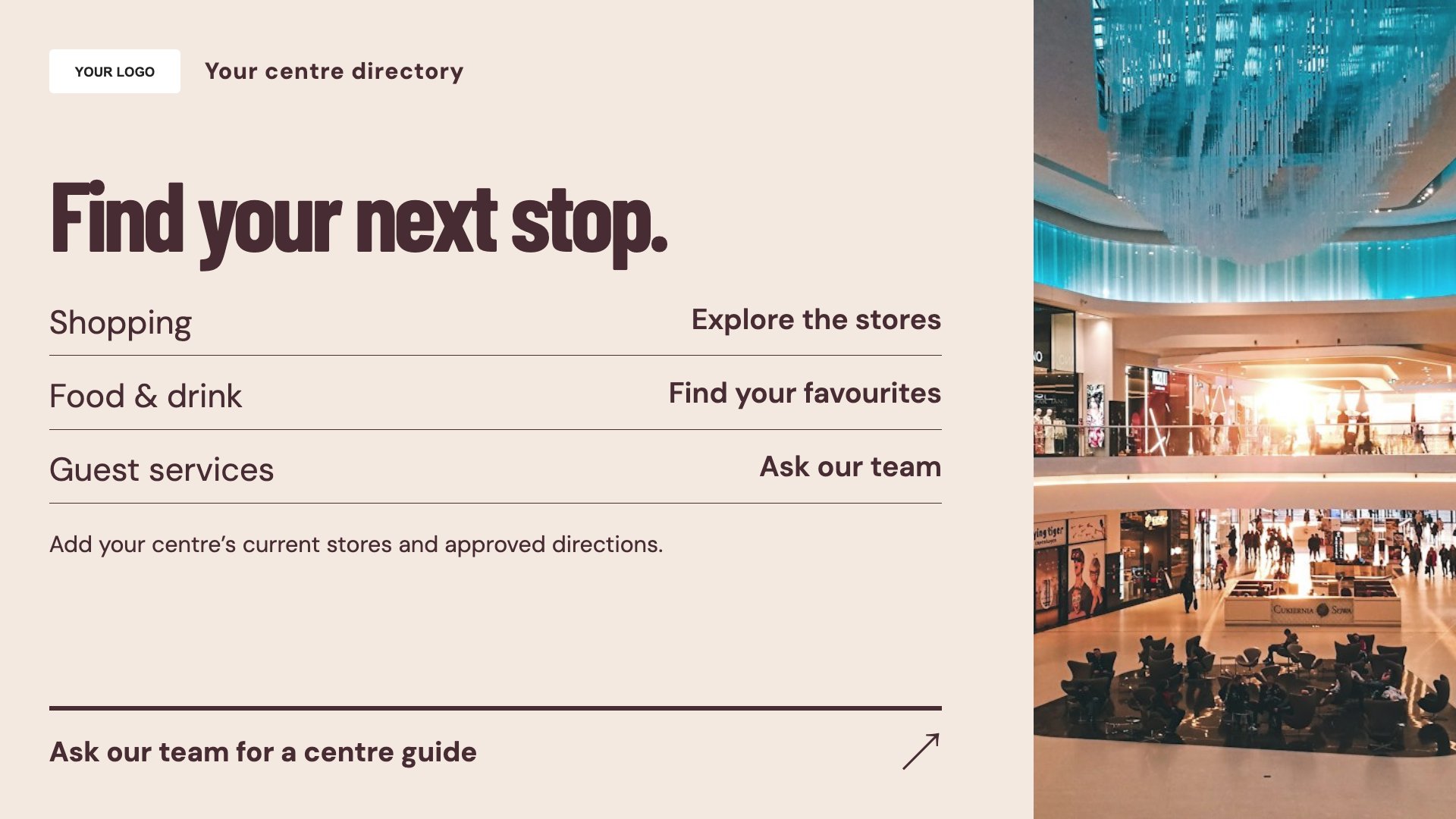
Give stores a clear directory listing. Start with this layout and replace the example details with your approved content.
View full size ↗ (opens in a new tab)Help visitors find stores, discover centre events and understand guest services. Use concise directory entries and practical information that match the signs people see around the building.
Each design comes in landscape and portrait. Choose your screen orientation, inspect the real preview and customise the content for your organisation.
Give stores a clear directory listing. Start with this layout and replace the example details with your approved content.
View full size ↗ (opens in a new tab)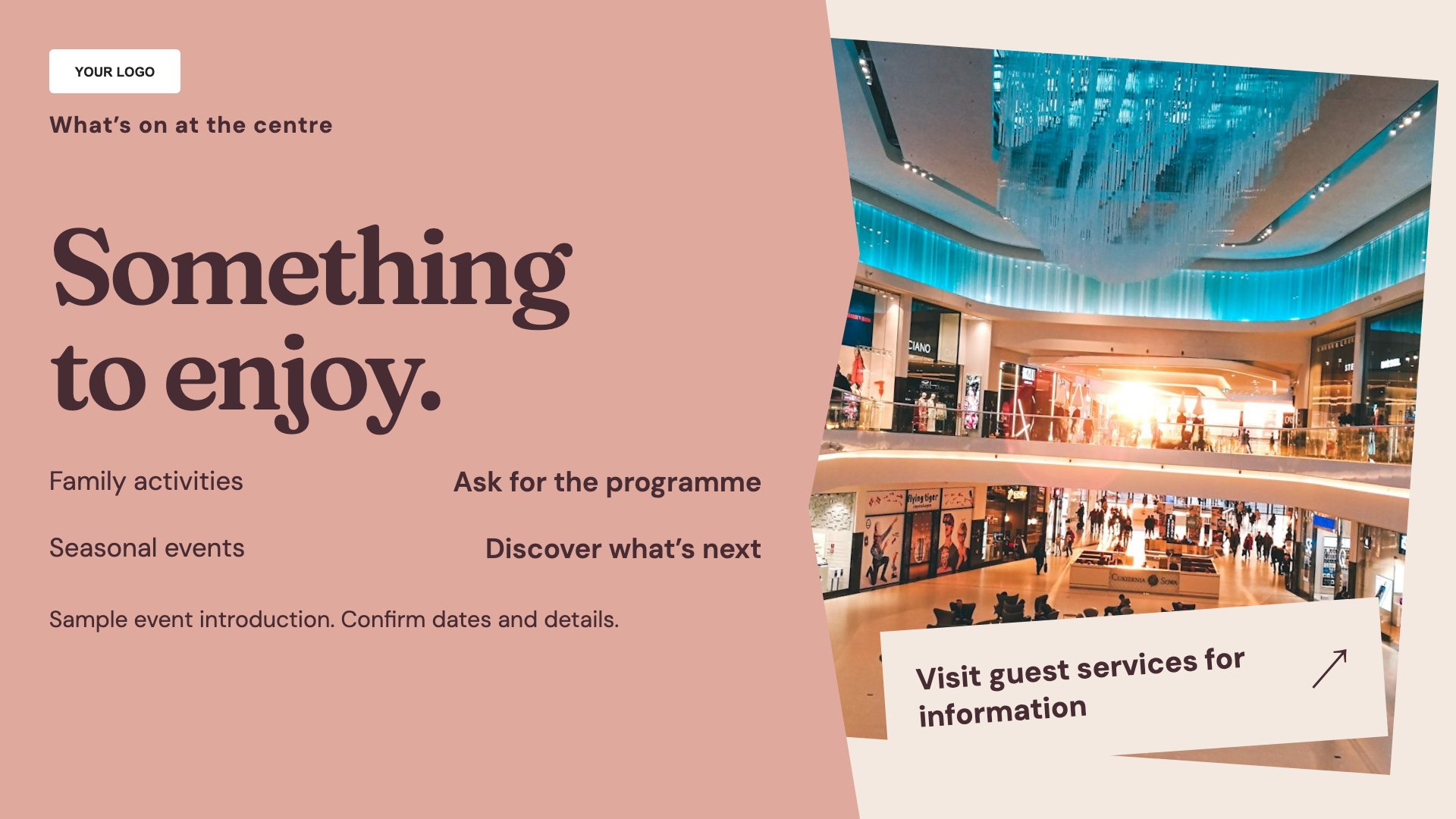
Promote events in the centre. Start with this layout and replace the example details with your approved content.
View full size ↗ (opens in a new tab)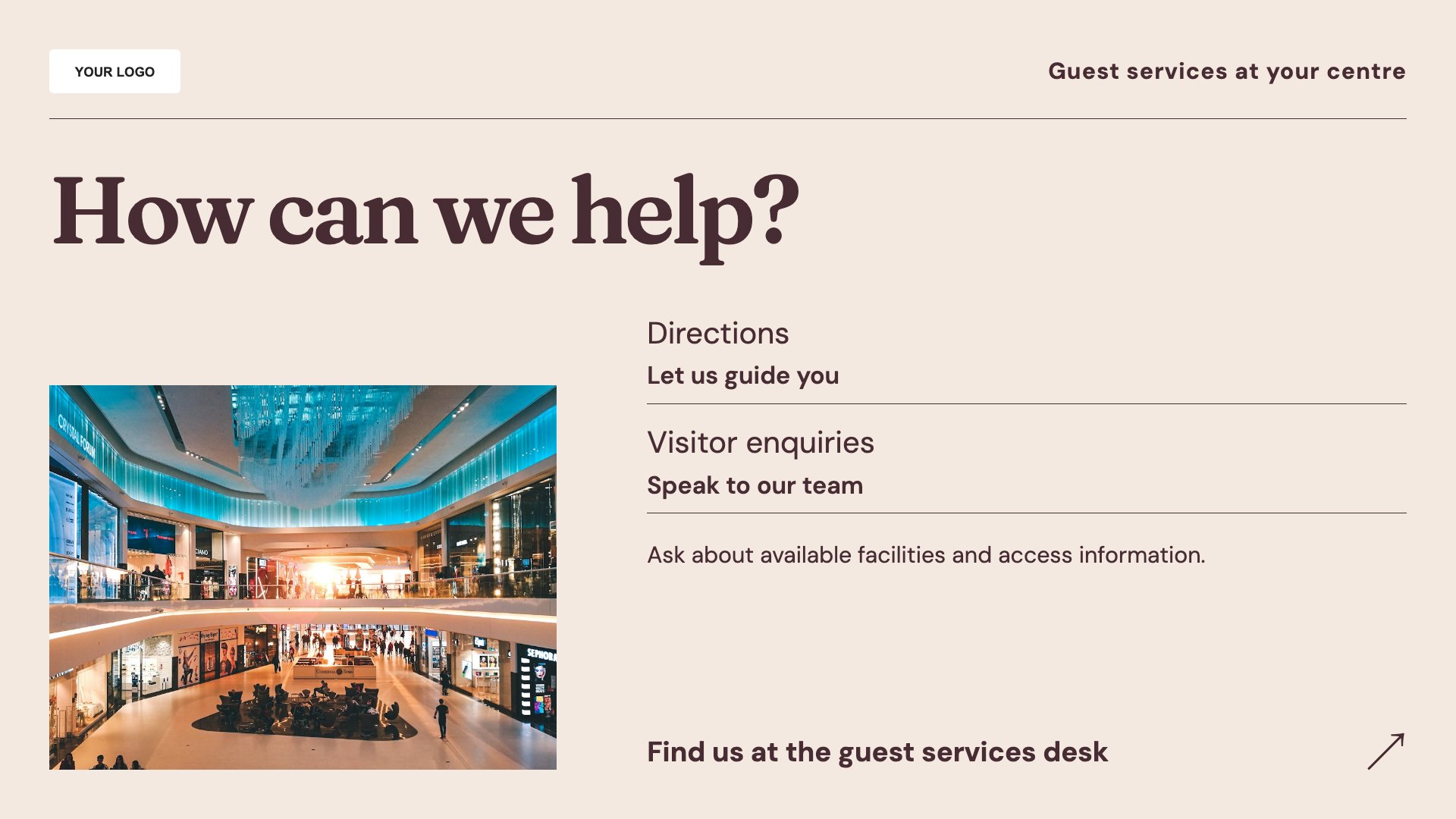
Explain guest-service locations. Start with this layout and replace the example details with your approved content.
View full size ↗ (opens in a new tab)Example designs with sample content. Replace names, dates, prices, imagery, contact details and conditions before publishing. Portrait and landscape versions adapt the same design to each screen format.
Explore the complete template collectionKeep unit names, levels and opening information current. Do not rely on a rotating directory as the only accessible way to find an essential service or exit.
Explore MassCasts featuresPick a design and the orientation that matches your display.
Edit wording, imagery and organisation details in the browser editor. Check all sample content before publishing.
Set page durations and schedule content for a paired, supported signage player.
No. It is an editable display layout, not a touchscreen wayfinding system.
Yes. Add approved event details, dates, location and participation information.
No. Store and service information is manually maintained in these templates.
Explore the editor, playlists and supported player setup in a signage demo.