
Pet shops
Pet essentials
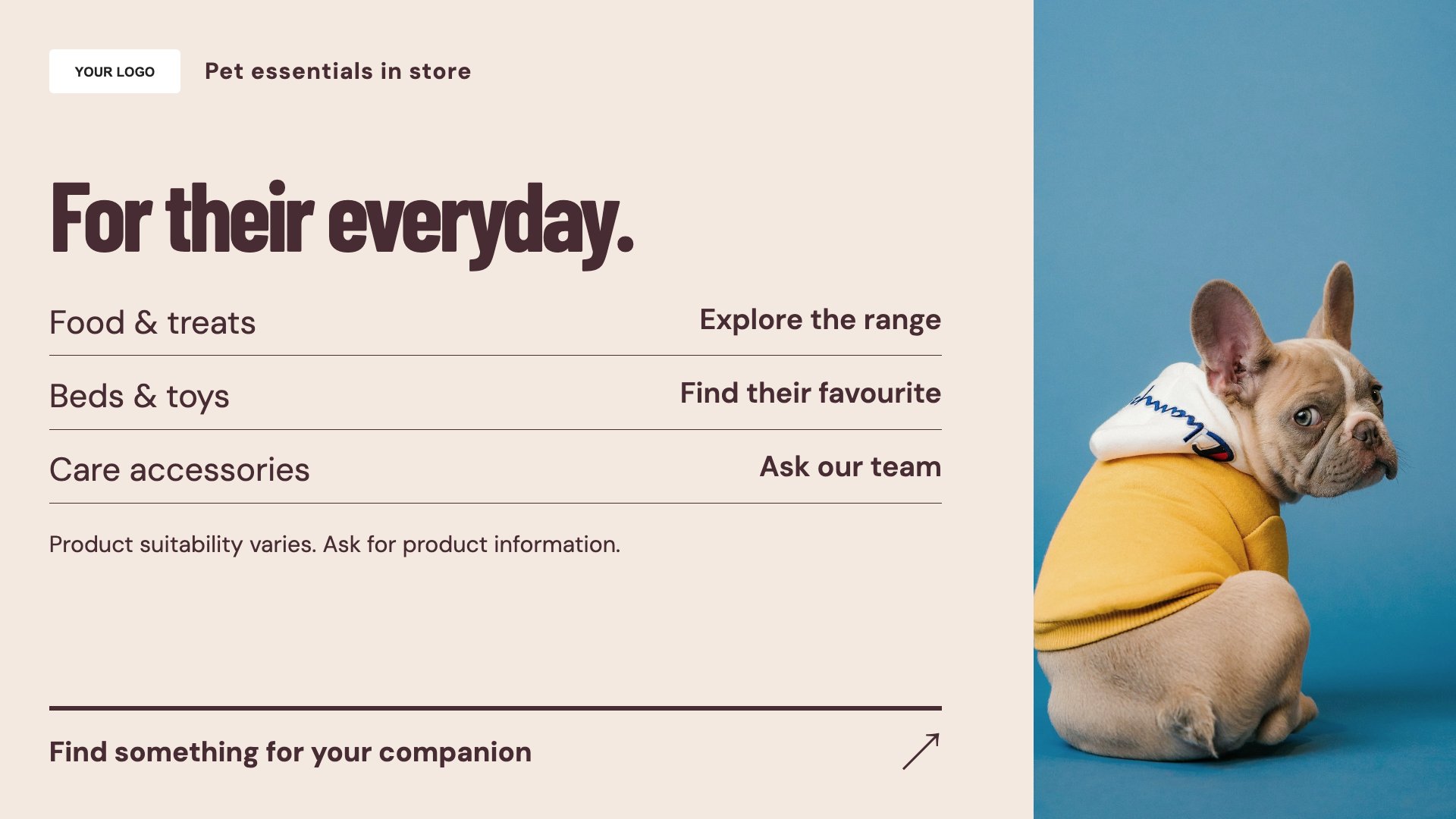
Show essentials for different pets. Start with this layout and replace the example details with your approved content.
View full size ↗ (opens in a new tab)Organise pet essentials, feature a product and explain the services your shop offers. Use clear product details and your own imagery so owners can see what to ask your team about.
Each design comes in landscape and portrait. Choose your screen orientation, inspect the real preview and customise the content for your organisation.
Show essentials for different pets. Start with this layout and replace the example details with your approved content.
View full size ↗ (opens in a new tab)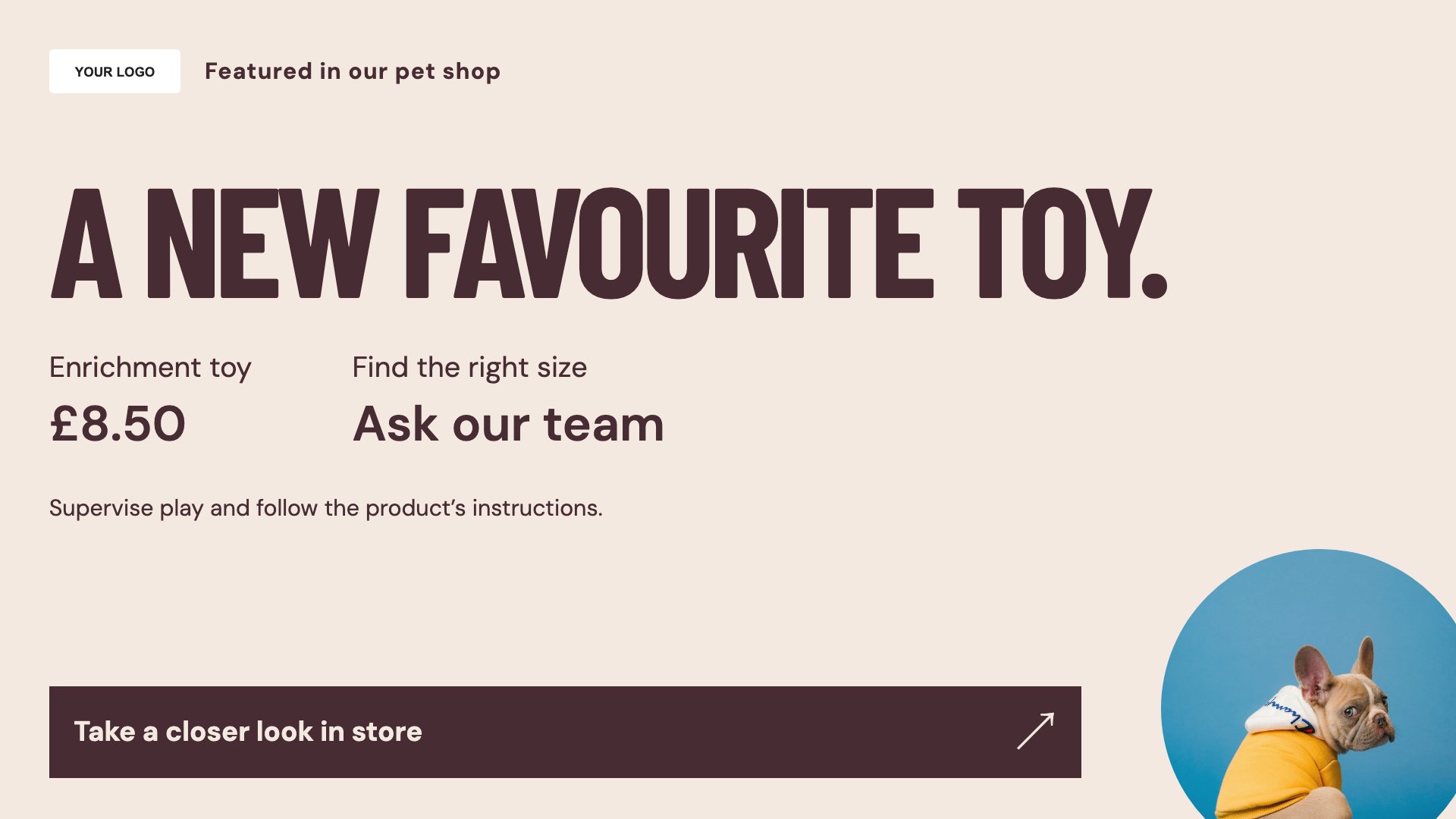
Feature a product with useful details. Start with this layout and replace the example details with your approved content.
View full size ↗ (opens in a new tab)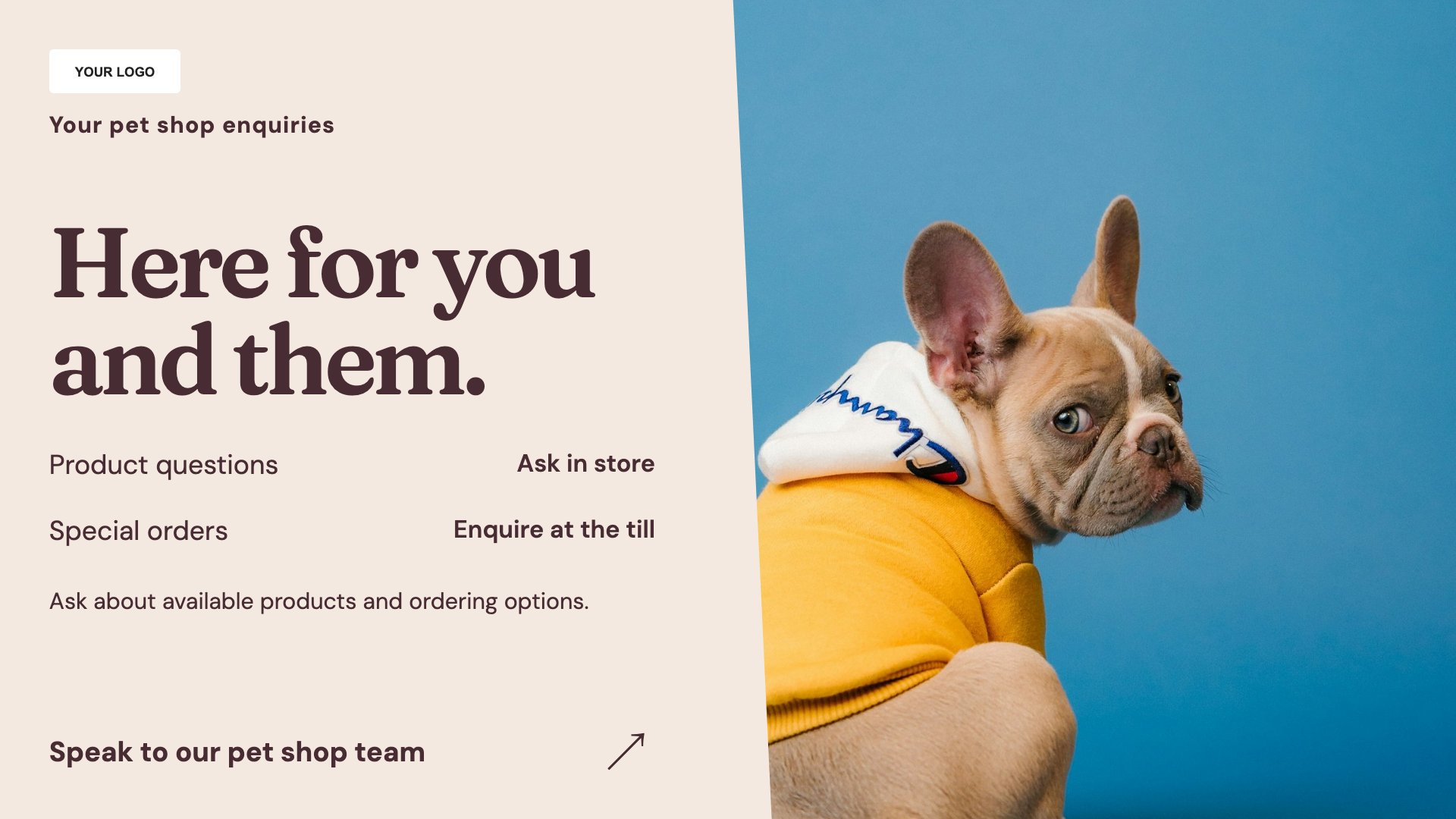
Introduce your pet-shop services. Start with this layout and replace the example details with your approved content.
View full size ↗ (opens in a new tab)Example designs with sample content. Replace names, dates, prices, imagery, contact details and conditions before publishing. Portrait and landscape versions adapt the same design to each screen format.
Explore the complete template collectionKeep species, size and product descriptions accurate. Avoid unverified health claims and direct individual animal-health questions to an appropriate veterinary professional.
Explore MassCasts featuresPick a design and the orientation that matches your display.
Edit wording, imagery and organisation details in the browser editor. Check all sample content before publishing.
Set page durations and schedule content for a paired, supported signage player.
Yes. Edit the headings and products to match the pets and ranges your shop serves.
Yes, where you actually provide them. Add the booking route and relevant conditions.
No. They provide editable layouts. Your team must review product and health-related wording before display.
Explore the editor, playlists and supported player setup in a signage demo.