
Event venues
Event programme
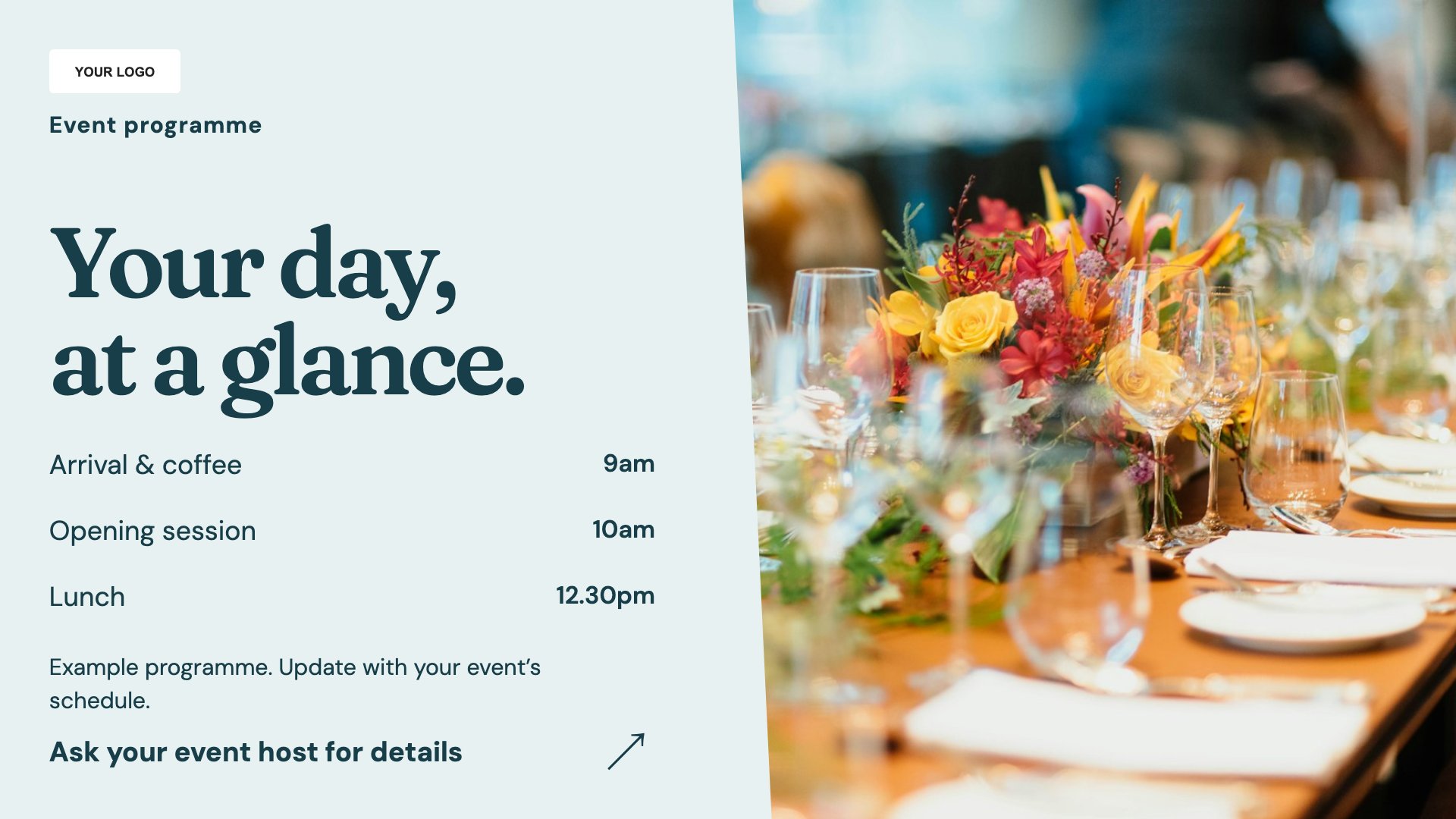
Display sessions and programme times. Start with this layout and replace the example details with your approved content.
View full size ↗ (opens in a new tab)Welcome attendees, set out the event programme and help them find the right room. Clear room names and readable timings are useful before a guest has a chance to ask at the desk.
Each design comes in landscape and portrait. Choose your screen orientation, inspect the real preview and customise the content for your organisation.
Display sessions and programme times. Start with this layout and replace the example details with your approved content.
View full size ↗ (opens in a new tab)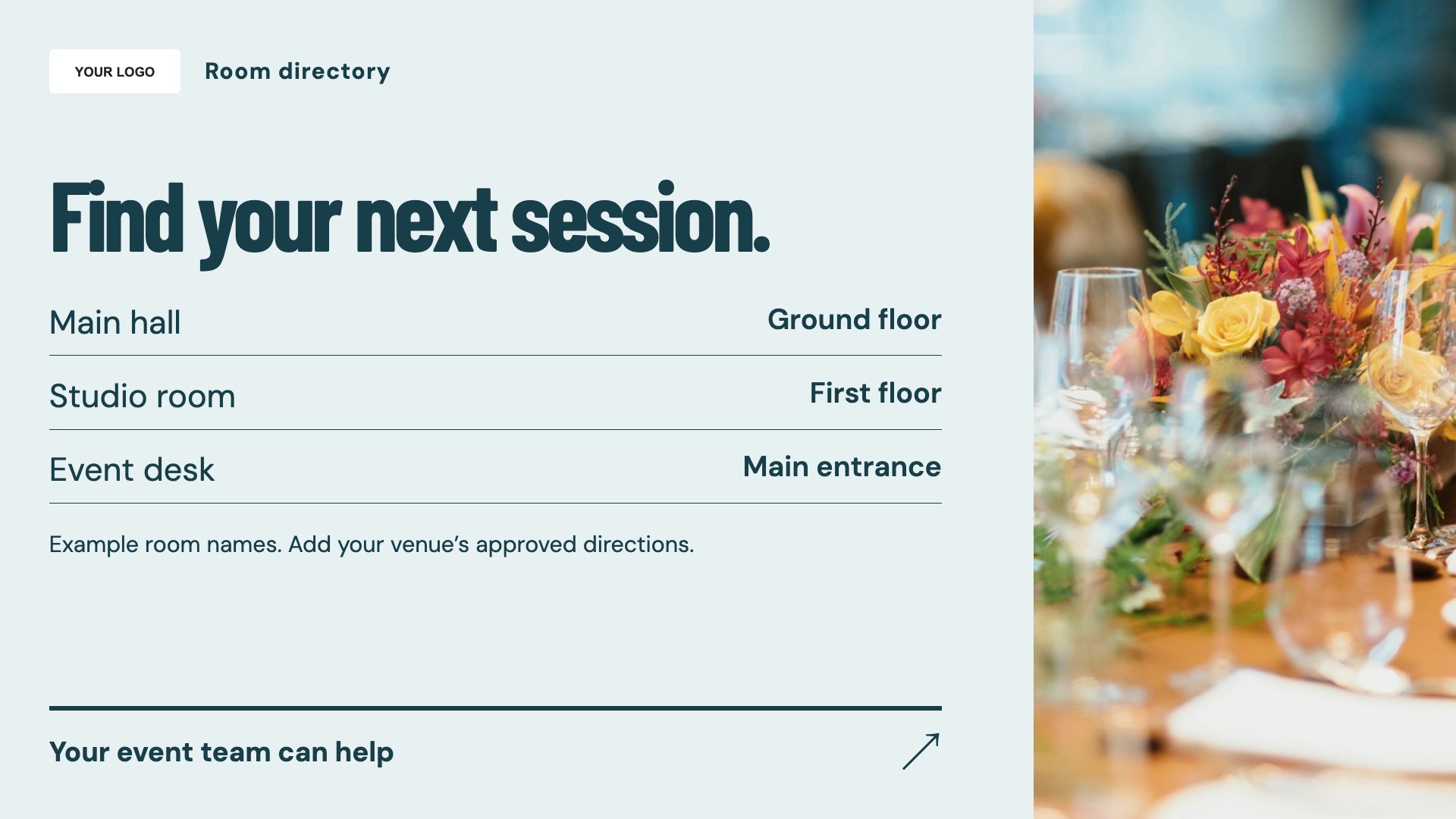
Give visitors a room directory. Start with this layout and replace the example details with your approved content.
View full size ↗ (opens in a new tab)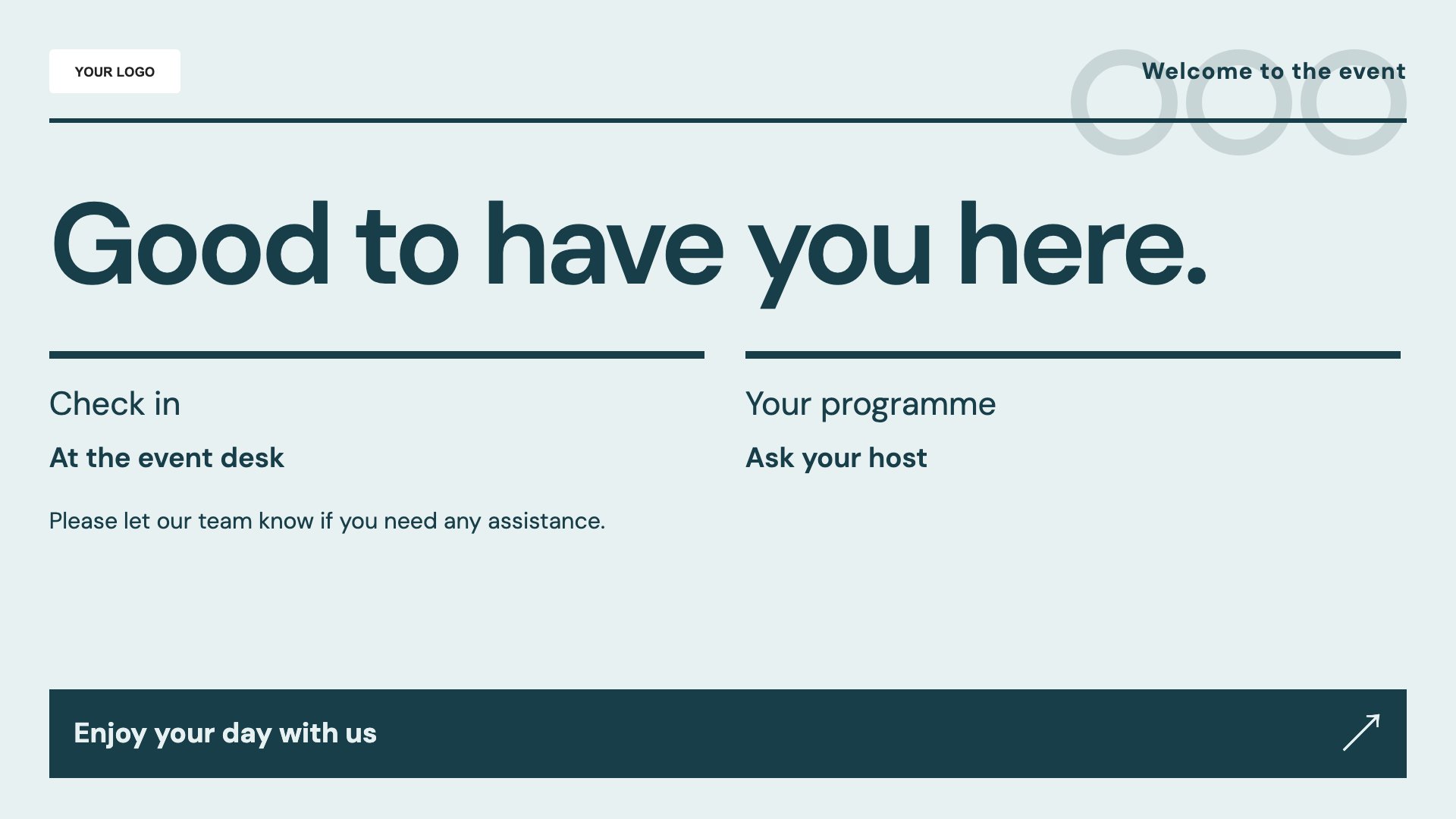
Welcome attendees to the event. Start with this layout and replace the example details with your approved content.
View full size ↗ (opens in a new tab)Example designs with sample content. Replace names, dates, prices, imagery, contact details and conditions before publishing. Portrait and landscape versions adapt the same design to each screen format.
Explore the complete template collectionMatch room names to the signs at each entrance and include dates on programmes. Keep attendee details private and use your approved procedures for emergency information.
Explore MassCasts featuresPick a design and the orientation that matches your display.
Edit wording, imagery and organisation details in the browser editor. Check all sample content before publishing.
Set page durations and schedule content for a paired, supported signage player.
No. It is editable content. Update session times and speakers yourself.
Yes. Change the event name, host branding and practical details for each booking.
MassCasts supports assigning playlists to paired screens. Plan each screen’s content around its location and check the setup in a demo.
Explore the editor, playlists and supported player setup in a signage demo.