
Gyms & fitness studios
Class timetable
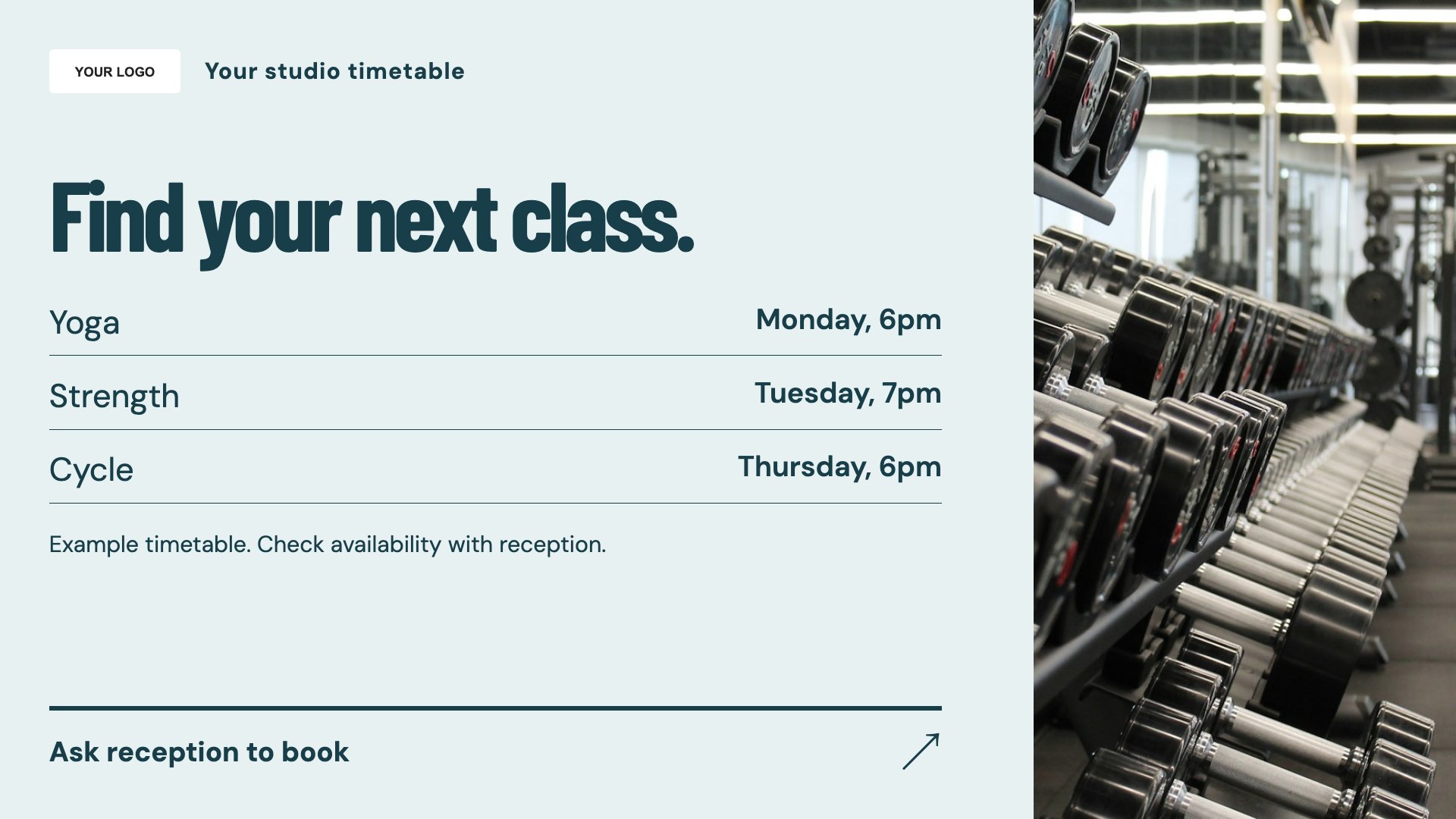
Display a readable class timetable. Start with this layout and replace the example details with your approved content.
View full size ↗ (opens in a new tab)Help members find a class, understand how to enquire about membership and get to know a trainer. Give reception and studio screens a useful mix of practical information and team introductions.
Each design comes in landscape and portrait. Choose your screen orientation, inspect the real preview and customise the content for your organisation.
Display a readable class timetable. Start with this layout and replace the example details with your approved content.
View full size ↗ (opens in a new tab)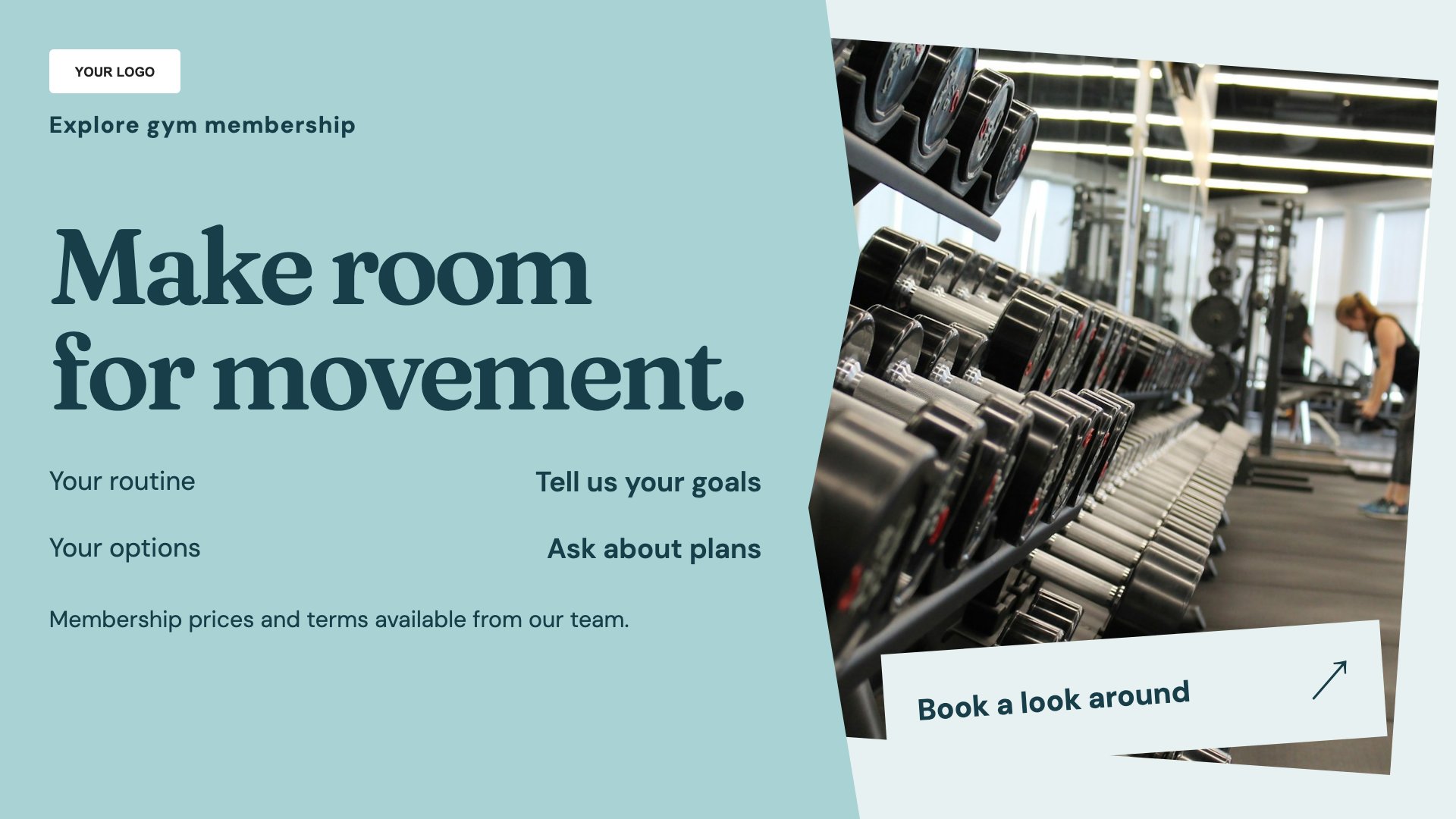
Explain the membership enquiry process. Start with this layout and replace the example details with your approved content.
View full size ↗ (opens in a new tab)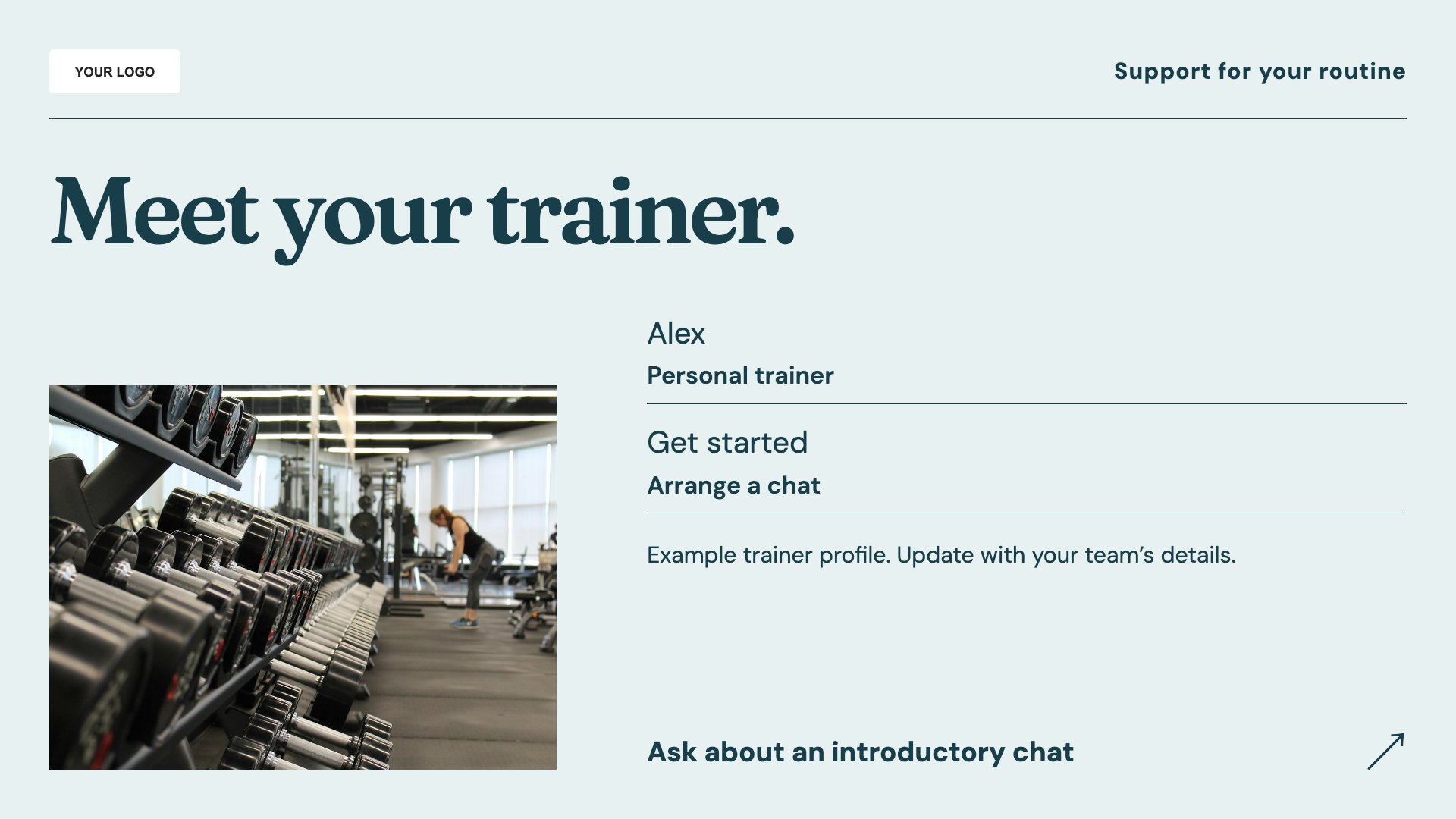
Introduce a trainer and their sessions. Start with this layout and replace the example details with your approved content.
View full size ↗ (opens in a new tab)Example designs with sample content. Replace names, dates, prices, imagery, contact details and conditions before publishing. Portrait and landscape versions adapt the same design to each screen format.
Explore the complete template collectionKeep class times and instructor names current. Avoid guaranteed fitness results, include relevant membership conditions and direct personal exercise questions to an appropriately qualified team member.
Explore MassCasts featuresPick a design and the orientation that matches your display.
Edit wording, imagery and organisation details in the browser editor. Check all sample content before publishing.
Set page durations and schedule content for a paired, supported signage player.
No. This timetable is editable content. Update sessions yourself and direct members to your existing booking route.
Yes. Add an approved photograph, role and short introduction, with permission from the person featured.
Yes. Add your current prices and relevant commitment, joining-fee or eligibility conditions in readable text.
Explore the editor, playlists and supported player setup in a signage demo.