
Visitor attractions
Today’s highlights
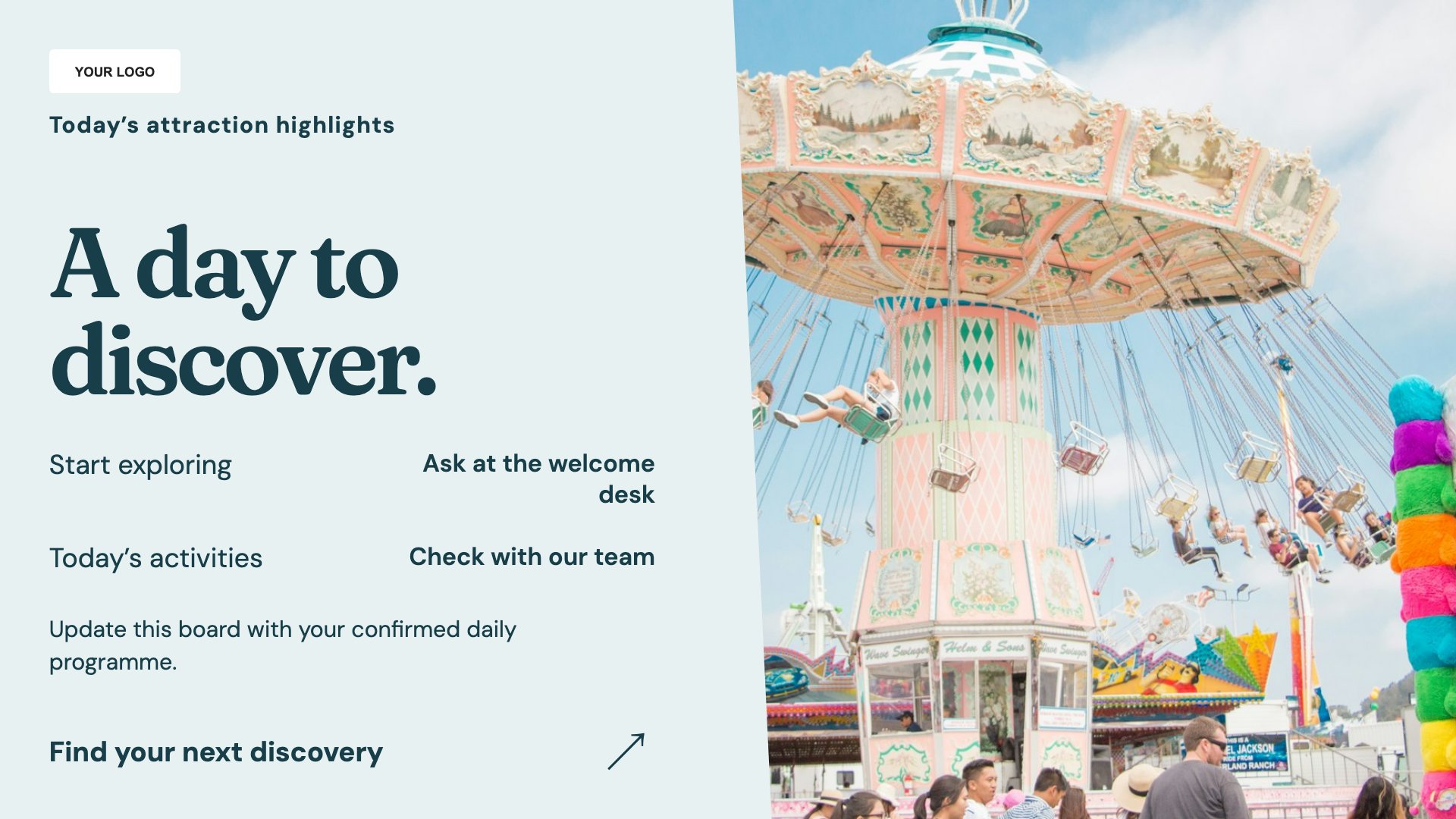
Highlight experiences taking place today. Start with this layout and replace the example details with your approved content.
View full size ↗ (opens in a new tab)Highlight the day’s experiences, explain visitor facilities and introduce refreshments. Clear screen content helps visitors plan their next stop while your team handles individual questions.
Each design comes in landscape and portrait. Choose your screen orientation, inspect the real preview and customise the content for your organisation.
Highlight experiences taking place today. Start with this layout and replace the example details with your approved content.
View full size ↗ (opens in a new tab)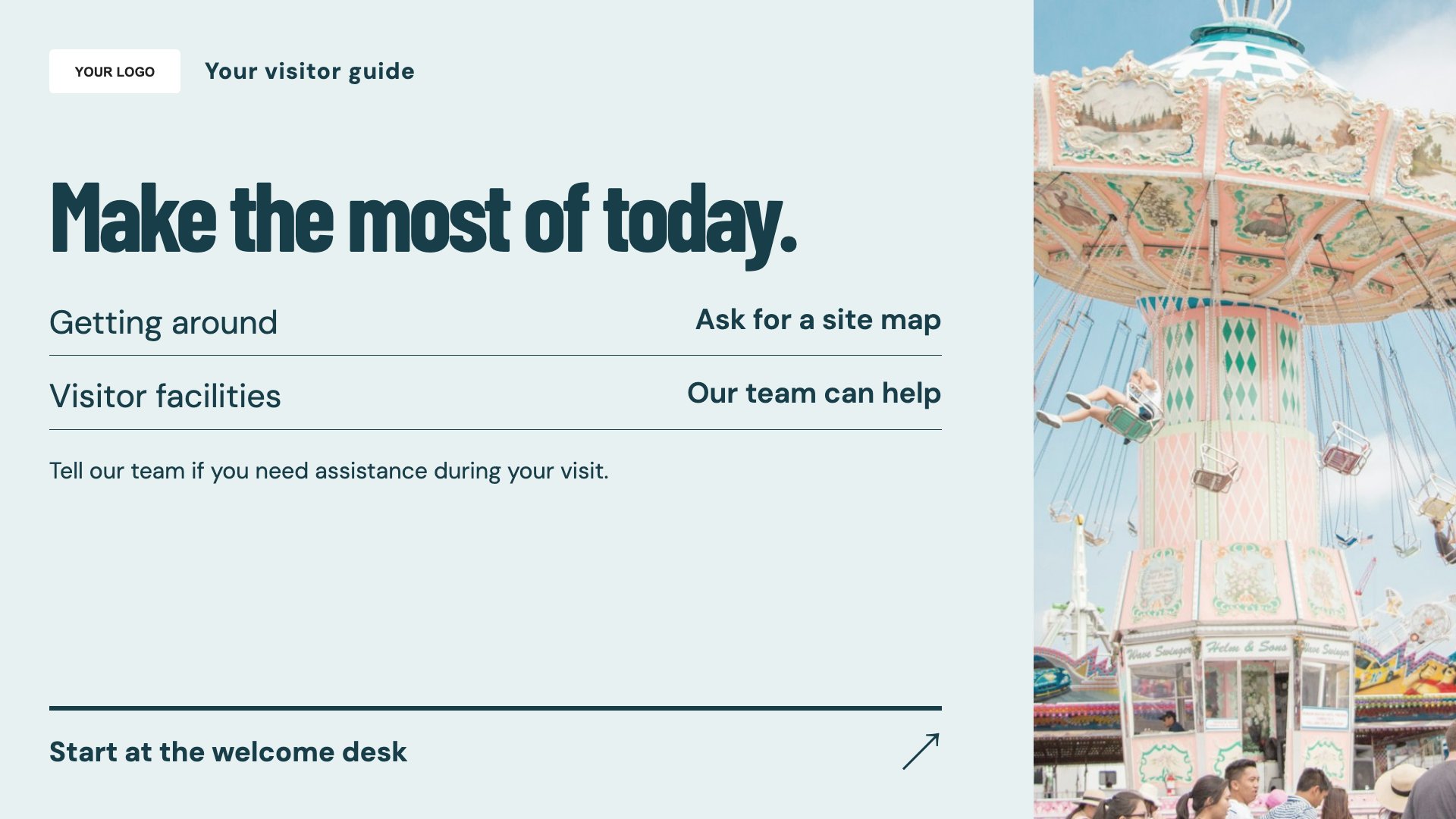
Explain visitor routes and facilities. Start with this layout and replace the example details with your approved content.
View full size ↗ (opens in a new tab)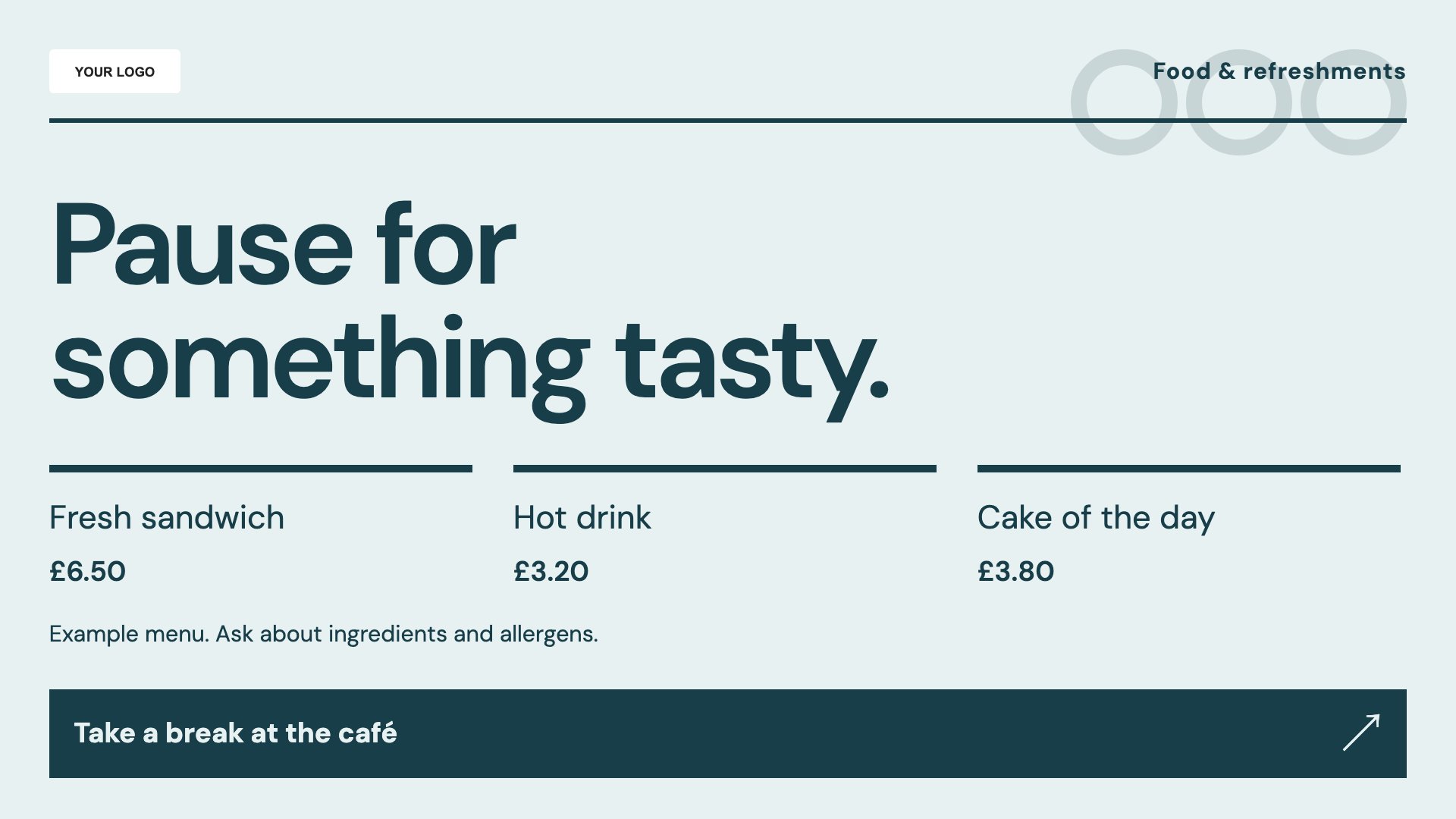
Introduce food and refreshment options. Start with this layout and replace the example details with your approved content.
View full size ↗ (opens in a new tab)Example designs with sample content. Replace names, dates, prices, imagery, contact details and conditions before publishing. Portrait and landscape versions adapt the same design to each screen format.
Explore the complete template collectionKeep times, locations and access restrictions current. Use names that match on-site signs and provide essential information through staff or permanent signage as well.
Explore MassCasts featuresPick a design and the orientation that matches your display.
Edit wording, imagery and organisation details in the browser editor. Check all sample content before publishing.
Set page durations and schedule content for a paired, supported signage player.
Yes. Edit the highlights and check dates, locations and any booking or participation conditions.
No. It is a screen layout containing the directions and facilities information you provide.
Yes. Add current items, prices and conditions, and keep a clear route for visitors to ask your team about allergens.
Explore the editor, playlists and supported player setup in a signage demo.