
Churches & places of worship
Service times
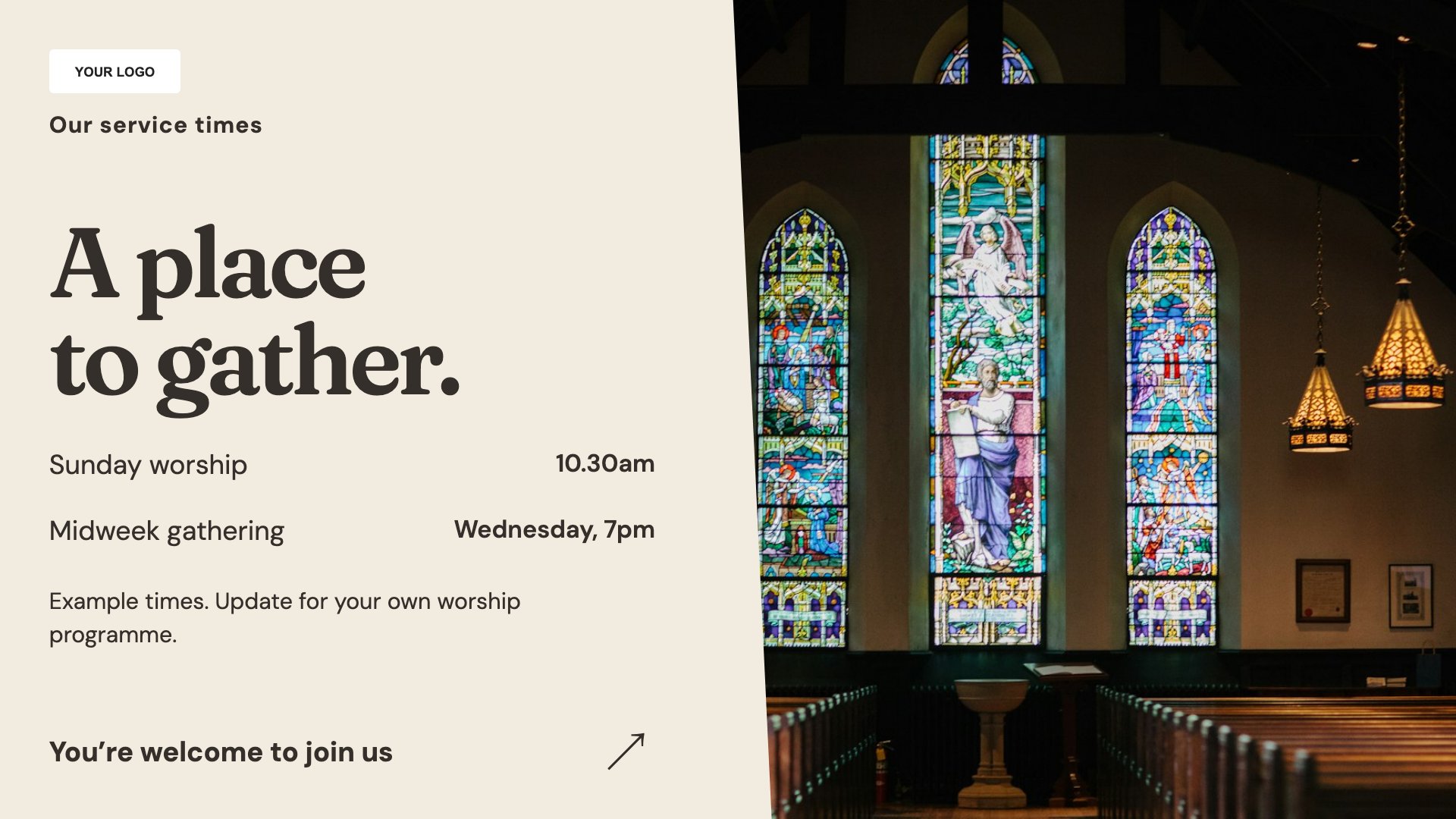
Make service times easy to find. Start with this layout and replace the example details with your approved content.
View full size ↗ (opens in a new tab)Help newcomers find service times, discover a community gathering and feel welcomed into worship. Keep practical information clear while letting the language and imagery reflect your own community.
Each design comes in landscape and portrait. Choose your screen orientation, inspect the real preview and customise the content for your organisation.
Make service times easy to find. Start with this layout and replace the example details with your approved content.
View full size ↗ (opens in a new tab)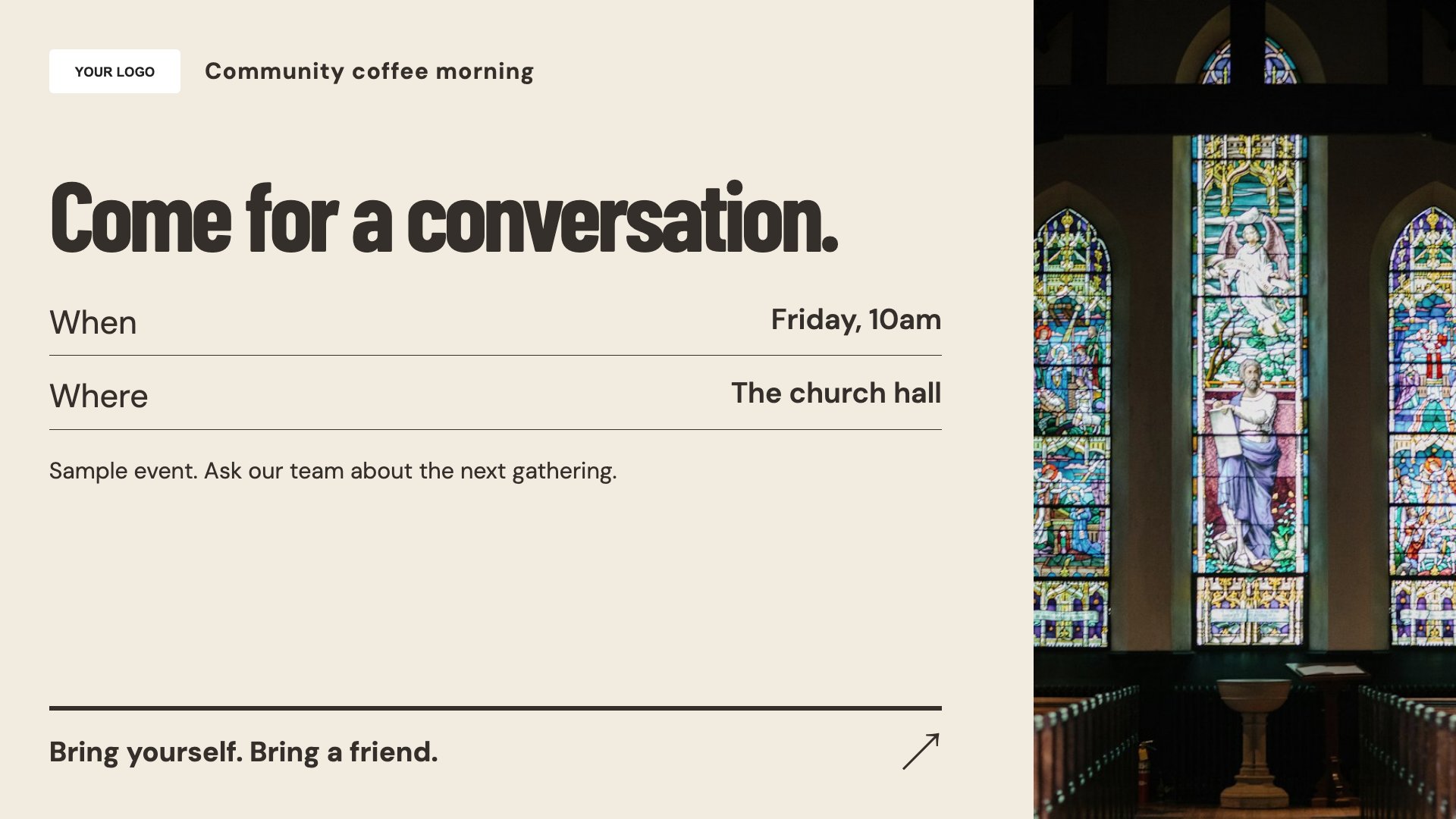
Invite people to a community gathering. Start with this layout and replace the example details with your approved content.
View full size ↗ (opens in a new tab)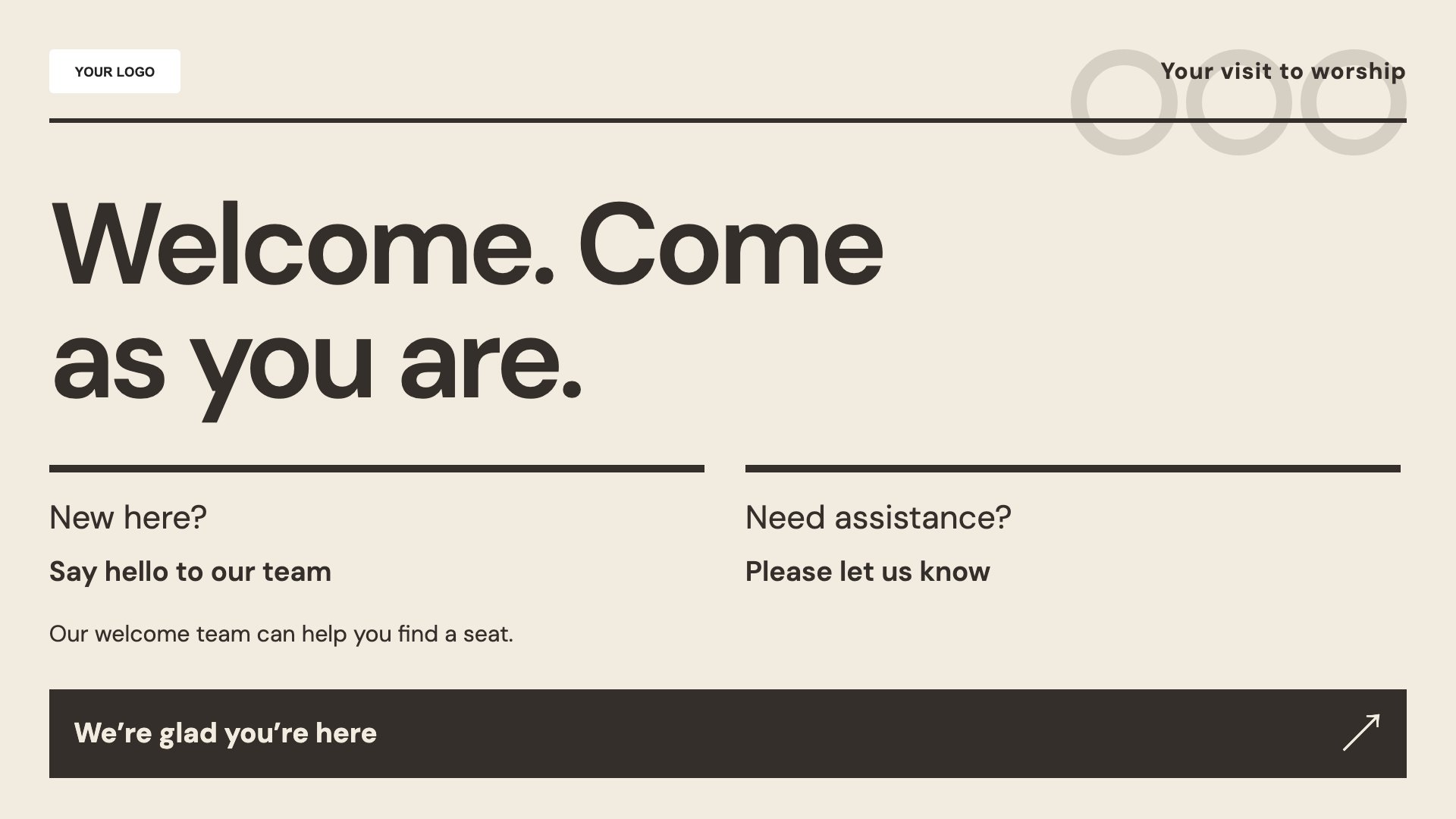
Welcome visitors to worship. Start with this layout and replace the example details with your approved content.
View full size ↗ (opens in a new tab)Example designs with sample content. Replace names, dates, prices, imagery, contact details and conditions before publishing. Portrait and landscape versions adapt the same design to each screen format.
Explore the complete template collectionInclude the date and location when services vary. Check accessibility and contact information, and do not make a screen the only source of information for visitors who cannot read it.
Explore MassCasts featuresPick a design and the orientation that matches your display.
Edit wording, imagery and organisation details in the browser editor. Check all sample content before publishing.
Set page durations and schedule content for a paired, supported signage player.
Yes. Edit the service-times layout with the days, times and locations that apply to your community.
Yes. Replace the sample language and imagery with wording appropriate to your faith community.
Yes. Add the date, location, intended audience and any booking or entry information.
Explore the editor, playlists and supported player setup in a signage demo.