
Museums & galleries
Exhibition spotlight
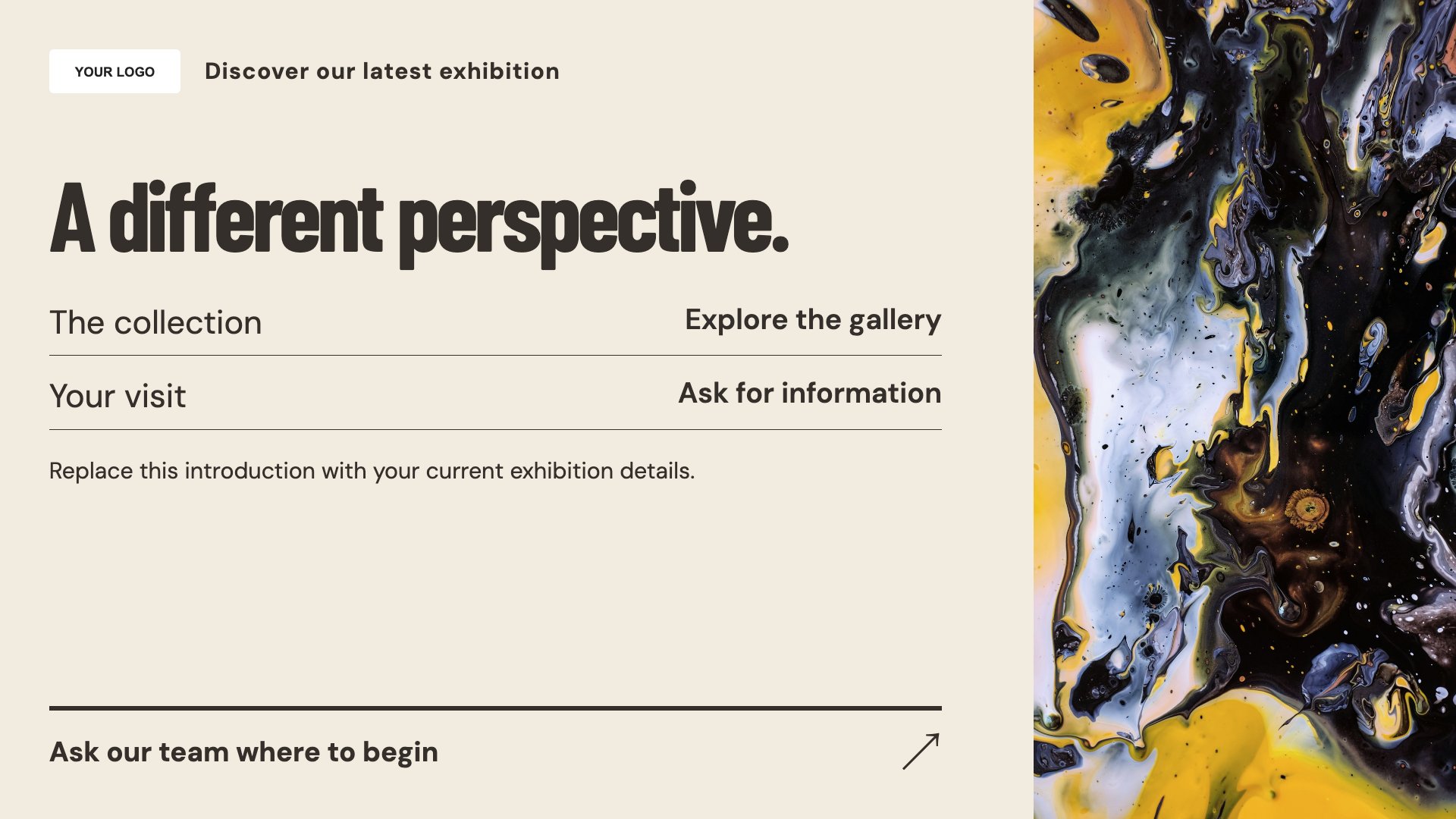
Introduce an exhibition or collection. Start with this layout and replace the example details with your approved content.
View full size ↗ (opens in a new tab)Give an exhibition a strong introduction, help visitors plan their visit and share the day’s programme. Use concise text that complements the gallery experience instead of competing with it.
Each design comes in landscape and portrait. Choose your screen orientation, inspect the real preview and customise the content for your organisation.
Introduce an exhibition or collection. Start with this layout and replace the example details with your approved content.
View full size ↗ (opens in a new tab)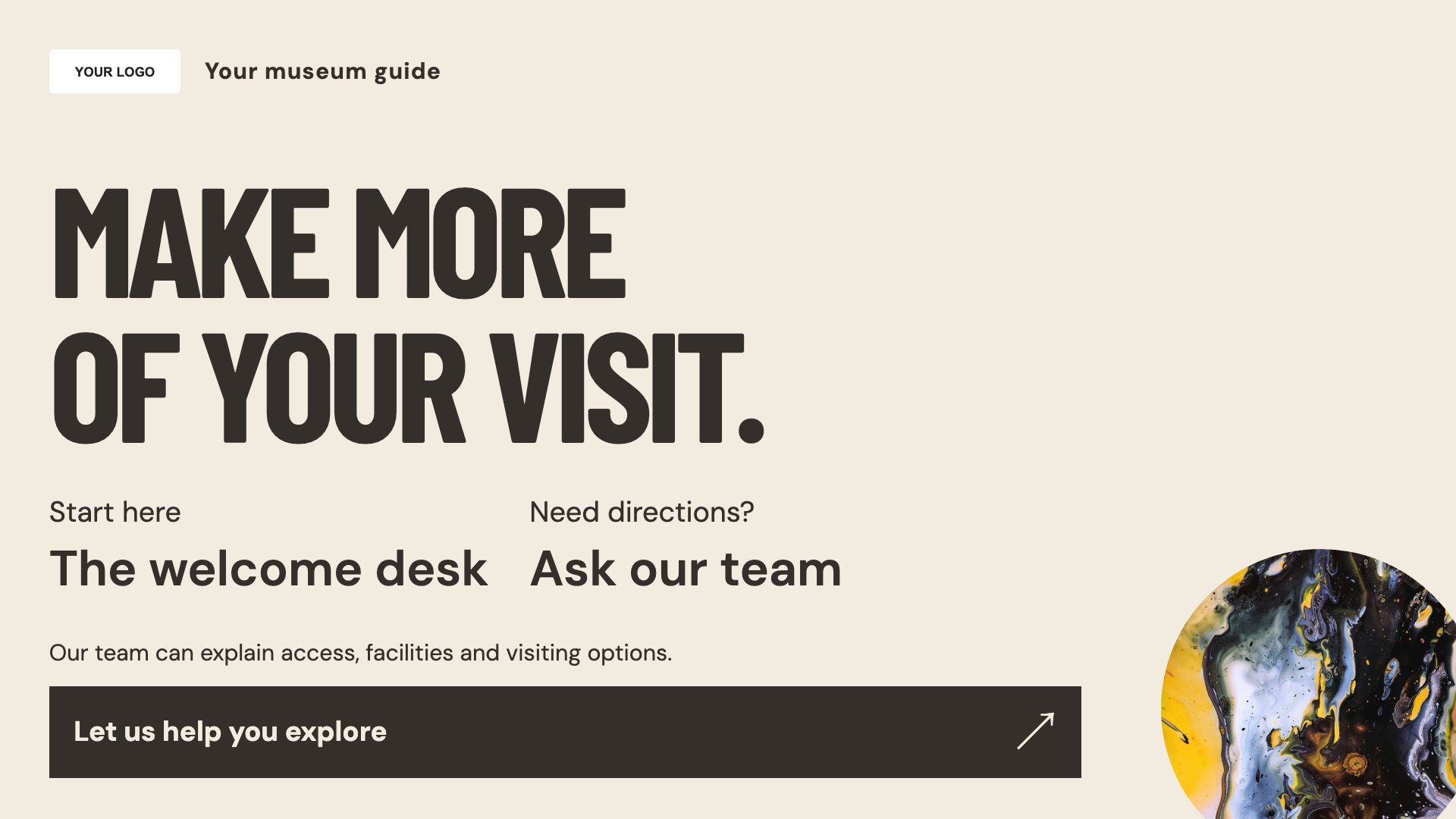
Explain practical visitor information. Start with this layout and replace the example details with your approved content.
View full size ↗ (opens in a new tab)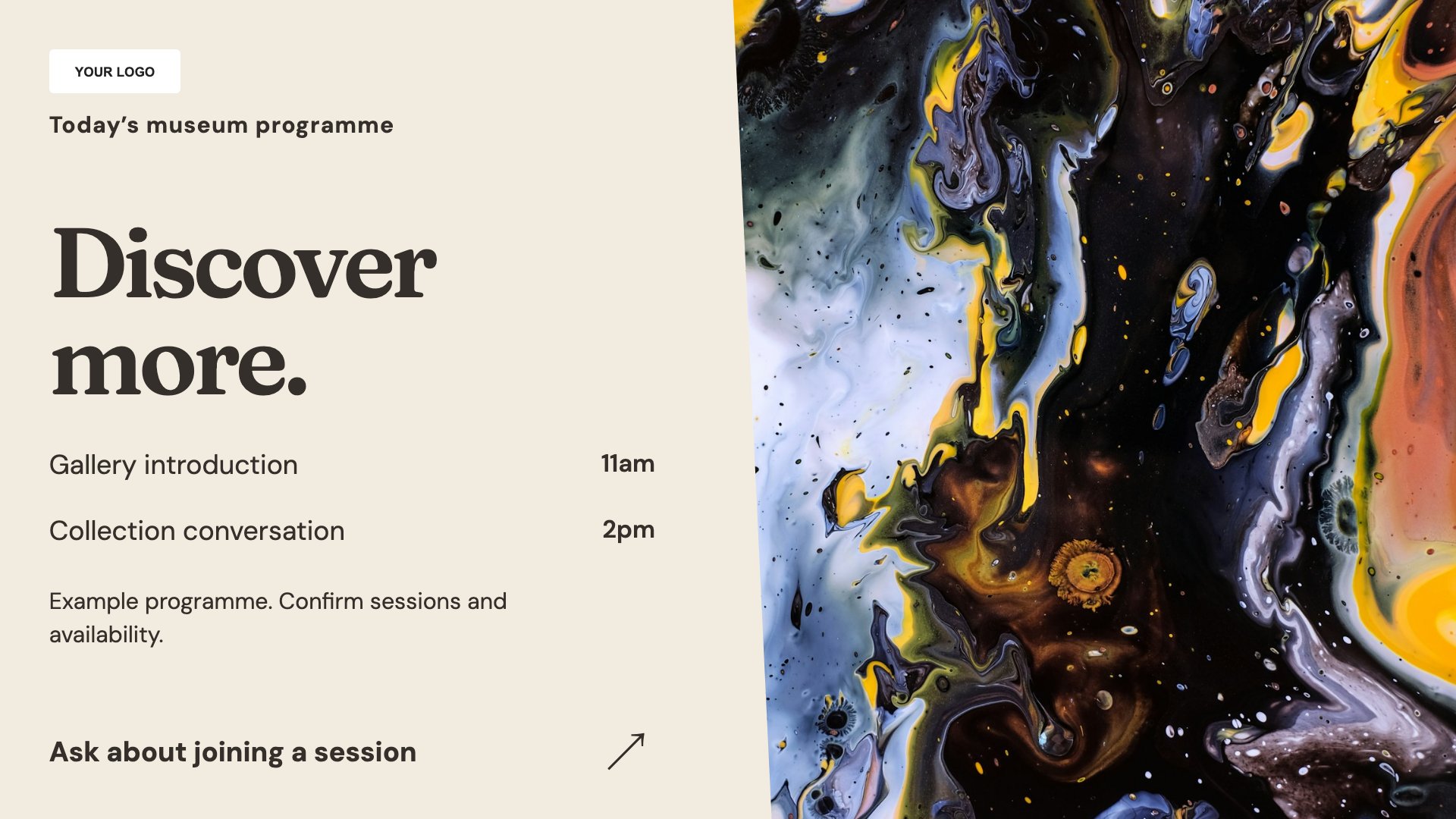
Show tours and activities for the day. Start with this layout and replace the example details with your approved content.
View full size ↗ (opens in a new tab)Example designs with sample content. Replace names, dates, prices, imagery, contact details and conditions before publishing. Portrait and landscape versions adapt the same design to each screen format.
Explore the complete template collectionCheck image rights and credits for collection material. Keep programme times and access information accurate, and make essential directions available beyond a rotating screen.
Explore MassCasts featuresPick a design and the orientation that matches your display.
Edit wording, imagery and organisation details in the browser editor. Check all sample content before publishing.
Set page durations and schedule content for a paired, supported signage player.
Yes, where you hold the necessary display rights. Add credits or restrictions required by your image permissions.
Yes. Edit the programme with start times, meeting points and booking details.
No. These templates are screen layouts for visible information, not an audio-guide or interactive-tour system.
Explore the editor, playlists and supported player setup in a signage demo.