
Libraries
Library events
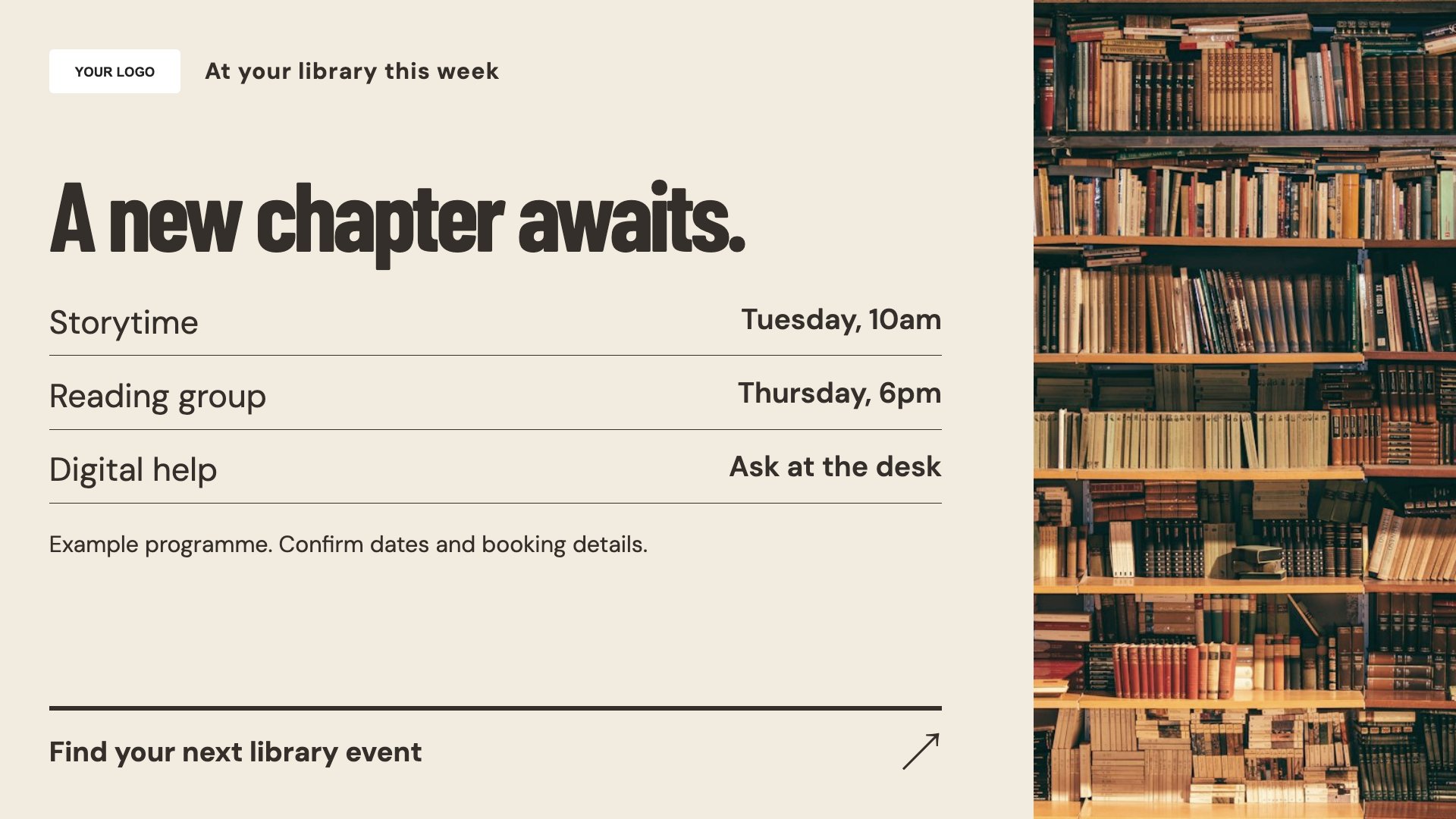
Promote a reading group or library event. Start with this layout and replace the example details with your approved content.
View full size ↗ (opens in a new tab)Introduce library events, highlight useful services and make opening times visible. Screen content can help a visitor discover something beyond the shelf they came for.
Each design comes in landscape and portrait. Choose your screen orientation, inspect the real preview and customise the content for your organisation.
Promote a reading group or library event. Start with this layout and replace the example details with your approved content.
View full size ↗ (opens in a new tab)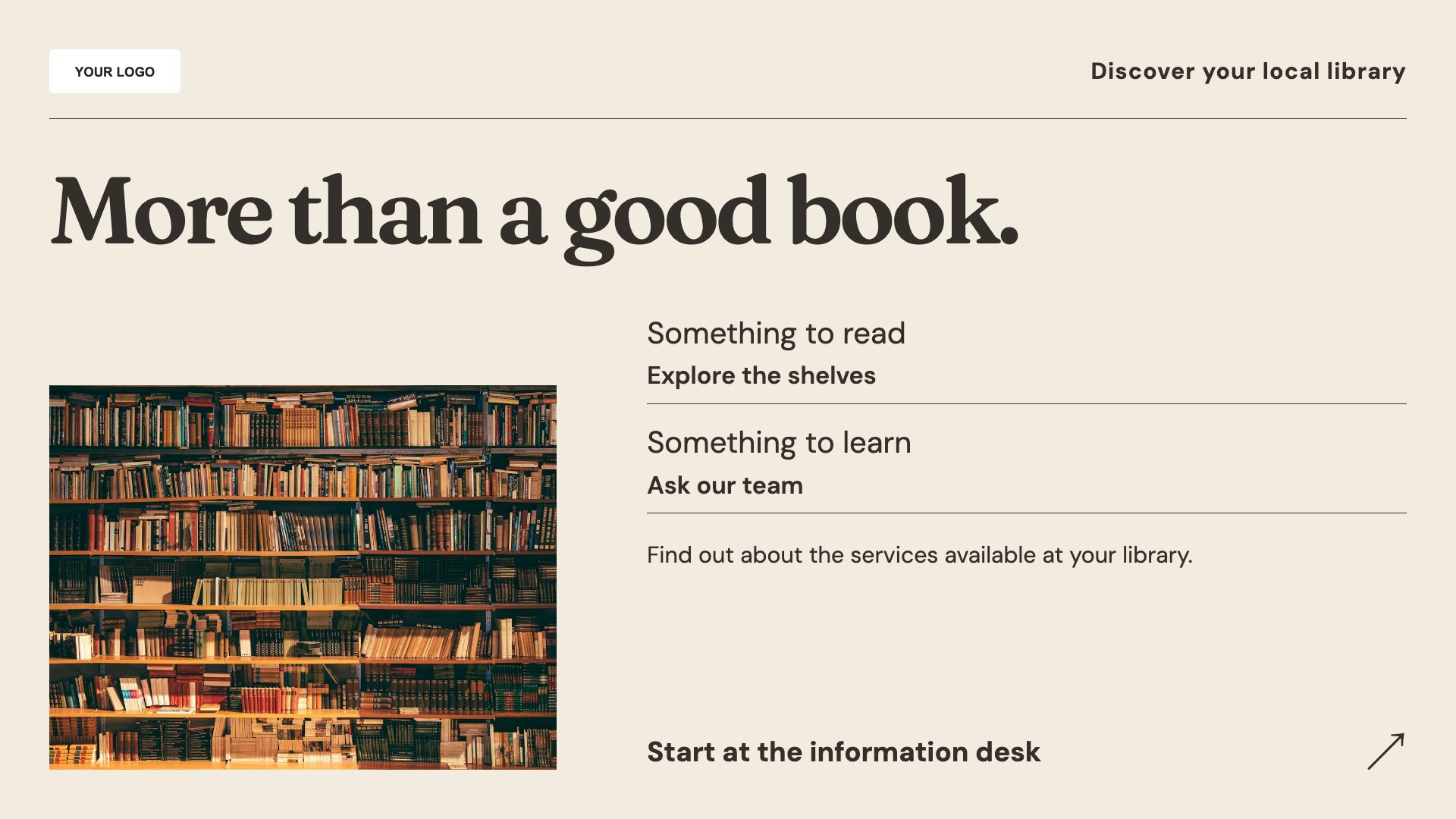
Introduce library services and resources. Start with this layout and replace the example details with your approved content.
View full size ↗ (opens in a new tab)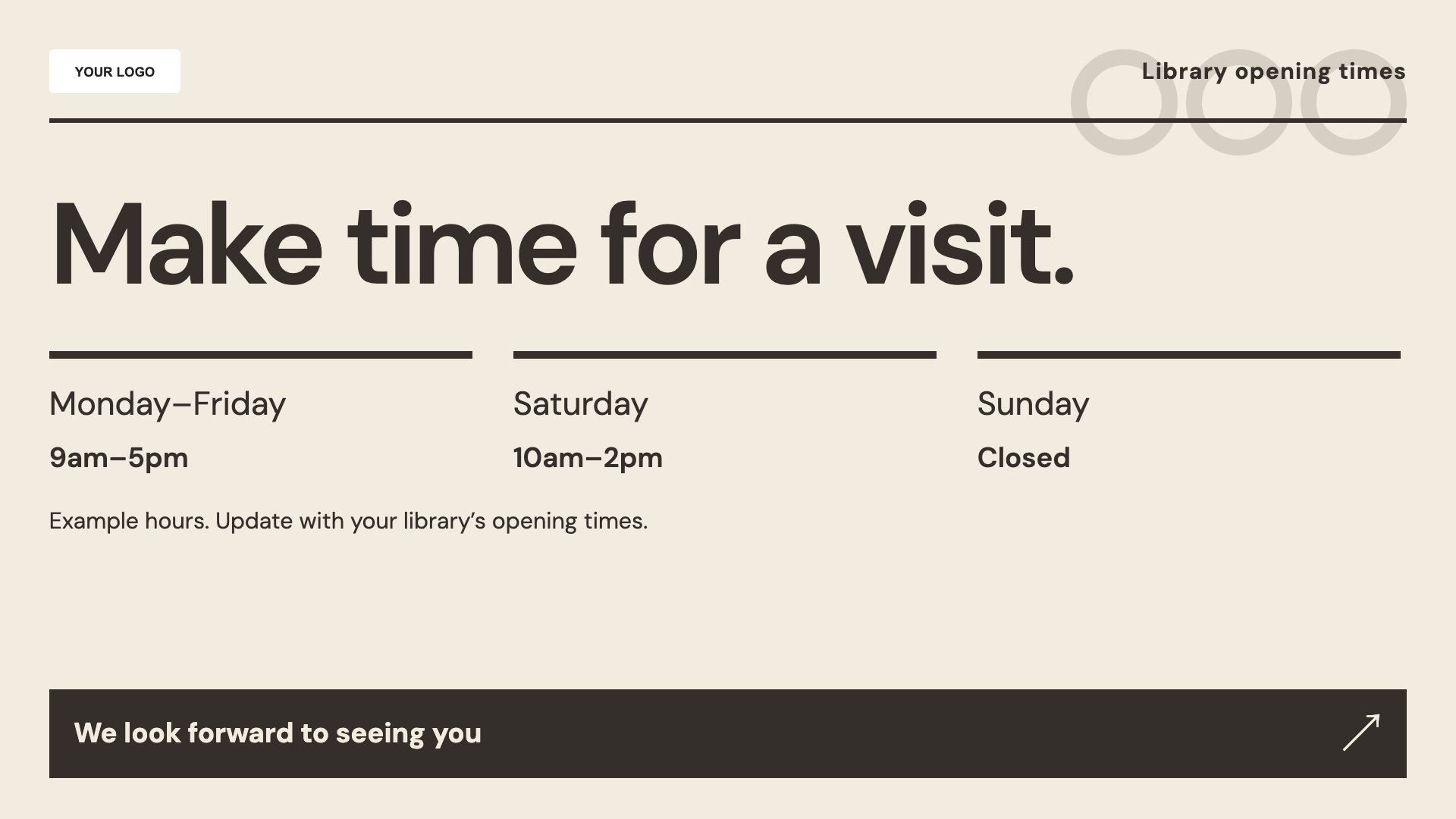
Show branch opening times. Start with this layout and replace the example details with your approved content.
View full size ↗ (opens in a new tab)Example designs with sample content. Replace names, dates, prices, imagery, contact details and conditions before publishing. Portrait and landscape versions adapt the same design to each screen format.
Explore the complete template collectionKeep event age ranges, booking details and branch names clear. Avoid exposing borrower information and check that digital-service instructions match the resources your library provides.
Explore MassCasts featuresPick a design and the orientation that matches your display.
Edit wording, imagery and organisation details in the browser editor. Check all sample content before publishing.
Set page durations and schedule content for a paired, supported signage player.
Yes. Include the intended age range, date, location, booking process and any supervision information.
No. These are editable layouts, not a live catalogue or borrower-account connection.
Yes. Update the hours and effective dates, and check the screen content before the changed hours begin.
Explore the editor, playlists and supported player setup in a signage demo.