
Community centres
What’s on board
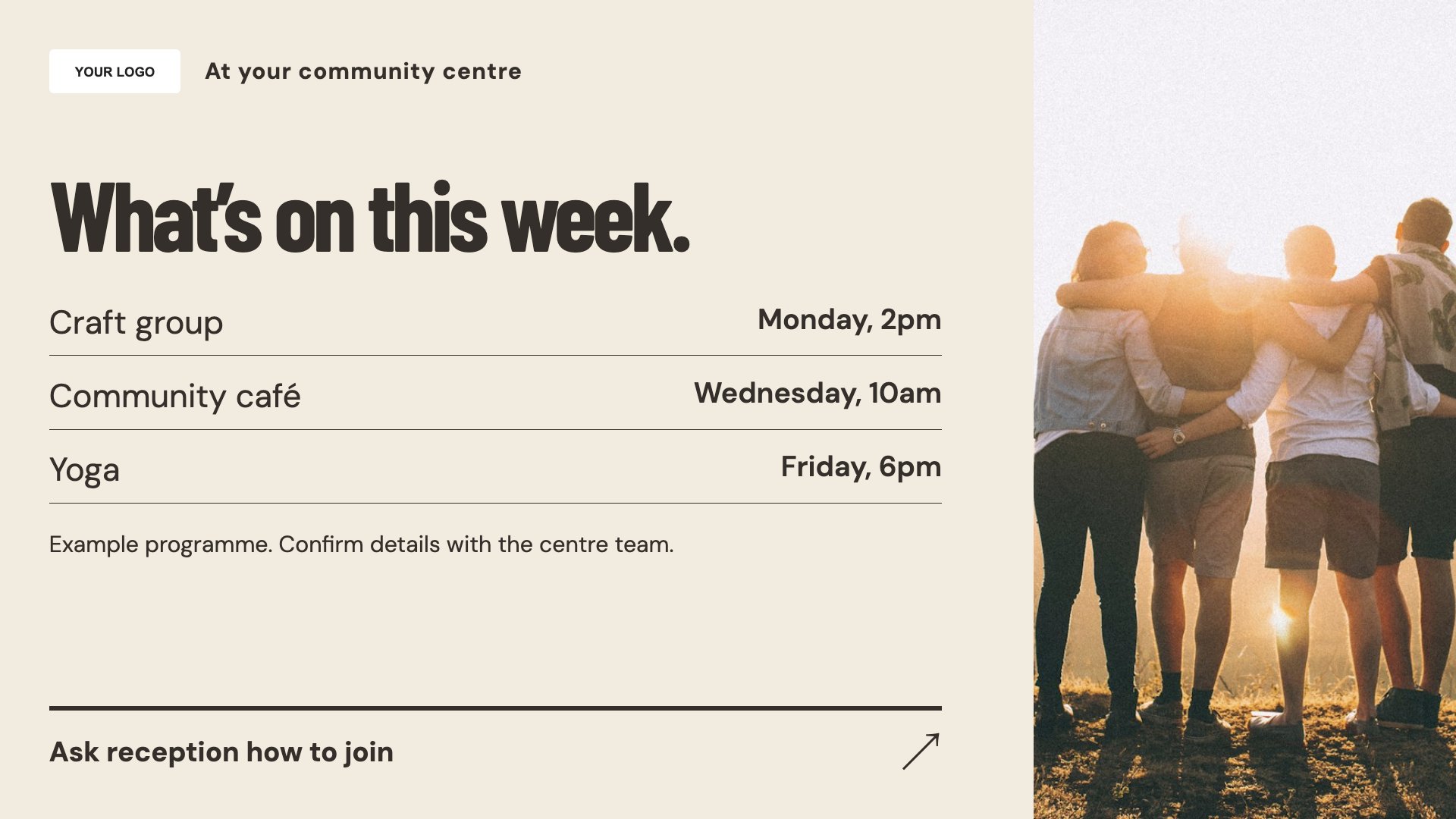
Show upcoming groups and activities. Start with this layout and replace the example details with your approved content.
View full size ↗ (opens in a new tab)Bring the centre’s programme, room-hire enquiries and community notices into a clear shared space. Help visitors understand what is on today and how to ask about taking part.
Each design comes in landscape and portrait. Choose your screen orientation, inspect the real preview and customise the content for your organisation.
Show upcoming groups and activities. Start with this layout and replace the example details with your approved content.
View full size ↗ (opens in a new tab)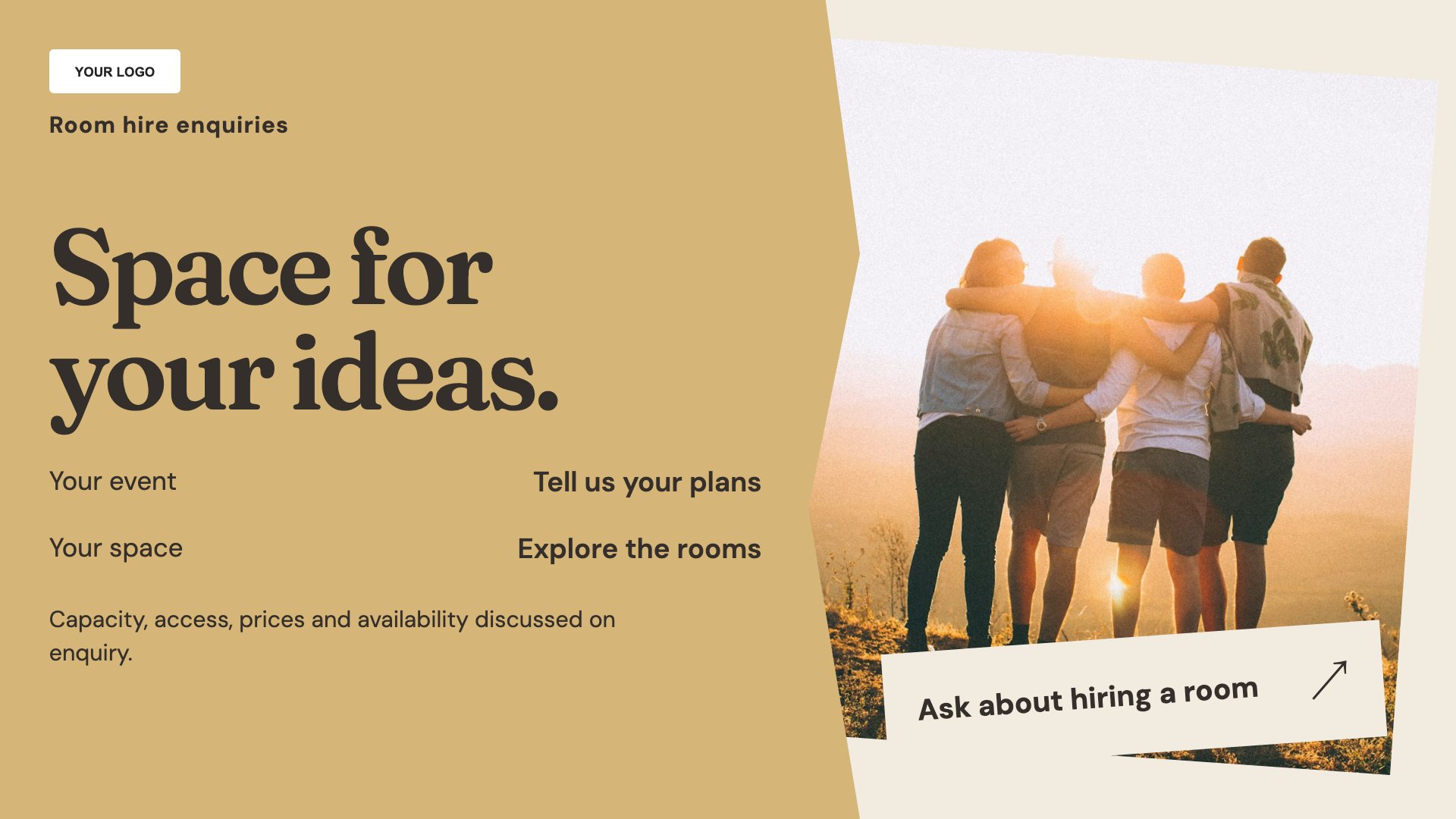
Explain room-hire enquiries. Start with this layout and replace the example details with your approved content.
View full size ↗ (opens in a new tab)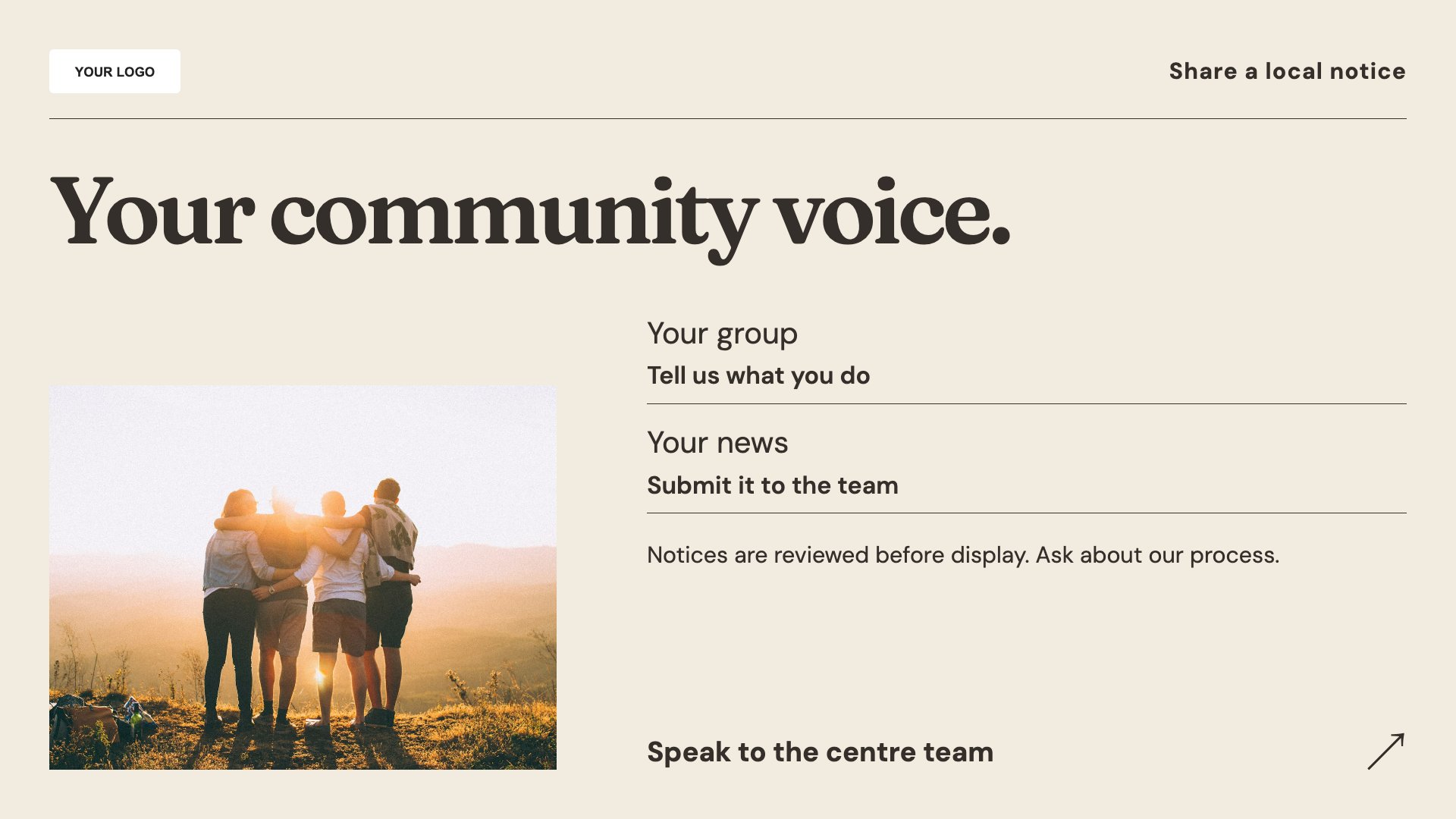
Publish a focused community notice. Start with this layout and replace the example details with your approved content.
View full size ↗ (opens in a new tab)Example designs with sample content. Replace names, dates, prices, imagery, contact details and conditions before publishing. Portrait and landscape versions adapt the same design to each screen format.
Explore the complete template collectionPut dates and room names on activity messages. Agree who approves third-party notices and remove expired content so the noticeboard stays trustworthy.
Explore MassCasts featuresPick a design and the orientation that matches your display.
Edit wording, imagery and organisation details in the browser editor. Check all sample content before publishing.
Set page durations and schedule content for a paired, supported signage player.
Yes. Add each group’s approved details and current contact or booking route.
No. The design explains how to enquire; it does not show live room availability.
MassCasts supports schedules. Set the intended content timing and review your playlist so dated notices do not remain on screen unintentionally.
Explore the editor, playlists and supported player setup in a signage demo.