
Construction sites
Site briefing
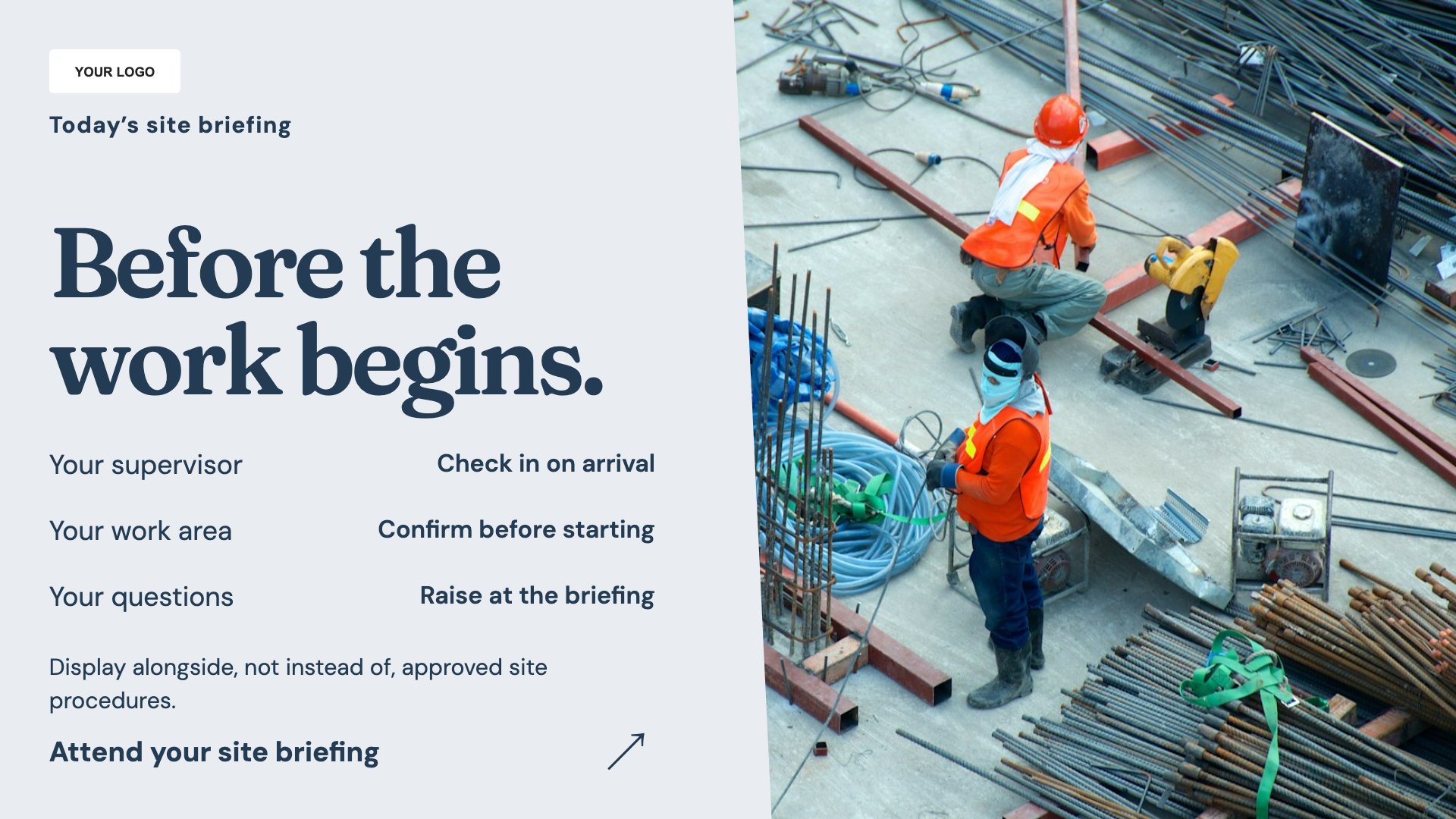
Present an approved site briefing. Start with this layout and replace the example details with your approved content.
View full size ↗ (opens in a new tab)Bring the site briefing, visitor arrival instructions and a project update into clear screen layouts. Keep messages specific to the site and approved by the people responsible for its operation.
Each design comes in landscape and portrait. Choose your screen orientation, inspect the real preview and customise the content for your organisation.
Present an approved site briefing. Start with this layout and replace the example details with your approved content.
View full size ↗ (opens in a new tab)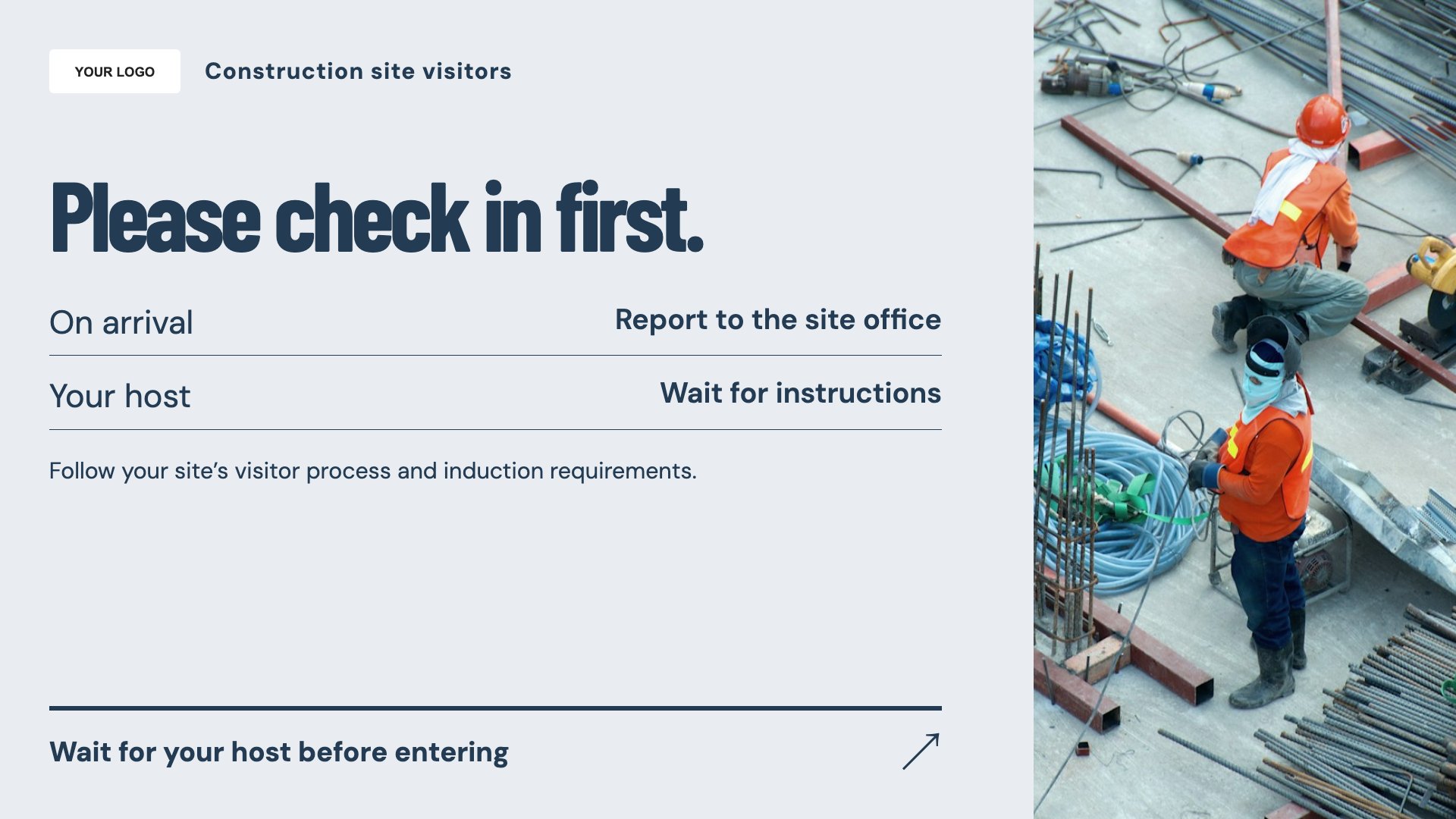
Explain visitor check-in steps. Start with this layout and replace the example details with your approved content.
View full size ↗ (opens in a new tab)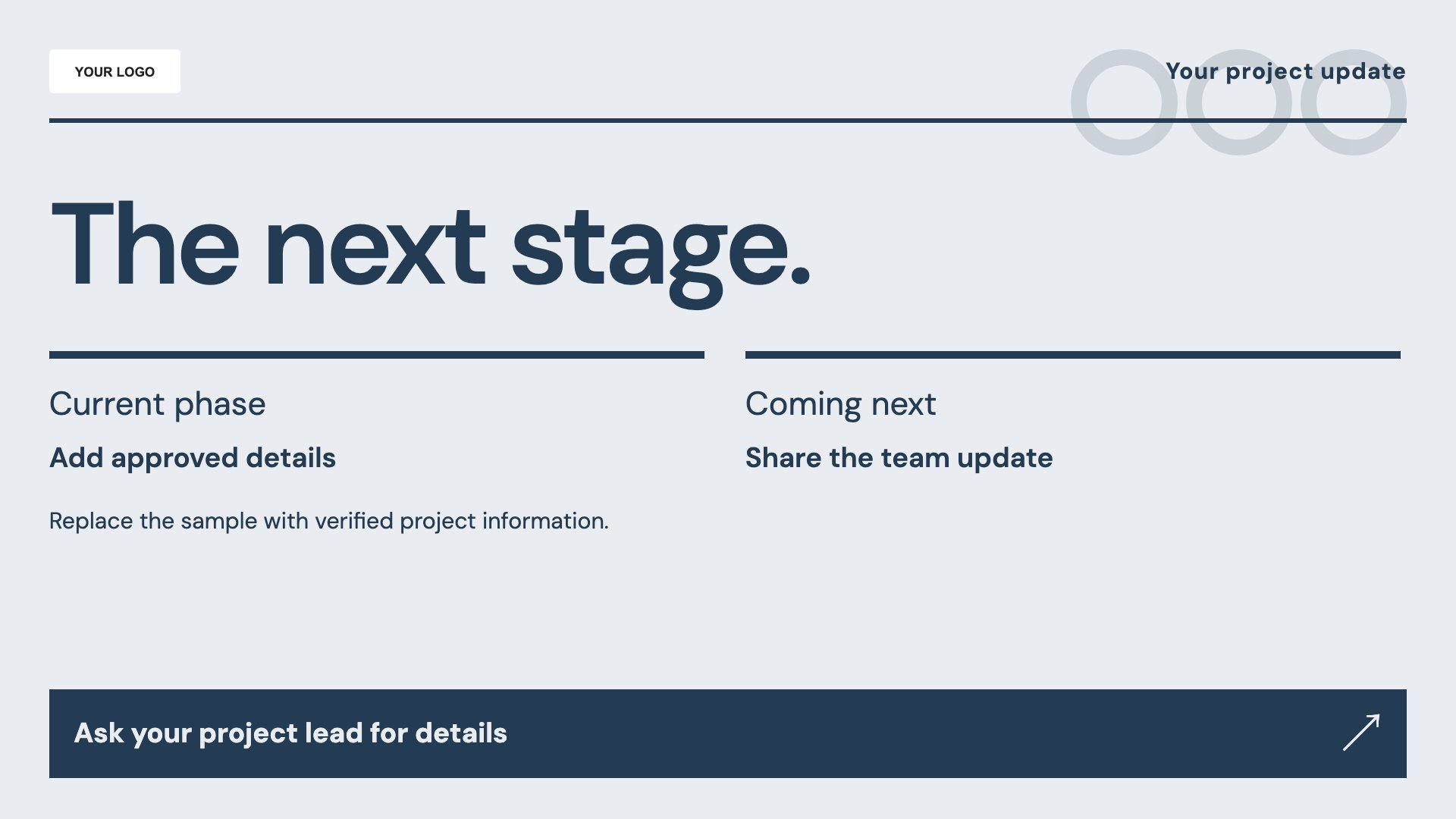
Share a project milestone or update. Start with this layout and replace the example details with your approved content.
View full size ↗ (opens in a new tab)Example designs with sample content. Replace names, dates, prices, imagery, contact details and conditions before publishing. Portrait and landscape versions adapt the same design to each screen format.
Explore the complete template collectionCheck every instruction against current site rules. A display does not replace induction, mandatory safety signs or direct supervision, and outdoor placement needs suitable hardware and installation.
Explore MassCasts featuresPick a design and the orientation that matches your display.
Edit wording, imagery and organisation details in the browser editor. Check all sample content before publishing.
Set page durations and schedule content for a paired, supported signage player.
No. It can support your approved induction and briefing process, but it does not verify training or understanding.
The templates provide content. Confirm weather protection, brightness, power and installation requirements with your hardware supplier.
No. It shows your arrival instructions and does not create a visitor or contractor record.
Explore the editor, playlists and supported player setup in a signage demo.