
Factories & manufacturing
Shift briefing
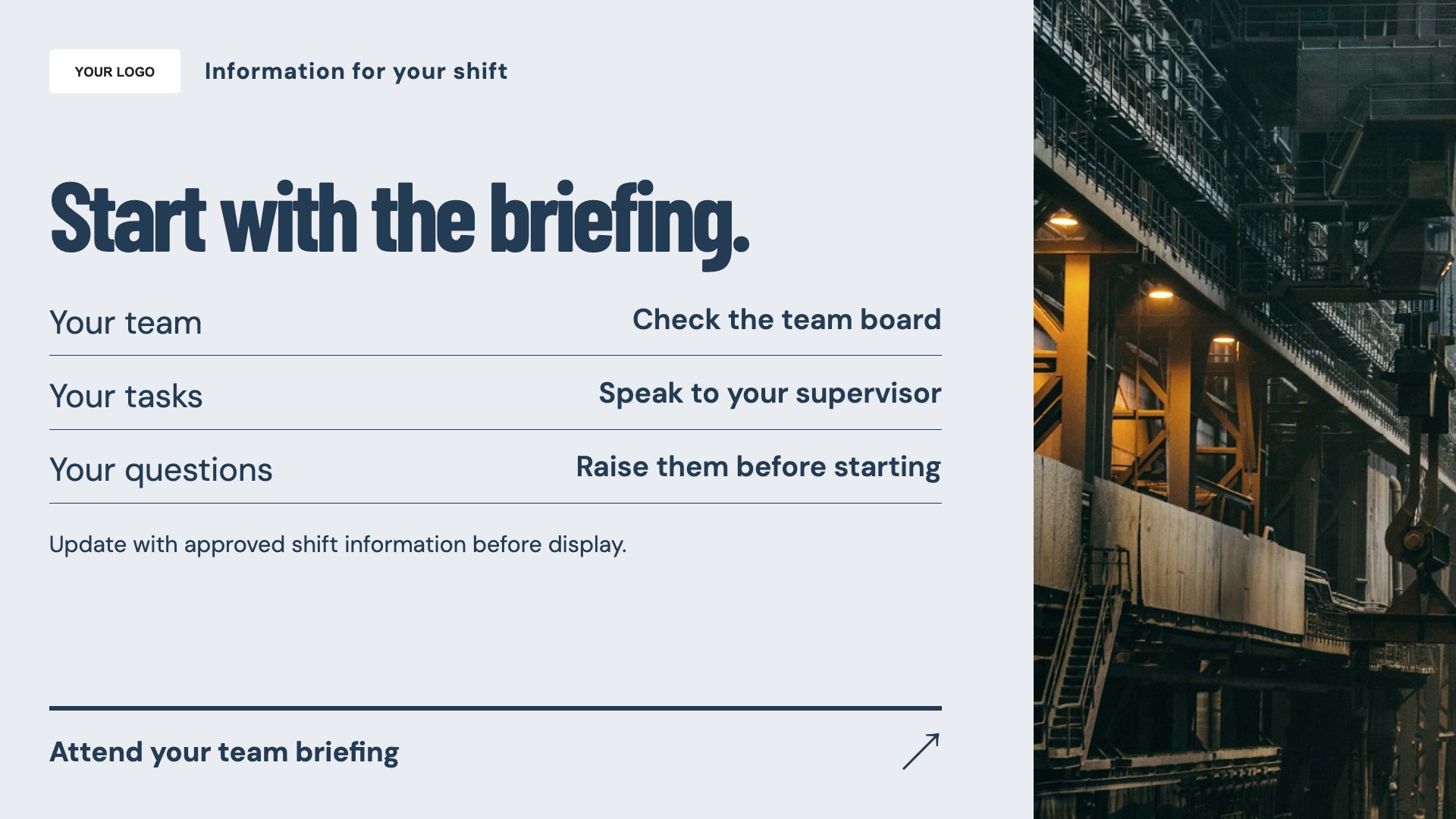
Present a focused shift briefing. Start with this layout and replace the example details with your approved content.
View full size ↗ (opens in a new tab)Give shift briefings, team announcements and visitor information a consistent place on factory screens. Keep each message relevant to the people and location it is intended for.
Each design comes in landscape and portrait. Choose your screen orientation, inspect the real preview and customise the content for your organisation.
Present a focused shift briefing. Start with this layout and replace the example details with your approved content.
View full size ↗ (opens in a new tab)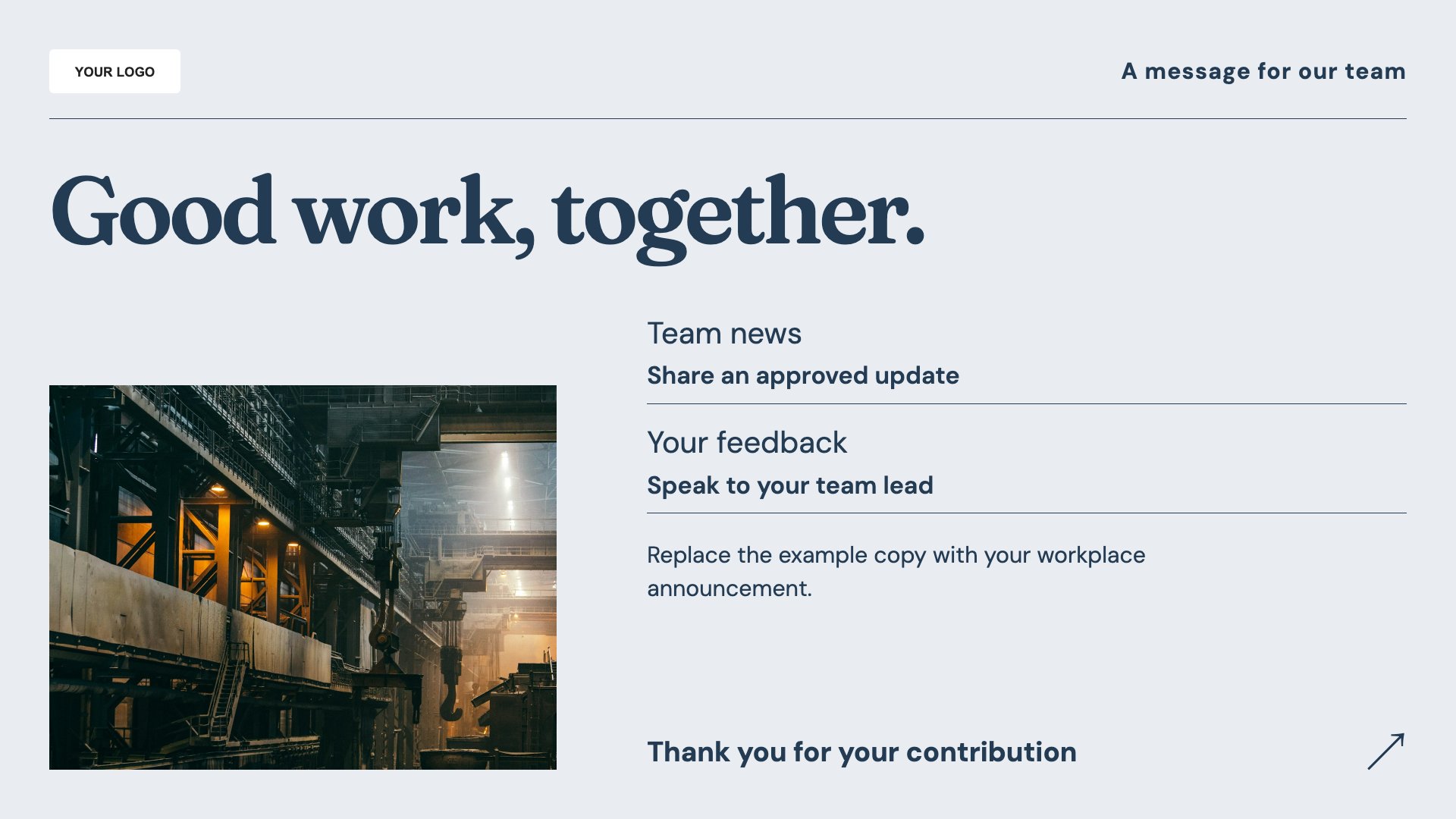
Share a team announcement. Start with this layout and replace the example details with your approved content.
View full size ↗ (opens in a new tab)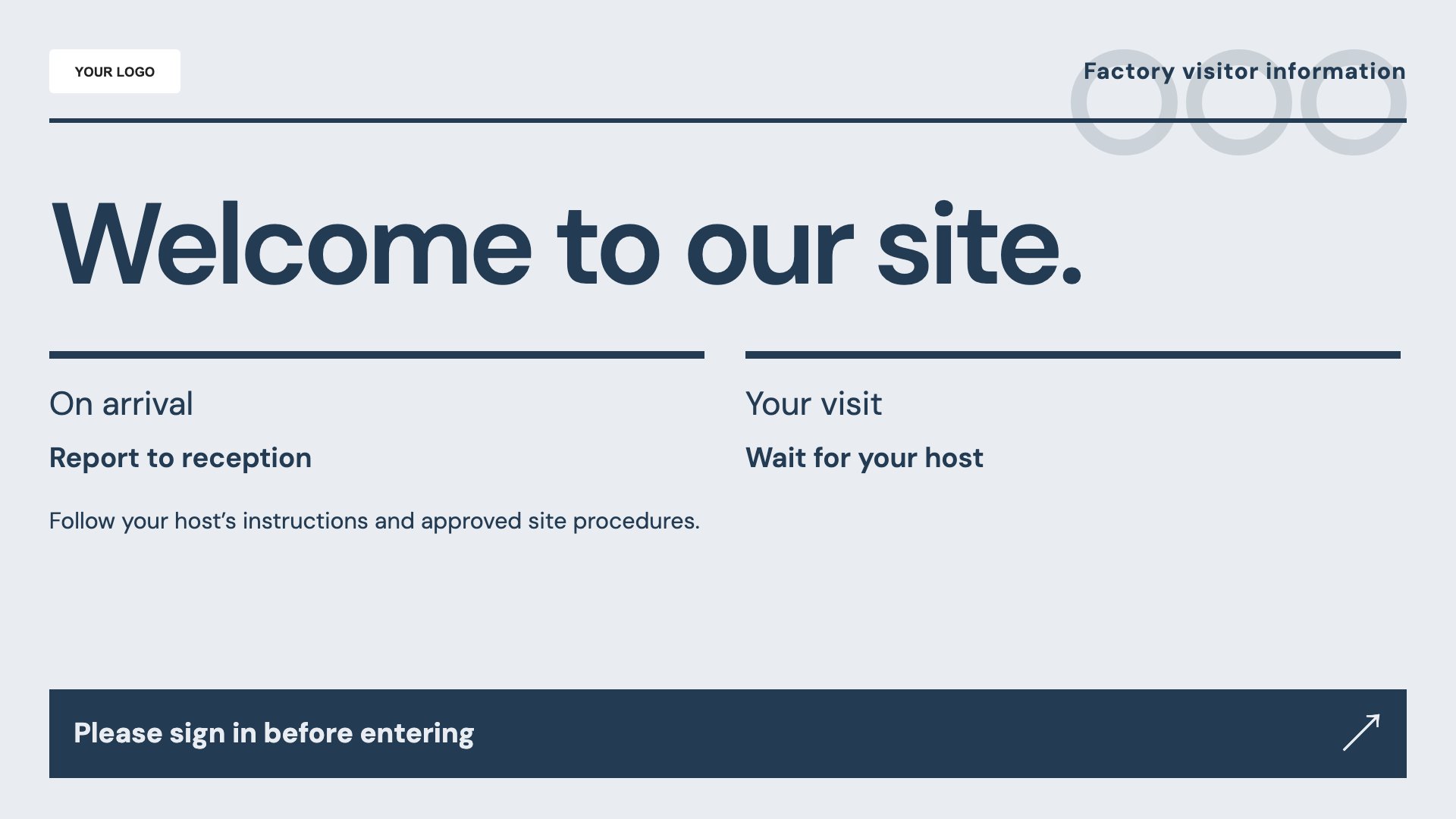
Explain visitor arrival information. Start with this layout and replace the example details with your approved content.
View full size ↗ (opens in a new tab)Example designs with sample content. Replace names, dates, prices, imagery, contact details and conditions before publishing. Portrait and landscape versions adapt the same design to each screen format.
Explore the complete template collectionHave operational wording approved by the responsible team. Do not use a general noticeboard as a substitute for training, mandatory safety signs or time-critical control systems.
Explore MassCasts featuresPick a design and the orientation that matches your display.
Edit wording, imagery and organisation details in the browser editor. Check all sample content before publishing.
Set page durations and schedule content for a paired, supported signage player.
You can enter approved figures manually. These templates do not provide a live connection to production systems.
No. Use screen content to support your established briefing and training process, with approved instructions and signs available where required.
MassCasts supports playlists and schedules. Set timing appropriate to the shift and check how messages are received in your workplace.
Explore the editor, playlists and supported player setup in a signage demo.