
Warehouses & logistics
Shift noticeboard
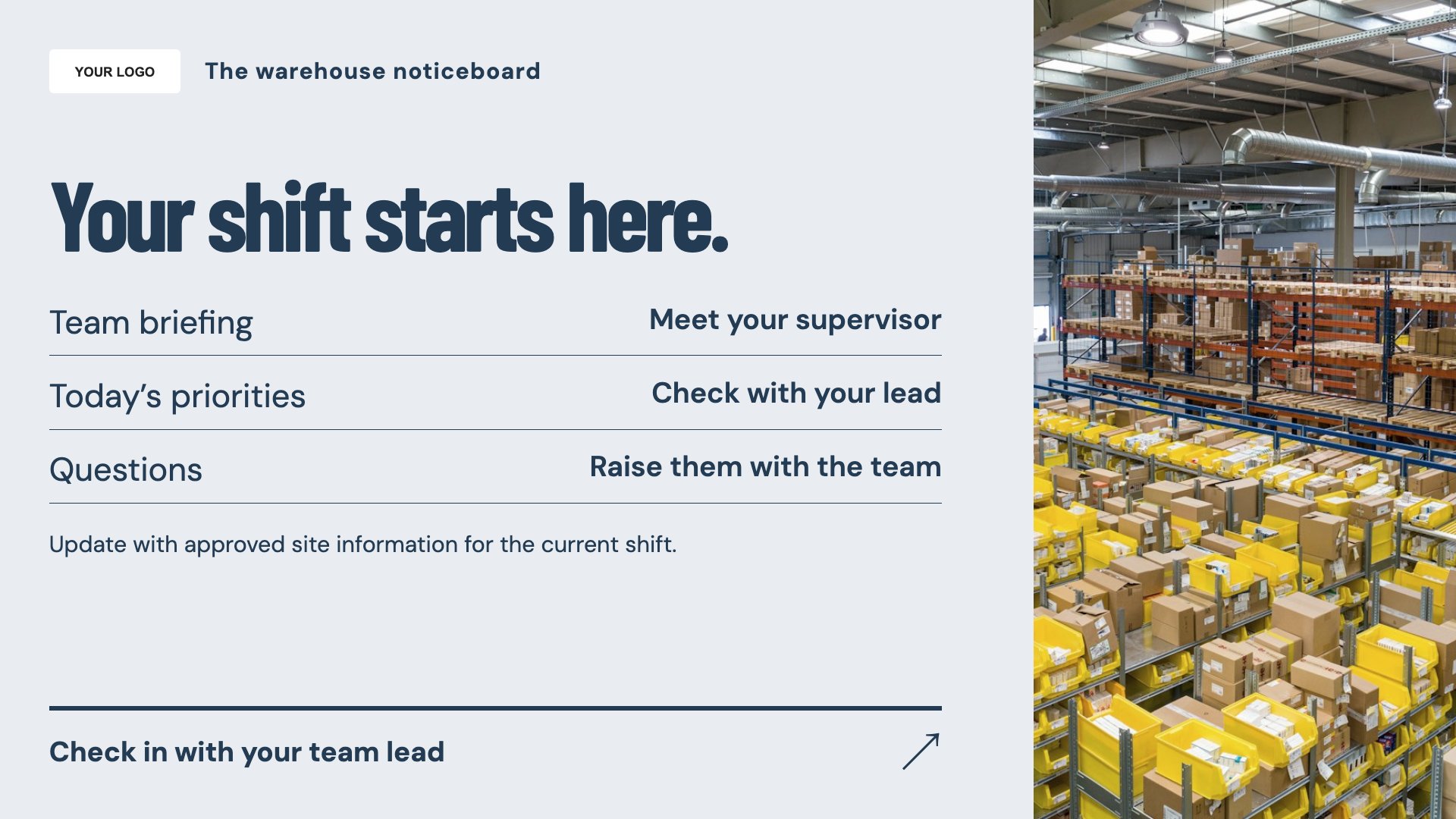
Organise shift noticeboard messages. Start with this layout and replace the example details with your approved content.
View full size ↗ (opens in a new tab)Keep shift notices, delivery check-in instructions and team updates organised on warehouse screens. Short, location-specific information is easier to use than a crowded wall of notices.
Each design comes in landscape and portrait. Choose your screen orientation, inspect the real preview and customise the content for your organisation.
Organise shift noticeboard messages. Start with this layout and replace the example details with your approved content.
View full size ↗ (opens in a new tab)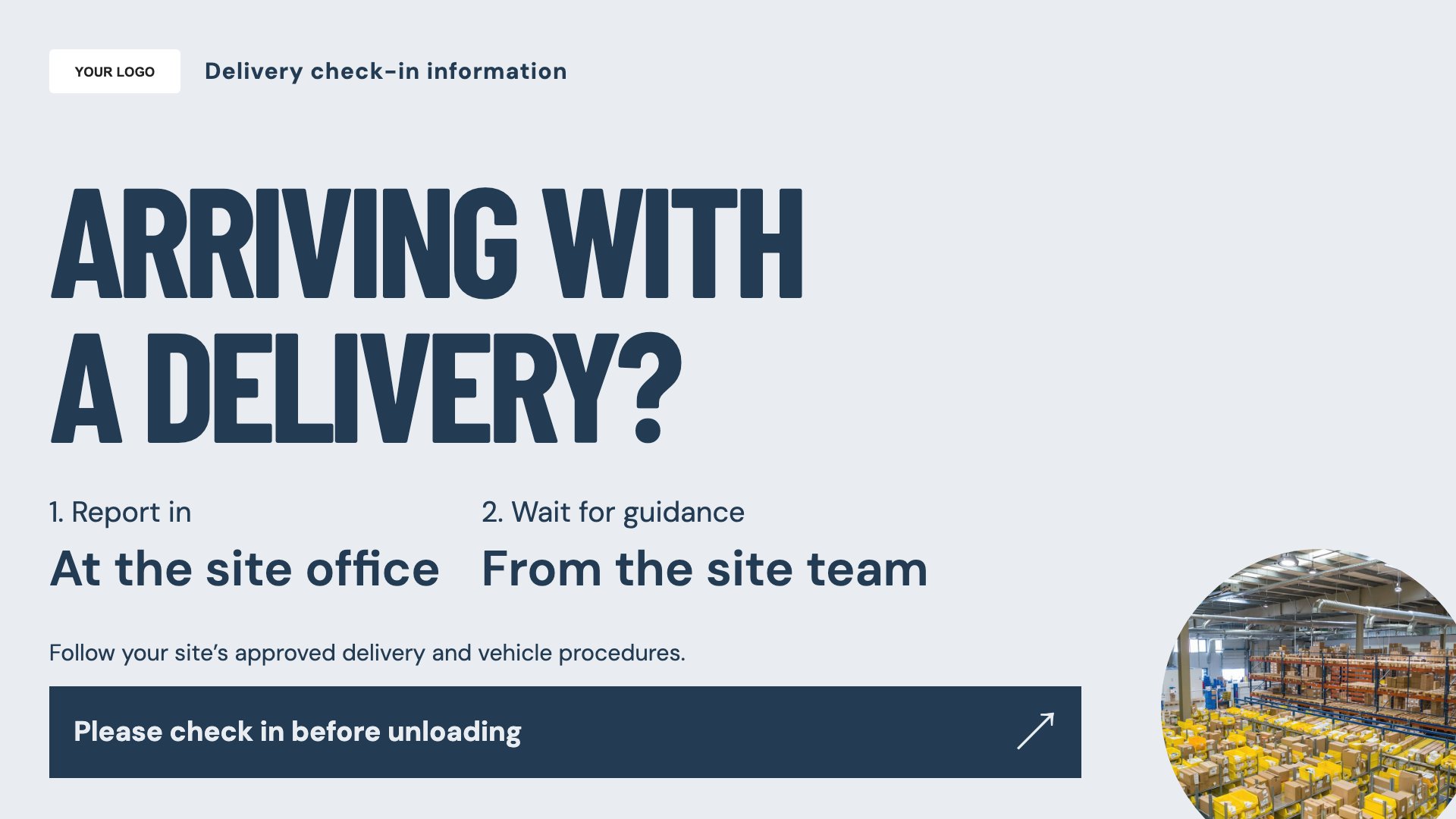
Explain the delivery check-in route. Start with this layout and replace the example details with your approved content.
View full size ↗ (opens in a new tab)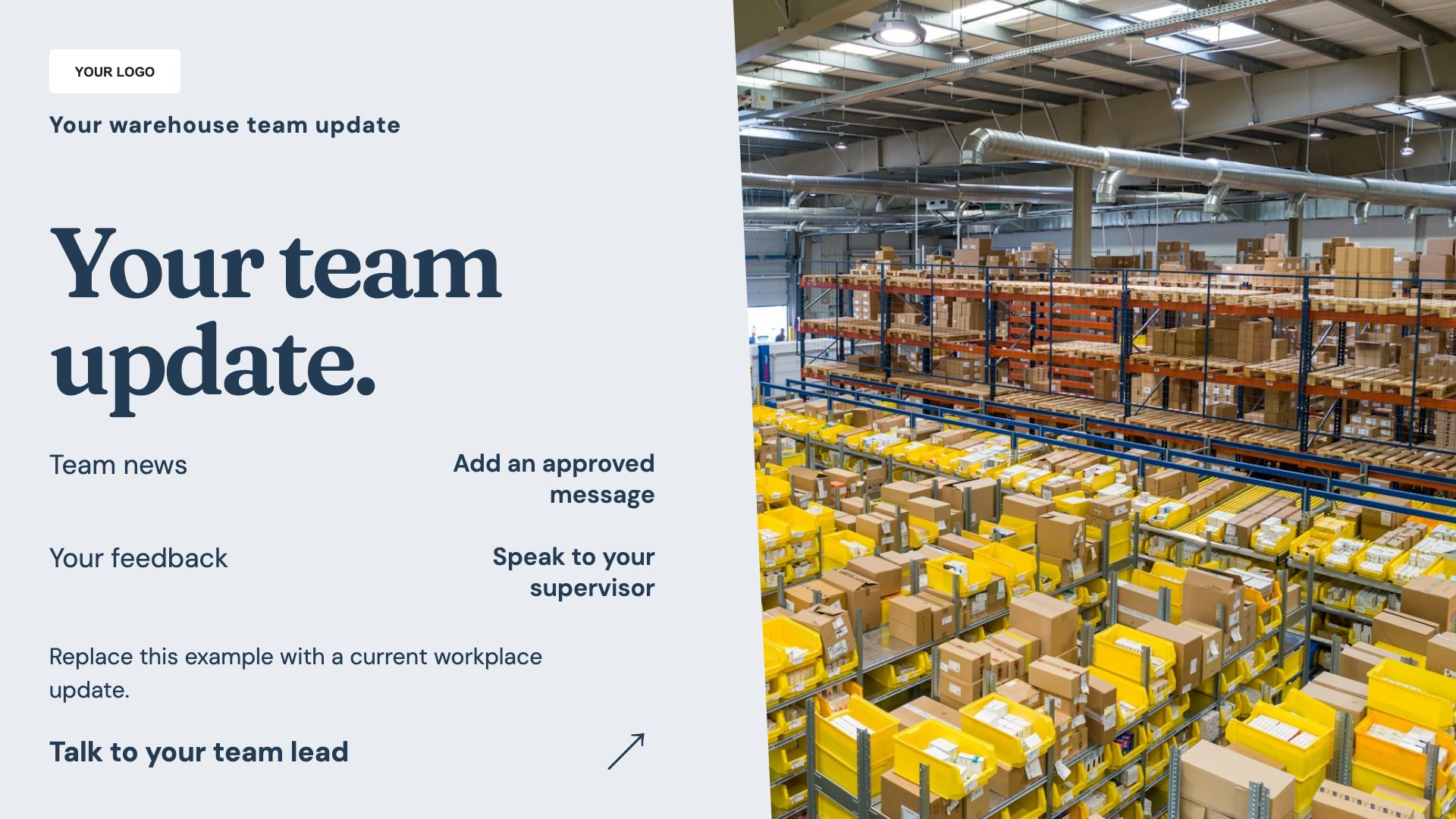
Share a clear team update. Start with this layout and replace the example details with your approved content.
View full size ↗ (opens in a new tab)Example designs with sample content. Replace names, dates, prices, imagery, contact details and conditions before publishing. Portrait and landscape versions adapt the same design to each screen format.
Explore the complete template collectionKeep vehicle and pedestrian instructions consistent with your site procedures. Screens should support physical signs and staff direction, and public displays should not expose delivery or employee personal data.
Explore MassCasts featuresPick a design and the orientation that matches your display.
Edit wording, imagery and organisation details in the browser editor. Check all sample content before publishing.
Set page durations and schedule content for a paired, supported signage player.
No. It displays your arrival instructions and contact route, not a live logistics or check-in integration.
These templates contain manually edited content. They do not include live warehouse metrics.
Yes. Use playlists and schedules to organise content, then verify the timing and screen assignment for your site.
Explore the editor, playlists and supported player setup in a signage demo.