
Coworking spaces
Workspace welcome
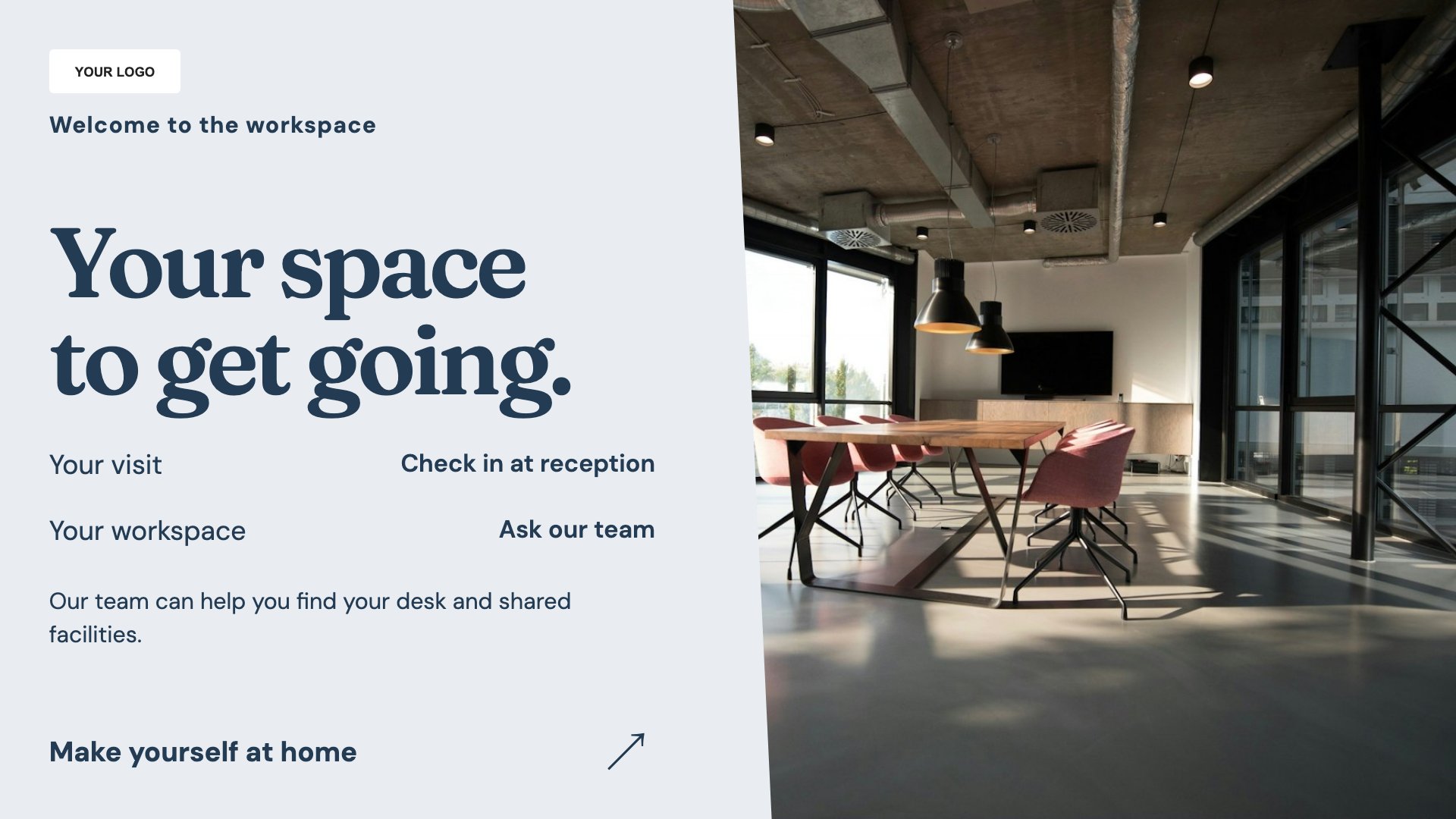
Welcome members and arriving visitors. Start with this layout and replace the example details with your approved content.
View full size ↗ (opens in a new tab)Welcome members and visitors, introduce community events and explain meeting-room information. Keep reception messages practical and use shared screens to help people find their way around the workspace.
Each design comes in landscape and portrait. Choose your screen orientation, inspect the real preview and customise the content for your organisation.
Welcome members and arriving visitors. Start with this layout and replace the example details with your approved content.
View full size ↗ (opens in a new tab)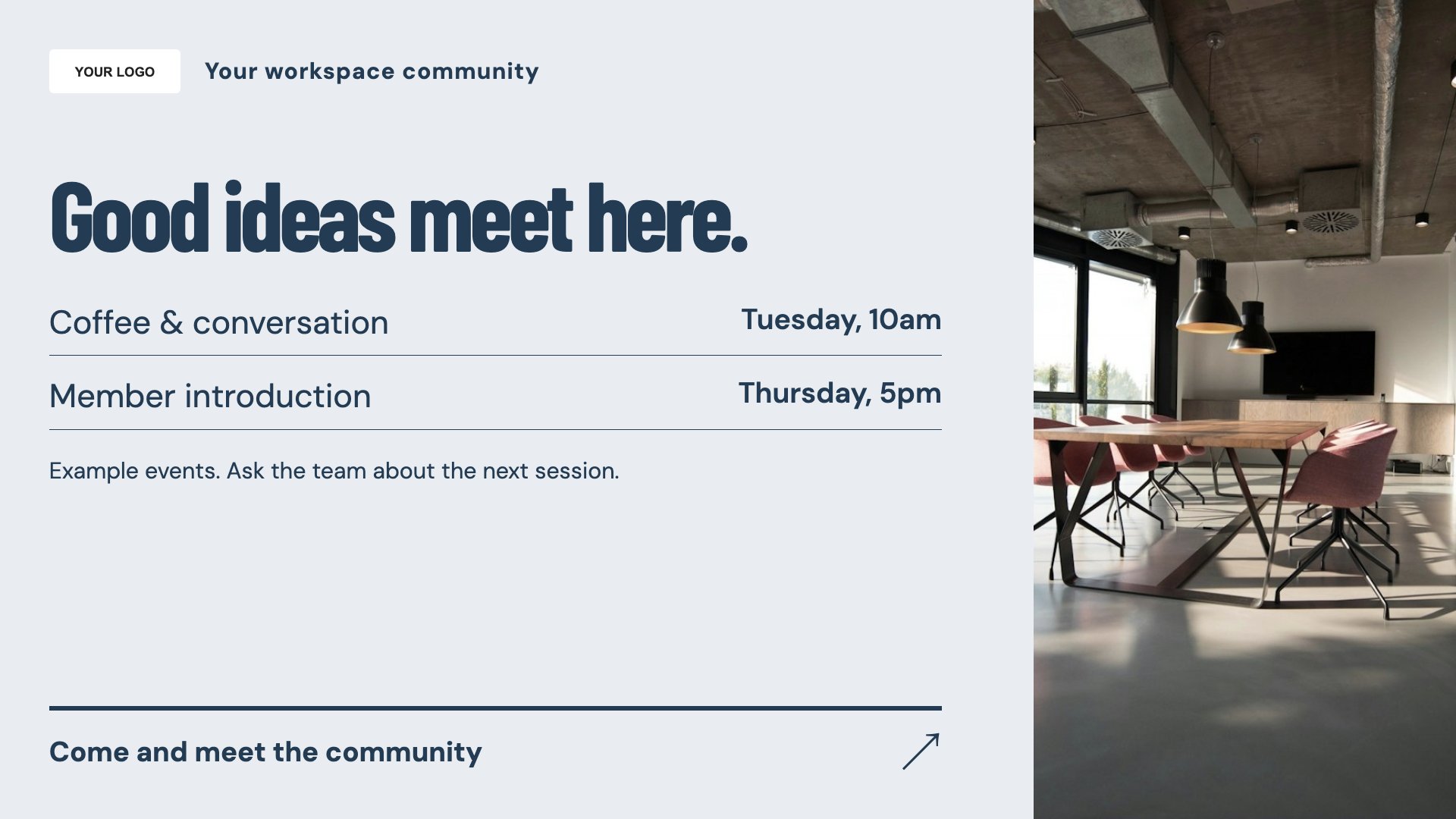
Promote workspace community events. Start with this layout and replace the example details with your approved content.
View full size ↗ (opens in a new tab)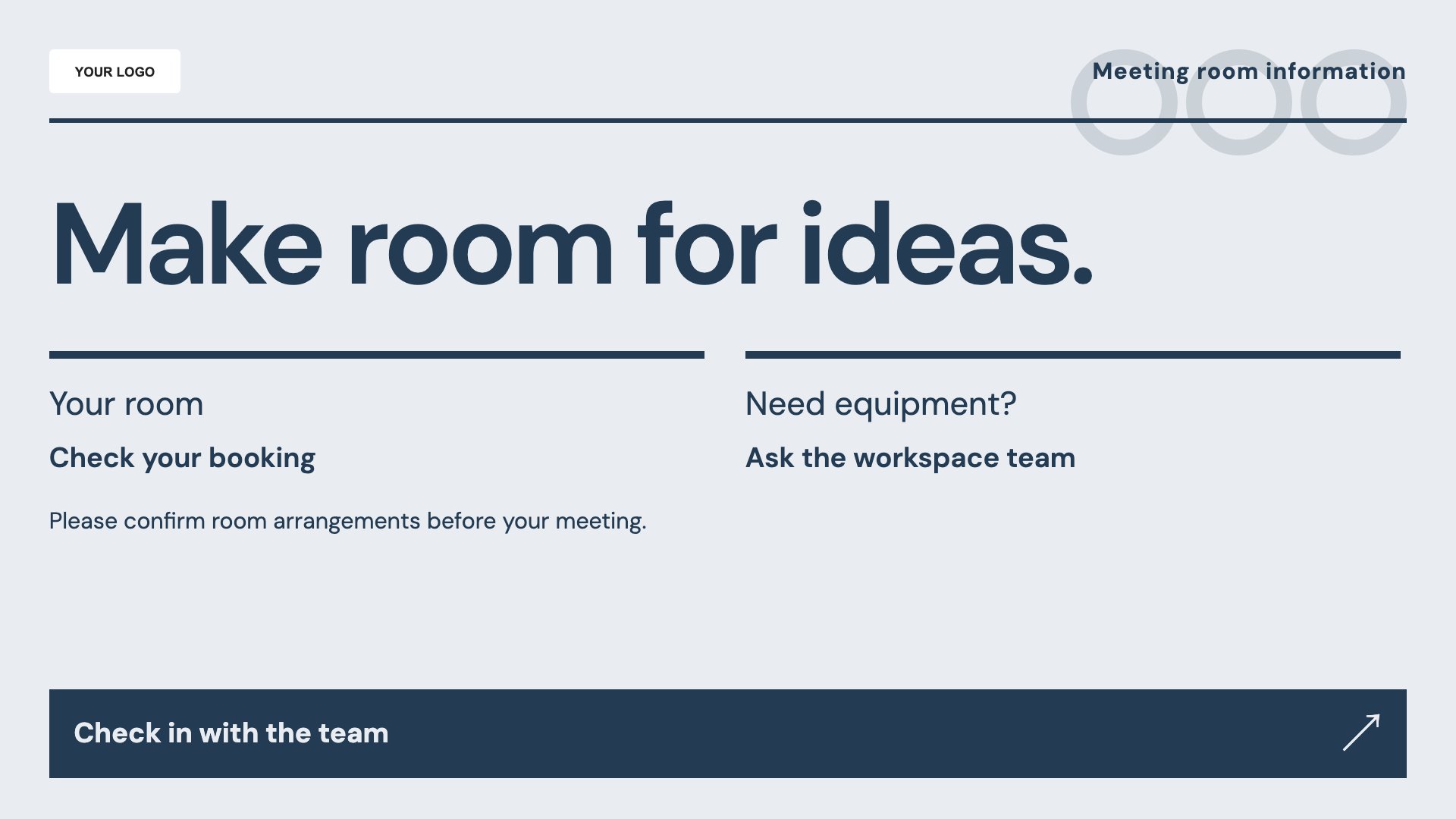
Explain meeting-room arrangements. Start with this layout and replace the example details with your approved content.
View full size ↗ (opens in a new tab)Example designs with sample content. Replace names, dates, prices, imagery, contact details and conditions before publishing. Portrait and landscape versions adapt the same design to each screen format.
Explore the complete template collectionKeep room names and access instructions consistent with the building. Avoid showing private meeting titles, attendee names or sensitive access codes on public displays.
Explore MassCasts featuresPick a design and the orientation that matches your display.
Edit wording, imagery and organisation details in the browser editor. Check all sample content before publishing.
Set page durations and schedule content for a paired, supported signage player.
No. This template contains editable room information, not a connection to a booking calendar.
Yes. Add the topic, date, location and booking or attendance details.
MassCasts supports playlists assigned to paired screens. Confirm screen locations and the content each audience should see during setup.
Explore the editor, playlists and supported player setup in a signage demo.