
Holiday parks & campsites
Guest welcome
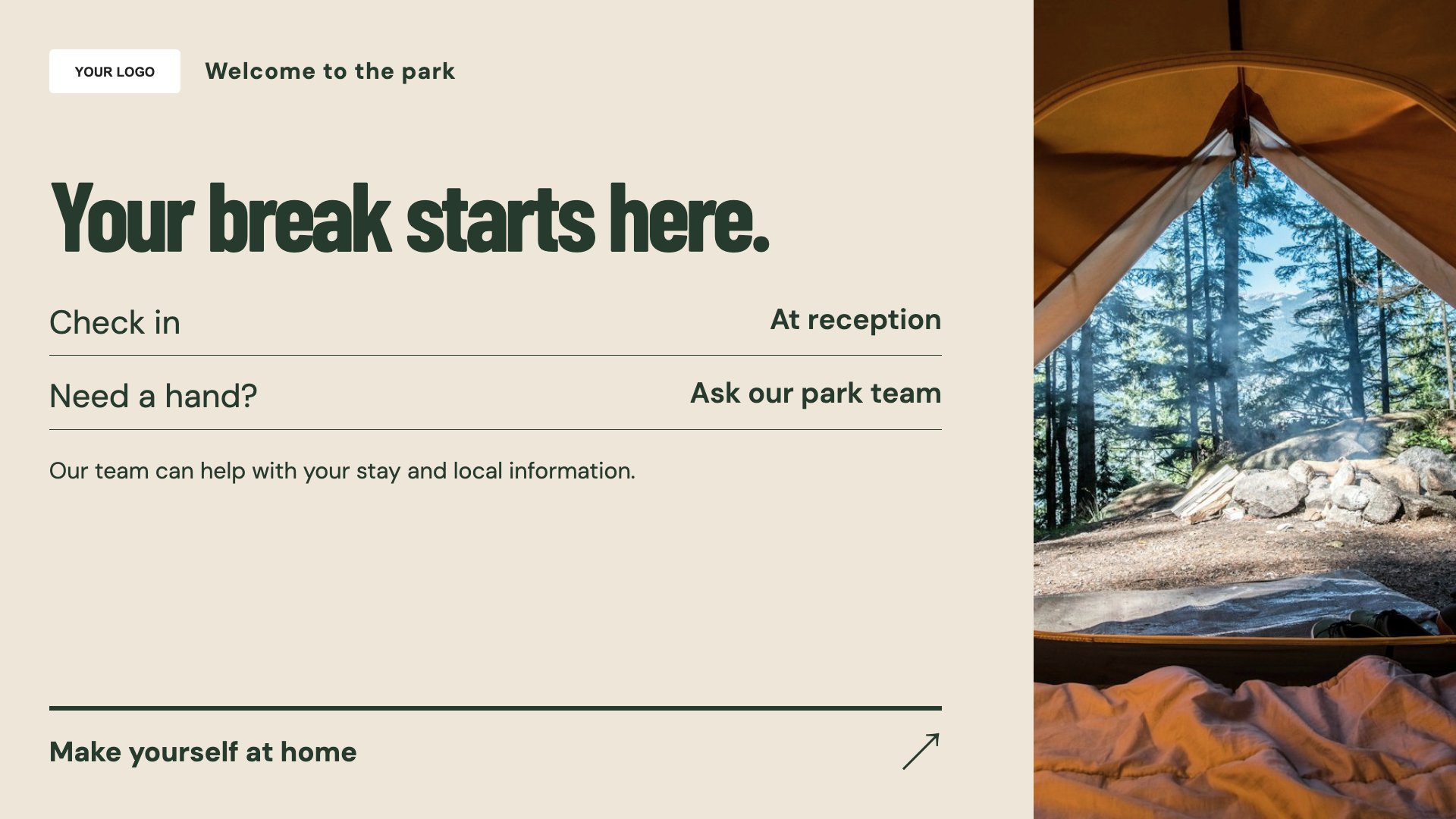
Welcome arriving guests to the park. Start with this layout and replace the example details with your approved content.
View full size ↗ (opens in a new tab)Welcome guests, introduce park activities and explain where facilities are located. Practical screen content helps visitors get their bearings without filling the reception area with separate notices.
Each design comes in landscape and portrait. Choose your screen orientation, inspect the real preview and customise the content for your organisation.
Welcome arriving guests to the park. Start with this layout and replace the example details with your approved content.
View full size ↗ (opens in a new tab)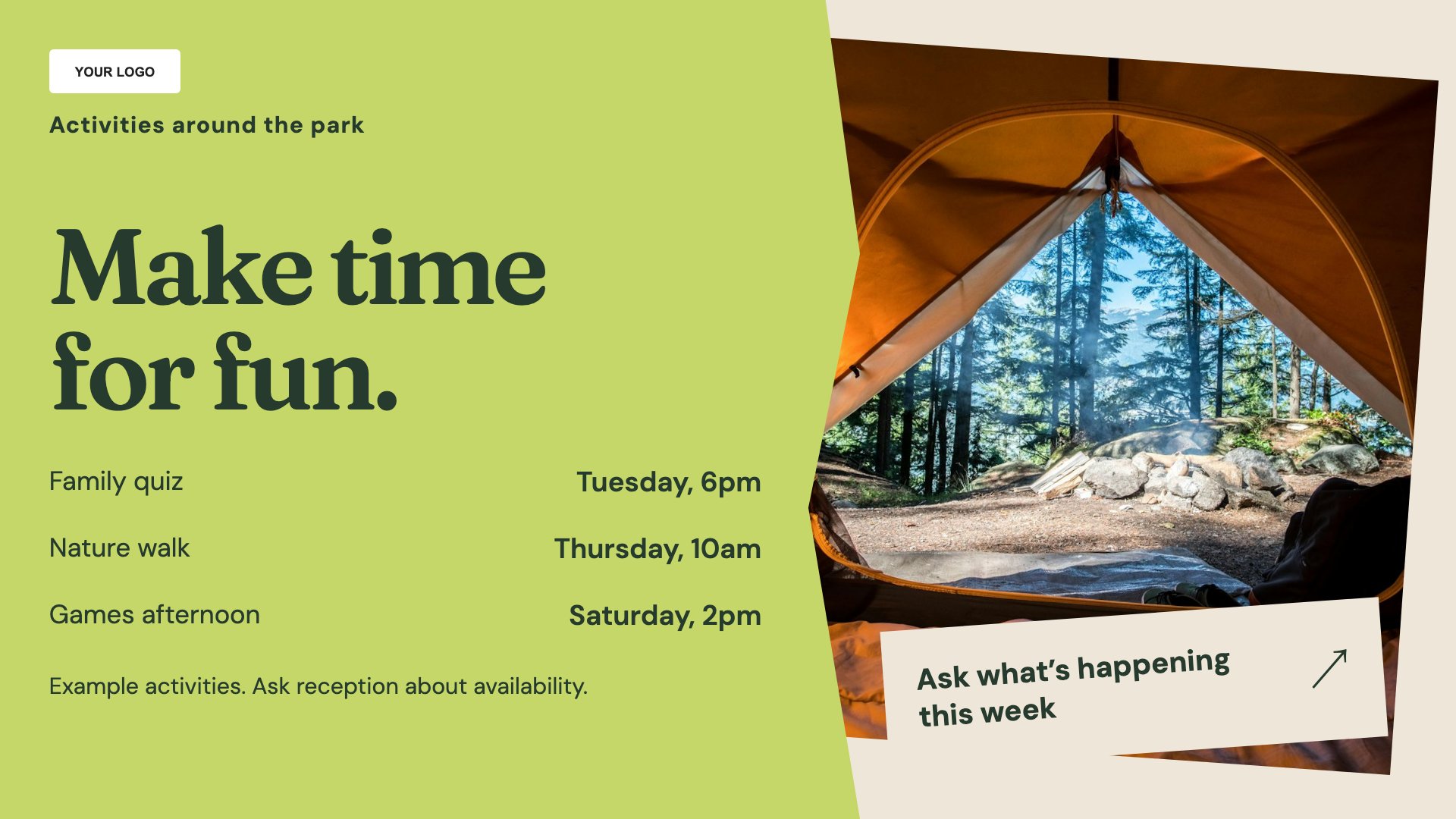
Show an activity programme. Start with this layout and replace the example details with your approved content.
View full size ↗ (opens in a new tab)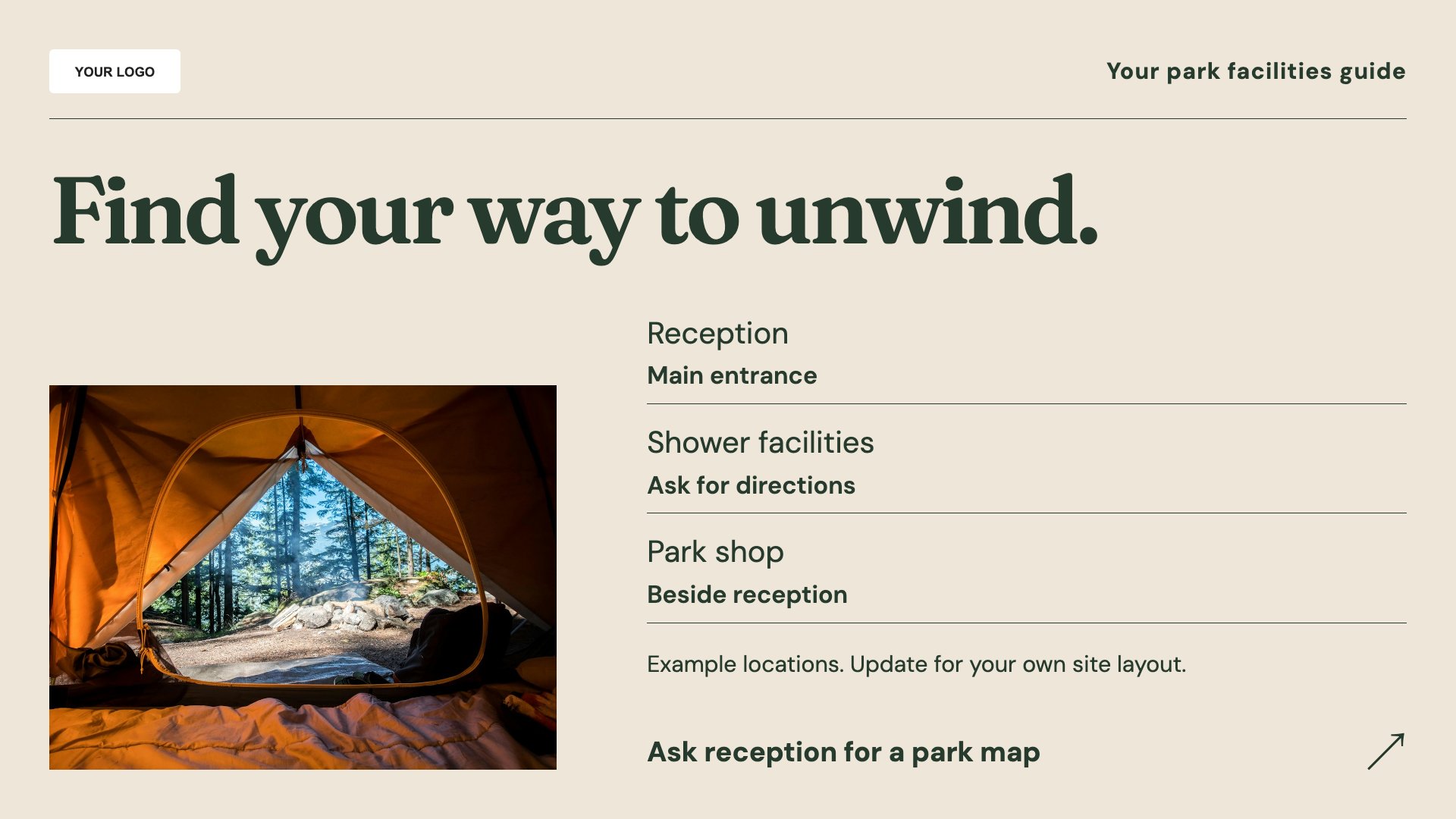
Explain facilities and useful locations. Start with this layout and replace the example details with your approved content.
View full size ↗ (opens in a new tab)Example designs with sample content. Replace names, dates, prices, imagery, contact details and conditions before publishing. Portrait and landscape versions adapt the same design to each screen format.
Explore the complete template collectionInclude dates and meeting points on activities, and keep facility opening hours current. Do not make essential access or safety information depend on a QR code or a rotating slide.
Explore MassCasts featuresPick a design and the orientation that matches your display.
Edit wording, imagery and organisation details in the browser editor. Check all sample content before publishing.
Set page durations and schedule content for a paired, supported signage player.
Yes. Edit the programme and check dates, meeting points and any booking or age conditions.
Yes. Use the guide for reception, washing facilities, shop hours and other information that applies to your site.
No. It is an editable welcome layout, not a guest-management integration.
Explore the editor, playlists and supported player setup in a signage demo.