
Pizzerias
Pizza menu
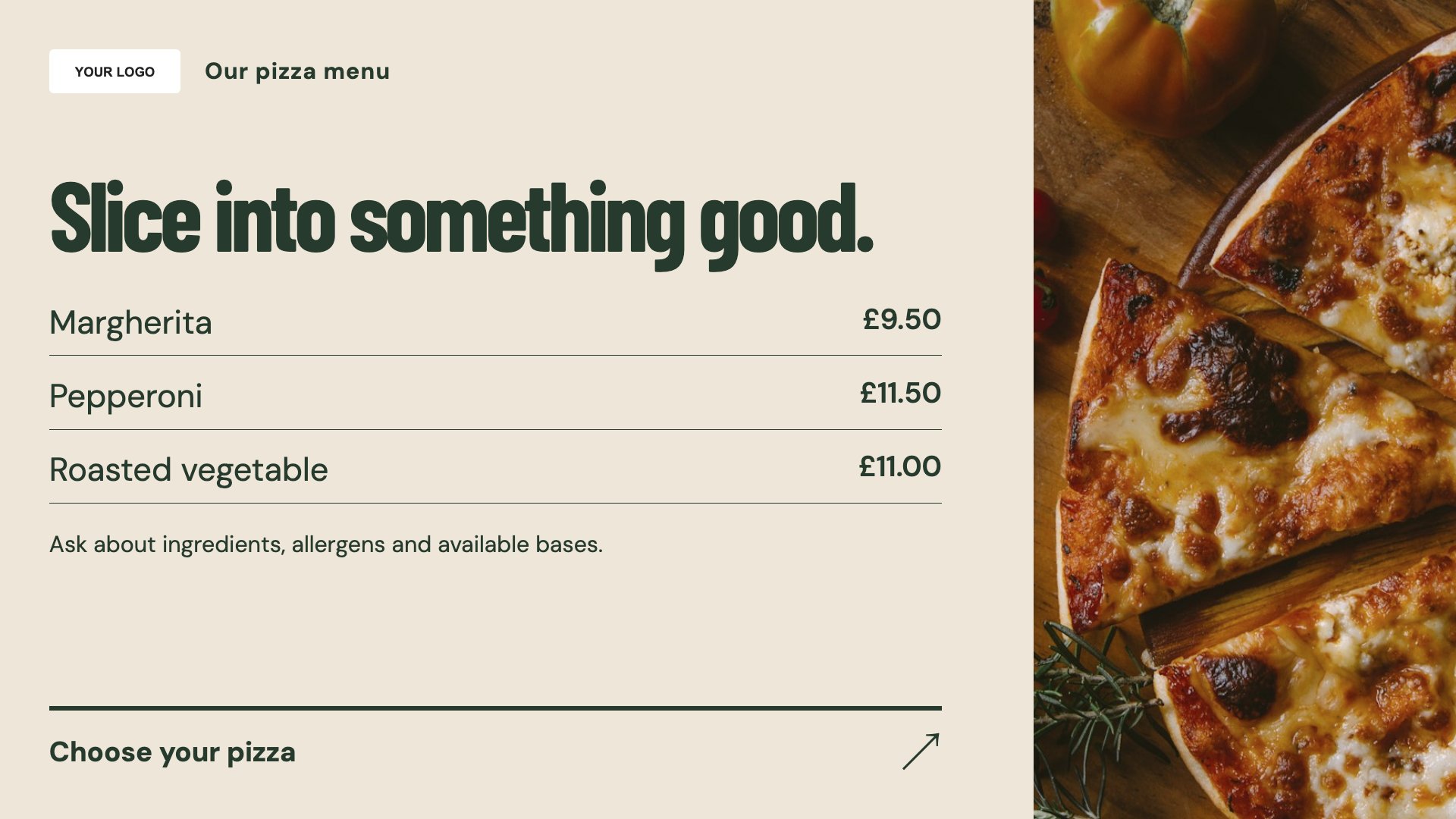
Show pizza names and prices clearly. Start with this layout and replace the example details with your approved content.
View full size ↗ (opens in a new tab)Make the pizza menu, a pizza-night offer and collection instructions easy to read while customers decide. Give each screen a clear purpose rather than squeezing every option into one board.
Each design comes in landscape and portrait. Choose your screen orientation, inspect the real preview and customise the content for your organisation.
Show pizza names and prices clearly. Start with this layout and replace the example details with your approved content.
View full size ↗ (opens in a new tab)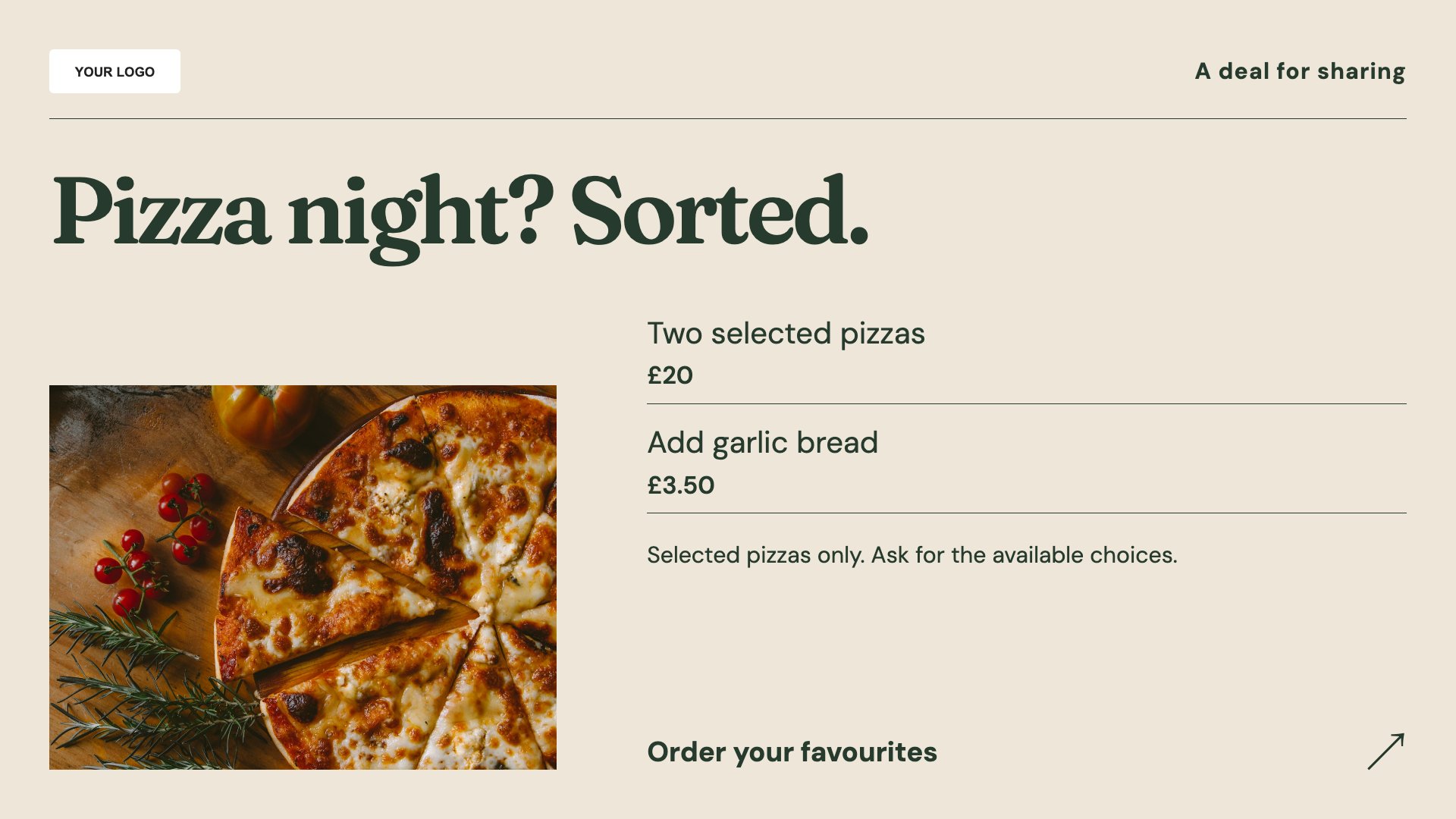
Give a pizza-night bundle a focal point. Start with this layout and replace the example details with your approved content.
View full size ↗ (opens in a new tab)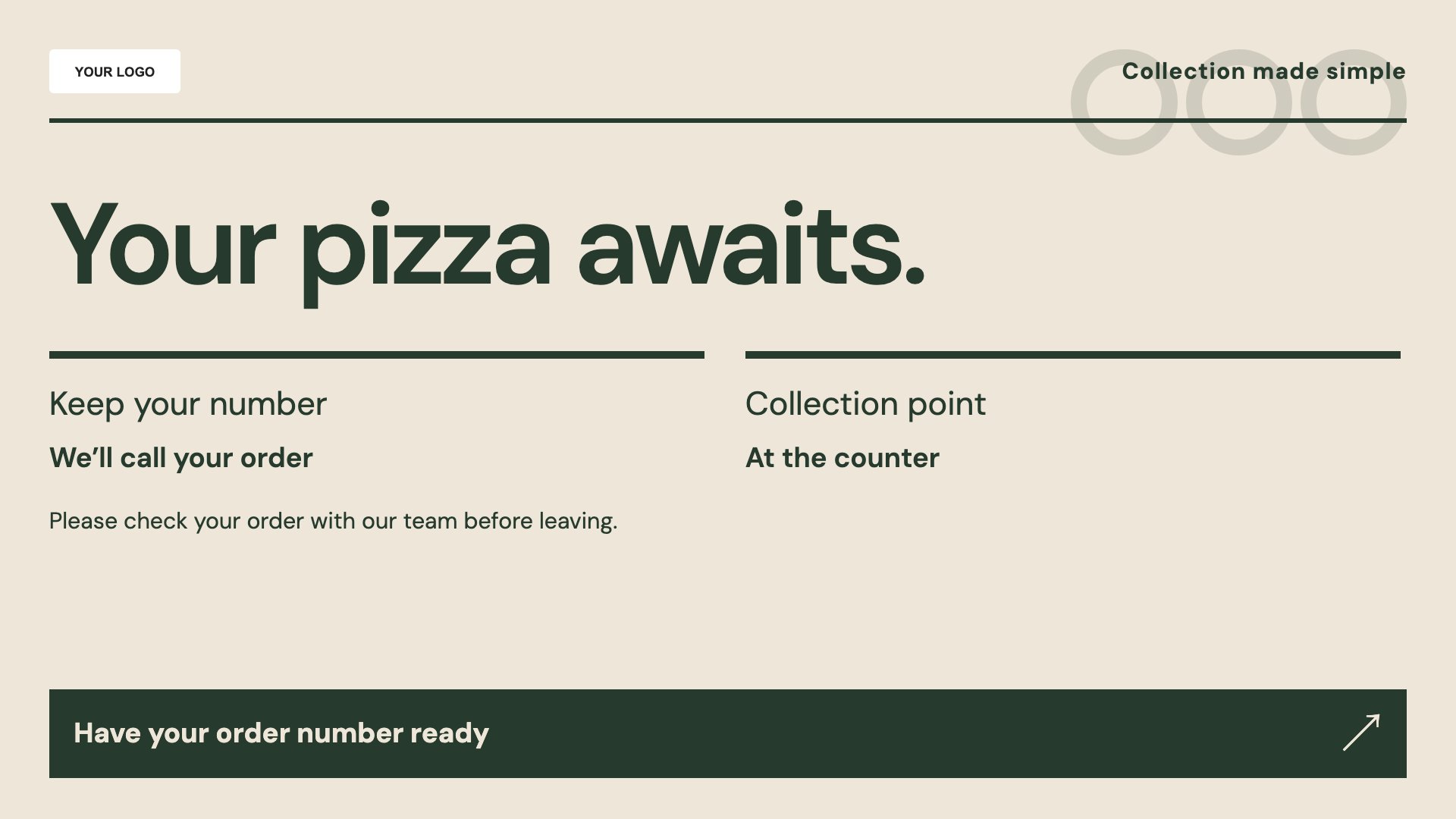
Explain where collection customers should go. Start with this layout and replace the example details with your approved content.
View full size ↗ (opens in a new tab)Example designs with sample content. Replace names, dates, prices, imagery, contact details and conditions before publishing. Portrait and landscape versions adapt the same design to each screen format.
Explore the complete template collectionPut sizes, extras and deal conditions where customers can read them. Keep the collection guide separate from preparation-time promises unless your team can keep those promises current.
Explore MassCasts featuresPick a design and the orientation that matches your display.
Edit wording, imagery and organisation details in the browser editor. Check all sample content before publishing.
Set page durations and schedule content for a paired, supported signage player.
Yes. Edit the names, sizes and prices in the menu layout and check their legibility on the actual display.
No. It contains editable collection information, not a live order feed.
Yes. Add the valid dates, included items and any exclusions before publishing the offer.
Explore the editor, playlists and supported player setup in a signage demo.