
Restaurants
Restaurant menu
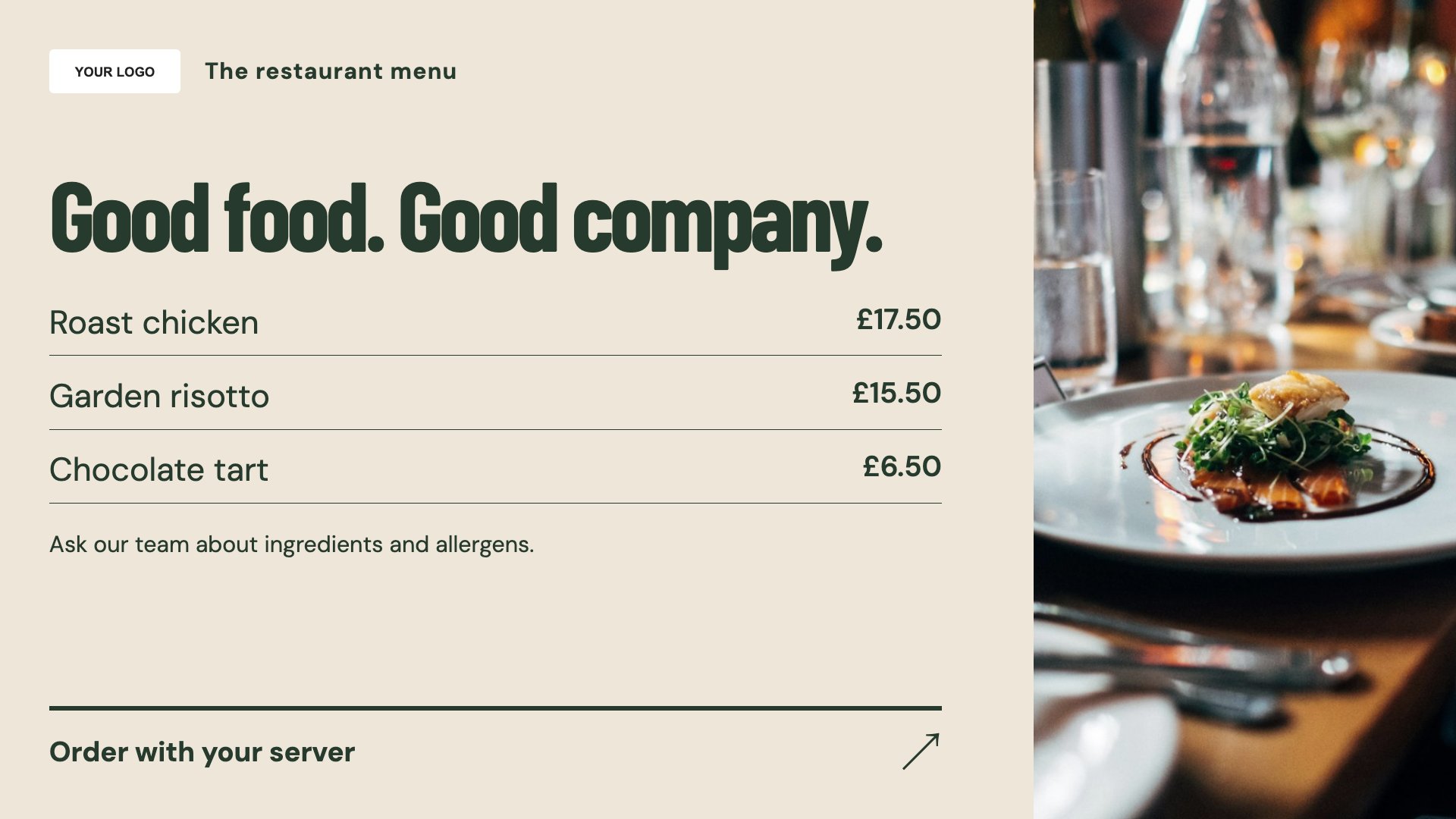
Make the restaurant menu easier to browse. Start with this layout and replace the example details with your approved content.
View full size ↗ (opens in a new tab)Give diners a clear view of the menu before they order. Separate everyday dishes, a chef’s special and table-booking information into focused screen layouts for your entrance, bar or service counter.
Each design comes in landscape and portrait. Choose your screen orientation, inspect the real preview and customise the content for your organisation.
Make the restaurant menu easier to browse. Start with this layout and replace the example details with your approved content.
View full size ↗ (opens in a new tab)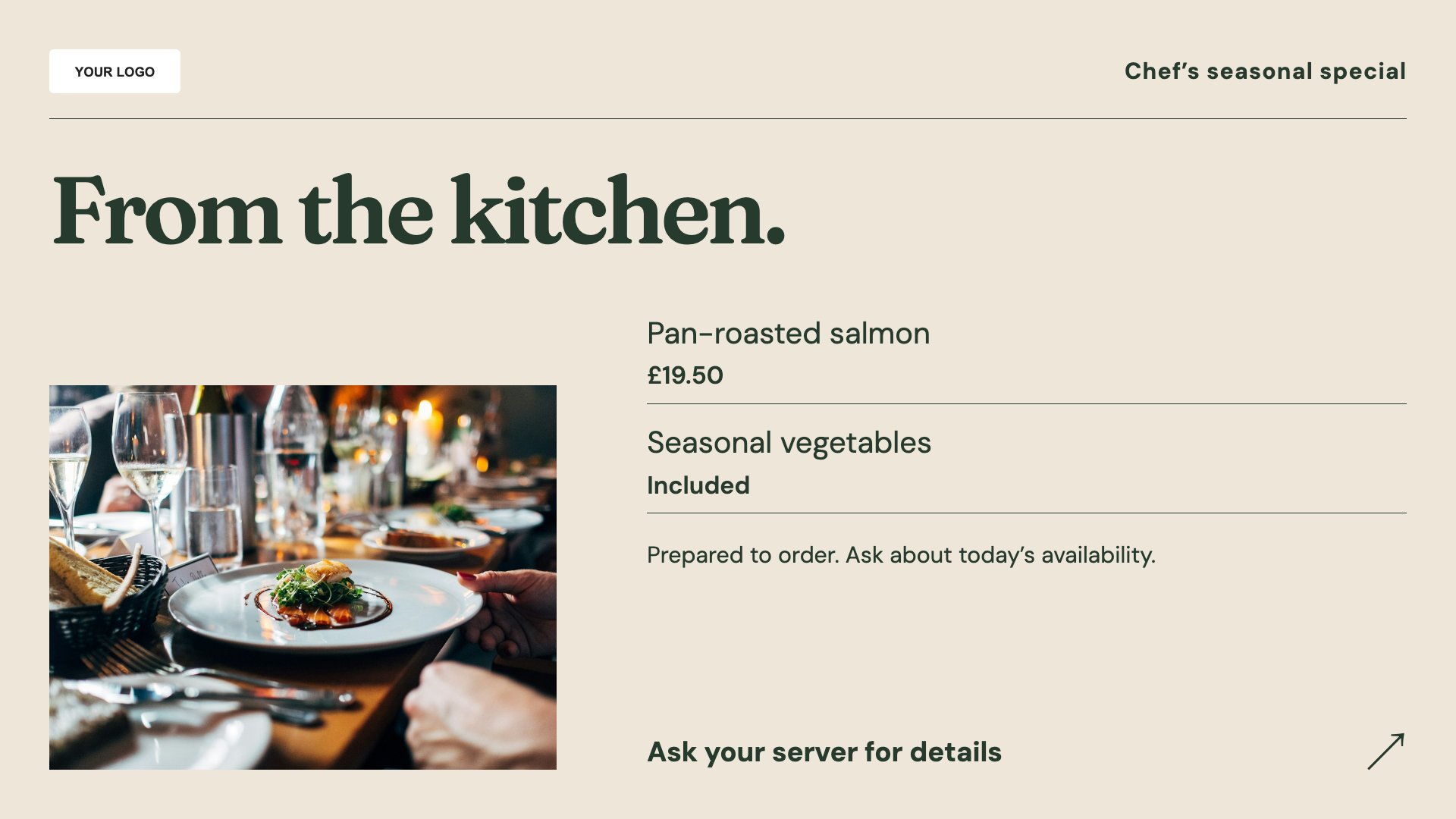
Give the chef’s special its own space. Start with this layout and replace the example details with your approved content.
View full size ↗ (opens in a new tab)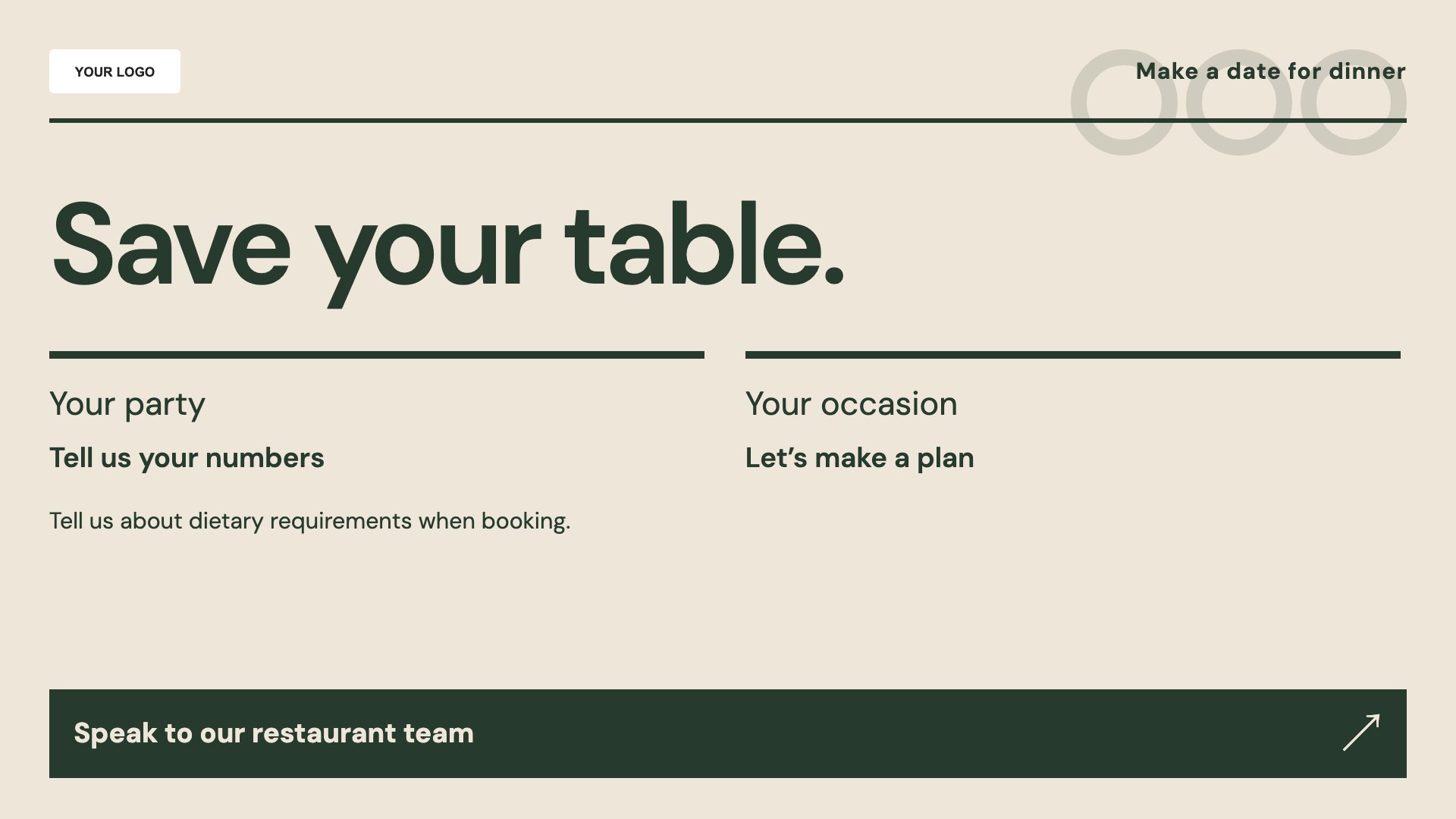
Explain how to enquire about a table. Start with this layout and replace the example details with your approved content.
View full size ↗ (opens in a new tab)Example designs with sample content. Replace names, dates, prices, imagery, contact details and conditions before publishing. Portrait and landscape versions adapt the same design to each screen format.
Explore the complete template collectionKeep dish descriptions short and prices aligned. Put availability and offer conditions next to the relevant dish, and direct allergy questions to your team rather than relying on a rotating slide.
Explore MassCasts featuresPick a design and the orientation that matches your display.
Edit wording, imagery and organisation details in the browser editor. Check all sample content before publishing.
Set page durations and schedule content for a paired, supported signage player.
Yes. Edit the dishes and use playlists and schedules to organise different menus. Check the content and timing against your actual service hours.
It displays your booking instructions. It is not a reservation system; add the phone number or website customers should use.
You can add your approved wording. Keep it current and readable, and make sure customers can also speak to the team about allergens.
Explore the editor, playlists and supported player setup in a signage demo.