
Hotels
Guest welcome
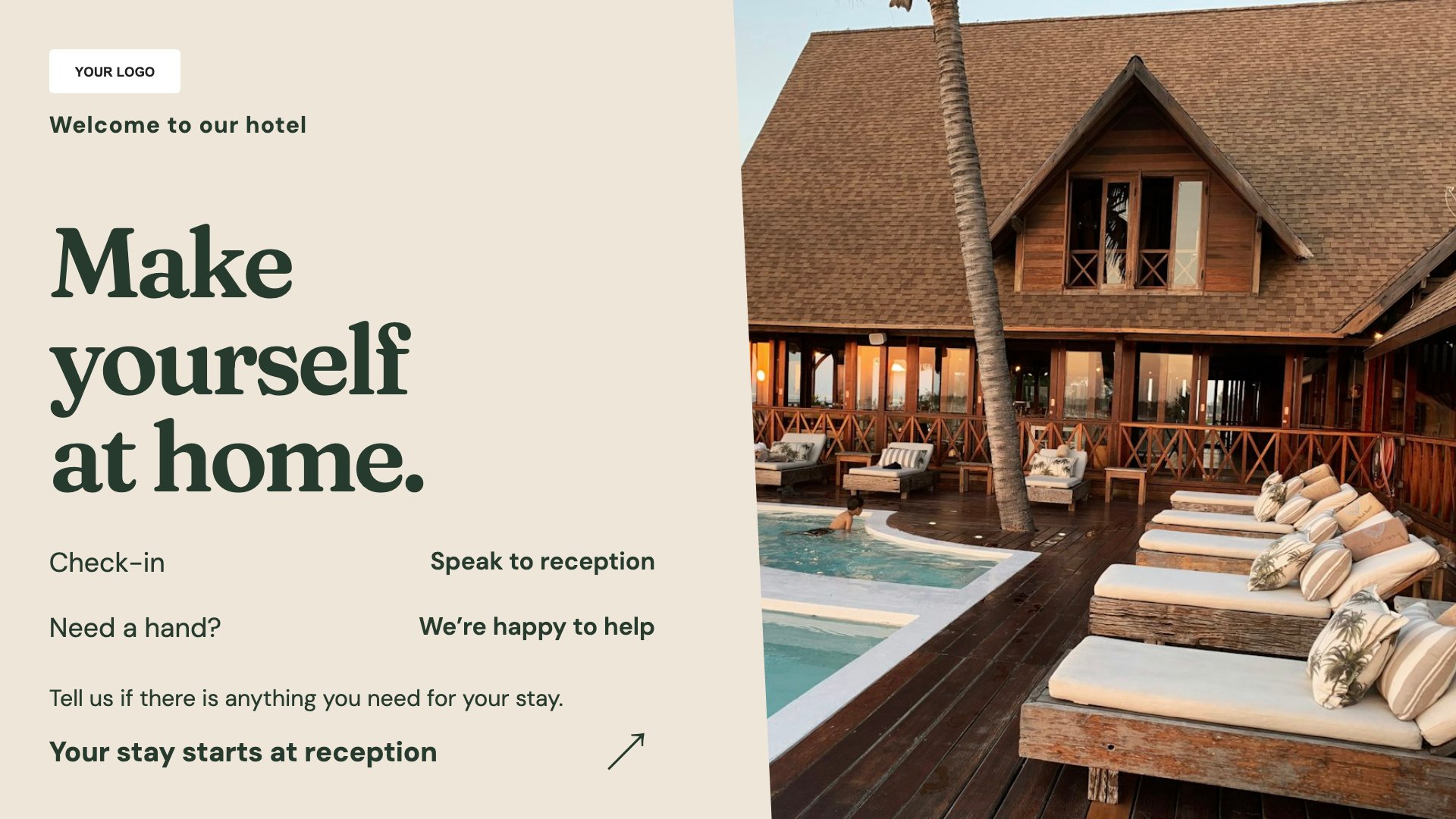
Welcome guests at reception. Start with this layout and replace the example details with your approved content.
View full size ↗ (opens in a new tab)Welcome arriving guests, explain breakfast arrangements and help visitors find their meeting room. Hotel signage works best when practical information is visible exactly where guests need it.
Each design comes in landscape and portrait. Choose your screen orientation, inspect the real preview and customise the content for your organisation.
Welcome guests at reception. Start with this layout and replace the example details with your approved content.
View full size ↗ (opens in a new tab)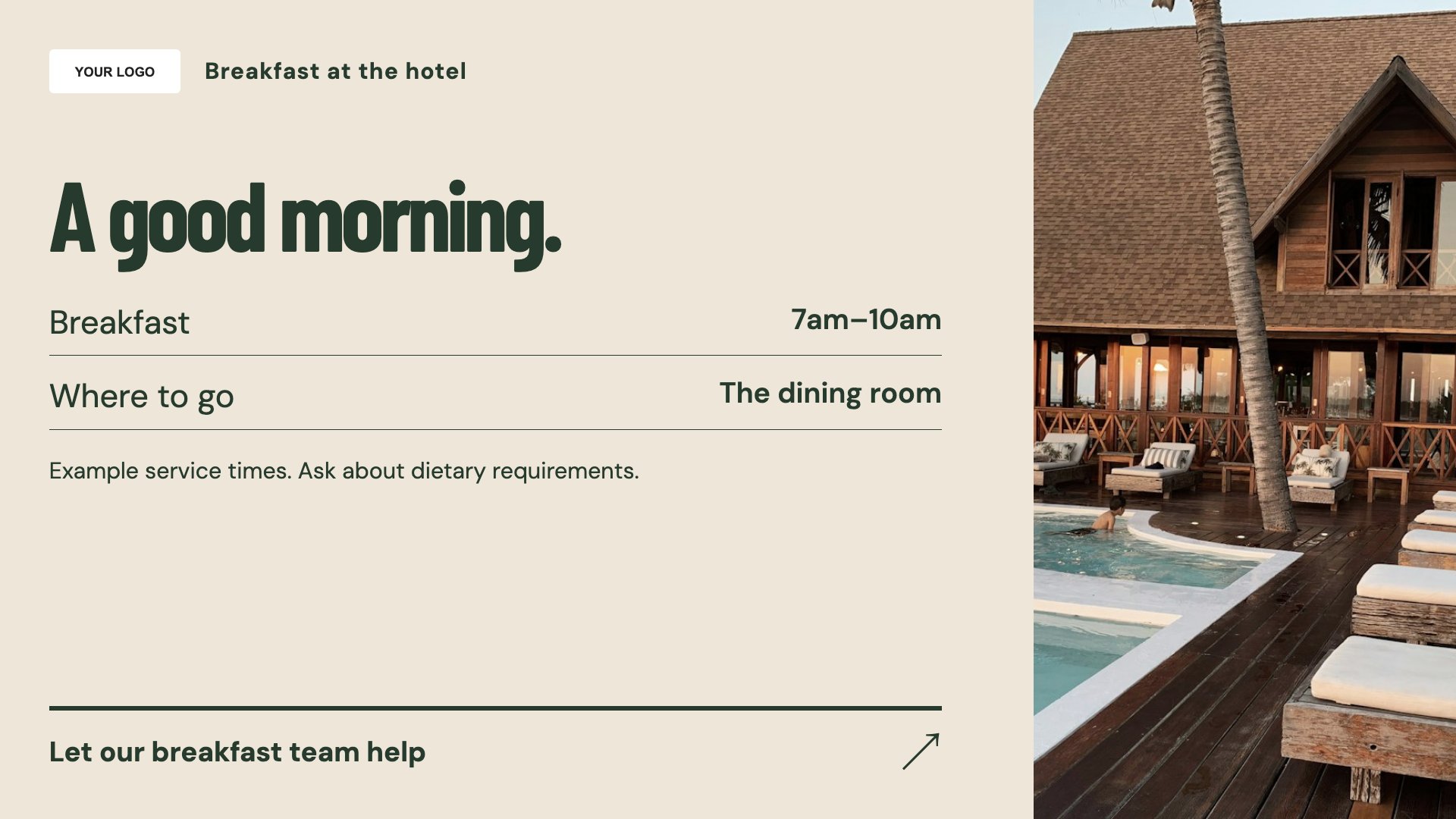
Explain breakfast times and location. Start with this layout and replace the example details with your approved content.
View full size ↗ (opens in a new tab)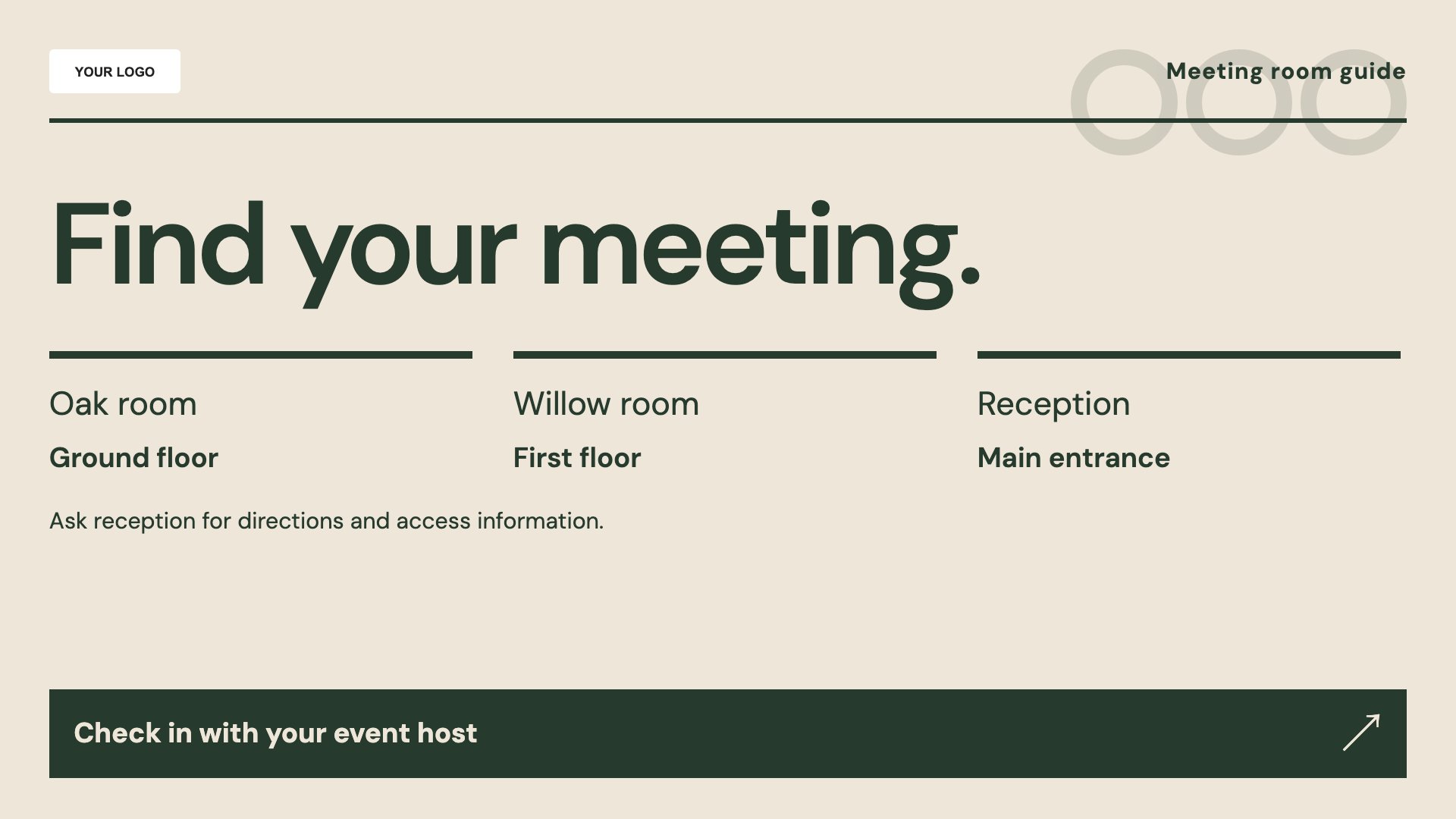
Give meeting visitors a clear room guide. Start with this layout and replace the example details with your approved content.
View full size ↗ (opens in a new tab)Example designs with sample content. Replace names, dates, prices, imagery, contact details and conditions before publishing. Portrait and landscape versions adapt the same design to each screen format.
Explore the complete template collectionUse room names that match the signs on your doors. Keep breakfast times, access instructions and contact details consistent with the information your reception team gives guests.
Explore MassCasts featuresPick a design and the orientation that matches your display.
Edit wording, imagery and organisation details in the browser editor. Check all sample content before publishing.
Set page durations and schedule content for a paired, supported signage player.
Yes. Edit the breakfast layout with your serving hours, location and any booking details.
No. These are editable layouts. Update the room names and programme yourself; no live booking connection is included.
You can edit the wording, but a general welcome avoids exposing personal booking details on a public screen.
Explore the editor, playlists and supported player setup in a signage demo.