
Ice cream shops
Flavour board
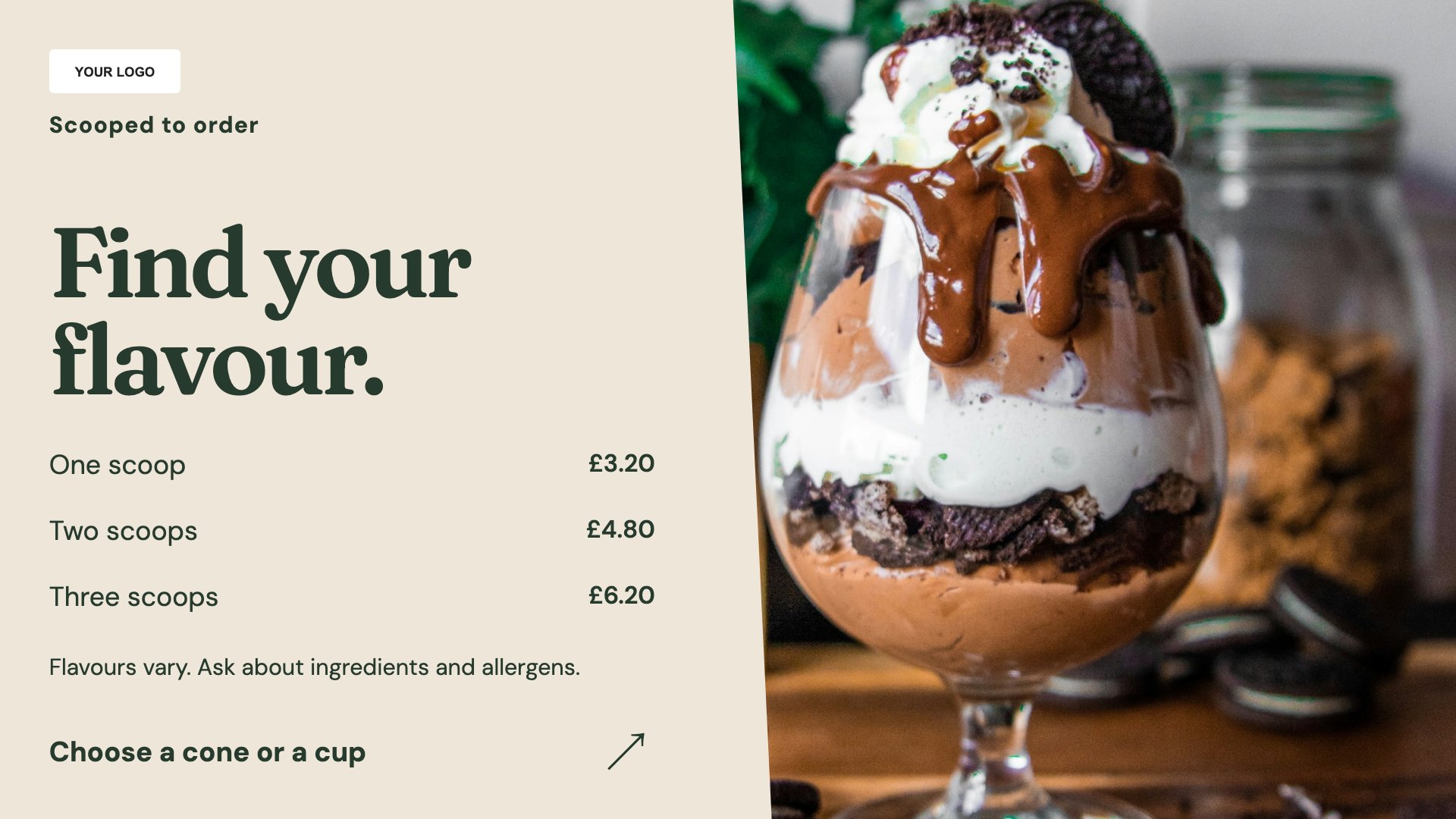
List the flavours available today. Start with this layout and replace the example details with your approved content.
View full size ↗ (opens in a new tab)Let customers browse flavours, discover a sundae and choose their toppings before reaching the counter. Separate the daily selection from an image-led feature so the screen stays useful and inviting.
Each design comes in landscape and portrait. Choose your screen orientation, inspect the real preview and customise the content for your organisation.
List the flavours available today. Start with this layout and replace the example details with your approved content.
View full size ↗ (opens in a new tab)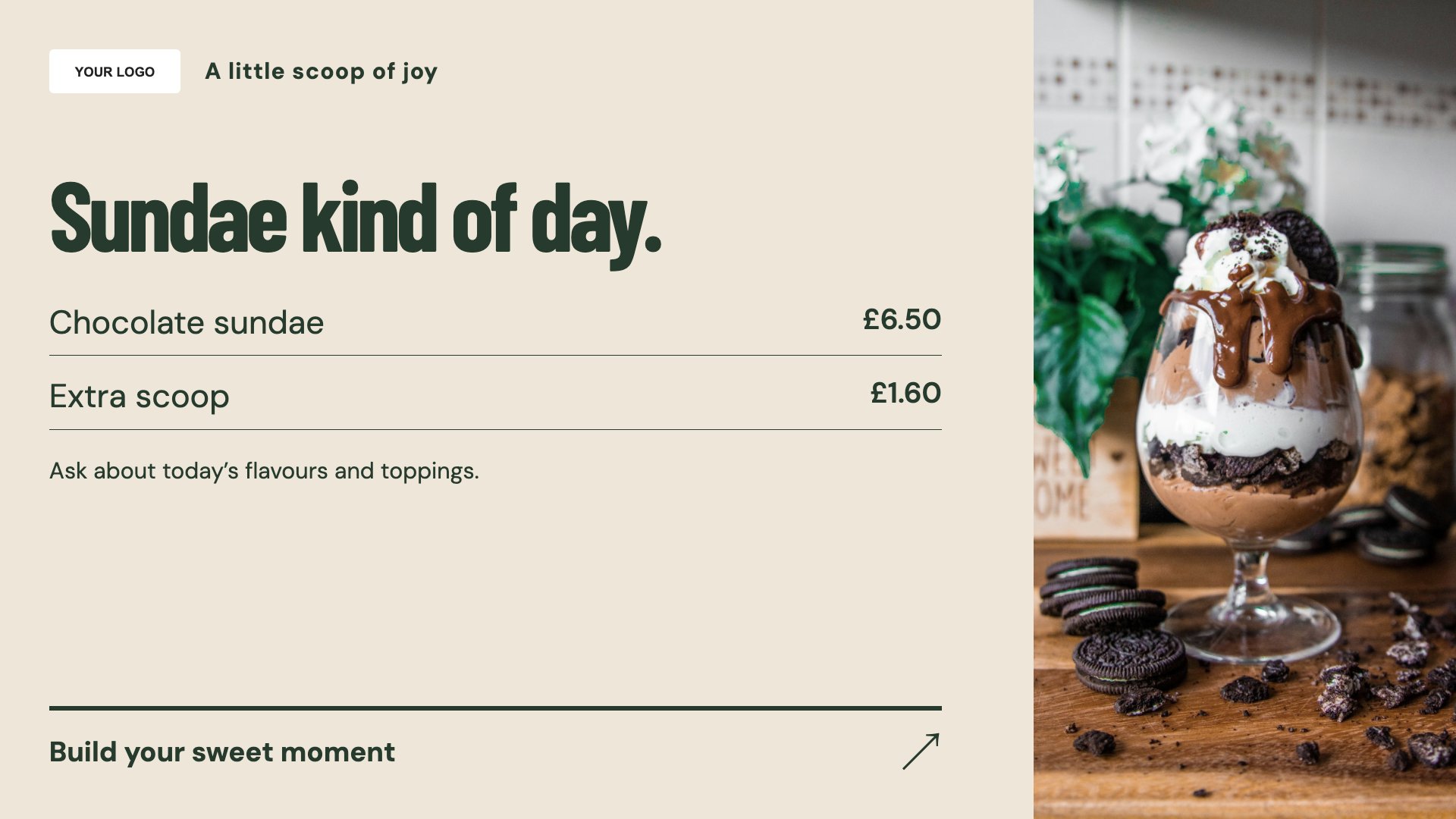
Put one sundae in the spotlight. Start with this layout and replace the example details with your approved content.
View full size ↗ (opens in a new tab)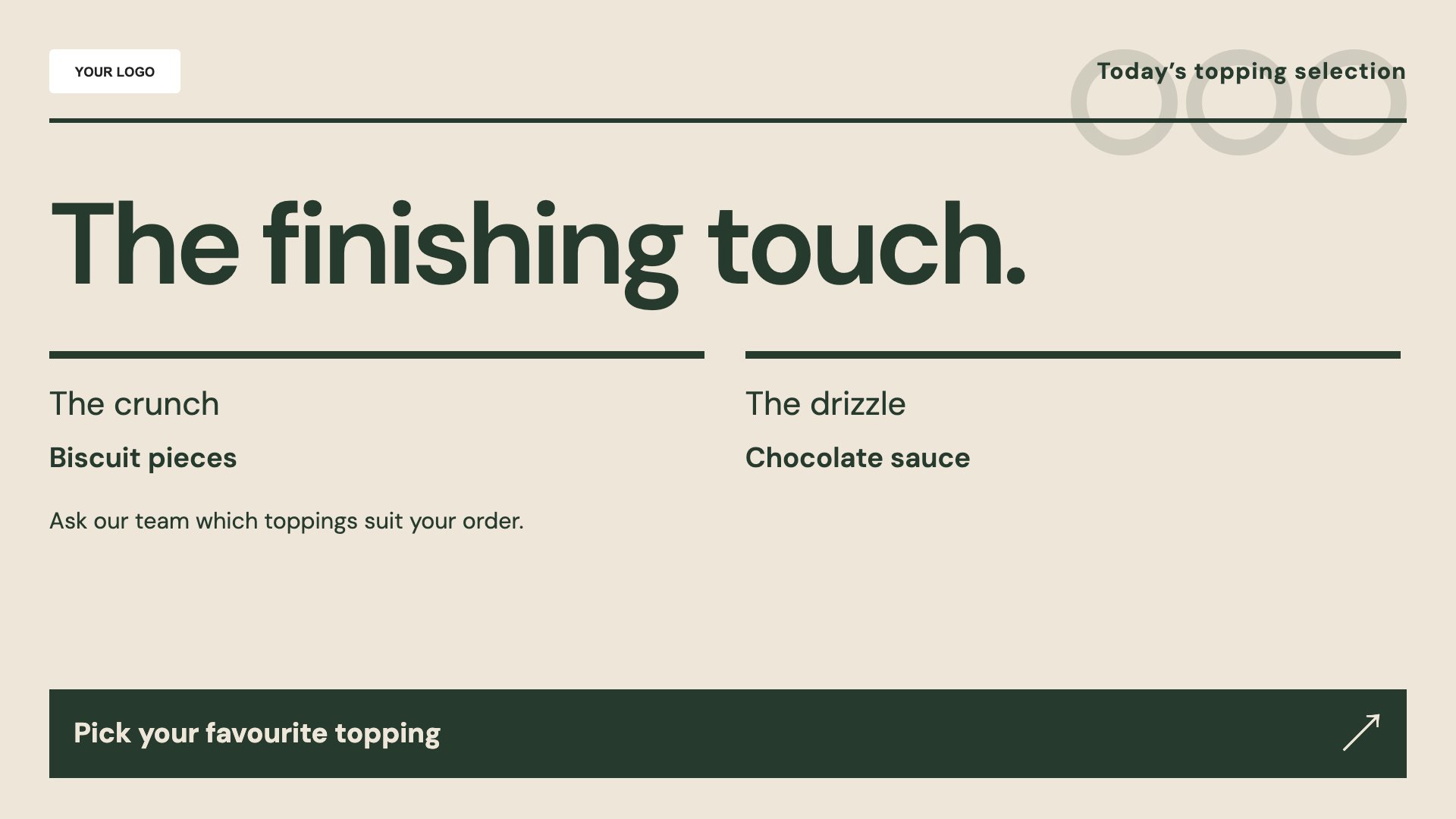
Explain topping choices and extras. Start with this layout and replace the example details with your approved content.
View full size ↗ (opens in a new tab)Example designs with sample content. Replace names, dates, prices, imagery, contact details and conditions before publishing. Portrait and landscape versions adapt the same design to each screen format.
Explore the complete template collectionKeep flavours and topping availability up to date, with clear prices for sizes and extras. Ingredient and allergy questions should always have an obvious route to your team.
Explore MassCasts featuresPick a design and the orientation that matches your display.
Edit wording, imagery and organisation details in the browser editor. Check all sample content before publishing.
Set page durations and schedule content for a paired, supported signage player.
Yes. Edit the flavours when your selection changes. Availability is manually maintained, not linked to stock.
Yes. Add clear prices and any included allowances to the toppings layout.
Yes. All three designs have portrait and landscape versions so you can match your screen orientation.
Explore the editor, playlists and supported player setup in a signage demo.