
Pubs & bars
Drinks list
Present drinks and current prices. Start with this layout and replace the example details with your approved content.
View full size ↗ (opens in a new tab)Bring the drinks list, upcoming entertainment and Sunday lunch onto the screens in your venue. Keep each message separate so a customer at the bar can understand it at a glance.
Each design comes in landscape and portrait. Choose your screen orientation, inspect the real preview and customise the content for your organisation.
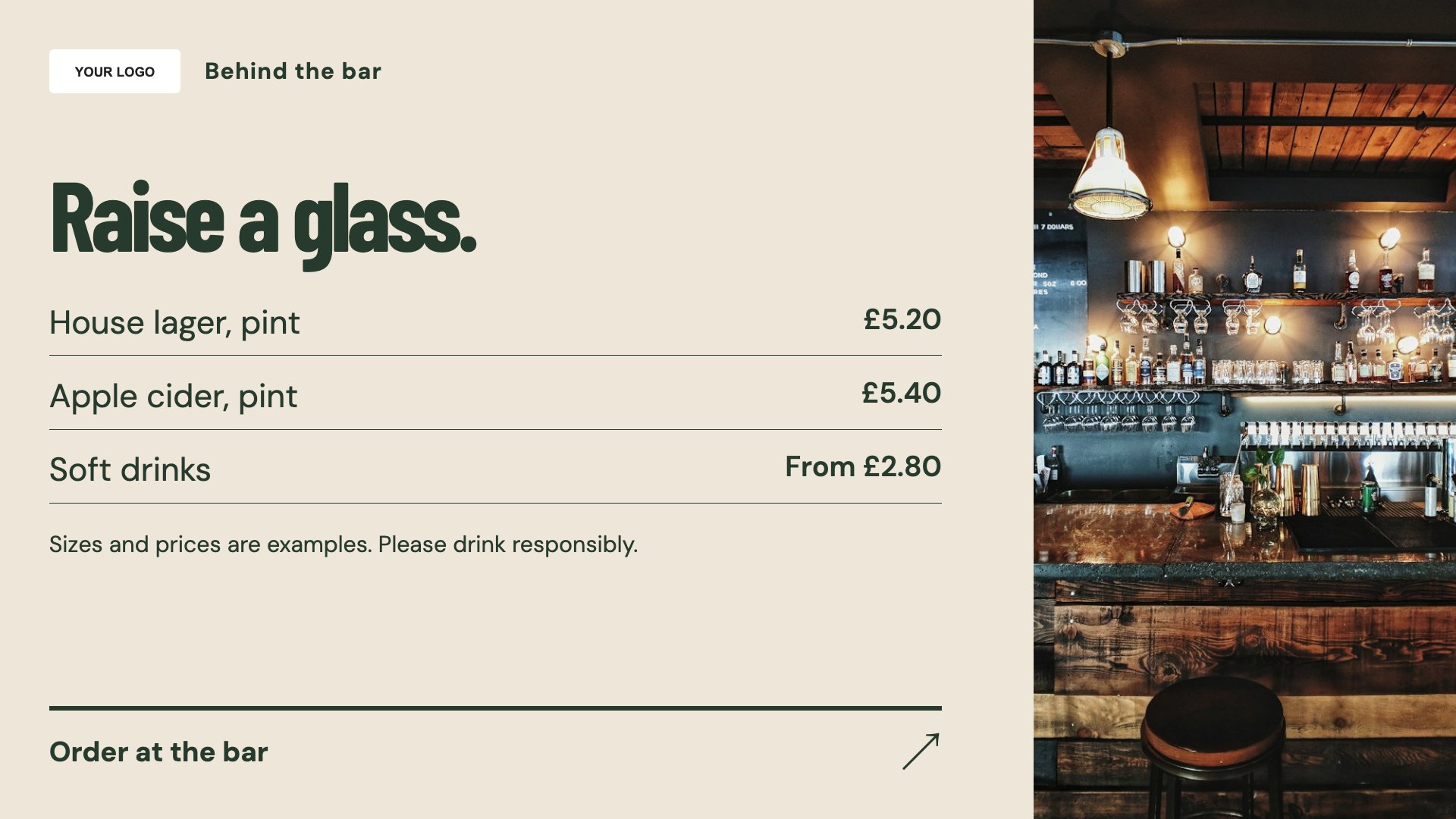
Present drinks and current prices. Start with this layout and replace the example details with your approved content.
View full size ↗ (opens in a new tab)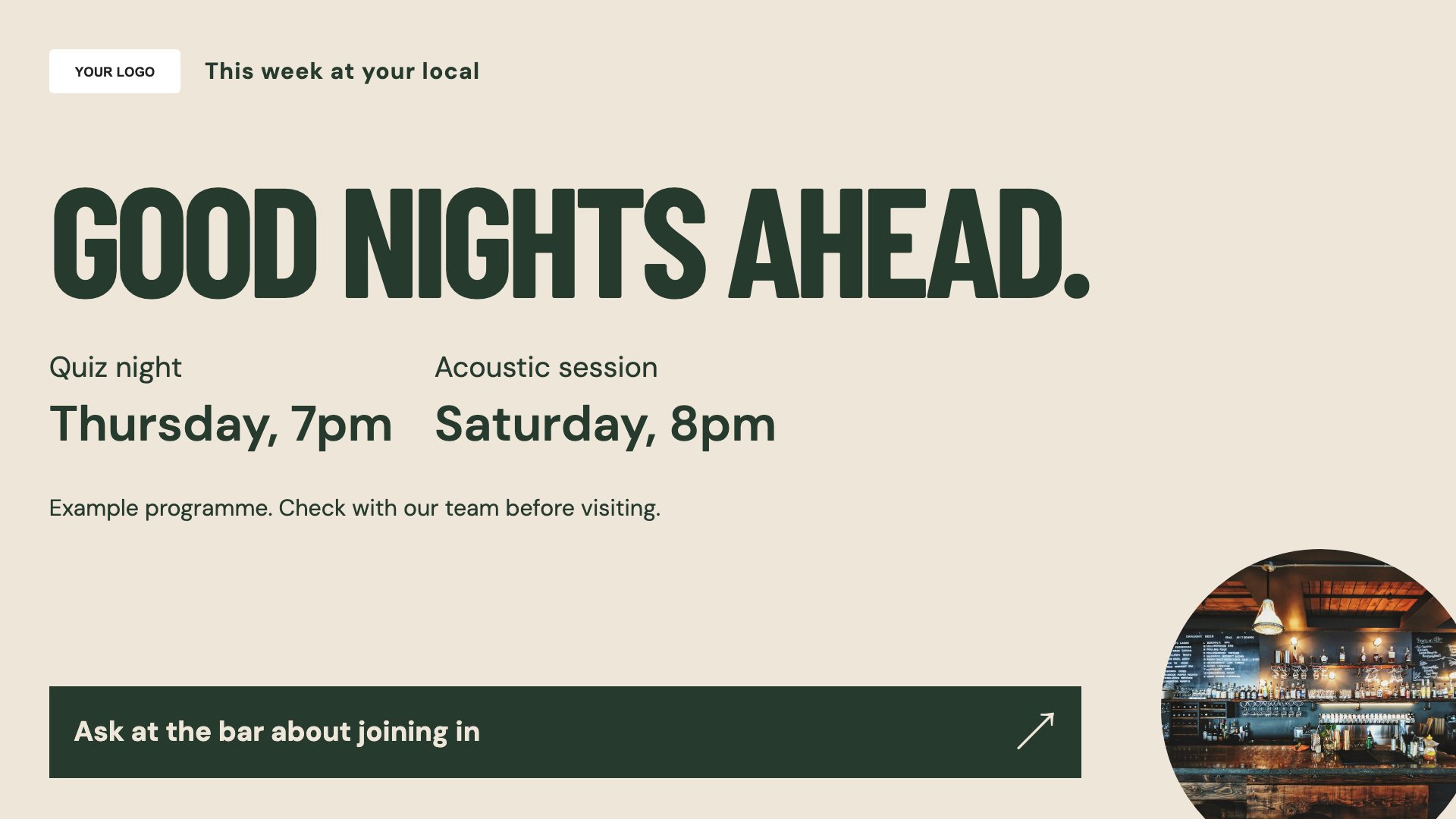
Promote the next event in the pub. Start with this layout and replace the example details with your approved content.
View full size ↗ (opens in a new tab)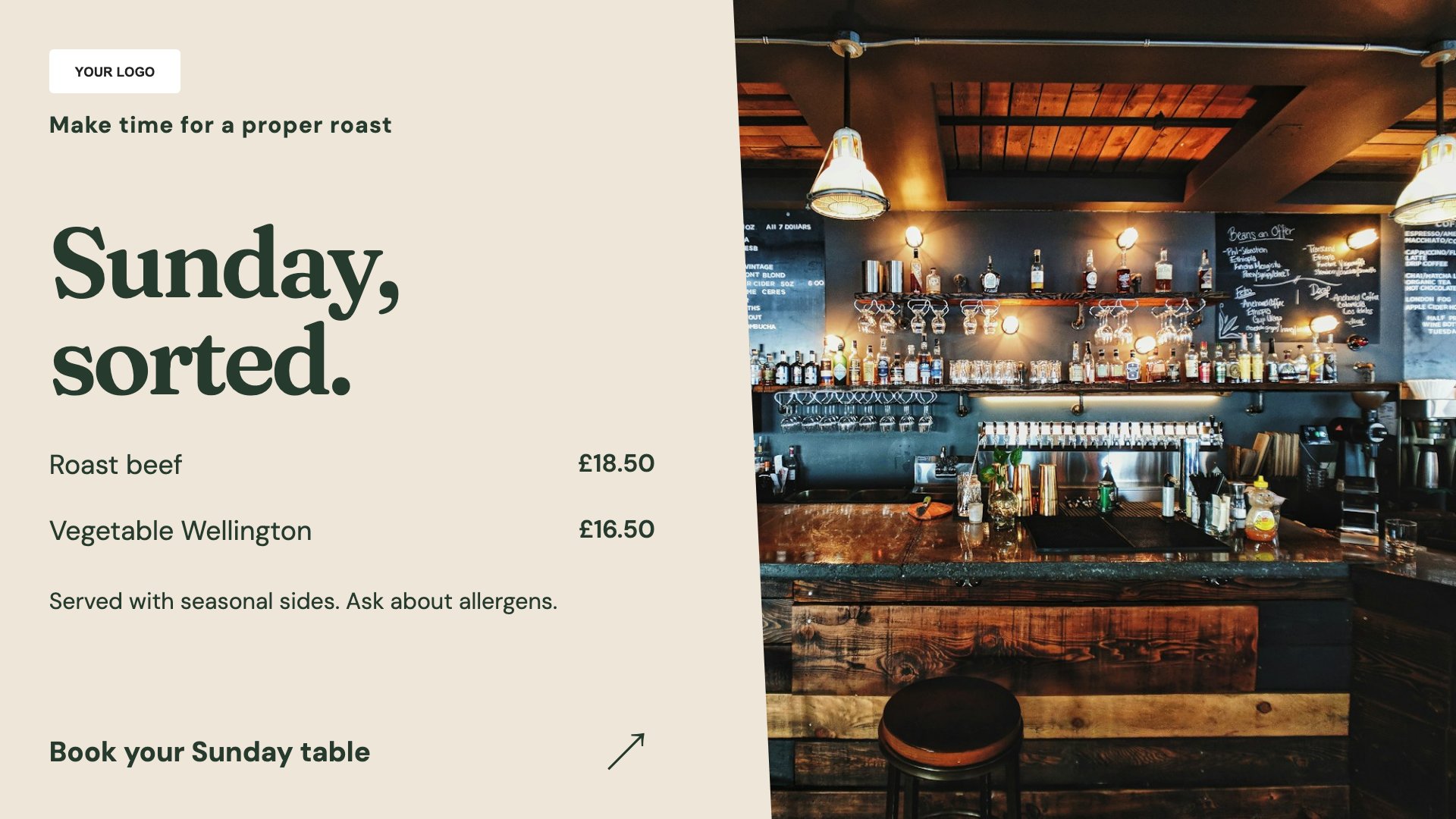
Make Sunday lunch details easy to find. Start with this layout and replace the example details with your approved content.
View full size ↗ (opens in a new tab)Example designs with sample content. Replace names, dates, prices, imagery, contact details and conditions before publishing. Portrait and landscape versions adapt the same design to each screen format.
Explore the complete template collectionInclude dates and start times on event slides. Confirm any alcohol promotion wording and conditions before publication, and avoid placing essential information in small print.
Explore MassCasts featuresPick a design and the orientation that matches your display.
Edit wording, imagery and organisation details in the browser editor. Check all sample content before publishing.
Set page durations and schedule content for a paired, supported signage player.
Yes. Add the event name, date, time and booking or entry conditions to the What’s on design.
A screen must be running the MassCasts player to show this content. A separate broadcast input is not controlled by these templates.
Yes. Replace the example drinks and prices with your current list, including any measures or conditions customers need to understand.
Explore the editor, playlists and supported player setup in a signage demo.